
Baseus Baseus Bass BH1 NC
Baseus Bass BH1 NC Adaptive Active Noise Cancelling Headphones
User Manual
Introduction
Thank you for choosing the Baseus Bass BH1 NC Adaptive Active Noise Cancelling Headphones. These headphones are designed to provide an immersive audio experience with advanced noise cancellation, high-resolution sound, and exceptional comfort. This manual will guide you through the setup, operation, and maintenance of your new headphones.
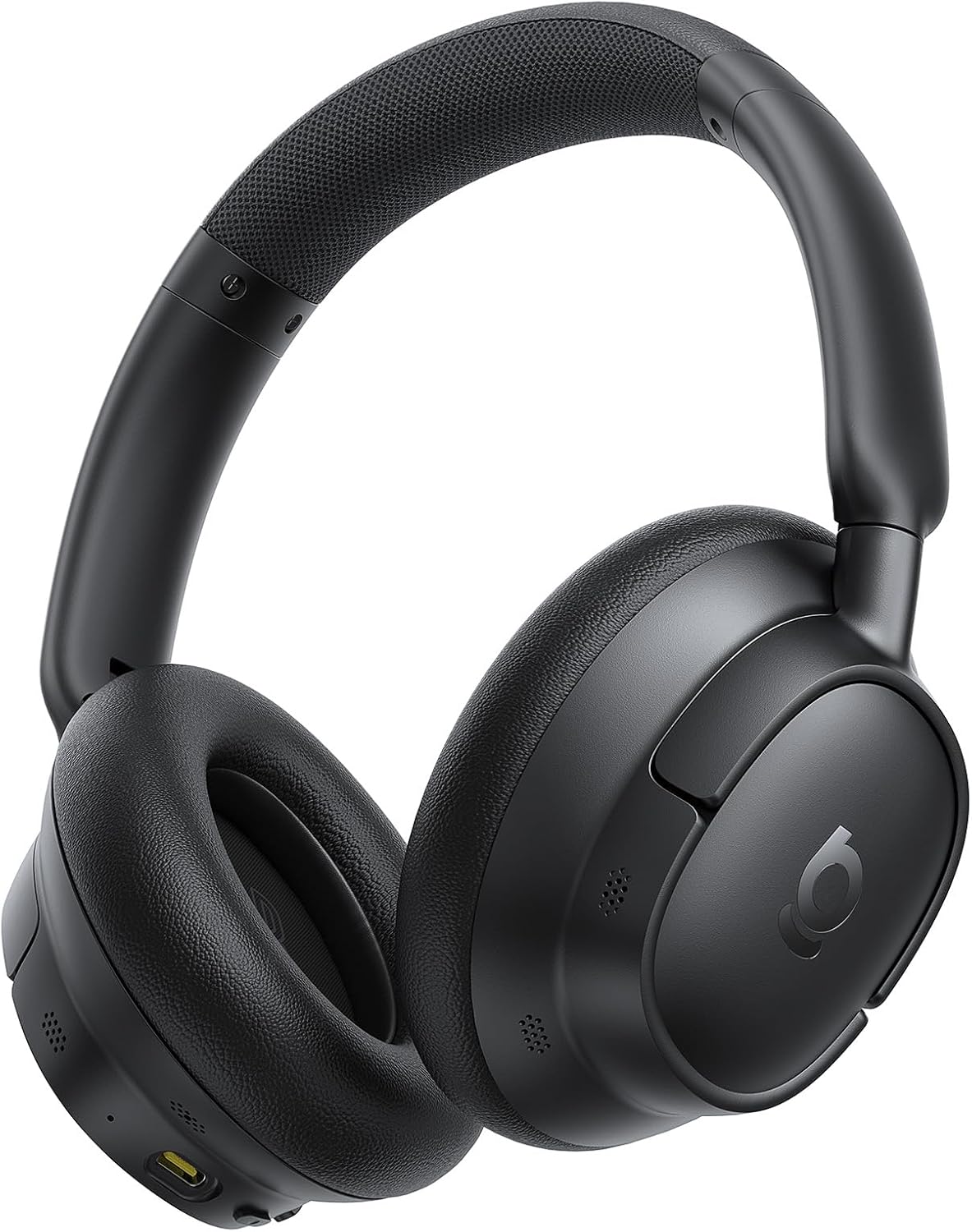
Image: The Baseus Bass BH1 NC headphones in Space Black, showcasing their sleek design.
What's in the Box
Please check the package contents to ensure all items are present:
- Baseus Bass BH1 NC Noise Cancelling Headphones
- USB-C Data Cable
- User Manual
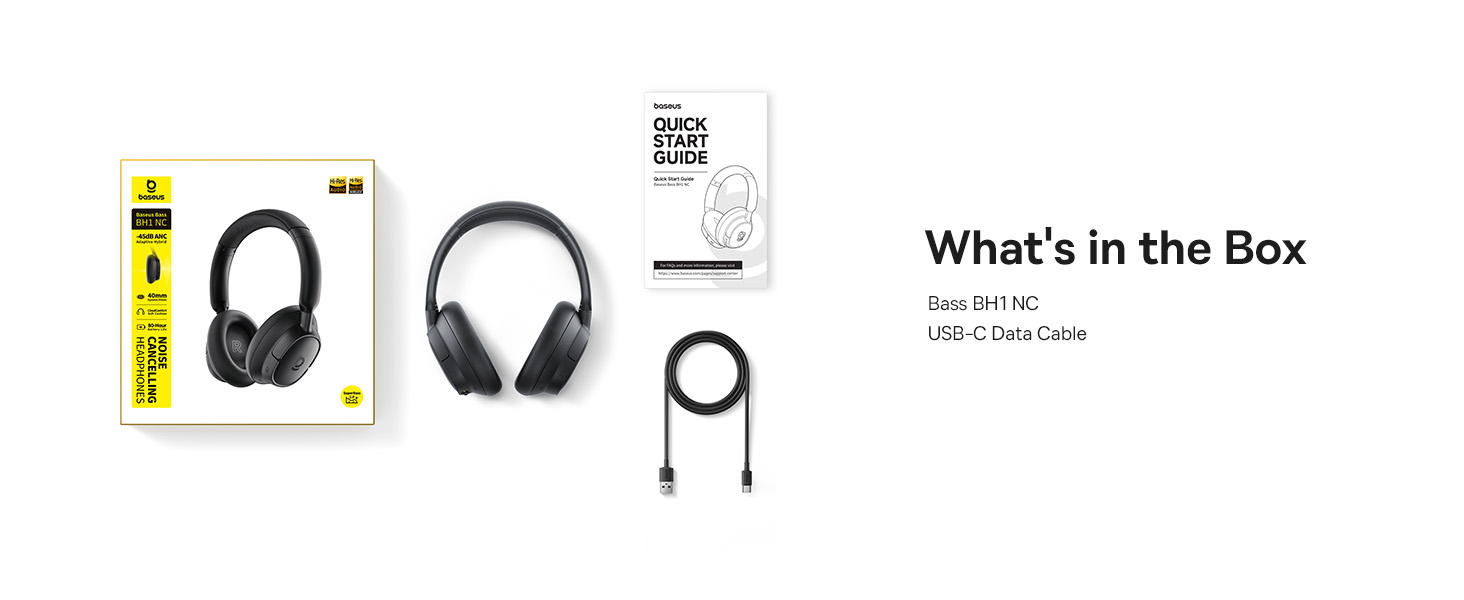
Image: A visual representation of the items included in the Baseus Bass BH1 NC headphone package.
Product Features
The Baseus Bass BH1 NC headphones are equipped with a range of features designed for superior audio and user convenience:
- Real-Time Adaptive Hybrid ANC: Advanced 4-layer adaptive noise cancellation reduces up to -45dB of background noise, adapting to your surroundings for optimal quiet.
- Pristine Hi-Res Sound: Hi-Res and Hi-Res Wireless certifications with LDAC support deliver ultra-clear, lossless audio quality, transmitting 3X more data than standard Bluetooth codecs.
- SuperBass 2.0: Experience rich, punchy bass and detailed clarity with dynamic low-frequency enhancement and bio-cellulose diaphragms with dynamic drivers.
- Cloud-Like Comfort: Designed for all-day listening with feather-soft memory foam, contoured earcups, and a breathable headband lining for an ergonomic fit.
- Week-Long Playtime: Enjoy up to 80 hours of playtime with ANC off (55 hours with ANC on). A quick 10-minute charge provides 10 hours of listening.
- 5-Mic AI Clear Calls: Five built-in sound sensors with AI-powered ENC and voice boost ensure crystal-clear voice capture for calls and meetings.
- Bluetooth 6.0: Provides stable, lag-free, ultra-fast wireless connectivity.
- Instant Multipoint Connection: Seamlessly switch between two connected devices.

Image: Illustration of the powerful -45dB Adaptive Hybrid ANC technology.

Image: Demonstrating the lossless Hi-Res audio capabilities with LDAC technology.

Image: Visualizing the impressive 80-hour battery life.
Setup Guide
1. Initial Charging
Before first use, fully charge your headphones. Connect the provided USB-C data cable to the charging port on the headphones and the other end to a USB power adapter (not included) or a computer's USB port. The charging indicator light will show the charging status.
2. Powering On/Off
- Power On: Press and hold the Power button for approximately 3 seconds until the indicator light flashes.
- Power Off: Press and hold the Power button for approximately 3 seconds until the indicator light turns off.
3. Bluetooth Pairing
- Ensure the headphones are powered off.
- Press and hold the Power button for 5 seconds until the indicator light flashes blue and red alternately, indicating pairing mode.
- On your device (smartphone, tablet, laptop), enable Bluetooth and search for available devices.
- Select "Baseus Bass BH1 NC" from the list of found devices.
- Once connected, the indicator light will turn solid blue.
4. Installing the Baseus App
For enhanced features and customization, download the official Baseus app from your device's app store. The app allows you to adjust EQ settings, noise reduction modes, and more.

Image: The Baseus app interface for smart control and personalization.
Operating Instructions
Button Controls
The headphones feature intuitive button controls for easy management of audio and calls:
| Action | Button/Gesture | Function |
|---|---|---|
| Power On/Off | Power Button (Press & Hold 3s) | Turns headphones on or off. |
| Pairing Mode | Power Button (Press & Hold 5s from off) | Enters Bluetooth pairing mode. |
| Play/Pause | Multi-function Button (1 click) | Plays or pauses audio. |
| Next Track | Volume + Button (Press & Hold 2s) | Skips to the next song. |
| Previous Track | Volume - Button (Press & Hold 2s) | Skips to the previous song. |
| Volume Up | Volume + Button (1 click) | Increases volume. |
| Volume Down | Volume - Button (1 click) | Decreases volume. |
| Answer/End Call | Multi-function Button (1 click) | Answers or ends an incoming/active call. |
| Reject Call | Multi-function Button (Press & Hold 2s) | Rejects an incoming call. |
| Toggle ANC/Transparency | ANC Button (1 click) | Cycles through ANC On, Transparency Mode, and ANC Off. |
| Activate Voice Assistant | Multi-function Button (3 clicks) | Activates your device's voice assistant. |

Image: Detailed diagram of headphone button functions.
Multipoint Connection
The Baseus Bass BH1 NC headphones support simultaneous connection to two Bluetooth devices. To use this feature:
- Connect the headphones to the first device as per the Bluetooth pairing instructions.
- Disable Bluetooth on the first device.
- Connect the headphones to the second device.
- Re-enable Bluetooth on the first device. The headphones should now be connected to both devices.
- Audio will automatically switch between devices based on which one is actively playing sound or receiving a call.
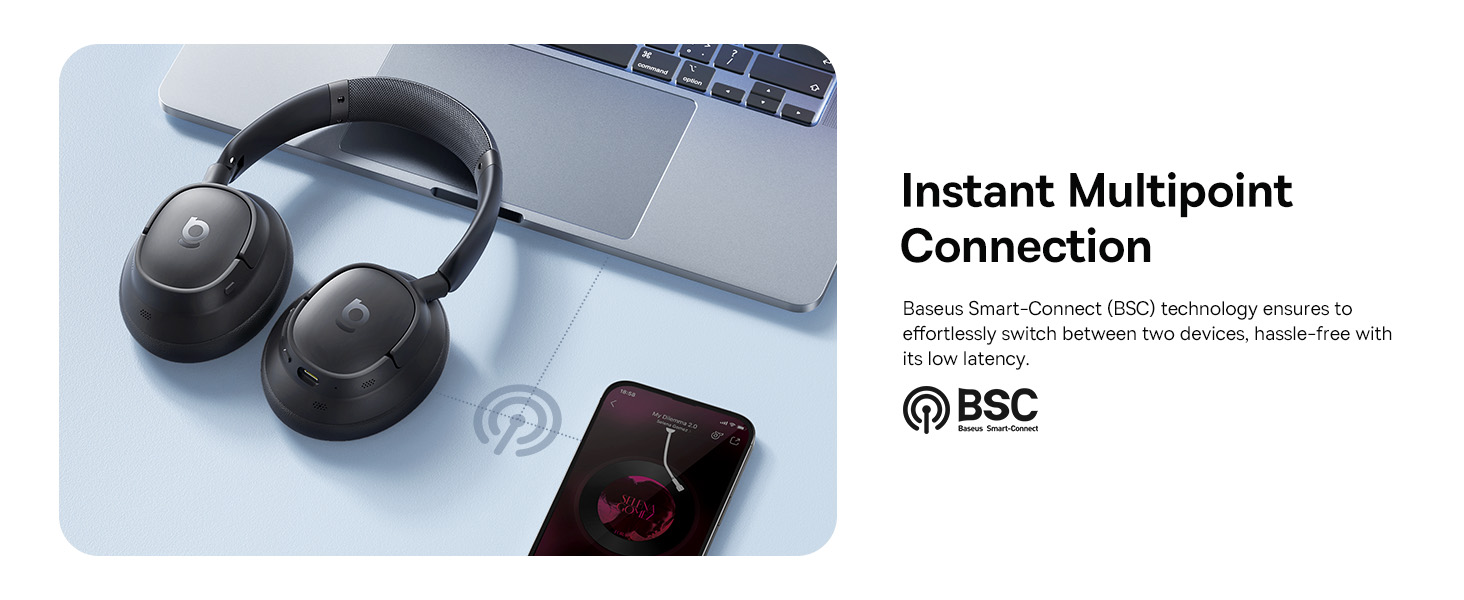
Image: Visual explanation of the instant multipoint connection feature.
Maintenance
Proper maintenance ensures the longevity and optimal performance of your headphones:
- Cleaning: Use a soft, dry, lint-free cloth to clean the earcups and headband. Do not use abrasive cleaners, alcohol, or chemical solvents.
- Storage: When not in use, store the headphones in a cool, dry place, away from direct sunlight and extreme temperatures. It is recommended to use a protective case to prevent damage.
- Battery Care: To preserve battery life, avoid fully discharging the headphones frequently. Charge them regularly, even if not in constant use.
- Avoid Moisture: Do not expose the headphones to water or excessive moisture. If they get wet, dry them thoroughly before use or storage.
Troubleshooting
If you encounter any issues with your Baseus Bass BH1 NC headphones, refer to the following common solutions:
| Problem | Possible Cause | Solution |
|---|---|---|
| Headphones do not power on. | Low battery. | Charge the headphones fully using the provided USB-C cable. |
| Cannot pair with device. | Headphones not in pairing mode; Bluetooth off on device; device too far. | Ensure headphones are in pairing mode (flashing blue/red). Turn on Bluetooth on your device. Move headphones closer to the device. Try restarting both devices. |
| No sound or low volume. | Volume too low; incorrect audio output selected; headphones not connected. | Increase volume on both headphones and connected device. Ensure headphones are selected as the audio output. Reconnect Bluetooth. |
| ANC not working effectively. | ANC mode off; improper fit; very high-frequency noise. | Ensure ANC is activated. Adjust headphones for a snug fit. ANC is most effective on low-frequency sounds. |
| Call quality is poor. | Microphone obstructed; weak signal; environmental noise. | Ensure microphones are clear. Move closer to your device. Use the AI Clear Calls feature in noisy environments. |
Specifications
Detailed technical specifications for the Baseus Bass BH1 NC headphones:
| Feature | Detail |
|---|---|
| Model Name | Baseus Bass BH1 NC |
| Connectivity Technology | Bluetooth 6.0, Wireless |
| Wireless Communication Technology | Bluetooth 6.0 |
| Material | Plastic |
| Specific Uses For Product | Entertainment, Fitness, Travel |
| Recommended Uses For Product | Calling, Cycling, Exercising, Music, Running, Travel, Work Out |
| Compatible Devices | Cellphones, Devices with Bluetooth Audio Capability (iOS, Android, Windows, Mac OS, Switch), Laptops, Tablets |
| Control Type | Button Control |
| Control Method | Push Button |
| Number of Items | 1 |
| Audio Driver Type | Dynamic Driver |
| Bluetooth Version | 6.0 |
| Audio Driver Size | 40 Millimeters |
| UPC | 810196181526 |
| Manufacturer | Baseus |
| Package Dimensions | 9.25 x 8.94 x 2.48 inches |
| Item Weight | 14.9 ounces |
| ASIN | B0FHB7NBL5 |
| Item model number | Baseus Bass BH1 NC |
| Batteries | Nonstandard Battery batteries required. (included) |
| Date First Available | July 20, 2025 |
| Brand | Baseus |
| Color | Space Black |
| Ear Placement | Over Ear |
| Form Factor | Over Ear |
| Noise Control | Adaptive Noise Cancellation |

Image: Product dimensions for the Baseus Bass BH1 NC headphones.
Warranty and Support
Baseus products are designed with quality and reliability in mind. For warranty information and customer support, please refer to the official Baseus website or contact their customer service directly. Keep your purchase receipt as proof of purchase for any warranty claims.
You can also visit the Baseus Store on Amazon for more information and support resources.
Related documentsBaseus Bass BH1 NC


Ask a question about this manual
Ask about setup, troubleshooting, compatibility, parts, safety, or missing instructions. Manuals+ will review the question and use this page’s manual context to help answer it.