
AWEI AT20 Over-Ear Bluetooth Headphones User Manual
Model: AT20
1. Introduction
Thank you for choosing the AWEI AT20 Over-Ear Bluetooth Headphones. These headphones are designed to provide a high-quality audio experience with advanced features such as Hybrid Active Noise Cancellation (ANC) and Environmental Noise Cancellation (ENC), Bluetooth 6.0 connectivity, and extended battery life. This manual will guide you through the setup, operation, and maintenance of your new headphones.
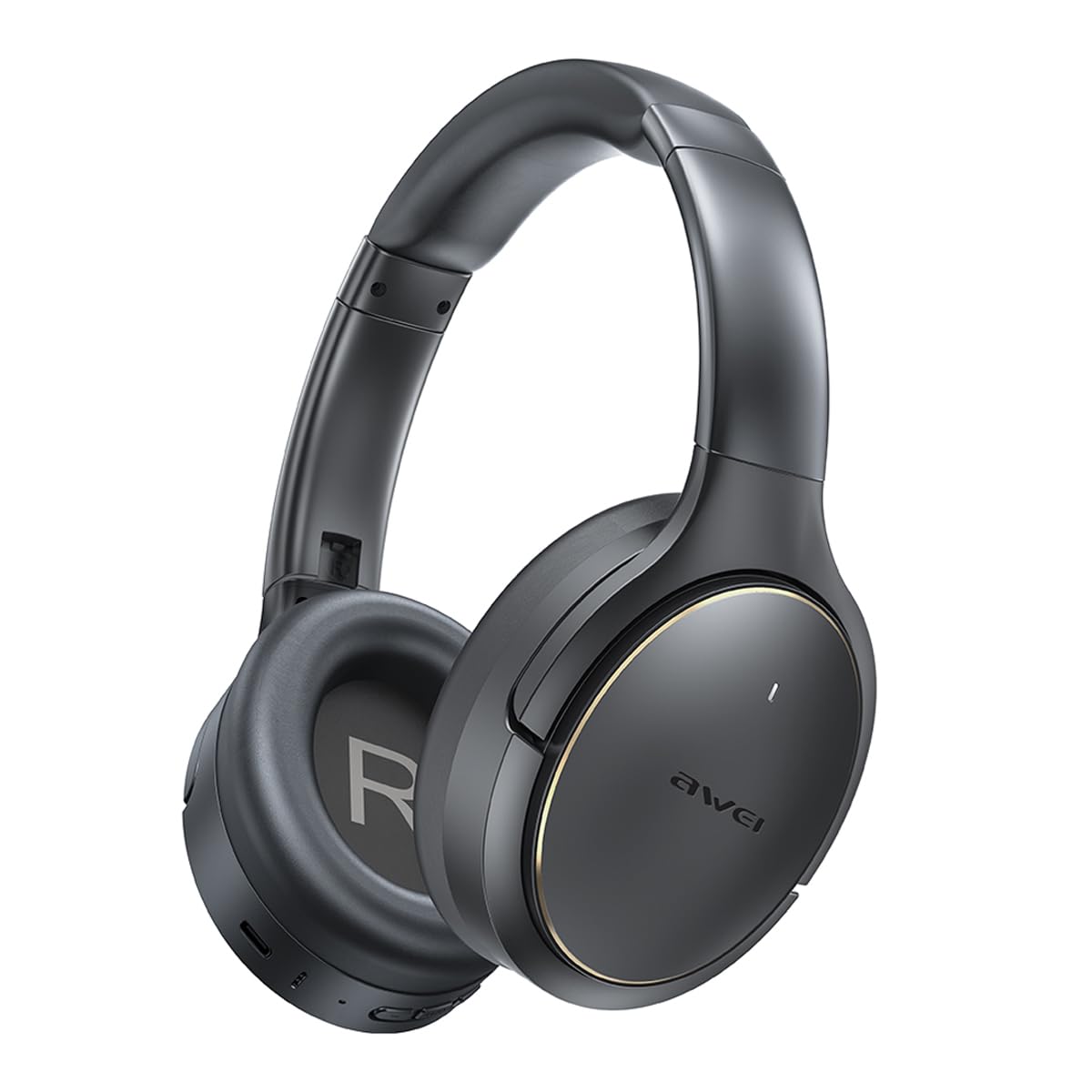
Figure 1.1: AWEI AT20 Over-Ear Bluetooth Headphones
2. Package Contents
Please check the package for the following items:
- AWEI AT20 Over-Ear Bluetooth Headphones
- USB Charging Cable
- User Manual

Figure 2.1: AWEI AT20 Product Packaging
3. Product Overview
Familiarize yourself with the headphone components and controls.

Figure 3.1: Headphone Controls and Ports
Driver Unit
The AWEI AT20 headphones feature 40mm dynamic drivers designed for clear sound reproduction across a full range of frequencies, from deep bass to crisp highs.

Figure 3.2: 40mm Driver Unit Structure
4. Setup
4.1 Charging the Headphones
- Connect the USB charging cable to the charging port on the headphones.
- Connect the other end of the USB cable to a compatible USB power source (e.g., computer USB port, wall adapter).
- The indicator light will show the charging status. A full charge takes approximately 2 hours.
A full charge provides up to 65 hours of playtime. A quick 10-minute charge can provide over 10 hours of listening time.
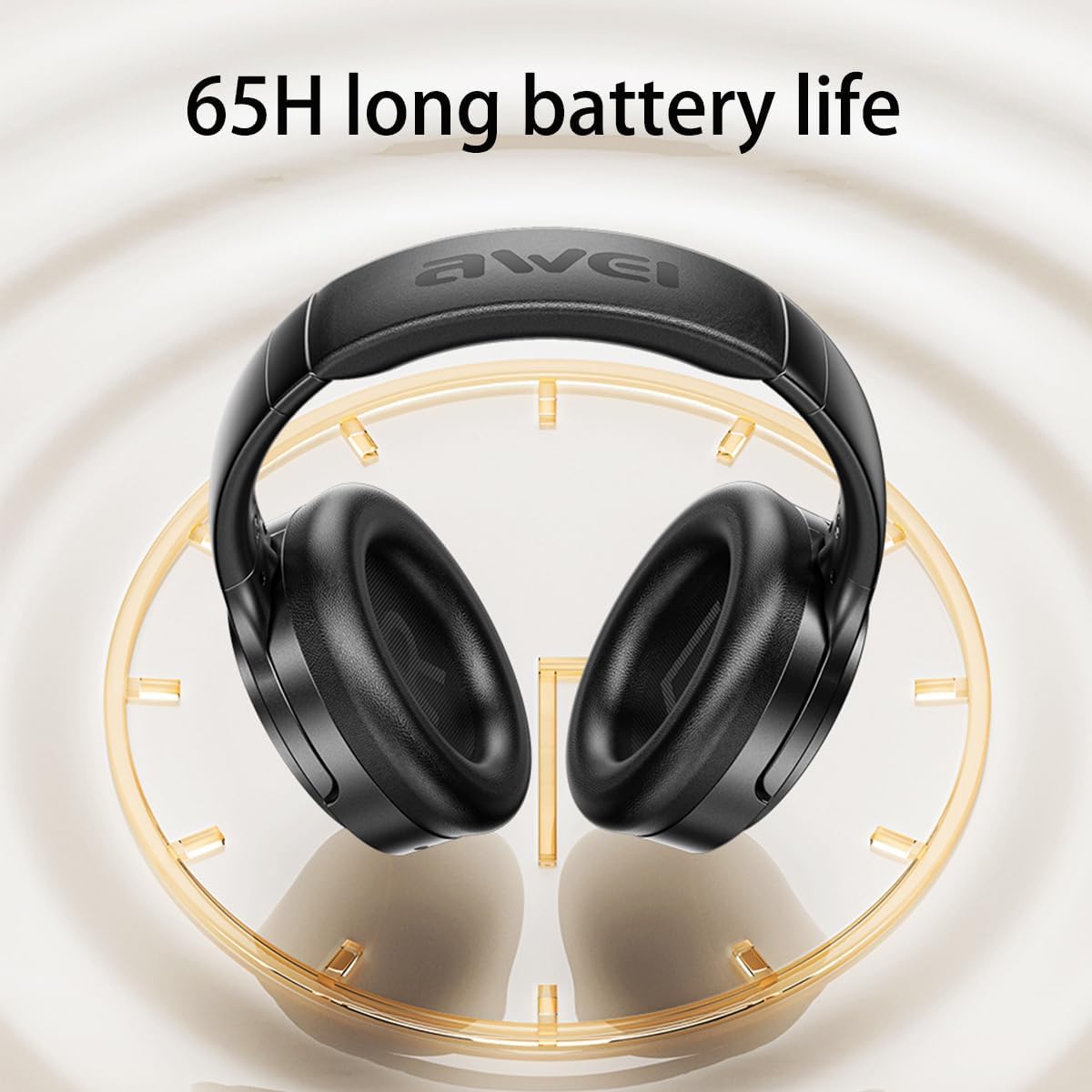
Figure 4.1: Battery Life Indication
4.2 Powering On/Off
- To Power On: Press and hold the Power button for approximately 3 seconds until the indicator light illuminates.
- To Power Off: Press and hold the Power button for approximately 3 seconds until the indicator light turns off.
4.3 Bluetooth Pairing
The headphones utilize Bluetooth 6.0 for a stable and fast connection.
- Ensure the headphones are powered off.
- Press and hold the Power button for approximately 5 seconds until the indicator light flashes rapidly (usually blue and red), indicating pairing mode.
- On your device (smartphone, tablet, laptop), enable Bluetooth and search for available devices.
- Select "AWEI AT20" from the list of found devices.
- Once connected, the indicator light will stop flashing and remain solid blue.
The headphones can maintain a stable connection up to 33 feet (10 meters) and can connect to two devices simultaneously.
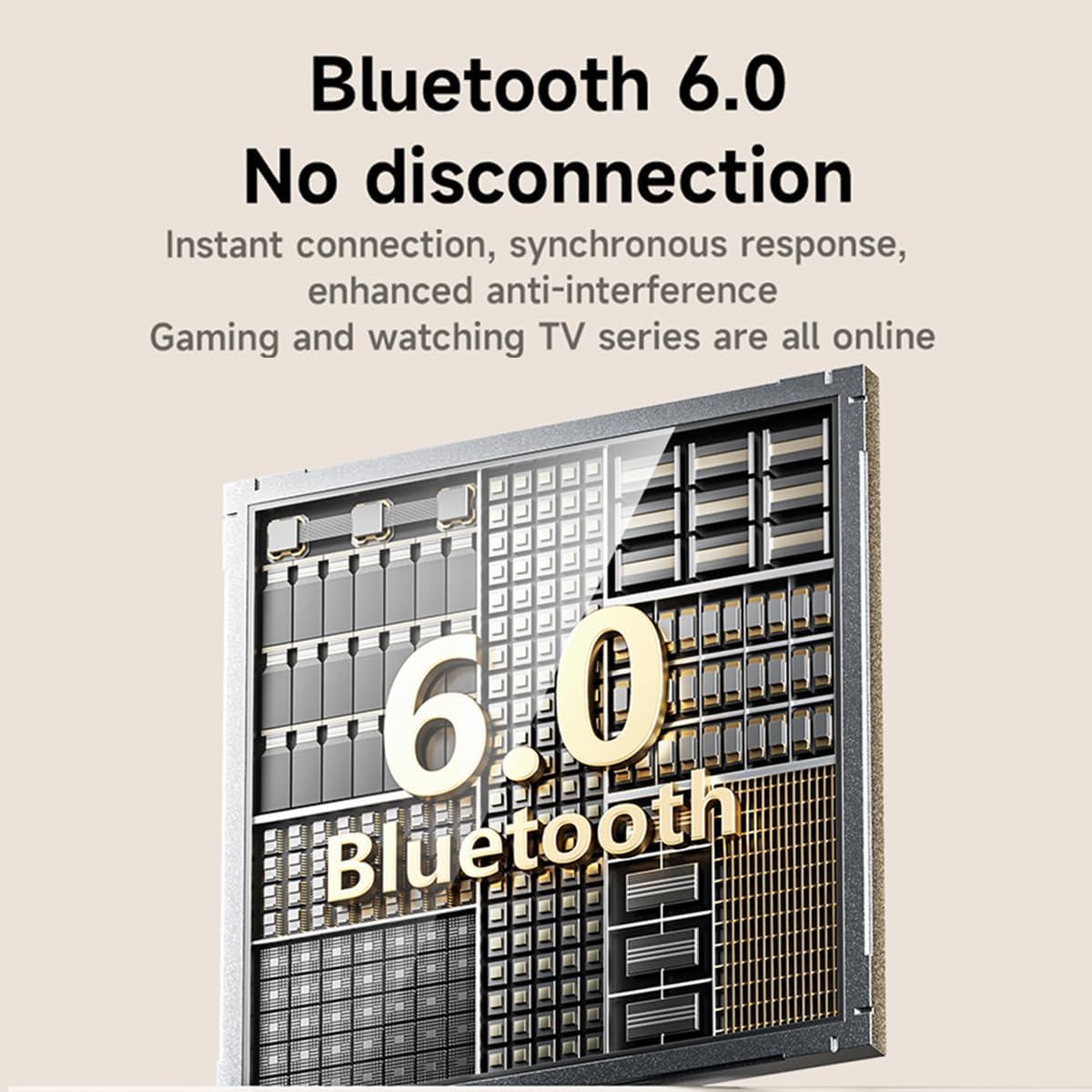
Figure 4.2: Bluetooth 6.0 Connectivity
5. Operating Instructions
5.1 Active Noise Cancellation (ANC) and Environmental Noise Cancellation (ENC)
The AWEI AT20 features a 5-microphone hybrid ANC+ENC system to reduce ambient noise by up to -30dB and enhance voice clarity during calls.
- To Activate/Deactivate ANC: Press the dedicated ANC button (refer to Product Overview for location).
- ENC is automatically active during calls to ensure clear voice transmission.
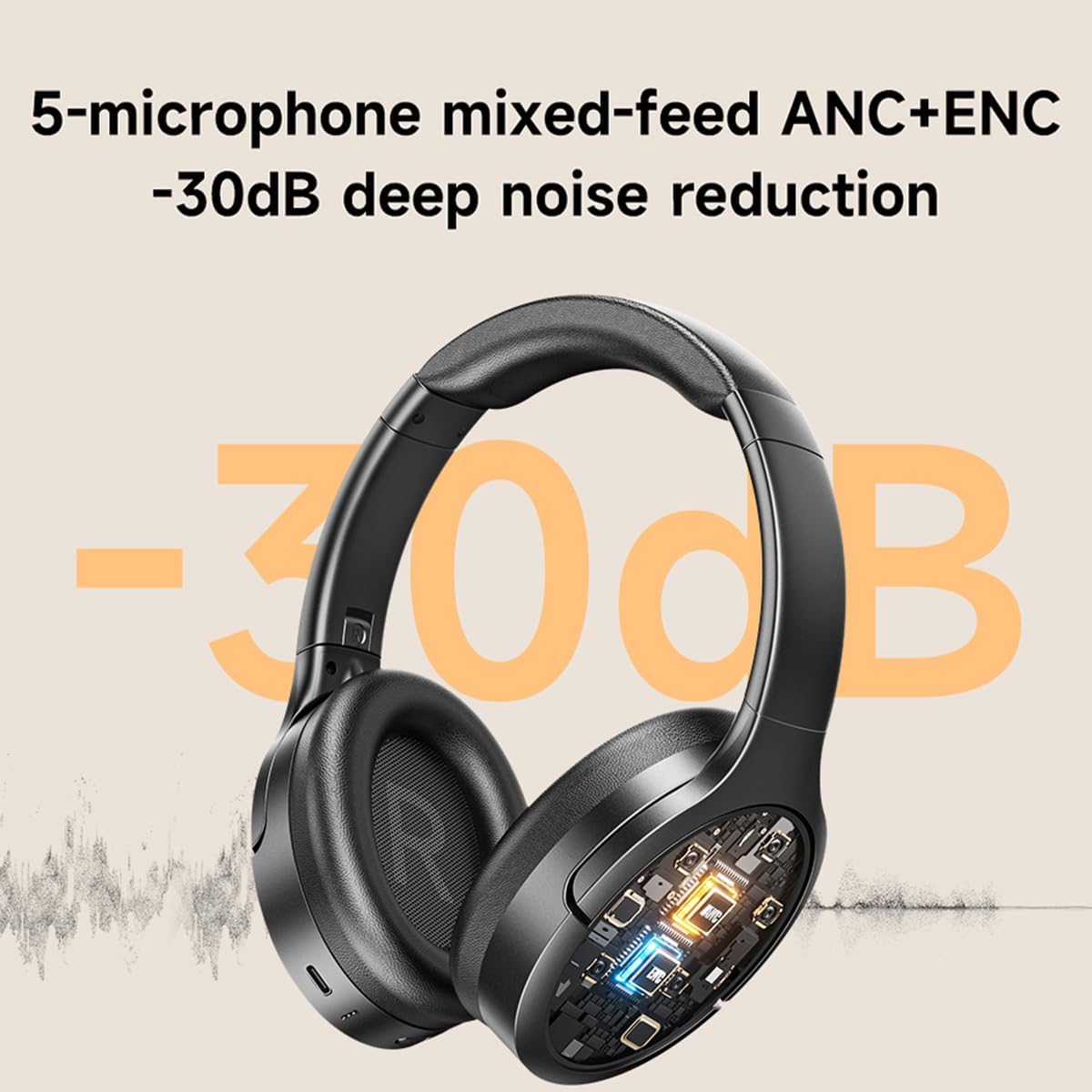
Figure 5.1: Hybrid ANC+ENC System
5.2 Music Playback
- Play/Pause: Press the Multi-function button once.
- Next Track: Press and hold the Volume Up button.
- Previous Track: Press and hold the Volume Down button.
- Volume Up: Short press the Volume Up button.
- Volume Down: Short press the Volume Down button.
5.3 Call Management
- Answer/End Call: Press the Multi-function button once.
- Reject Call: Press and hold the Multi-function button for 2 seconds.
- Voice Assistant: Double-press the Multi-function button to activate your device's voice assistant.
5.4 AWEI App Control
Download the official AWEI app from your device's app store to unlock additional features and customization options.
- EQ Settings: Adjust audio equalization to match your preferences or music genre.
- ANC Modes: Switch between different Active Noise Cancellation modes.
- Battery Status: Monitor the remaining battery life.
- Firmware Updates: Receive and install updates for improved performance.
- Personalized Controls: Customize button functions.
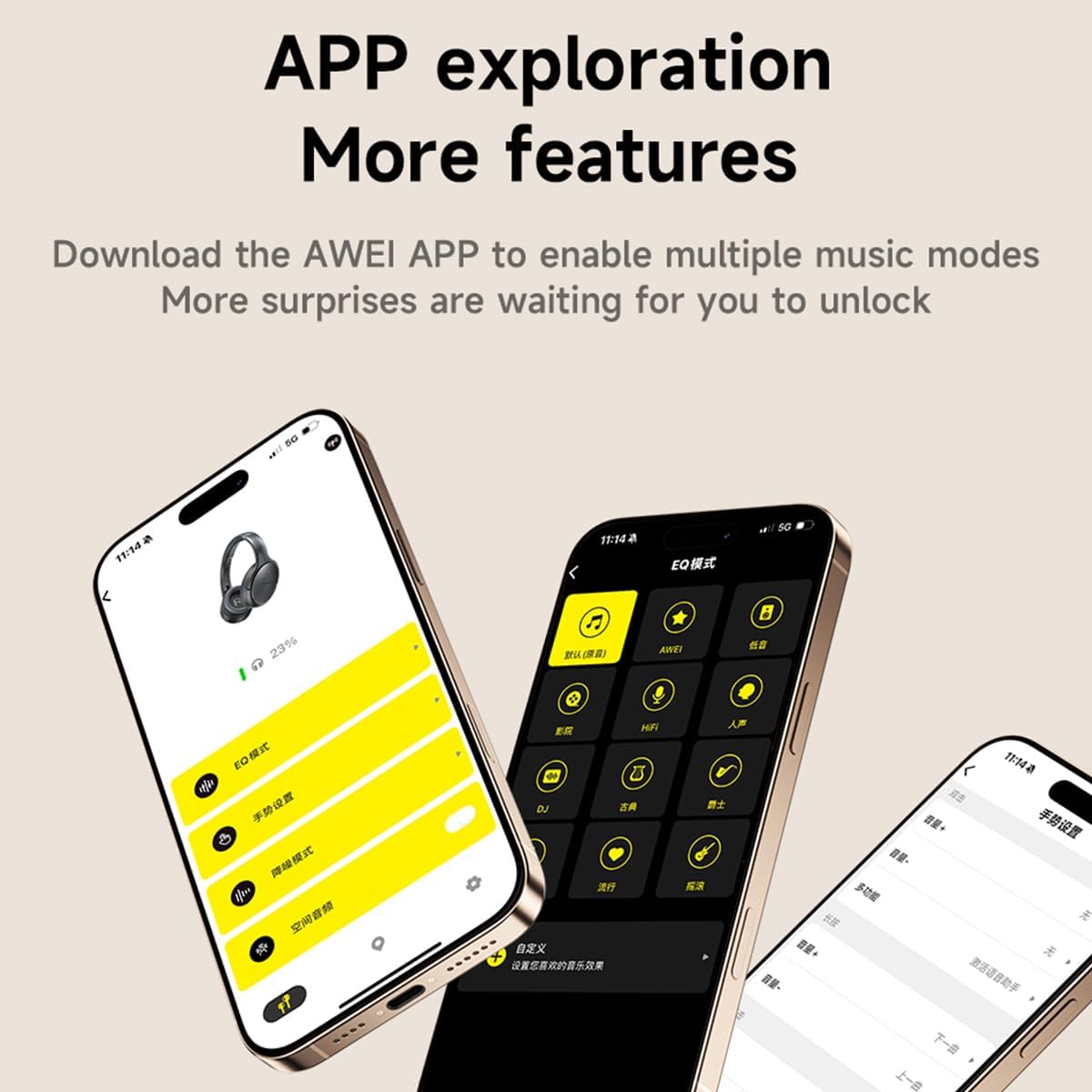
Figure 5.2: AWEI App Interface
5.5 Spatial Audio (Head Tracking)
The headphones support Spatial Audio with Head Tracking, providing an immersive audio experience where sound remains fixed in space relative to your device, even as you move your head.

Figure 5.3: Spatial Audio Feature
6. Maintenance
- Clean the headphones regularly with a soft, dry cloth.
- Avoid exposing the headphones to extreme temperatures, humidity, or liquids.
- Store the headphones in a protective case when not in use to prevent damage.
- Do not attempt to disassemble or repair the headphones yourself, as this will void the warranty.
7. Troubleshooting
7.1 No Power
- Ensure the headphones are fully charged.
- Check the charging cable and power source for proper connection.
7.2 Cannot Pair with Device
- Make sure the headphones are in pairing mode (indicator light flashing blue and red).
- Ensure Bluetooth is enabled on your device.
- Move the headphones closer to your device.
- Try unpairing and re-pairing the headphones from your device's Bluetooth settings.
7.3 No Sound or Low Volume
- Check the volume levels on both the headphones and your connected device.
- Ensure the headphones are properly connected to your device.
- Try playing different audio sources.
7.4 ANC Not Working Effectively
- Ensure ANC is activated.
- Check that the earcups form a good seal around your ears.
8. Specifications
| Model Name | AT20 |
| Connectivity Technology | Wireless (Bluetooth) |
| Bluetooth Version | 6.0 |
| Bluetooth Range | 10 Meters (33 feet) |
| Noise Control | Hybrid Noise Cancellation (ANC+ENC) |
| Audio Driver Type | Dynamic Driver |
| Driver Size | 40mm |
| Battery Capacity | 800mAh |
| Battery Life | Up to 65 Hours |
| Charging Time | Approximately 2 Hours |
| Control Method | App, On-ear buttons |
| Ear Placement | Over Ear |
| Material | Foam, Fabric |
| Impedance | 32 Ohms |

