
Introduction
Thank you for choosing the Devo G7 Smart Door Lock. This manual provides detailed instructions for the installation, operation, and maintenance of your new smart lock. Please read this manual thoroughly before installation and use to ensure proper function and security. Keep this manual for future reference.
Product Overview
Key Features
- Versatile Access Solutions: 6-in-1 entry methods including fingerprint recognition, APP control, IC cards, digital codes, eKey sharing, and emergency mechanical key backup.
- Smart Home Integration: Seamlessly connects with Amazon Alexa and Google Assistant for voice-controlled access.
- Multi-User Management: Supports up to 50 fingerprints and over 200 unique codes. Create temporary, permanent, or scheduled access.
- Convenient Security: Customizable auto-lock timing and one-touch exterior locking.
- Universal Compatibility: Designed to fit standard US door frames, supporting both left and right-handed installation. Simple DIY setup.
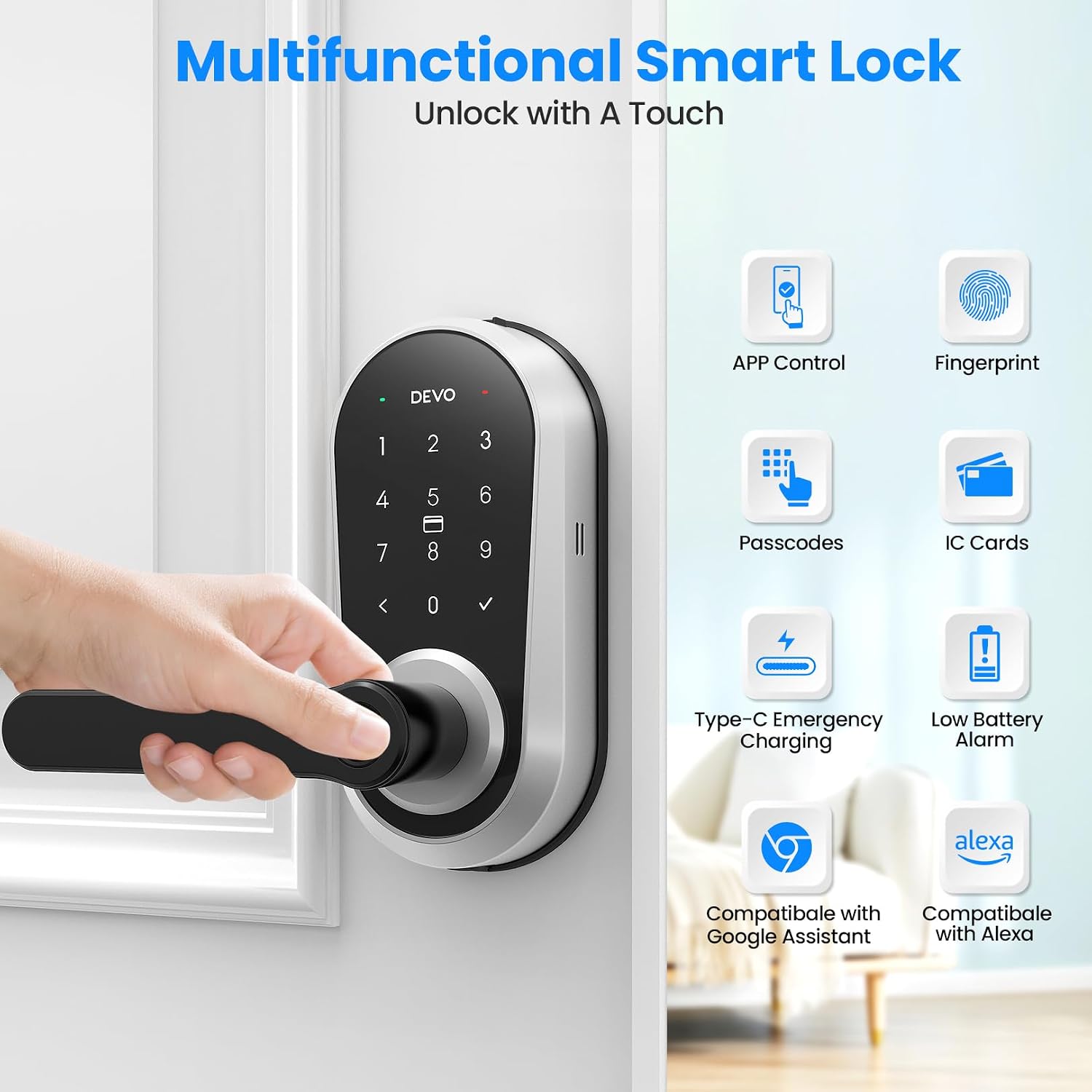
Image: Devo G7 Smart Door Lock highlighting its multiple unlocking methods and smart home compatibility.
What's Included
- Smart Lock X 1
- Keys X 2
- IC Card X 2
- Manual X 1
- Measuring Cardboard X 1
Specifications
| Brand | Devo |
| Model Number | G7 |
| Lock Type | Biometric, Combination Lock, Deadbolt, Keypad |
| Special Features | Anti-Peeping Password, Weather Resistant, Auto-Lock, Back-Lit Keypad, Fingerprint, Fob Unlock, One-Touch Lock, Passcode Unlock, Touchscreen |
| Material | Aluminum |
| Item Dimensions (L x W x H) | 9.6 x 8.4 x 3.8 inches |
| Connectivity Protocol | Wi-Fi |
| Controller Type | Amazon Alexa, Google Assistant |
| Control Method | App, Touch, Voice |
| Color | Silver |
Setup and Installation
Before beginning installation, ensure your door meets the following specifications:
- Door Hole Diameter: 1 inch (25mm)
- Door Thickness: 1 3/8 inches - 2 1/8 inches (35mm - 55mm)
- Backset: 2 3/8 inches - 2 3/4 inches (60mm - 70mm)
- Ensure the latch hole is chiseled for proper fit.

Image: Door compatibility diagram for Devo G7 Smart Lock installation.
For a comprehensive visual guide on installing your Devo G7 Smart Lock, please watch the official installation video:
Video: Detailed instructions on how to install the Devo G7 fingerprint smart lock.
Operating Instructions
Unlocking Methods
The Devo G7 Smart Door Lock offers multiple convenient ways to unlock your door:
- Fingerprint Recognition: Place your registered finger on the sensor on the handle. The lock will unlock in less than 0.3 seconds. The lock can store up to 50 fingerprints.
- Digital Codes: Enter your programmed passcode on the keypad.
- IC Cards: Tap your registered IC card against the lock's sensor.
- Mobile App Control: Use the dedicated mobile application to unlock the door remotely.
- Voice Control: Integrate with Amazon Alexa or Google Assistant to unlock using voice commands.
- Mechanical Key: In case of emergency or battery depletion, use the physical key provided.

Image: Visual representation of the various unlocking methods available for the Devo G7 Smart Lock.
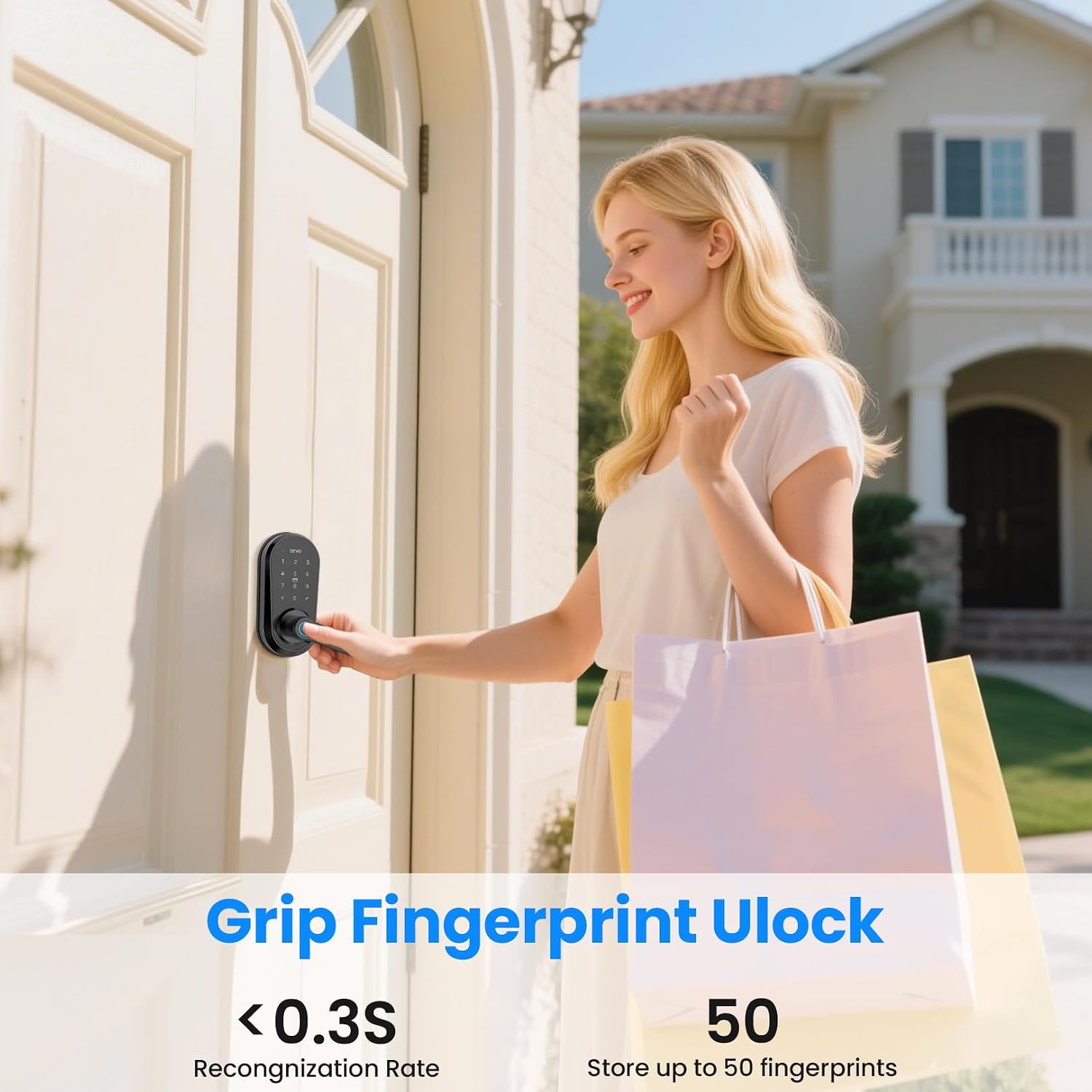
Image: User demonstrating fingerprint unlock on the Devo G7 Smart Lock handle.
Watch this video for a demonstration of the various unlocking methods:
Video: Demonstration of the various unlocking methods for the Devo G7 Fingerprint Smart Lock.
Auto-Lock Function
The Devo G7 Smart Lock features a customizable auto-lock function, ensuring your door is always secured after a set period. This feature can be configured via the mobile application.

Image: Illustration of the auto-lock feature on the Devo G7 Smart Lock.
Anti-Peeping Passcode
To enhance security, you can enter random digits before or after your actual passcode. This prevents others from guessing your code by observing your hand movements.
App Control
The Devo G7 Smart Lock can be fully managed and controlled using its dedicated mobile application. This allows for remote access, user management, and real-time monitoring.
Connecting to Wi-Fi and App
To connect your lock to the app and Wi-Fi, follow the instructions in the video below:
Video: Tutorial on connecting the Devo G7 Smart Lock to Wi-Fi and setting up the mobile application.
User Management
The app allows you to add, modify, or delete user fingerprints, passcodes, and IC cards. You can also create temporary or scheduled access for guests or service providers.

Image: Screenshot of the Devo G7 Smart Lock app interface showing user management and access options.
Real-time Notifications
Receive instant notifications on your smartphone for lock activity, such as successful unlocks, failed attempts, and low battery alerts.

Image: Family interacting with a smart speaker to control the Devo G7 Smart Lock via voice commands.
Maintenance
Battery Replacement
The Devo G7 Smart Lock is powered by standard batteries (typically AA). When the battery level is low, you will receive a notification via the app and the lock may emit an audible alert. Replace all batteries promptly to ensure continuous operation. In an emergency, the lock can be temporarily powered via a Type-C port.

Image: Diagram showing the battery compartment of the Devo G7 Smart Lock.
Weather Resistance
The Devo G7 Smart Lock is IP54 waterproof, designed to withstand temperatures from -15°C to 50°C (5°F to 122°F). This ensures reliable operation in various weather conditions.
Troubleshooting
- Lock not responding: Check battery levels. If low, replace batteries or use the emergency Type-C power port.
- Fingerprint not recognized: Ensure your finger is clean and dry. Re-register your fingerprint if issues persist.
- App connectivity issues: Ensure your phone's Bluetooth and Wi-Fi are enabled. Check your home Wi-Fi network status. Restart the app and the lock if necessary.
- Keypad not responding: Ensure the keypad is clean. If the issue persists, check battery levels.
- Auto-lock not engaging: Verify the auto-lock settings in the mobile application. Ensure the door is fully closed.
If you encounter persistent issues not covered here, please refer to the support section.
Warranty and Support
The Devo G7 Smart Door Lock comes with a standard manufacturer's warranty. For specific warranty details, please refer to the warranty card included in your product packaging or contact Devo customer support.
For technical assistance, troubleshooting, or any other inquiries, please visit the official Devo website or contact our customer support team through the contact information provided in your product documentation.


