
1. Introduction
This manual provides detailed instructions for the YOTON MP3 Player with Bluetooth 5.2, Model YM03. This compact and versatile device is designed for portable audio playback, offering features such as Hi-Fi sound quality, expandable storage, and various utility functions. Please read this manual thoroughly to ensure proper use and optimal performance of your device.
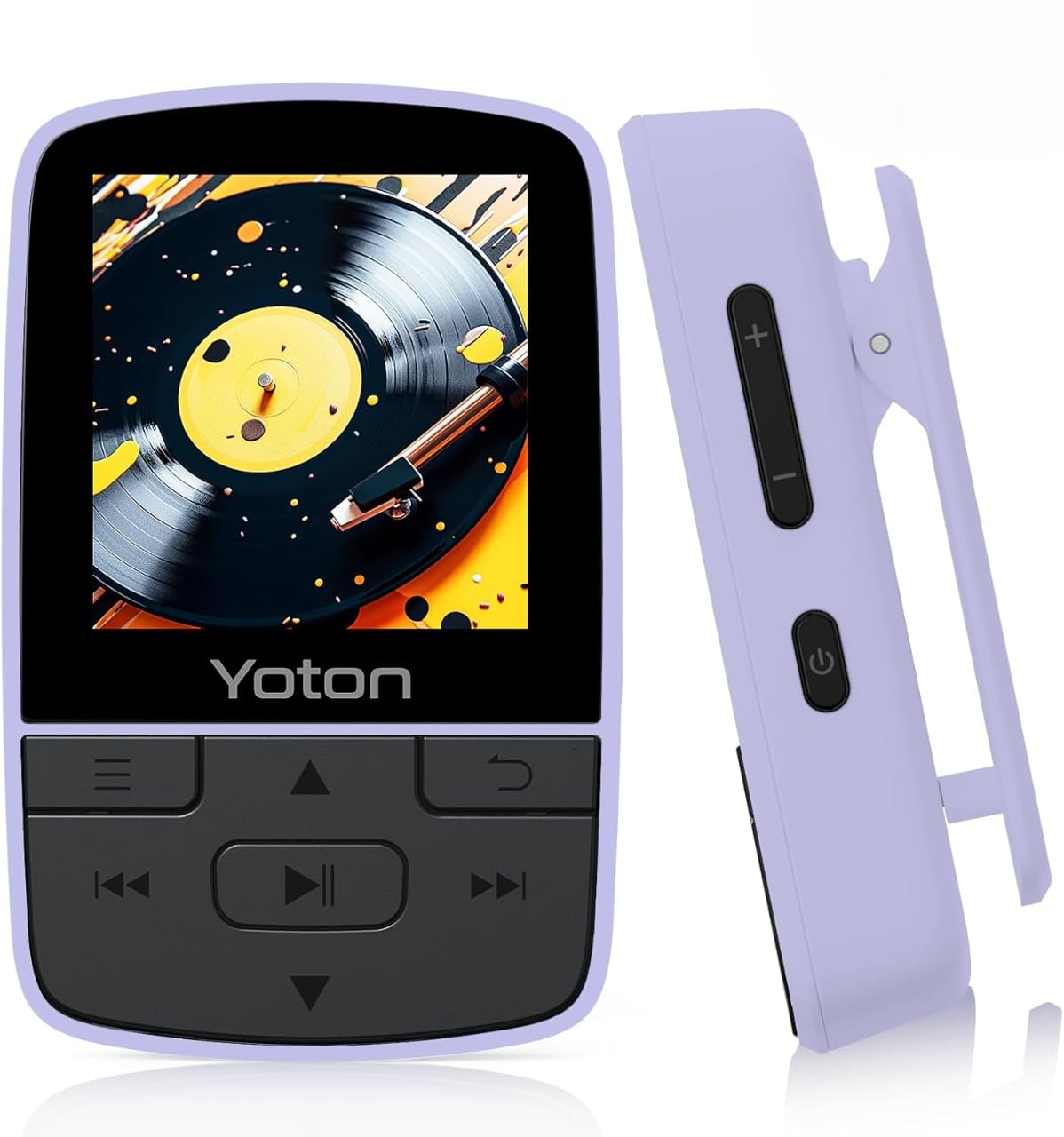
Figure 1: YOTON MP3 Player YM03. This image shows the front of the purple YOTON MP3 player, highlighting its screen and control buttons.
2. Package Contents
Verify that all items listed below are included in your package:
- Yoton YM03 MP3 Player
- Wired Earphones
- USB Cable
- Quick Start Guide
Note: A TF (Micro SD) card is not included and must be supplied by the user for expandable storage.
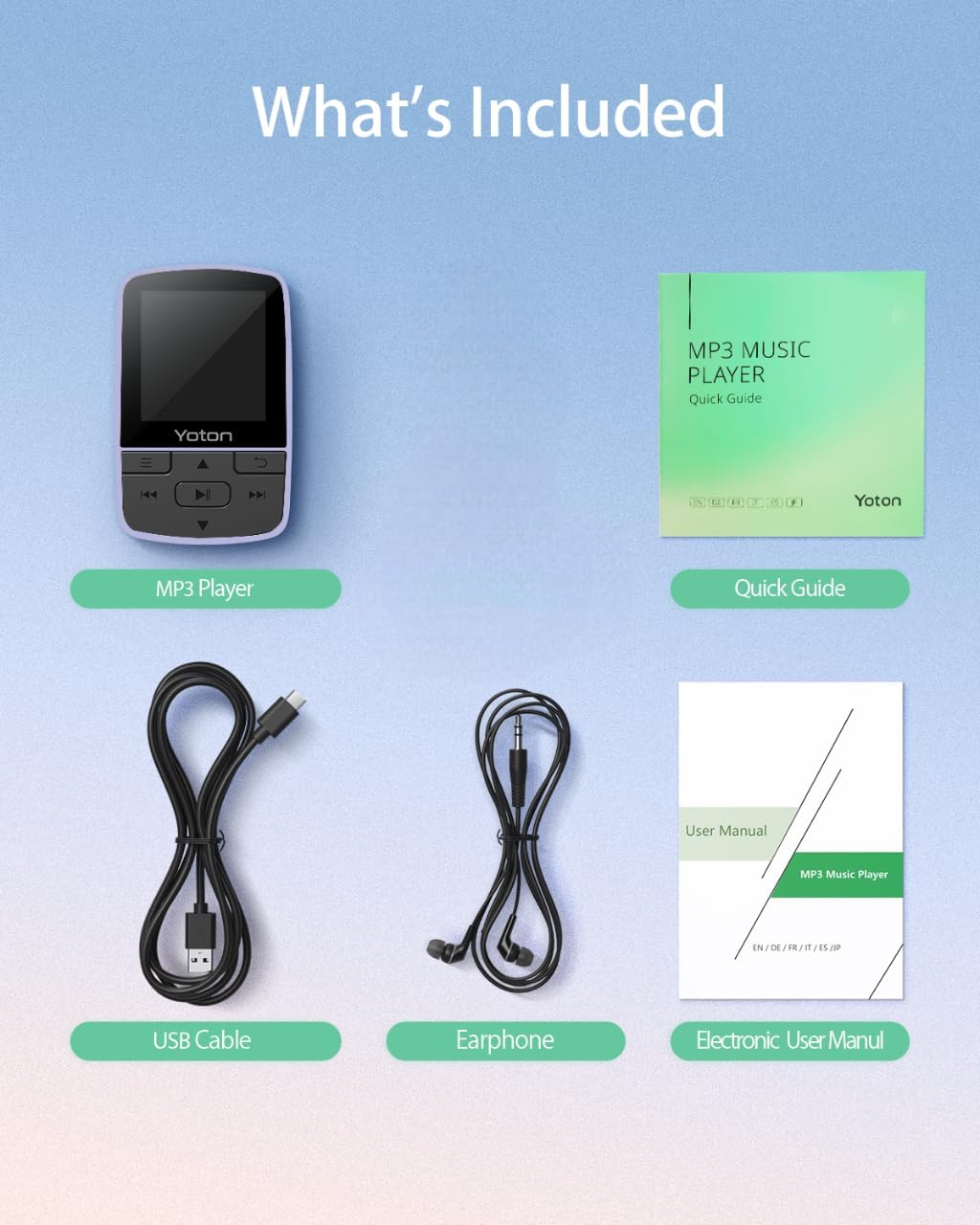
Figure 2: Package Contents. This image displays the YOTON MP3 player, wired earphones, USB cable, and quick guide, laid out on a surface.
Video 1: Unboxing the YOTON MP3 Player. This video demonstrates the unboxing process and shows all items included in the package.
3. Product Overview
The YOTON MP3 Player YM03 is designed for portability and ease of use. It features a compact design with a built-in sports clip, allowing for hands-free use during activities.
3.1 Key Features
- Hi-Fi Sound Quality: Advanced decoding chip for clear and detailed audio.
- Ultra-Lightweight & Portable: Weighs only 28g with a secure clip for clothing or bags.
- Expandable Storage: Supports TF cards up to 64GB for extensive music libraries.
- Bluetooth 5.2: Stable and effortless wireless connection to headphones or speakers.
- Multi-functional: Includes FM Radio, Voice Recorder, Pedometer, and Alarm Clock.

Figure 3: Compact and Clip-On Design. This image shows the YOTON MP3 player with its integrated clip, demonstrating its suitability for active use.

Figure 4: Hi-Fi Sound Quality. This image illustrates the MP3 player's capability for high-fidelity audio playback.
4. Getting Started
4.1 Charging the Device
Connect the YOTON MP3 Player to a USB power source using the provided USB cable. The battery indicator on the screen will show charging status. A full charge typically takes approximately 2-3 hours.
4.2 Inserting a Micro SD Card
Locate the Micro SD card slot on the side of the device. Gently insert a TF (Micro SD) card (up to 64GB, not included) into the slot until it clicks into place. To remove, push the card in again until it springs out.
4.3 Transferring Music Files
Connect the MP3 player to your computer using the USB cable. The device will appear as a removable disk. Drag and drop your music files (MP3, AAC, FLAC, WAV, WMA formats supported) into the designated music folder on the player's storage or Micro SD card. Disconnect safely after transfer.
5. Basic Operation
5.1 Power On/Off
Press and hold the power button located on the side of the device to turn it on or off.
5.2 Volume Adjustment
Use the dedicated volume control buttons on the side of the device to increase or decrease the audio volume.
5.3 Menu Navigation
Use the directional buttons (Up/Down/Left/Right) to navigate through menus and select options. The center button typically acts as 'Enter' or 'Confirm', and the 'Return' button (often an arrow icon) takes you back to the previous screen.
5.4 Music Playback
- Play/Pause: Press the central play/pause button to start or pause music playback.
- Skip Tracks: Use the forward/backward buttons to skip to the next or previous track.
- Shuffle/Repeat: While playing music, access the options menu (often by pressing a dedicated menu button or holding a directional button) to select repeat modes (Repeat Off, Repeat 1, Repeat All) or Shuffle playback.
Video 2: YOTON MP3 Player Basic Navigation. This video demonstrates how to navigate the menus, select music, and use playback controls on the MP3 player.
6. Bluetooth Connectivity
The YOTON MP3 Player features Bluetooth 5.2 for wireless audio streaming.
6.1 Pairing with Bluetooth Devices
- Ensure your Bluetooth headphones or speaker are in pairing mode.
- On the MP3 player, navigate to the 'Bluetooth' menu.
- Select 'Search for Device' or 'Pair New Device'.
- Choose your device from the list of available devices to establish a connection.
Note: The MP3 player does not support connecting to mobile phones or car audio systems via Bluetooth.
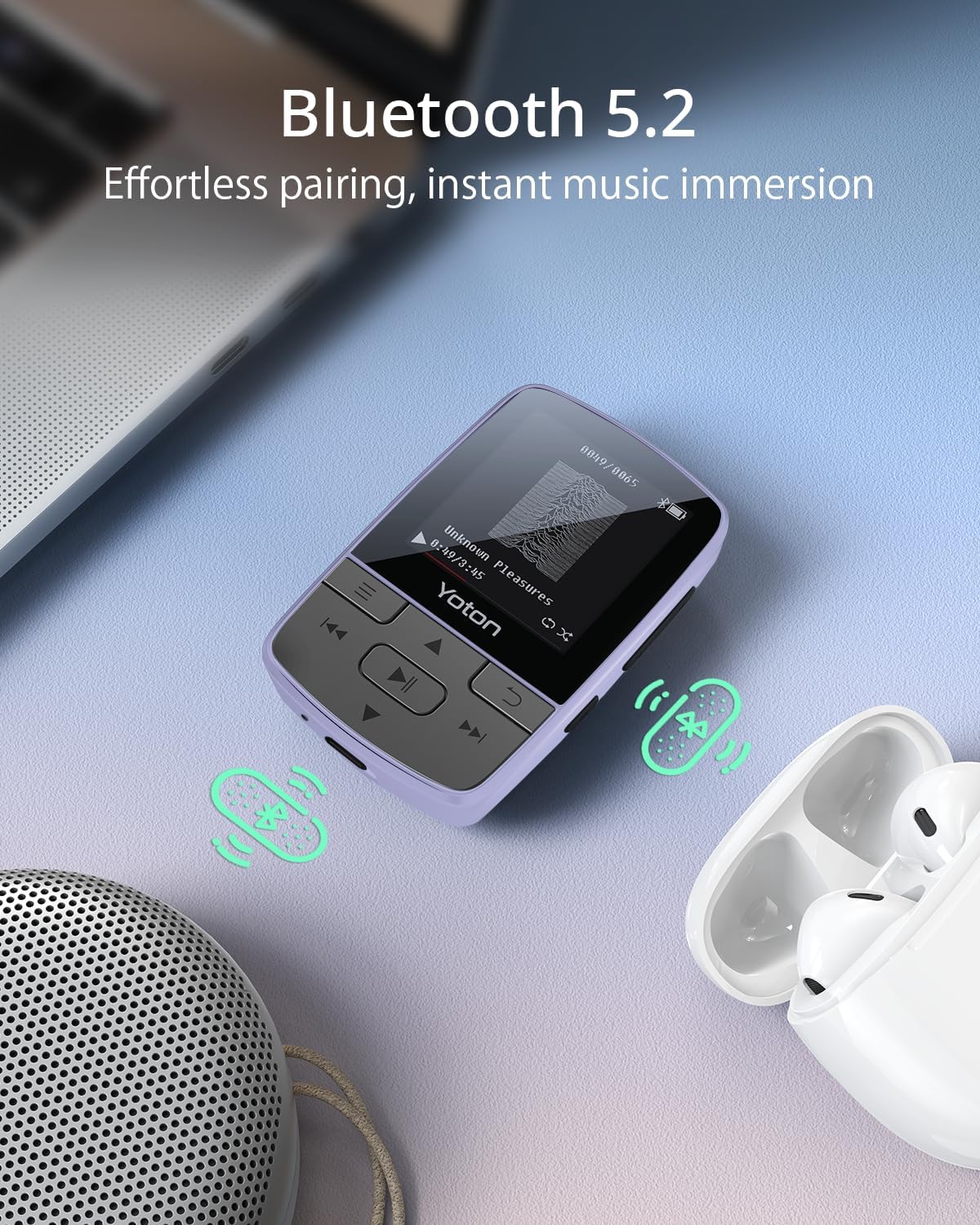
Figure 5: Bluetooth 5.2 Connectivity. This image shows the MP3 player connected wirelessly to earbuds, illustrating its Bluetooth capability.
7. Additional Features
The YOTON MP3 Player offers several integrated tools:
- FM Radio: Tune into your favorite radio stations.
- Voice Recorder: Record audio memos or lectures.
- Pedometer: Track your steps during workouts.
- Alarm Clock: Set alarms for reminders or wake-up calls.
Access these features through the main menu of the device.

Figure 6: More Than Music. This image highlights the various functions of the YOTON MP3 player, including Bluetooth, Radio, Pedometer, Picture viewer, Recorder, File browser, Stopwatch, and Settings.
8. Maintenance
- Keep the device dry. Avoid exposure to moisture or liquids.
- Clean the screen and body with a soft, dry cloth. Do not use abrasive cleaners.
- Avoid extreme temperatures.
- Do not attempt to disassemble or repair the device yourself. Contact support for assistance.
9. Troubleshooting
9.1 Device Does Not Turn On
- Ensure the device is fully charged. Connect it to a power source for at least 30 minutes.
- Press and hold the power button for 5-10 seconds.
9.2 Cannot Transfer Music
- Verify the USB cable is securely connected to both the player and the computer.
- Ensure the Micro SD card is properly inserted and not corrupted.
- Check if the music files are in a supported format (MP3, AAC, FLAC, WAV, WMA).
9.3 Bluetooth Pairing Fails
- Make sure the Bluetooth device (headphones/speaker) is in pairing mode and within range.
- Ensure the MP3 player's Bluetooth is enabled.
- Restart both the MP3 player and the Bluetooth device.
- Remember, the MP3 player cannot connect to mobile phones or car audio systems.
9.4 Short Battery Life
- Using wired headphones can extend battery life compared to Bluetooth.
- Reduce screen brightness.
- Ensure the device is fully charged before use.
10. Specifications
| Brand | YOTON |
| Model Name | YM03 |
| Connectivity Technology | Bluetooth 5.2 |
| Memory Storage Capacity | Expandable up to 64 GB (via Micro SD card) |
| Screen Size | 1.4 Inches |
| Compatible Devices | Headphones, Earphones |
| Supported Media Type | Micro SD |
| Supported Audio Formats | MP3, AAC, FLAC, WAV, WMA |
| Battery Average Life | 8 Hours |
| Item Weight | 28 Grams |
| Item Dimensions (D x W x H) | 0.7"D x 1.5"W x 2.3"H |
| Special Features | Built-In Clip, Equalizer, FM Radio, Voice Recorder, Pedometer, Alarm Clock |
11. Warranty and Support
11.1 Warranty Information
All products purchased from Yoton are covered by a 1-year warranty. For any concerns regarding product use or accessories, please contact our support team.
11.2 Customer Support
Our professional team is available to offer technology support within 24 hours. You can find more detailed operation instructions on the Amazon product page or by contacting us directly.
For support, please refer to the contact information provided with your product or on the official Yoton website.


