
1. Introduction
The LAMTTO DC22 is a 4G LTE cellular dual dash camera designed to enhance vehicle security and monitoring. This device features both a front-facing camera and an interior cabin camera, providing comprehensive recording capabilities. Key functionalities include real-time remote access, instant alerts for suspicious activity, secure cloud storage for event videos, two-way voice communication, and live GPS tracking. This manual provides detailed instructions for setup, operation, and maintenance to ensure optimal performance of your dash cam.

Image: The LAMTTO DC22 4G LTE Cellular Dual Dash Cam, showing its compact design and dual camera lenses.
2. What's in the Box
Verify that all the following items are included in your package:
- LAMTTO DC22 Dash Cam with 32GB Memory Card (pre-installed)
- SIM Card (pre-installed in the device card slot)
- OBD Power Cable (Type C power port for power supply only, no data transmission)
- Installation Tool
- User Manual
- Mount Tool
- Electrostatic Sticker

Image: Visual representation of all components included in the LAMTTO DC22 package.
3. Setup and Installation
Follow these steps to properly install your LAMTTO DC22 Dash Cam in your vehicle:
- Prepare the Mounting Area: Clean the chosen area on your windshield thoroughly to ensure the electrostatic sticker adheres properly. The ideal location is typically near the rearview mirror to provide an unobstructed view for the front camera.
- Attach the Electrostatic Sticker: Apply the electrostatic sticker to the cleaned area on the windshield. This provides a secure base for the dash cam mount.
- Mount the Dash Cam: Attach the dash cam to the electrostatic sticker using the provided mount. Ensure it is firmly in place and the front camera has a clear view of the road ahead.
- Connect the OBD Power Cable: Locate your vehicle's OBD-II port, typically found under the dashboard on the driver's side. Connect the OBD power cable to this port. The OBD power supply enables 24/7 parking monitoring.
- Route the Cable: Carefully route the power cable along the windshield trim and down to the OBD-II port, tucking it away to avoid obstructing your view or interfering with driving. Use the included installation tool to help secure the cable neatly.
- Insert SIM Card and Memory Card: Ensure the SIM card and 32GB memory card are correctly inserted into their respective slots on the dash cam. The SIM card is essential for 4G LTE cellular features.

Image: Step-by-step visual guide for installing the dash cam and connecting the OBD power cable.
4. App Installation and Connection
The LAMTTO DC22 Dash Cam is controlled via the UBoxPro mobile application. Follow these steps to install the app and connect your device:
- Download the UBoxPro App: Scan the QR code provided in the user manual or search for "UBoxPro" in your smartphone's app store (App Store for iOS, Google Play Store for Android). Download and install the application.
- Power On the Dash Cam: Ensure your dash cam is powered on by connecting it to your vehicle's OBD-II port. The blue LED indicator on the dash cam will light up after approximately one minute, indicating it is ready for connection.
- Add Device in App: Open the UBoxPro app. After activation, a connection prompt for nearby devices should automatically appear. If not, click "Add device" and follow the on-screen instructions to connect your phone to the dash cam.
- Configure Device Information: Once connected, you may be prompted to configure device information such as naming your car or setting a default address.
- Verify Connection: After successful connection, you should be able to view live footage from both the front and cabin cameras within the UBoxPro app.
Note: The dash cam does not have a built-in screen; all viewing and configuration are done through the UBoxPro app.
5. Operating Instructions and Features
5.1. Remote Access and Live View
The 4G LTE connectivity allows you to access your dash cam remotely from anywhere using the UBoxPro app. You can view live footage from both cameras, replay recorded videos, and monitor your vehicle's surroundings in real-time.
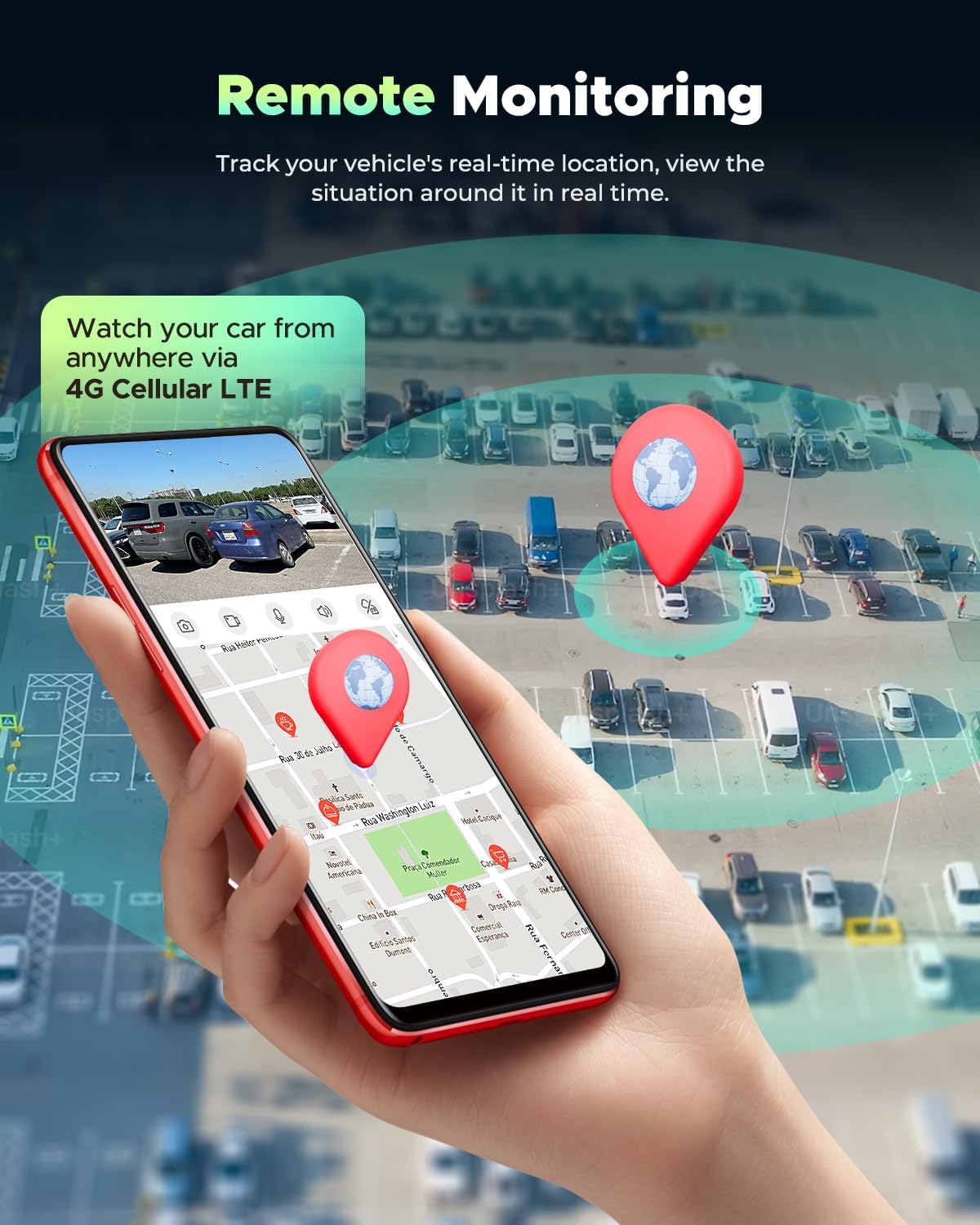
Image: A smartphone screen showing remote monitoring, including live camera feed and vehicle location on a map.
5.2. Real-time Alerts and Security Monitoring
The dash cam features an intelligent Sentry Mode that utilizes radar detection and a G-sensor to detect suspicious activity or impacts. You will receive instant alerts on your phone when such events occur, providing proactive protection against vandalism or theft, especially when your vehicle is unattended. The OBD power supply ensures 24/7 monitoring.

Image: A user viewing real-time alerts and recorded event footage on their smartphone.
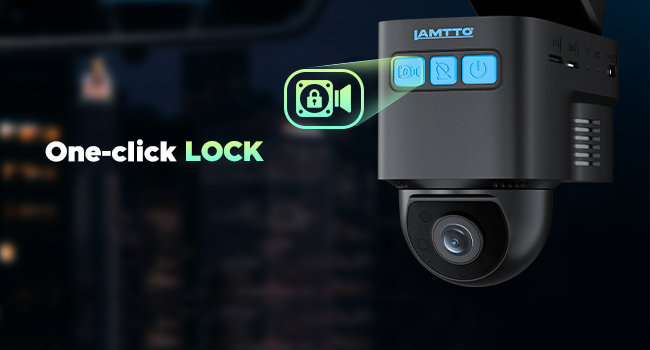
Image: Illustration of the dual microwave radar detection system for human detection around the parked vehicle.

Image: Visual explanation of the G-Sensor's role in detecting collisions and triggering recordings.
5.3. Dual FHD Recording and Night Vision
The dash cam records in Full HD (FHD) from both the front and interior cameras. The front camera offers a wide-angle view to cover multiple lanes, while the cabin camera features built-in IR LEDs and HDR technology to capture clear details even in complete darkness.
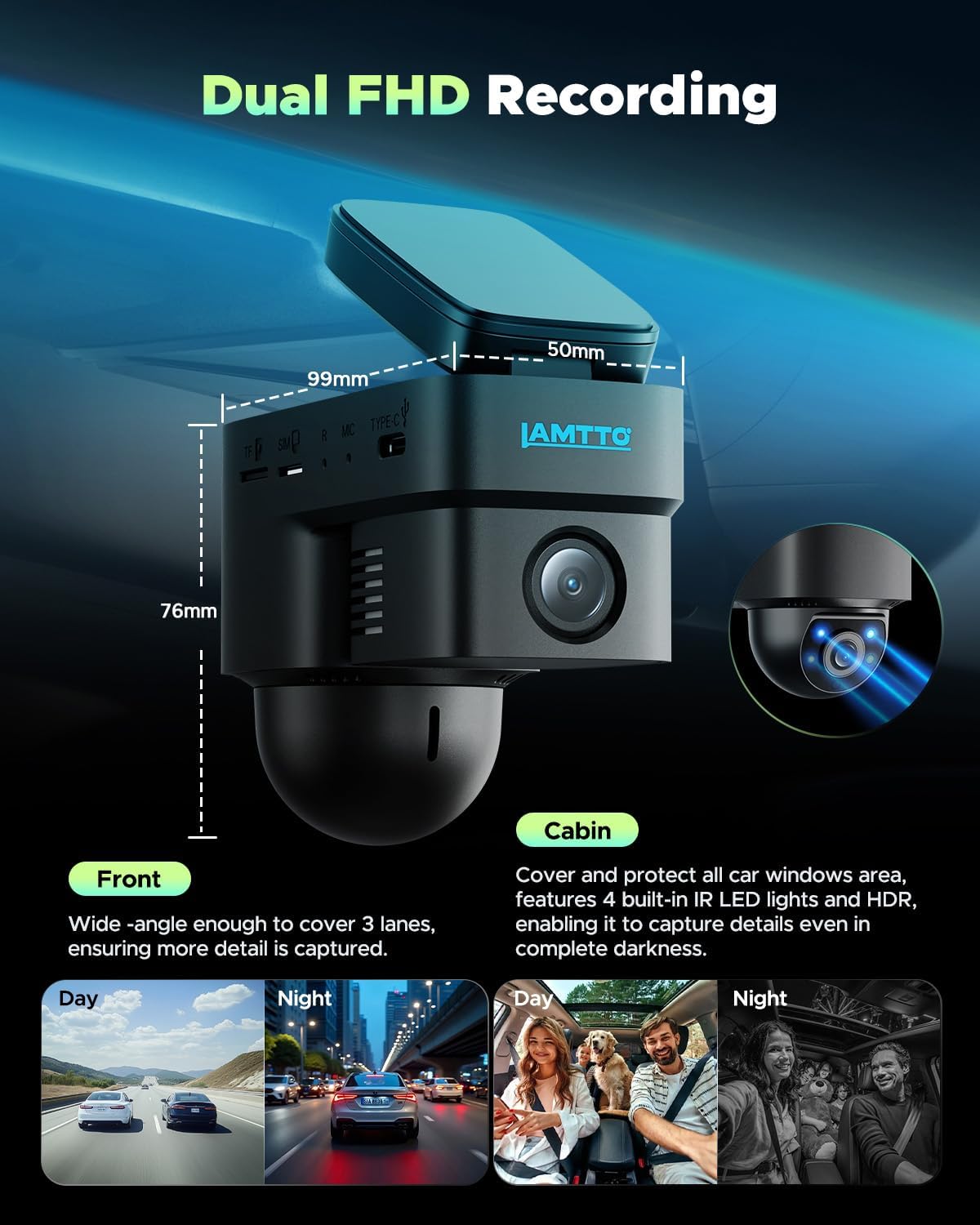
Image: Illustration of the dual FHD recording feature, showing clear day and night footage from both front and cabin cameras.

Image: Explanation of the Super Night Vision feature with F2.0 aperture lens, 140° wide angle, 4 IR lights, and WDR technology.
5.4. Cloud Storage and Memory Card
Event videos are automatically backed up to the cloud, ensuring footage is safe even if the camera is damaged or stolen. A 30-day free trial of cloud storage is included. The dash cam also supports local storage on a memory card (up to 128GB, 32GB included).
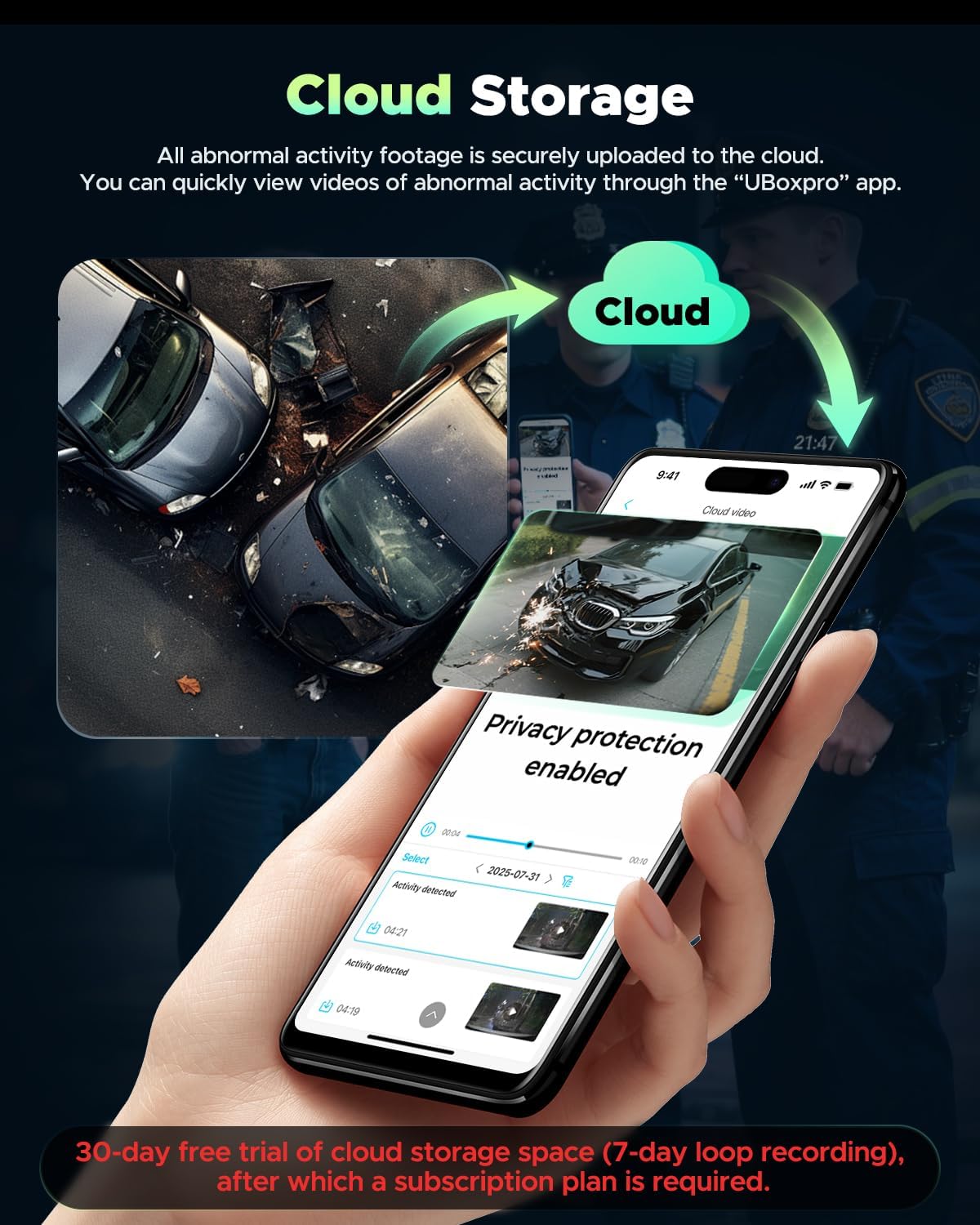
Image: A smartphone displaying the UBoxPro app's cloud storage interface, showing securely uploaded event footage.

Image: Overview of the two storage methods (Cloud Storage and Memory Card) and associated subscription details.
5.5. Two-Way Voice Communication
Utilize the two-way intercom feature through the UBoxPro app to communicate with occupants in your vehicle in real-time.

Image: A smartphone displaying the two-way audio feature, allowing communication with someone inside the car.
5.6. Live GPS Tracking
The built-in GPS allows for real-time tracking of your vehicle's location and provides a history of its movements, accessible via the UBoxPro app.
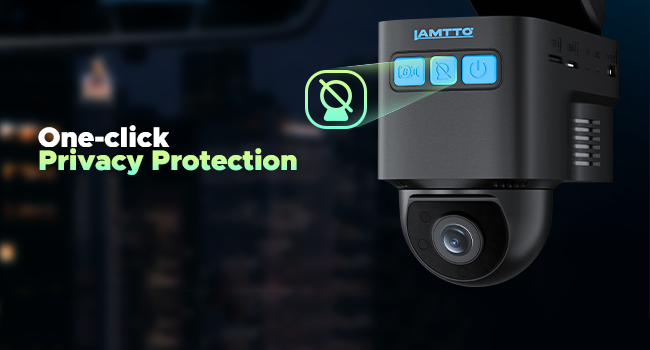
Image: Visual representation of live GPS tracking, showing a vehicle's current and past locations.
5.7. Privacy Protection
The device includes a one-click privacy protection feature to manage recording and access settings.
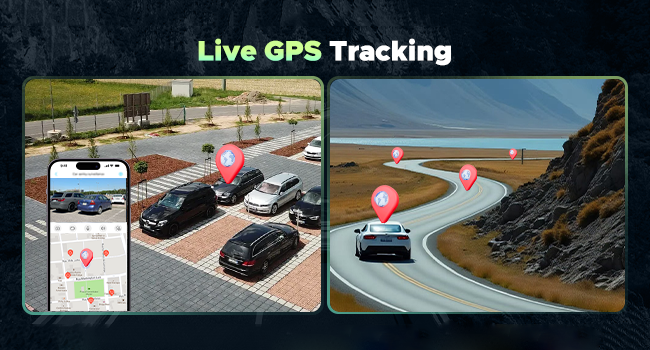
Image: The dash cam highlighting the one-click privacy protection button.
6. 4G LTE Data Plan Information
The advanced remote features of the LAMTTO DC22, including remote viewing, two-way calling, app alerts, and cloud storage backup, require an active 4G LTE cellular data plan. The device includes a built-in SIM card and a 7-day unlimited trial data period.
- Subscription Required: After the trial period, a subscription to a cellular data plan is necessary to continue using these features. Plans are available monthly, semi-annually, or annually through the UBoxPro app.
- Functionality Without a Plan: If you do not subscribe to a cellular data plan, the device will function as a traditional dash cam, recording to the memory card. Remote features will be unavailable. Content can only be viewed and played back from the memory card using a card reader.

Image: Illustration of the built-in SIM card, highlighting its role in enabling 4G LTE features.

Image: A comparison chart detailing which features are available with and without a cellular data plan and cloud storage.

Image: Details of the new unlimited data plan subscription options, including trial information.
7. Specifications
| Feature | Detail |
|---|---|
| Product Dimensions | 0.32 x 0.13 x 0.3 inches |
| Item Weight | 13.7 ounces |
| Item Model Number | DC22 |
| Connectivity Technology | Cellular |
| Video Capture Resolution | 1080p |
| Mounting Type | Windshield Mount |
| Control Method | App (UBoxPro) |
| Special Features | 4G LTE Connectivity, Radar and G-sensor alerts, Cloud Upload, Two-Way Voice, GPS Tracking, 24/7 Parking Monitoring, Night Vision |
| Included Memory Card | 32GB (supports up to 128GB) |
8. Troubleshooting
- No Remote Viewing/App Alerts: Ensure you have an active 4G LTE cellular data plan subscription. Check the SIM card insertion and network signal strength.
- Video Playback Issues in App: Remote video quality may vary based on cellular signal. For high-quality playback, retrieve footage directly from the memory card using a card reader.
- Cloud Video Length: Cloud-backed-up event videos are typically short (e.g., 10 seconds). For longer footage, rely on the SD card.
- Missing Cabin Footage on SD Card: Some dash cams may only save front camera footage to the SD card by default. Check app settings for dual-channel recording options or download both streams via the app if available.
- Device Not Powering On: Verify the OBD power cable is securely connected to both the dash cam and the vehicle's OBD-II port. Ensure the vehicle's ignition is on or the OBD port is providing constant power for parking mode.
9. Warranty and Support
The LAMTTO DC22 4G LTE Car Security Camera includes a lifetime warranty and a 30-day money-back guarantee. For technical assistance, troubleshooting, or any product-related inquiries, please contact LAMTTO customer support via Amazon. Support is available 24/7.
For further assistance, visit the LAMTTO Store on Amazon.

