
1. Product Overview
The pTron Bassbuds Blaze are True Wireless Stereo (TWS) earbuds designed for an immersive audio experience. They feature 13mm dynamic drivers for clear sound, AI-ENC for enhanced call quality, and a long-lasting battery. The earbuds are also IPX5 water and sweat resistant, making them suitable for various activities.
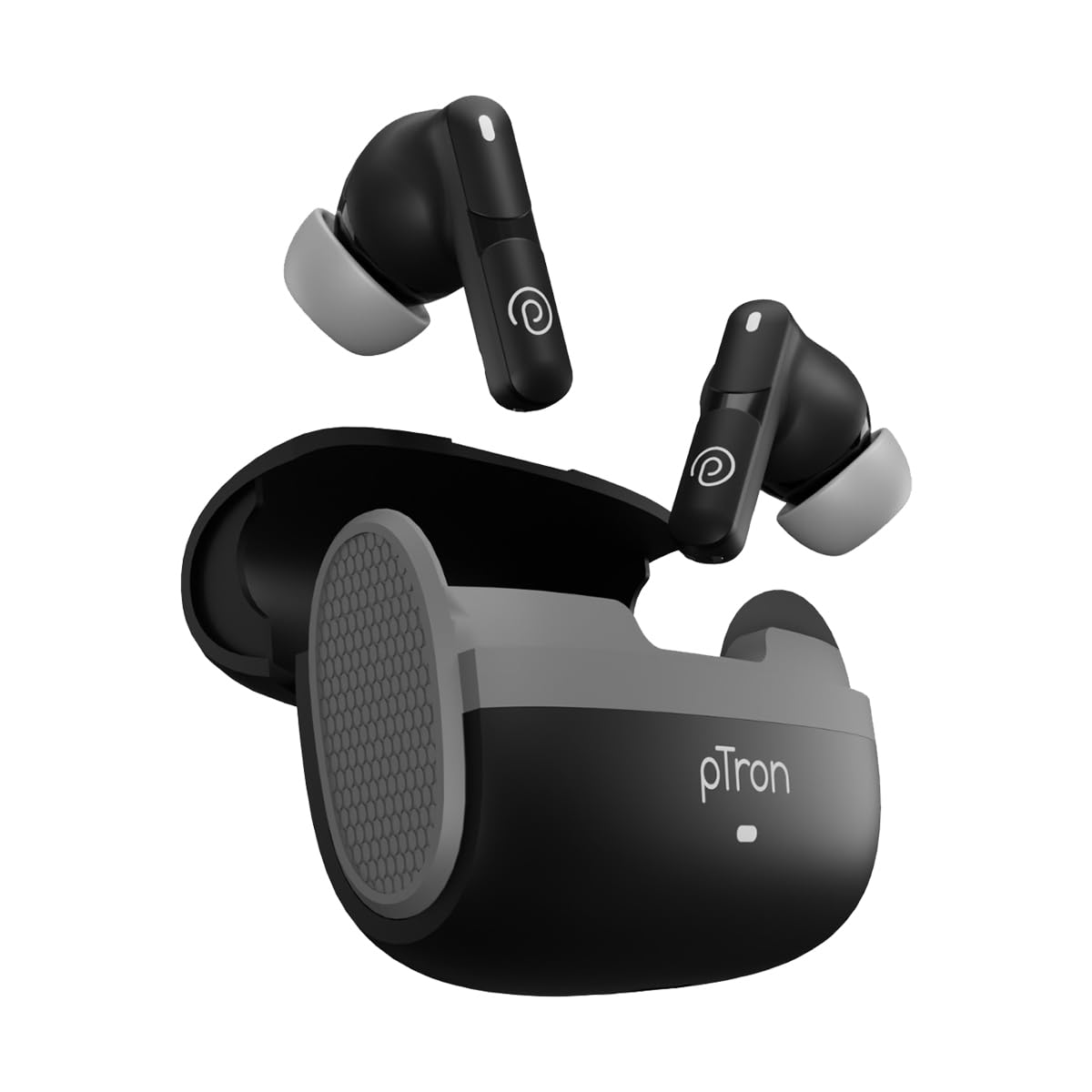
Image: pTron Bassbuds Blaze TWS Earbuds and their charging case.
2. What's in the Box
Upon opening your pTron Bassbuds Blaze package, you should find the following items:
- pTron Bassbuds Blaze TWS Earbuds
- Charging Case
- USB Type-C Charging Cable
- Eartips (S/M/L sizes)
- User Manual
3. Setup Guide
3.1 Charging the Earbuds and Case
Before first use, fully charge the earbuds and the charging case. Use the provided USB Type-C cable to connect the charging case to a power source. The charging time is approximately 1.5 hours for a full charge. The indicator lights on the case will show charging status.

Image: The charging case with a Type-C charging cable connected.
3.2 Bluetooth Pairing
- Ensure the earbuds are charged.
- Open the charging case. The earbuds will automatically enter pairing mode, indicated by flashing LED lights on the earbuds.
- On your device (smartphone, tablet, laptop), enable Bluetooth.
- Search for available Bluetooth devices and select "pTron Bassbuds Blaze" from the list.
- Once connected, the LED lights on the earbuds will stop flashing, indicating successful pairing.
The earbuds use Bluetooth V5.4 for quick and stable connectivity up to 10 meters.

Image: Earbuds and charging case with a phone displaying Bluetooth connectivity.
3.3 Fitting the Earbuds
Select the appropriate eartip size (S, M, or L) for a comfortable and secure fit. A proper fit ensures optimal sound quality and passive noise cancellation. Insert the earbuds into your ears and gently twist them until they feel snug.

Image: Diagram showing the ergonomic fit of the earbuds in the ear.
4. Operating Instructions
4.1 Touch Controls
The pTron Bassbuds Blaze feature smart touch controls for easy management of music and calls. Specific touch gestures will control functions such as play/pause, skip tracks, answer/end calls, and activate the voice assistant. Refer to the quick start guide included in the package for detailed touch control mapping.
4.2 Voice Assistant
Access your device's voice assistant (e.g., Google Assistant, Siri) instantly with a simple touch command on the earbuds. This allows for hands-free control of your device.

Image: Earbud in ear with voice assistant logos (Google Assistant, Siri) indicating support.
4.3 Call Management
The earbuds are equipped with dual HD microphones and AI-ENC (Environmental Noise Cancellation) technology to ensure clear call quality by reducing background noise.

Image: A person wearing the earbuds, highlighting the dual HD mics for clear calls.
5. Maintenance and Care
To ensure the longevity and optimal performance of your pTron Bassbuds Blaze earbuds, follow these care instructions:
- Cleaning: Regularly clean the earbuds and charging case with a soft, dry cloth. Do not use harsh chemicals or abrasive materials.
- Water Resistance: The earbuds are IPX5 water and sweat resistant, meaning they can withstand splashes and sweat. Do not submerge them in water or expose them to heavy rain. Ensure they are dry before placing them back in the charging case.
- Storage: Store the earbuds in their charging case when not in use to protect them from dust and damage.
- Temperature: Avoid exposing the earbuds to extreme temperatures (hot or cold).
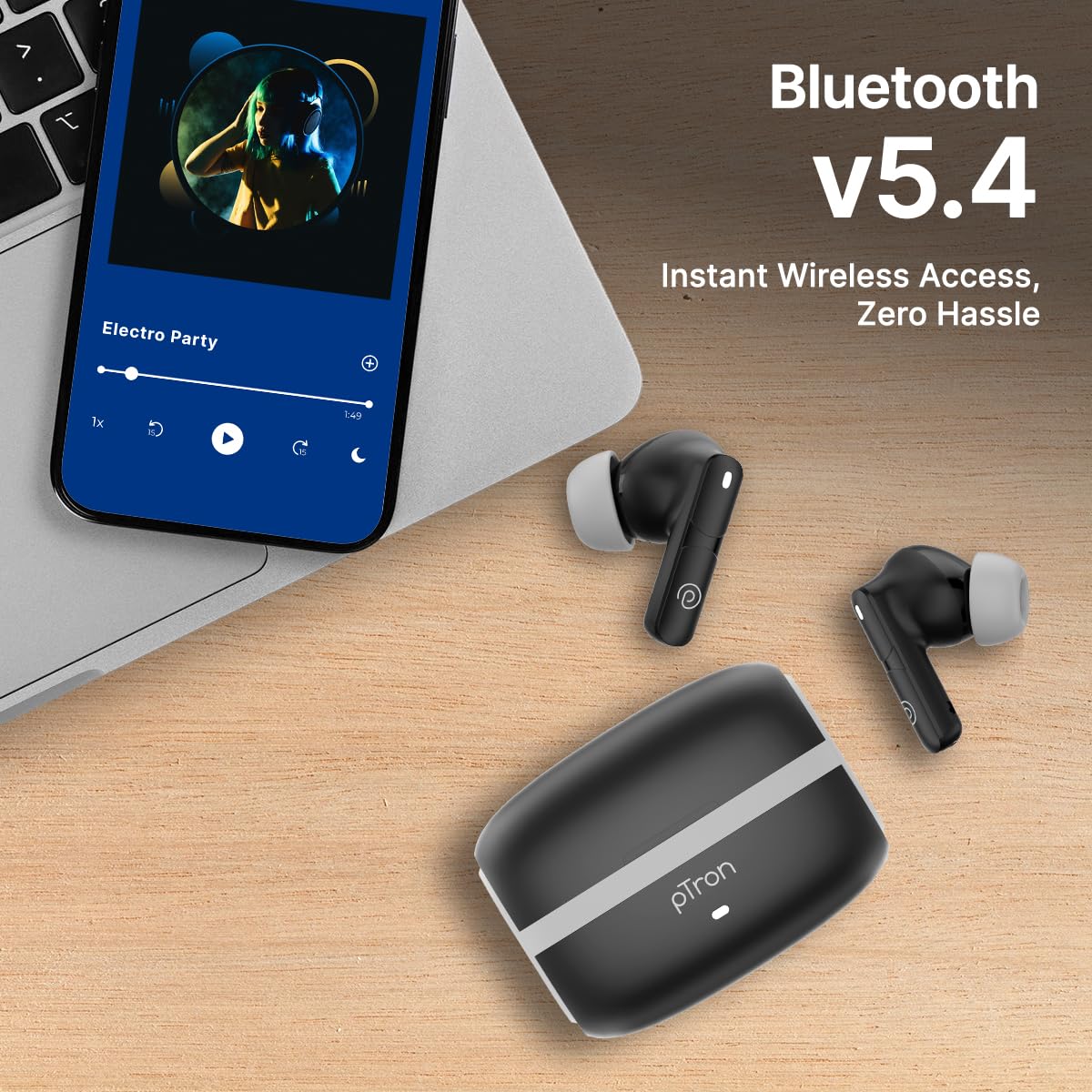
Image: A person wearing the earbuds while sweating, illustrating IPX5 water and sweat resistance.
6. Troubleshooting
If you encounter issues with your pTron Bassbuds Blaze, try the following troubleshooting steps:
- No Sound/One Earbud Not Working:
- Ensure both earbuds are charged.
- Reset the earbuds by placing them back in the case, closing it, and then reopening.
- Forget the device from your phone's Bluetooth settings and re-pair.
- Earbuds Not Charging:
- Check if the charging cable is securely connected to both the case and the power source.
- Ensure the charging contacts on the earbuds and inside the case are clean and free of debris.
- Try a different charging cable or power adapter.
- Connectivity Issues:
- Ensure your device is within the 10-meter Bluetooth range.
- Avoid obstacles between your device and the earbuds that might interfere with the signal.
- Turn off and on your device's Bluetooth.
- Voice Assistant Not Responding:
- Ensure your device's voice assistant is enabled and configured correctly.
- Check the touch control guide for the correct gesture to activate the voice assistant.
If problems persist, contact customer support.
7. Specifications
| Feature | Specification |
|---|---|
| Model Name | Bassbuds Blaze |
| Connectivity Technology | Wireless (Bluetooth) |
| Bluetooth Version | 5.4 |
| Bluetooth Range | 10 Metres |
| Audio Driver Type | Dynamic Driver |
| Audio Driver Size | 13 Millimetres |
| Battery Life | 50 Hours (with charging case) |
| Charging Time | 1.5 Hours |
| Charging Port | Type-C (DC5V-1A max.) |
| Water Resistance Level | IPX5 (Water/Sweatproof) |
| Noise Control Features | AI-ENC Clear Calls, Passive Noise Cancellation |
| Control Type | Touch Control |
| Voice Assistant | Supported |
| Material | Acrylonitrile Butadiene Styrene (ABS) |
| Item Weight | 48 Grams |
| Product Dimensions | 6.4 x 5.1 x 2.6 cm |
8. Warranty and Support
Your pTron Bassbuds Blaze comes with a 6 Months Manufacturer Warranty from the date of purchase, covering manufacturing defects.
For any support, queries, or warranty claims, please contact:
- Manufacturer: Palred Electronics Pvt. Ltd.
- Address: SY.NO. 56, 1ST FLOOR, GUNDLAPOCHAMPALLY VILLAGE, TECH PARK MTP, TSIIC-IALA NACHARAM, HYDERABAD - 500076, TELANGANA, INDIA
- Customer Care Email: support@ptron.in
- Customer Care Phone: 040-67138888
9. Product Videos
Watch the following video for a closer look at the pTron Bassbuds Blaze:
Video: A brief overview of the pTron Bassbuds Blaze earbuds, showcasing their design and features.


