
Vaczon VCZ076NS
Vaczon 48 Inch Low Profile Ceiling Fan with Light
Model: VCZ076NS
Introduction
Thank you for choosing the Vaczon 48 Inch Low Profile Ceiling Fan with Light. This manual provides essential information for the safe installation, operation, and maintenance of your new ceiling fan. Please read this manual thoroughly before installation and keep it for future reference.
This modern ceiling fan features a semi-matte nickel finish, reversible wood-grain blades, integrated 3-color LED lighting, and a convenient remote control. It is designed for both indoor and outdoor use, providing balanced airflow and quiet operation for various spaces including bedrooms, kitchens, and living rooms.

Image: The Vaczon 48 Inch Low Profile Ceiling Fan with light installed in a bright, modern living room, showcasing its sleek design and how it complements the decor.
Safety Information
WARNING: To reduce the risk of fire, electric shock, or personal injury, always follow these instructions:
- Ensure the power is turned off at the circuit breaker before installation or servicing.
- All wiring must be in accordance with national and local electrical codes. Consult a qualified electrician if you are unsure.
- The mounting structure must be capable of supporting the weight of the fan (at least 35 lbs).
- Do not operate the fan with damaged power cords or plugs.
- Keep hands, hair, and clothing away from moving fan blades.
- Do not attempt to repair or replace any parts not specified in this manual. Contact customer support for assistance.
Package Contents
Verify that all components are present before beginning installation:
- Ceiling Fan Motor Assembly
- Fan Blades (x3)
- Light Kit with LED Panel
- Remote Control with Wall Mount
- Mounting Bracket
- Hardware Pack (screws, wire nuts, washers)
- Instruction Manual

Image: A detailed view of the fan's central unit, showing the semi-matte nickel finish and the integrated LED light panel.
Setup and Installation
Professional installation is recommended. Ensure you have the necessary tools (screwdriver, wire strippers, ladder) before starting.
- Turn Off Power: Locate the circuit breaker for the fan location and turn off the power. Test the circuit with a voltage tester to ensure it is off.
- Mounting Bracket Installation: Secure the mounting bracket to the ceiling junction box. Ensure the junction box is rated for ceiling fan support. Use the provided screws and washers.
- Wiring: Connect the fan's electrical wires to the household wiring according to the wiring diagram in the full manual. Typically, this involves connecting live, neutral, and ground wires. Use wire nuts to secure connections.
- Attach Fan Body: Carefully lift the fan motor assembly and attach it to the mounting bracket. Ensure all connections are secure and the fan is properly seated.
- Install Fan Blades: Attach the fan blades to the motor housing using the provided screws. Ensure blades are securely fastened.
- Install Light Kit: Connect the light kit wiring to the fan motor assembly. Secure the LED light panel to the fan body.
- Restore Power: Once installation is complete and all connections are secure, restore power at the circuit breaker.
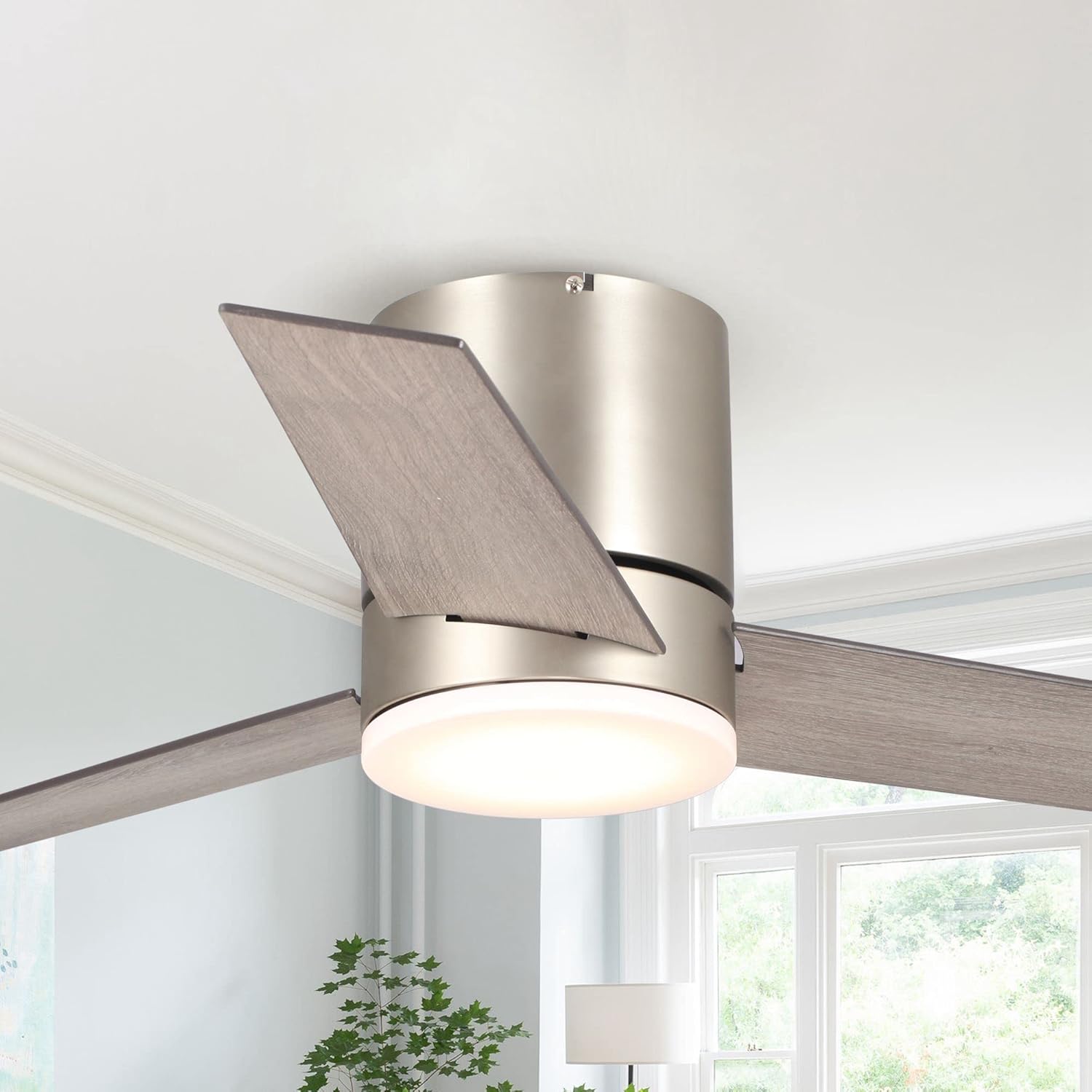
Image: A detailed view of the fan's main body, highlighting the brushed nickel finish and the attachment point for the blades.
Operating Instructions
Your Vaczon ceiling fan is controlled by the included remote. Ensure the remote has fresh batteries installed.
Remote Control Functions:
| Button/Function | Description |
|---|---|
| Fan ON/OFF | Turns the fan on or off. |
| Fan Speed (1-3) | Adjusts fan speed from low (1) to high (3). This model delivers smooth airflow up to 2177 CFM. |
| Light ON/OFF | Turns the integrated LED light on or off. |
| Light Color Temperature (3CCT) | Cycles through 3000K (warm white), 4000K (neutral white), and 6000K (cool white). |
| Reversible Motor | Changes the direction of blade rotation for summer (downward airflow) or winter (upward airflow for heat circulation). |
| Timer | Sets the fan to turn off automatically after a set period (e.g., 1H, 2H, 4H, 8H). |

Image: The illuminated LED light panel of the fan, demonstrating its brightness and integrated design.
Maintenance
Regular maintenance ensures optimal performance and longevity of your ceiling fan.
- Cleaning: Dust the fan blades and motor housing regularly with a soft, damp cloth. Do not use abrasive cleaners or solvents. Ensure power is off before cleaning.
- Blade Balance: If the fan wobbles, check that all blade screws are tight. Minor wobbling can often be corrected by ensuring blades are clean and free of debris.
- Light Kit: The LED light panel is designed for long life and typically does not require replacement. If issues arise, contact customer support.

Image: A close-up view of one of the fan blades, highlighting its reversible wood-grain texture and finish.
Troubleshooting
Before contacting customer support, try these common troubleshooting steps:
| Problem | Possible Cause | Solution |
|---|---|---|
| Fan does not start | No power; loose wiring; remote control issues. | Check circuit breaker. Ensure all wiring connections are secure. Replace remote batteries. |
| Fan wobbles | Loose blade screws; unbalanced blades; improper mounting. | Tighten all blade screws. Ensure blades are clean. Re-check mounting bracket security. |
| Light does not work | Loose wiring; LED panel issue. | Check light kit wiring connections. If issue persists, contact customer support. |
| Remote not working | Dead batteries; remote not paired. | Replace batteries. Refer to the full manual for remote pairing instructions if necessary. |
Specifications
| Feature | Detail |
|---|---|
| Brand | Vaczon |
| Model Name | VCZ076NS |
| Size | 48 inch |
| Color | Semi-Matte Nickel |
| Product Dimensions | 48"D x 48"W x 10"H |
| Electric Fan Design | Ceiling Fan |
| Power Source | AC |
| Style | Modern |
| Room Type | Living Room, Bedroom, Kitchen (Indoor & Outdoor rated) |
| Special Feature | Remote Controlled, 3-Color CCT LED Light, Reversible Motor, Timer |
| Recommended Uses | Air Circulation |
| Control Method | Remote |
| UPC | 749874210558 |

Image: A technical diagram illustrating the dimensions of the 48-inch ceiling fan, including its 10-inch height and 48-inch width.
Warranty and Support
Vaczon products are designed for quality and reliability. This product comes with a standard manufacturer's warranty covering defects in materials and workmanship. Please refer to the warranty card included in your package for specific terms and conditions.
For technical support, troubleshooting assistance, or warranty claims, please contact Vaczon customer service:
- Online Support: Visit the official Vaczon Store on Amazon: Vaczon Store
- Seller Contact: For direct inquiries, you may contact the seller "VACZON USA" through the Amazon platform.
Please have your model number (VCZ076NS) and purchase date ready when contacting support.
Ask a question about this manual
Ask about setup, troubleshooting, compatibility, parts, safety, or missing instructions. Manuals+ will review the question and use this page’s manual context to help answer it.