
Introduction
Thank you for choosing the Rolosar Q76 Wireless Earbuds. These 2025 Bluetooth 5.4 headphones are designed for sport and active lifestyles, featuring ENC noise-canceling microphones, 50 hours of stereo playback with the charging case, IP7 waterproof rating, and comfortable earhooks. This manual provides essential information for setting up, operating, and maintaining your earbuds to ensure optimal performance and longevity.
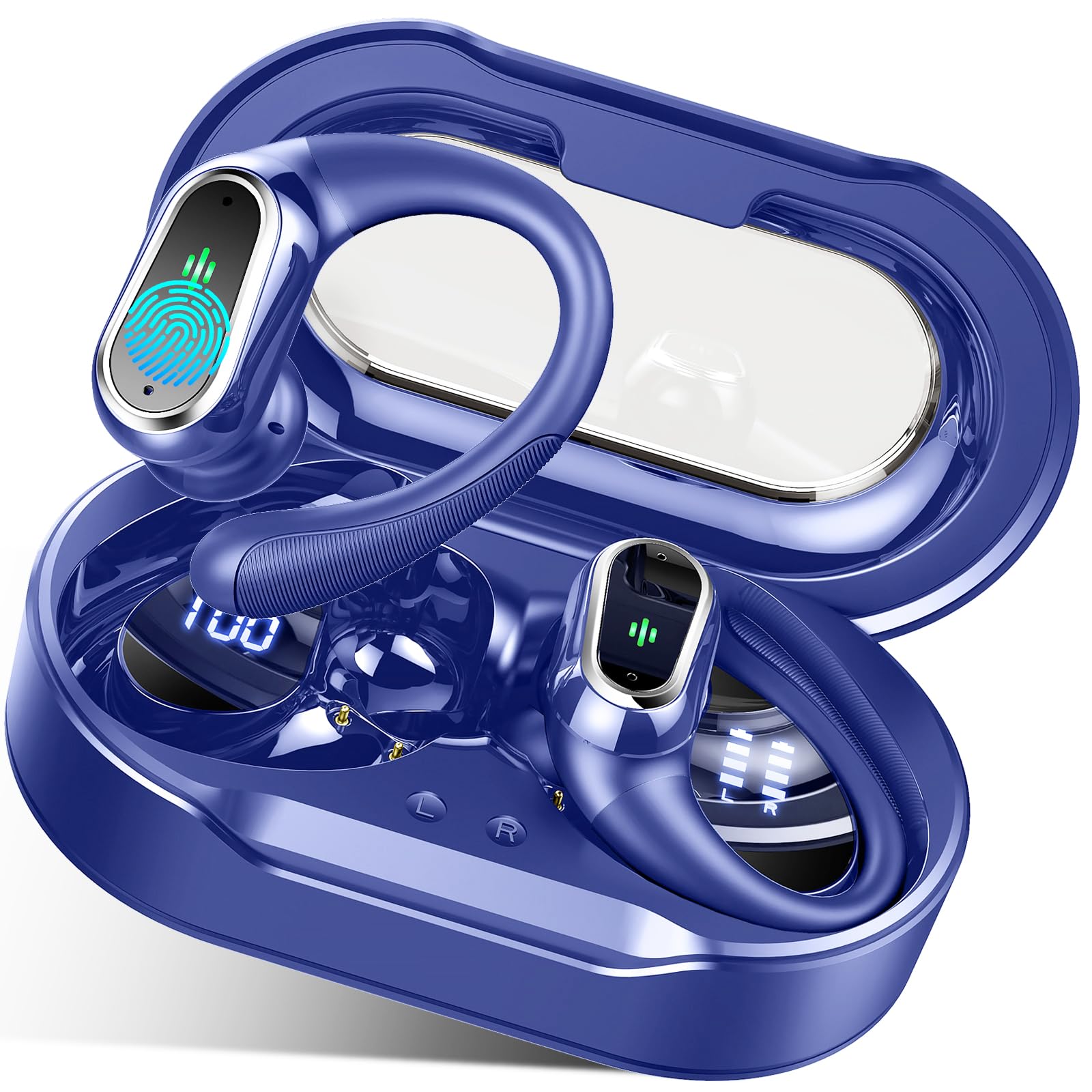
Image: Rolosar Q76 Wireless Earbuds in Gemstone Deep Blue, showcasing the sleek design and earhook feature.
What's in the Box
- Rolosar Q76 Wireless Earbuds (Left and Right)
- Charging Case with Dual LED Display
- USB-C Charging Cable
- 3 Pairs of Ear Tips (S/M/L)
- User Manual
Setup
1. Charging the Earbuds and Case
Before first use, fully charge the earbuds and the charging case. The charging case provides multiple additional charges, extending usage time up to 50 hours. Earbuds provide approximately 10 hours of playback per charge.
- Place the earbuds into the charging case. Ensure they are correctly seated.
- Connect the USB-C charging cable to the charging port on the case and to a power source.
- The dual LED display on the case will show the battery level of the case and the charging status of each earbud.
- Charging time for earbuds is approximately 1.5 hours. Charging time for the case is approximately 2 hours.

Image: The Rolosar Q76 charging case open, displaying the earbuds and their individual charge levels, along with the case's battery percentage on a dual LED screen.
2. Pairing with Your Device
The Rolosar Q76 earbuds utilize advanced Bluetooth 5.4 technology for faster, more stable connections and ultra-low latency.
- Open the lid of the charging case. The earbuds will automatically power on and enter pairing mode.
- On your device (smartphone, tablet, laptop), enable Bluetooth and search for available devices.
- Select "Q76" from the list of available devices to connect.
- Once paired, the earbuds will automatically connect to the last paired device when the case lid is opened.

Image: A visual guide showing the one-step auto-pairing process for the Rolosar Q76 earbuds, with a smartphone screen displaying the 'Q76' device ready for connection.
Operating Instructions
Smart Touch Controls
The earbuds feature high-sensitivity smart touch controls located on the upper part of the earphone surface for easy operation.
- Play/Pause Music: Single tap on either earbud.
- Volume Up: Single tap on the right earbud.
- Volume Down: Single tap on the left earbud.
- Next Song: Long press the right earbud for 2 seconds.
- Previous Song: Long press the left earbud for 2 seconds.
- Answer/End Call: Double tap on either earbud.
- Reject Call: Long press either earbud for 2 seconds.
- Activate Voice Assistant: Triple tap on either earbud.
- Power On/Off: Long press either earbud for 5 seconds (or simply place them in the charging case to power off).
- Unpair Earbuds: Quickly tap the left and right earbuds 5 times simultaneously.

Image: An illustration detailing the smart touch control functions on the Rolosar Q76 earbuds, showing icons for play/pause, volume, call management, and voice assistant activation.
Wearing the Earbuds
The flexible and soft earhooks ensure a secure and comfortable fit, ideal for sports and active use.
- Choose the right size ear tips (S/M/L) for optimal comfort and sound isolation.
- Place the earbud into your ear canal.
- Gently place the earhook over your ear, adjusting it to a comfortable and secure angle.

Image: A step-by-step guide demonstrating how to properly wear the Rolosar Q76 sports earbuds, highlighting the earhook design for a secure fit during physical activity.
Features
- Crystal-clear Call and Hi-Fi Sound Quality: Equipped with 14.2mm double-layer diaphragm drivers for strong bass, clear mids, and bright treble. Built-in microphones with ENC Noise Canceling ensure clear conversations.
- IP7 Waterproof and Sweatproof: Designed to resist sweat, rain, and minor water splashes, making them suitable for workouts, gym, running, and cycling.
- Long Playtime: Up to 10 hours of playback on a single charge, extended to 50 hours with the portable charging case.

Image: An exploded view diagram of the Rolosar Q76 earbud's internal components, emphasizing its 14.2mm drivers, dual channel transmission, ACC audio coding, and call noise reduction for Hi-Fi stereo and deep bass sound.
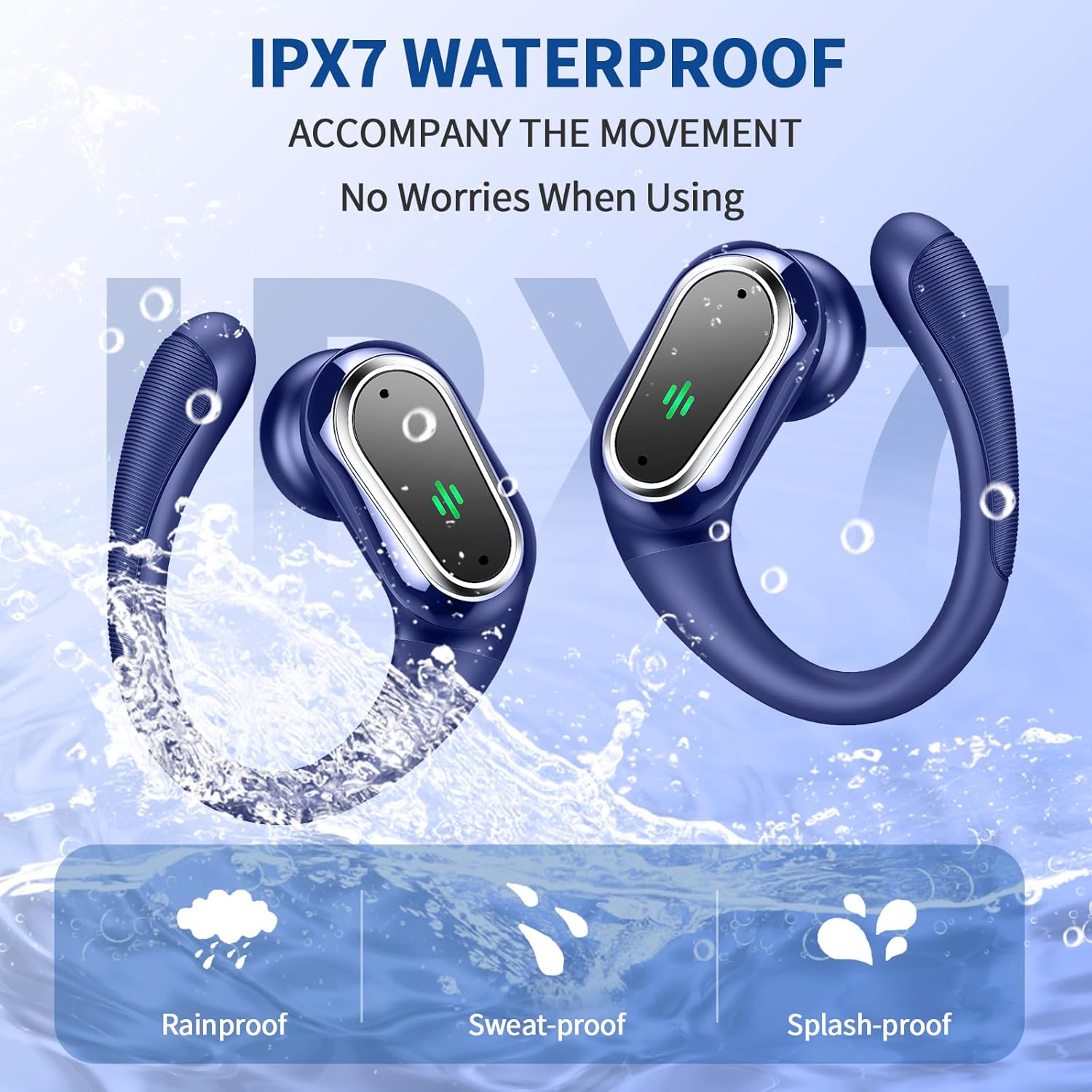
Image: Two Rolosar Q76 earbuds submerged in water, illustrating their IPX7 waterproof capability, with icons for rainproof, sweat-proof, and splash-proof features.
Maintenance
- Cleaning: Regularly clean the earbuds, especially the ear tips and charging contacts, with a soft, dry cloth to prevent wax buildup and ensure proper charging.
- Storage: Store the earbuds in their charging case when not in use to protect them and keep them charged.
- Water Exposure: While IP7 waterproof, avoid prolonged submersion in water. Ensure earbuds are dry before placing them back in the charging case to prevent damage.
Troubleshooting
- Earbuds not pairing: Ensure both earbuds are charged. Place them back in the case, close the lid, then open it again to re-enter pairing mode. If issues persist, try unpairing them from your device and re-pairing.
- No sound from one earbud: Ensure both earbuds are charged and properly paired. Try resetting the earbuds by placing them in the case and then taking them out.
- Charging issues: Check the USB-C cable and charging port for any debris. Ensure the charging contacts on both the earbuds and case are clean and dry.
- Unresponsive touch controls: Ensure your fingers are clean and dry. Try restarting the earbuds.
Specifications
| Brand | Rolosar |
| Model Number | Q76 |
| Color | Gemstone Deep Blue |
| Ear Placement | In Ear |
| Form Factor | In Ear |
| Impedance | 5 Ohms |
| Battery Average Life | 10 Hours (Earbuds) |
| Noise Control | Environmental Noise Cancellation (ENC) |
| Audio Driver Type | Dynamic Driver (14.2mm) |
| Water Resistance Level | IP7 Waterproof |
| Connectivity Technology | Wireless (Bluetooth) |
| Bluetooth Range | 30 Feet |
| Bluetooth Version | 5.4 |
| Compatible Devices | Cellphones, Tablets, Laptops, Television |
Warranty and Support
For warranty information and customer support, please refer to the product packaging or contact Rolosar customer service directly. Keep your purchase receipt for any warranty claims.