
Introduction
Thank you for choosing the CASCHO G10 Bluetooth Headset. This manual provides detailed instructions for setting up, operating, maintaining, and troubleshooting your new wireless headset. Designed for clear communication and comfortable wear, the G10 features Bluetooth 5.4, ENC dual noise-cancelling microphones, and multipoint connectivity.
Package Contents
- 1 x CASCHO G10 Bluetooth Headset
- 1 x USB-C Charging Cable
- 1 x Charging Compartment (Charging Box)
- 1 x Product Manual
- S/M/L Earplugs (1 set each size)
Setup
1. Charging the Headset and Charging Box
Before first use, fully charge the headset and its charging box. Connect the USB-C cable to the charging box and a power source. The LED digital display on the charging box will indicate the charging status and battery level. A full charge takes approximately 1.5 hours.

Image: The CASCHO G10 headset inside its charging box, displaying battery indicators and estimated battery life (100H Standby, 20H Music, 15H Talking, 1.5H Charging).
2. Wearing the Headset
The G10 headset features an ergonomic design for comfortable wear. Select the appropriate ear tip size (S, M, or L) for a secure and comfortable fit. The ear hook can rotate 270° and the microphone boom 180° for flexible adjustment and binaural wearing (left or right ear).

Image: Visual guide demonstrating the adjustable ear hook and microphone, and the three sizes of ear tips included for personalized comfort.
3. Pairing with a Device
- Ensure the headset is charged and powered on.
- Activate Bluetooth on your device (smartphone, tablet, laptop).
- Search for available Bluetooth devices. The headset will appear as "G10".
- Select "G10" to connect. Once paired, the headset will automatically connect to this device in the future when powered on and within range.
The G10 utilizes Bluetooth 5.4 technology for faster and more stable connections, with an effective signal range of approximately 15 meters (50 feet).
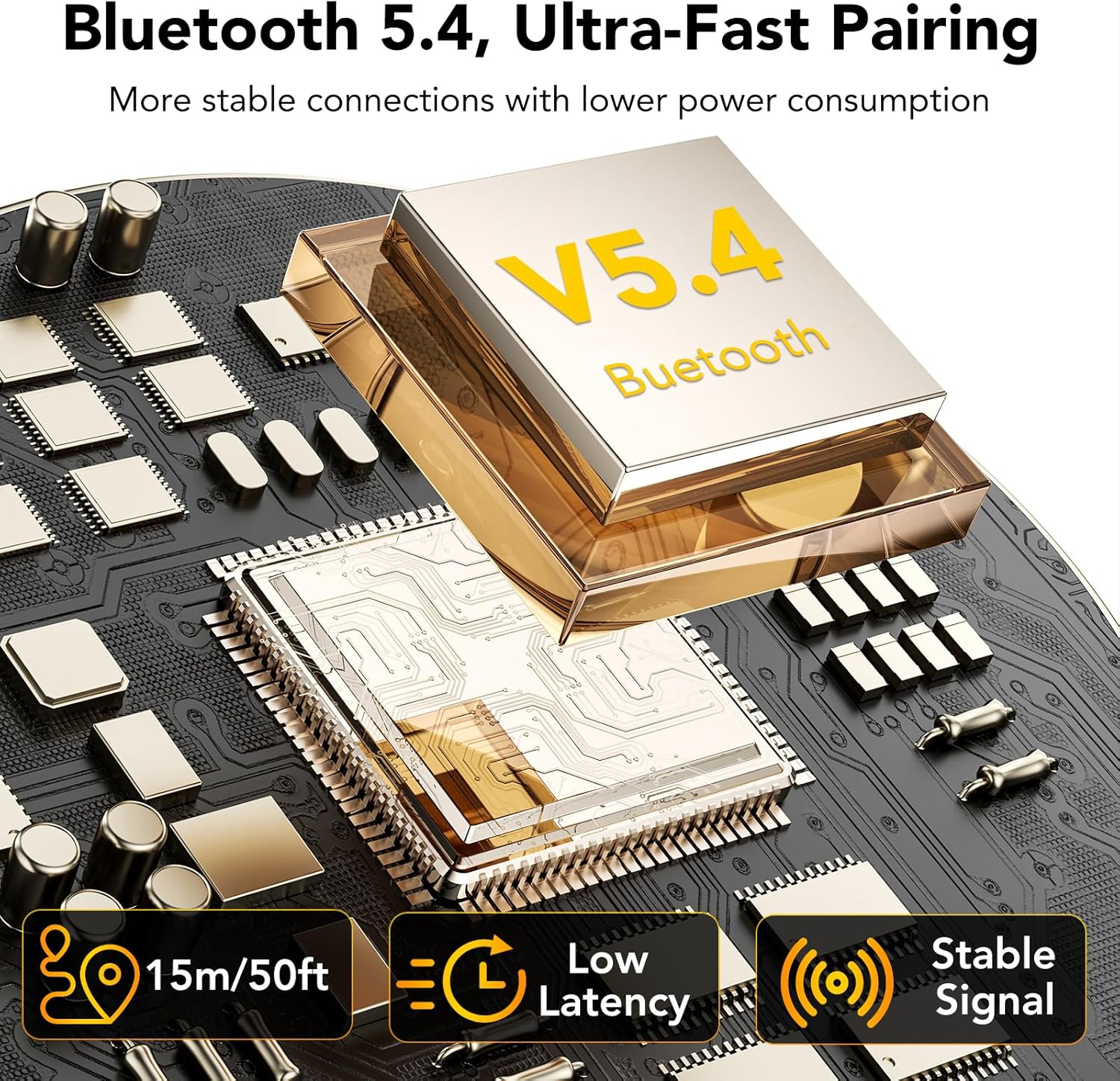
Image: An illustration highlighting the benefits of Bluetooth 5.4, including extended range, low latency, and enhanced signal stability.
Operating Instructions
1. Basic Controls
The headset features button controls for various functions. Refer to the included product manual for a detailed diagram of button placement.
- Power On/Off: Press and hold the Multi-Function Button (MFB).
- Play/Pause: Single press the MFB.
- Answer/End Call: Single press the MFB.
- Reject Call: Press and hold the MFB.
- Volume Up/Down: Use the dedicated volume buttons.
- Next Track: Press and hold the Volume Up button.
- Previous Track: Press and hold the Volume Down button.
2. Call Features
- Mute Function: During a call, press the dedicated "microphone" button to mute or unmute your microphone. This function is available only on mobile calls.
- ENC Noise Cancellation & CVC 8.0: The headset incorporates dual ENC microphones and CVC 8.0 technology to filter out up to 90% of ambient noise, ensuring clear voice transmission during calls.
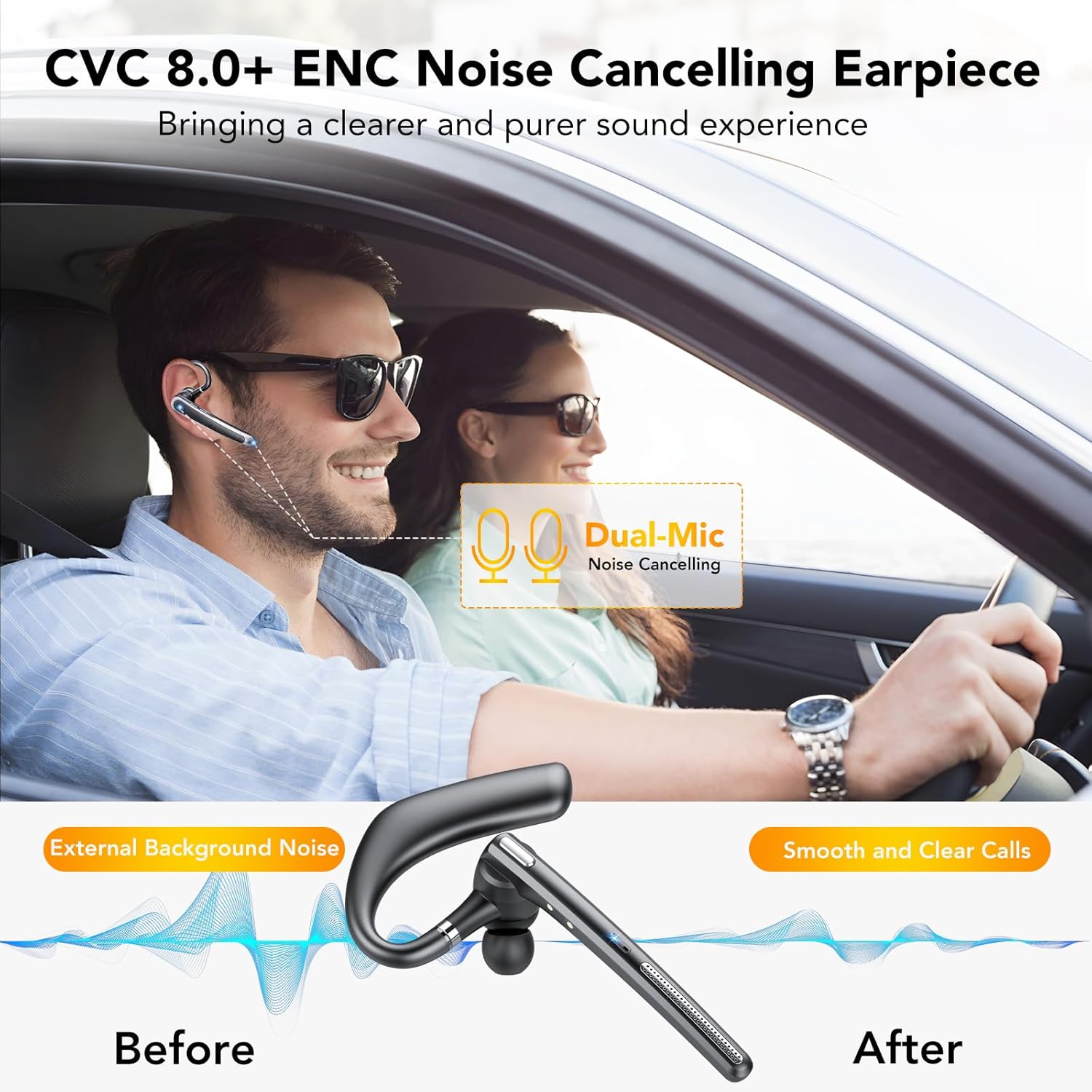
Image: A visual representation of the noise-cancelling technology, showing the reduction of external background noise for improved call clarity.

Image: Demonstrations of the mute button for privacy during calls and the activation of voice assistants like Siri or Android Assistant for hands-free operation.
3. Voice Assistant
Triple-click the MFB button to activate your device's voice assistant (Siri, Google Assistant, etc.). This allows for hands-free control, especially useful while driving.
4. Multipoint Connectivity
The CASCHO G10 supports intelligent pairing with two Bluetooth devices simultaneously. This allows you to seamlessly switch between devices, for example, listening to music on a tablet and answering calls on a smartphone without re-pairing.

Image: A diagram illustrating how the headset can maintain connections with two devices concurrently, enabling seamless switching.
Maintenance
- Cleaning: Use a soft, dry cloth to clean the headset and charging box. Do not use harsh chemicals or abrasive materials.
- Ear Tips: Regularly remove and clean the ear tips with a damp cloth. Ensure they are completely dry before reattaching.
- Storage: Store the headset in its charging box when not in use to protect it from dust and damage.
- Battery Care: To prolong battery life, avoid fully discharging the battery frequently. Charge the headset regularly, even if not in constant use.
- Water Resistance: The headset is IPX7 waterproof, meaning it can withstand immersion in water up to 1 meter for 30 minutes. However, it is not recommended for swimming or prolonged water exposure. Ensure the charging port is dry before charging.
Troubleshooting
| Problem | Solution |
|---|---|
| Headset does not power on. | Ensure the headset is fully charged. Press and hold the MFB for a few seconds. |
| Cannot pair with device. | Ensure Bluetooth is enabled on your device. Make sure the headset is in pairing mode (usually indicated by a flashing LED). Forget previous pairings on your device and try again. Ensure the headset is within 1 meter of the device during pairing. |
| No sound or poor sound quality. | Check device volume and headset volume. Ensure the headset is properly connected to your device. Try re-pairing. Move closer to your device to avoid interference. |
| Microphone not working. | Ensure the microphone is not muted. Check your device's audio input settings to confirm the headset is selected. |
| Headset disconnects frequently. | Ensure the headset is within the 15-meter operating range of your device. Avoid obstacles between the headset and device. Check for other wireless interference. |
Specifications
| Feature | Detail |
|---|---|
| Model | G10 |
| Bluetooth Version | 5.4 |
| Headset Battery Capacity | 110 mAh |
| Charging Box Battery Capacity | 500 mAh |
| Charging Time (Full) | 1.5 Hours |
| Talk Time (per earphone) | 15-20 Hours |
| Music Playback Time (per earphone) | 15-20 Hours |
| Total Standby Time (with charging case) | Up to 100 Hours |
| Wireless Range | Approx. 15 meters (50 feet) |
| Noise Cancellation | ENC Dual Microphones, CVC 8.0 |
| Driver Size | 14.5 mm Dynamic Drivers |
| Water Resistance Rating | IPX7 |
| Weight | 76.8 Grams (Item weight) |
| Material | Plastic |
| Compatibility | iOS, Android, Laptops, PCs, Tablets, all Bluetooth-enabled devices |
| Special Features | Built-In Voice Assistant, Fast Charging, Microphone Included, Multipoint Pairing, Rechargeable Battery |
| Impedance | 32 Ohms |
| Frequency Response | 2000 Hz |
| Sensitivity | 103 dB |
Warranty and Support
For warranty information or technical support, please refer to the contact details provided with your purchase documentation or visit the official CASCHO website. Keep your proof of purchase for warranty claims.


