
1. Introduction
Thank you for choosing the XDOBO SINOBAND Challenger 2020 Bluetooth Speaker. This manual provides essential information for setting up, operating, and maintaining your speaker to ensure optimal performance and longevity. Please read this manual thoroughly before using the product.
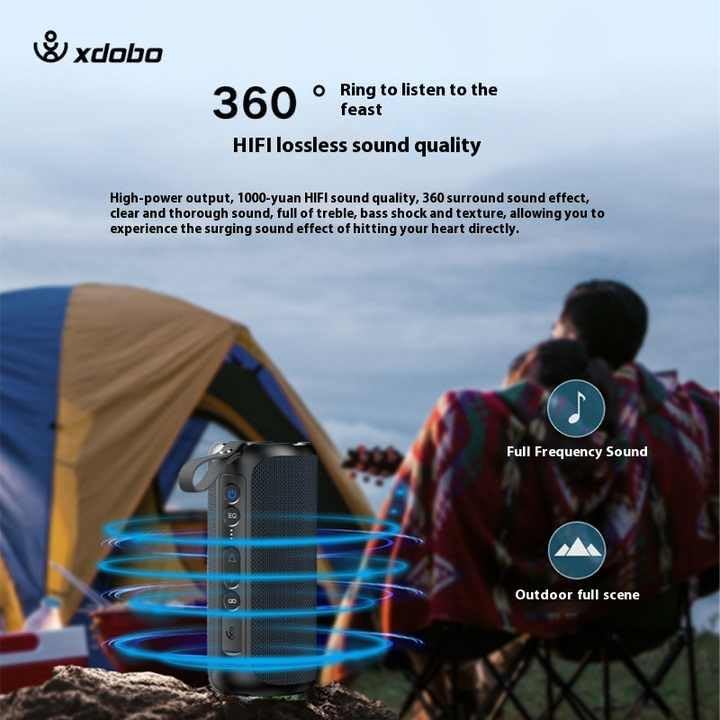
Image 1.1: The XDOBO SINOBAND Challenger 2020 Bluetooth Speaker, showcasing its compact and portable design.
The SINOBAND Challenger 2020 is a powerful and portable Bluetooth speaker designed for rich, dynamic audio experiences. It features 50W output, Bluetooth 5.3 connectivity, and an IPX7 waterproof rating, making it suitable for various environments, including outdoor use.
2. Setup
2.1. Charging the Speaker
Before first use, fully charge the speaker. Use the provided Type-C charging cable.
- Connect the Type-C cable to the speaker's charging port.
- Connect the other end of the cable to a compatible USB power adapter (not included).
- The charging indicator light will illuminate.
- A full charge takes approximately 4 hours. The indicator light will change or turn off once charging is complete.
2.2. Powering On/Off
- To power on: Press and hold the power button for a few seconds until you hear an audible prompt and the indicator light turns on.
- To power off: Press and hold the power button for a few seconds until you hear an audible prompt and the indicator light turns off.
3. Operating Instructions
3.1. Bluetooth Pairing
The speaker uses Bluetooth 5.3 for stable and seamless connectivity.
- Ensure the speaker is powered on and in pairing mode (indicator light will flash).
- On your device (smartphone, tablet, etc.), enable Bluetooth and search for available devices.
- Select "SINOBAND Challenger 2020" from the list of devices.
- Once paired, the speaker will emit an audible confirmation, and the indicator light will become solid.
- The speaker will automatically reconnect to the last paired device when powered on, if the device's Bluetooth is active and within range.
3.2. Basic Controls
The speaker features touch controls for various functions:
- Power Button: Press and hold to power on/off.
- Play/Pause Button: Press once to play or pause music.
- Volume Up (+): Press to increase volume.
- Volume Down (-): Press to decrease volume.
- Next Track: Press and hold Volume Up (+) button.
- Previous Track: Press and hold Volume Down (-) button.
- EQ Button: Press to cycle through different equalizer modes.
3.3. True Wireless Stereo (TWS) Pairing
You can connect two SINOBAND Challenger 2020 speakers to create a stereo sound system for an enhanced audio experience.

Image 3.1: Two Challenger 2020 speakers connected via TWS for stereo sound.
- Ensure both speakers are powered on and not connected to any Bluetooth device.
- On one speaker (this will be the primary speaker), press and hold the TWS pairing button (refer to the speaker's button layout if available, otherwise assume a dedicated button or combination).
- The primary speaker will search for the secondary speaker.
- Once connected, both speakers will emit an audible confirmation, and their indicator lights will synchronize.
- Now, connect your device to the primary speaker via Bluetooth as described in section 3.1. Audio will play through both speakers in stereo.

Image 3.2: Illustration of the 360-degree sound output and Hi-Fi lossless audio quality of the speaker.
4. Maintenance
4.1. Cleaning
- Wipe the speaker with a soft, damp cloth.
- Do not use abrasive cleaners, alcohol, or chemical solvents, as these may damage the surface.
- Ensure the charging port cover is securely closed before cleaning or exposing to water.
4.2. Water Resistance (IPX7)
The SINOBAND Challenger 2020 is IPX7 waterproof, meaning it can be submerged in water up to 1 meter for 30 minutes. This makes it suitable for use near water, but it is not designed for prolonged underwater use.
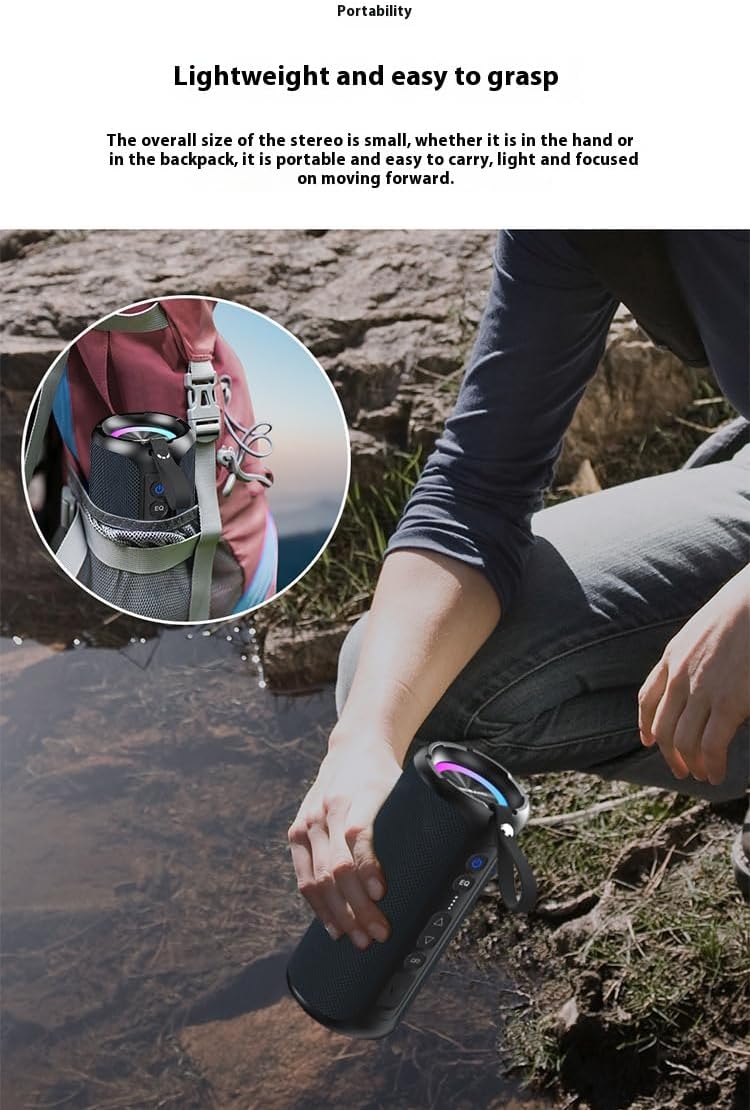
Image 4.1: The speaker demonstrating its IPX7 waterproof capability.
- Always ensure the charging port cover is tightly sealed before exposing the speaker to water.
- Do not expose the speaker to saltwater or other chemicals.
- After exposure to water, dry the speaker thoroughly before charging.
4.3. Storage and Battery Care
- Store the speaker in a cool, dry place away from direct sunlight and extreme temperatures.
- To preserve battery life, charge the speaker at least once every three months if not used regularly.
- Avoid fully discharging the battery frequently.

Image 4.2: The speaker's portable design, suitable for outdoor activities.
5. Troubleshooting
| Problem | Possible Cause | Solution |
|---|---|---|
| Speaker does not power on. | Low battery. | Charge the speaker for at least 30 minutes. |
| Cannot pair via Bluetooth. | Speaker not in pairing mode; device Bluetooth off; too far from device. | Ensure speaker is in pairing mode. Turn device Bluetooth off and on. Move speaker closer to device (within 10 meters). |
| No sound. | Volume too low; speaker not connected; audio source paused. | Increase speaker and device volume. Re-pair Bluetooth. Check audio source playback. |
| Sound distortion. | Volume too high; low battery; interference. | Reduce volume. Charge speaker. Move away from other electronic devices. |
| TWS pairing fails. | Speakers already paired to another device; too far apart. | Disconnect both speakers from any Bluetooth devices. Ensure speakers are close to each other. Try pairing again. |
6. Specifications
| Feature | Detail |
|---|---|
| Model Name | SINOBAND Challenger 2020 |
| Output Power | 50 Watts |
| Frequency Response | 20 Hz - 20 KHz |
| Bluetooth Version | 5.3 |
| Battery Life | Up to 15 hours |
| Charging Time | Approximately 4 hours (via Type-C) |
| Dimensions (L x W x H) | 10.1 cm x 10.1 cm x 22.9 cm |
| Weight | 573 Grams |
| Signal-to-Noise Ratio (SNR) | ≥80dB |
| Impedance | 4 Ohms |
| Waterproof Rating | IPX7 |
| Material | Fabric |
| Control Method | Touch |
| Input Voltage | 5 Volts |
| Speaker Type | Portable |
| Special Features | Bass Boost, LED Light, Portable |

Image 6.1: Key features of the speaker, including 50W output and IPX7 waterproof rating.
7. Warranty Information
Warranty information for the XDOBO SINOBAND Challenger 2020 Bluetooth Speaker is not provided within this manual. Please refer to the product packaging, the retailer's website, or contact XDOBO customer support for details regarding warranty coverage and terms.
8. Customer Support
For technical assistance, troubleshooting beyond this manual, or general inquiries, please contact XDOBO customer support. Contact details are typically available on the official XDOBO website or through the retailer where the product was purchased.


