
Introduction
This manual provides detailed instructions for the setup, operation, and maintenance of your LIGE EF10-C Smart Watch. Please read this manual thoroughly before using the device to ensure proper function and longevity.

Image: The LIGE EF10-C Smart Watch displaying time, date, weather, steps, heart rate, and music controls.
Package Contents
Verify that all items are present in your package:
- 1 x LIGE EF10-C Smart Watch
- 1 x Steel Strap
- 1 x K56 Silicone Strap
- 1 x AK75 Silicone Strap
- 1 x Bracelet Extension Accessory and Tool
- 1 x User Manual (this document)
- 1 x Charging Cable
Setup
1. Initial Charging
Before first use, fully charge your smartwatch. Connect the magnetic charging cable to the charging contacts on the back of the watch and plug the USB end into a 5V-1A adapter or a computer's USB port. Avoid using higher voltage adapters to prevent damage.
2. App Installation and Device Pairing
To utilize all features, download and install the companion application on your smartphone. The watch is compatible with Android 4.4+ and iOS 9.0+ devices.
- Search for the 'Da Fit' app in the Apple App Store (for iOS) or Google Play Store (for Android) and install it.
- Ensure Bluetooth is enabled on your smartphone.
- Open the 'Da Fit' app, navigate to the 'Add Device' section, and select 'Search Now' to discover your watch (e.g., V69 MAX or EF10-C).
- Follow the on-screen prompts in the app to complete the pairing process.
- After successful connection, enable or disable Bluetooth Calling from the watch settings as desired.
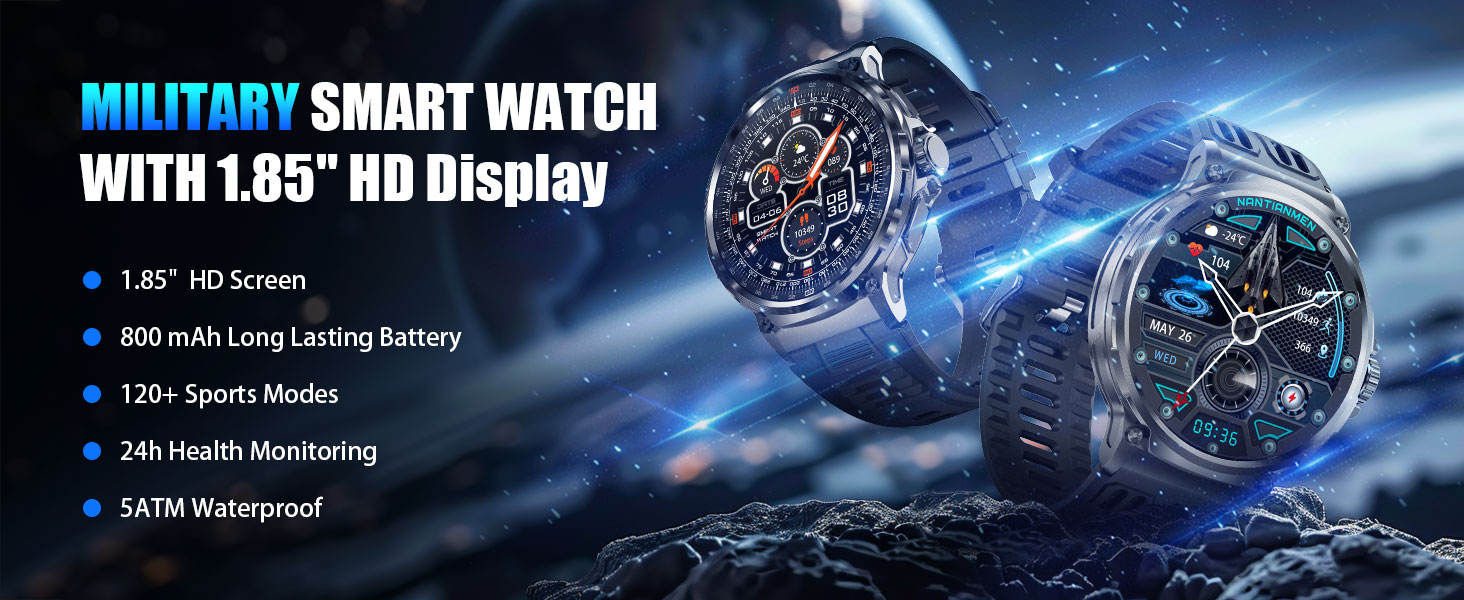
Image: Visual guide for connecting the smartwatch to your phone using the 'Da Fit' application, including steps for app download, Bluetooth activation, device search, and call function setup.
3. Strap Installation
The package includes multiple straps and a tool for changing them. Align the spring bar with the lug holes on the watch body and gently push to secure the strap. Use the provided tool for easier removal and installation of the steel strap.
Operating Instructions
Basic Navigation
- Touch Screen: Swipe left, right, up, or down to navigate through menus and features. Tap to select.
- Side Buttons/Crown: Use the physical buttons on the side for quick access to functions or to return to the home screen. The rotating crown may also allow for scrolling through lists.
Bluetooth Calling and Message Notifications
Once paired with your smartphone, the EF10-C allows for direct communication:
- Making/Answering Calls: Use the watch to answer incoming calls or dial numbers directly. The watch features a 60-decibel speaker and a noise-cancelling microphone for clear audio.
- Message Alerts: Receive notifications for SMS, Facebook, WhatsApp, Twitter, TikTok, and other applications directly on your watch screen.

Image: The smartwatch showing an incoming call, the voice assistant feature, and various app message notifications.
Health Monitoring
The watch is equipped with biometric sensors for continuous health tracking:
- Heart Rate: Monitors your heart rate throughout the day.
- SpO2: Measures blood oxygen levels.
- Sleep Tracking: Analyzes sleep patterns, including deep sleep, light sleep, and awake times.

Image: The smartwatch interface showing health monitoring features: heart rate, blood oxygen, breathing exercise, and sleep tracking.

Image: The smartwatch showing detailed sleep monitoring data, including sleep time and quality analysis.
Sports Modes
The EF10-C supports over 100 sports modes for various activities. Select your desired sport from the watch menu to track metrics such as heart rate, duration, steps, and calories burned.
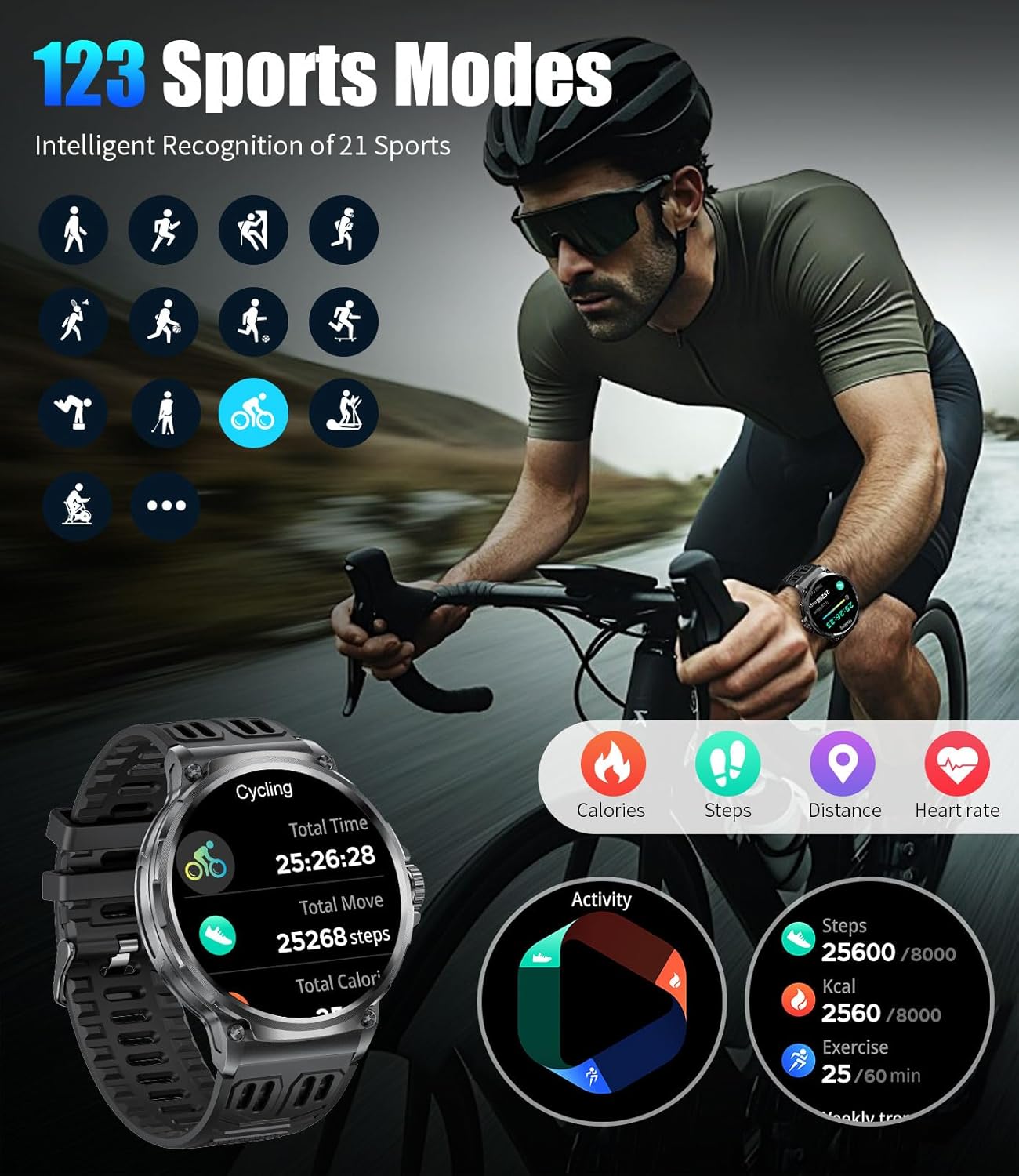
Image: The smartwatch showing a selection of sports modes and real-time tracking data for a cycling activity.
Other Features
The smartwatch includes several additional functions:
- Weather Forecast: View current weather conditions and forecasts.
- Voice Assistant: Activate your phone's voice assistant directly from the watch.
- Alarm, Stopwatch, Timer: Standard timekeeping functions.
- Music Control: Control music playback on your connected smartphone.
- Camera Control: Remotely trigger your smartphone's camera.
- Reminders: Sedentary and water intake reminders.
- Find Phone: Locate your paired smartphone.
- Do Not Disturb Mode: Silence notifications during specific times.
- Flashlight: Utilize the screen as a light source.
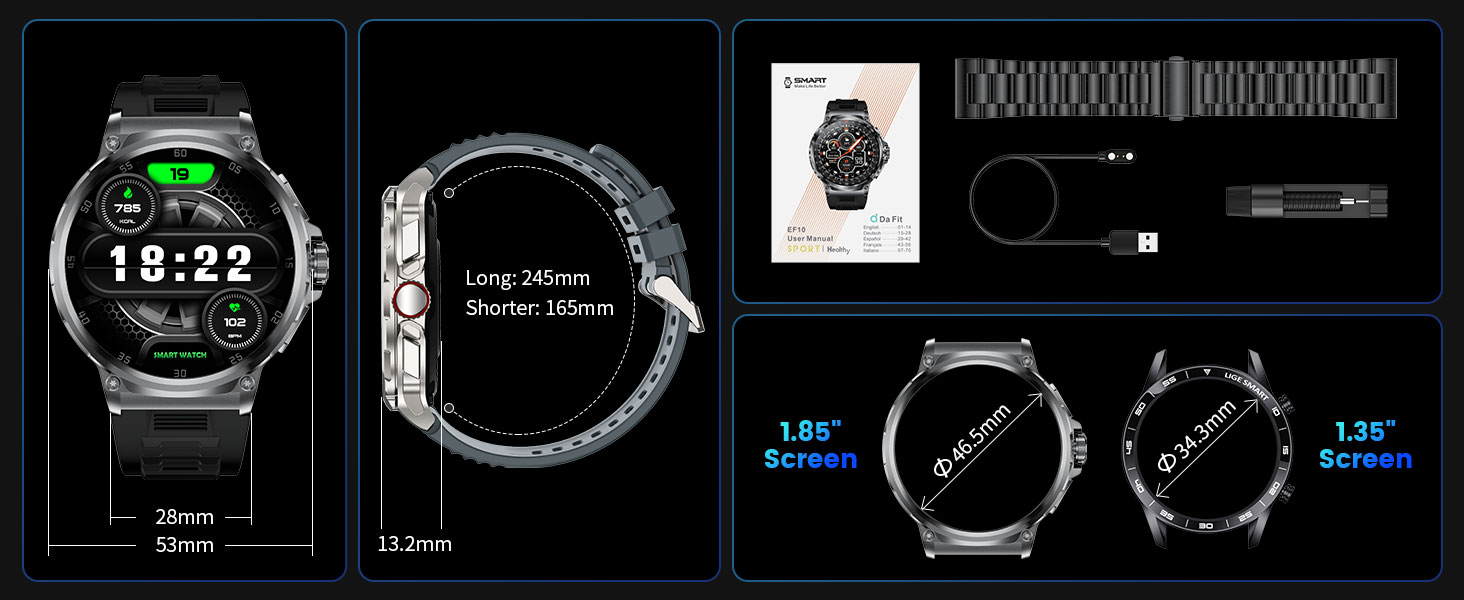
Image: A visual overview of the smartwatch's diverse features, such as weather display, Bluetooth calling, AI voice assistant, and health reminders.
Maintenance
Water Resistance (IP68)
The EF10-C Smart Watch has an IP68 waterproof rating, making it suitable for daily use, hand washing, rain, sweat, and swimming. However, it is not recommended for hot water activities like showering or sauna, or deep diving. The touch screen function is automatically turned off underwater to prevent accidental touches.

Image: The smartwatch being worn during swimming, demonstrating its IP68 water resistance for activities like rain, hand washing, sweat, and swimming.
Video: Demonstrates the durability and water resistance of the EF10-C Smart Watch, including submersion in water and impact tests.
Cleaning
Regularly clean your watch and straps with a soft, dry cloth. If necessary, use a slightly damp cloth and mild soap, then rinse and dry thoroughly. Avoid harsh chemicals or abrasive materials.
Battery Care
The 800mAh battery provides extended usage. To maximize battery life, avoid extreme temperatures and fully charge the device before long periods of inactivity. The watch supports continuous use for 8-14 days under normal conditions and offers a standby time of up to 60 days.

Image: The smartwatch highlighting its 800mAh battery capacity, indicating extended usage between charges.
Troubleshooting
- Device Not Turning On: Ensure the watch is fully charged. Connect it to the charger for at least 30 minutes.
- Cannot Pair with Phone: Make sure Bluetooth is enabled on your phone and the watch. Restart both devices and try pairing again through the 'Da Fit' app. Ensure the app has necessary permissions.
- Inaccurate Health Data/Step Count: Ensure the watch is worn snugly on your wrist, not too tight or too loose. Keep the sensor clean. Note that smartwatches are not medical devices and data is for reference only.
- Notifications Not Appearing: Check app permissions on your phone for the 'Da Fit' app. Ensure notifications are enabled within the app and on the watch.
- Short Battery Life: Reduce screen brightness, disable unnecessary features like continuous heart rate monitoring if not needed, and ensure no background apps are excessively draining power.
- Touch Screen Unresponsive: Restart the watch. If the issue persists, ensure the screen is clean and dry.
Specifications
| Feature | Specification |
|---|---|
| Model Number | EF10-C |
| Screen Size | 1.85 Inches |
| Display Type | IPS HD |
| Resolution | 390x390 |
| Battery Capacity | 800 mAh Lithium Ion |
| Typical Usage Battery Life | 8-14 days |
| Standby Time | Up to 60 days |
| Connectivity | Bluetooth 5.0 |
| Waterproof Rating | IP68 (5ATM) |
| Operating System | Wear OS 1.5 |
| Memory Storage Capacity | 256 MB |
| RAM Memory Installed Size | 128 MB |
| Compatibility | Android 4.4+ / iOS 9.0+ |
| Product Dimensions | 3.94 x 1.97 x 0.98 inches |
| Item Weight | 0.035 ounces (1 Grams) |

Image: A visual comparison of the 1.85-inch HD display of the EF10-C with smaller screens, emphasizing its larger viewing area and higher resolution.

Image: The smartwatch highlighting its military-grade durability, including 5ATM waterproofing and resistance to various environmental factors.
Video: Showcases various watch faces, Bluetooth calling, health monitoring, and sports tracking features of the EF10-C Smart Watch.
Warranty and Support
LIGE offers a 2-year warranty for the EF10-C Smart Watch. For any questions or support needs regarding your product, please contact LIGE customer service. We aim to provide a satisfactory response within 24 hours.
For further assistance, please refer to the official LIGE website or contact their customer support channels.


