
Introduction
Welcome to your ANSTEN Bone Sound Headphones X6. These open-ear headphones are designed for various activities, including swimming and running, featuring IPX8 waterproofing, Bluetooth 5.4 connectivity, and an integrated 32GB MP3 player. This manual provides instructions for setup, operation, and maintenance to ensure optimal performance and longevity of your device.

The ANSTEN Bone Sound Headphones X6, a black, flexible, open-ear design, shown with water splashes, highlighting its waterproof capabilities.
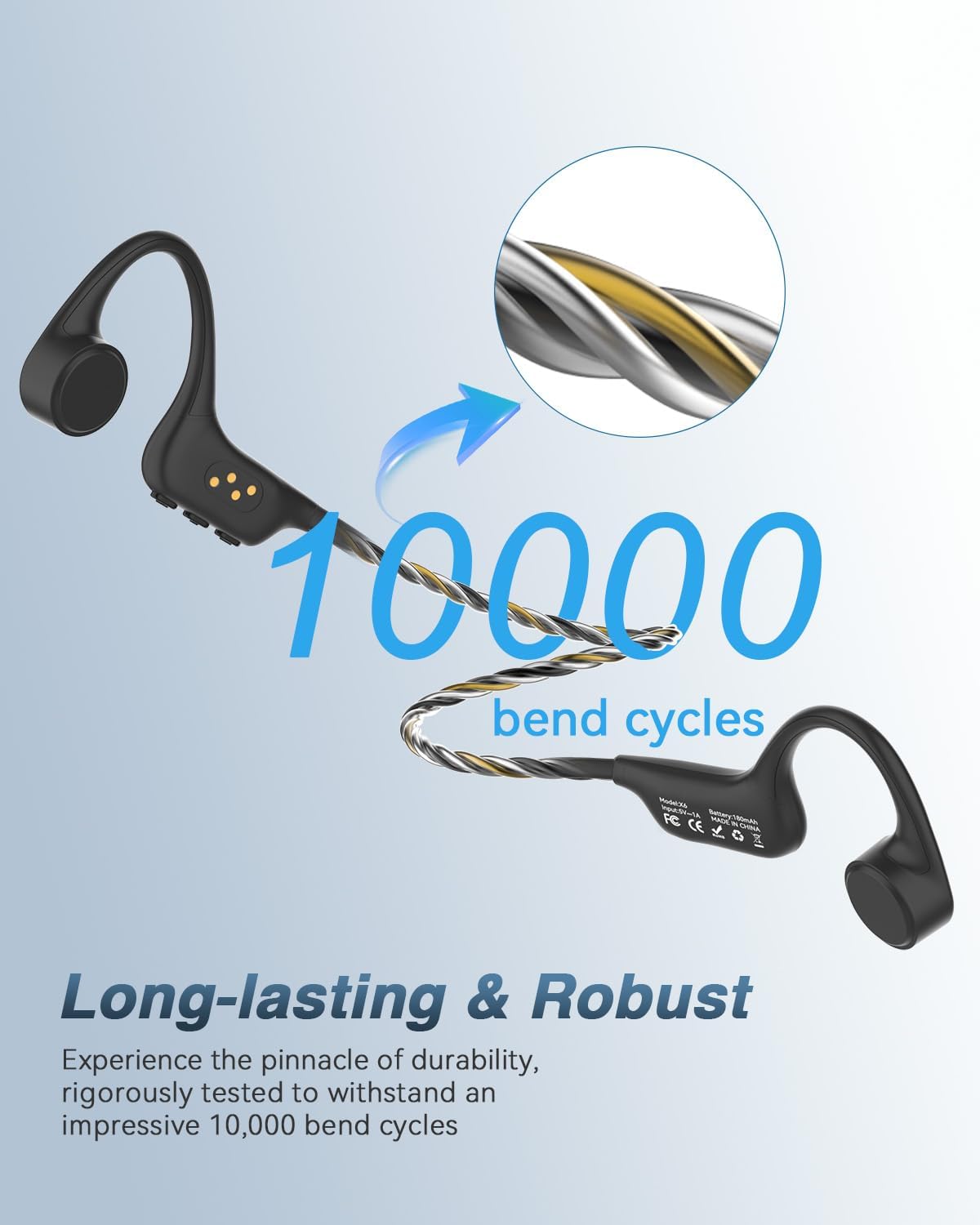
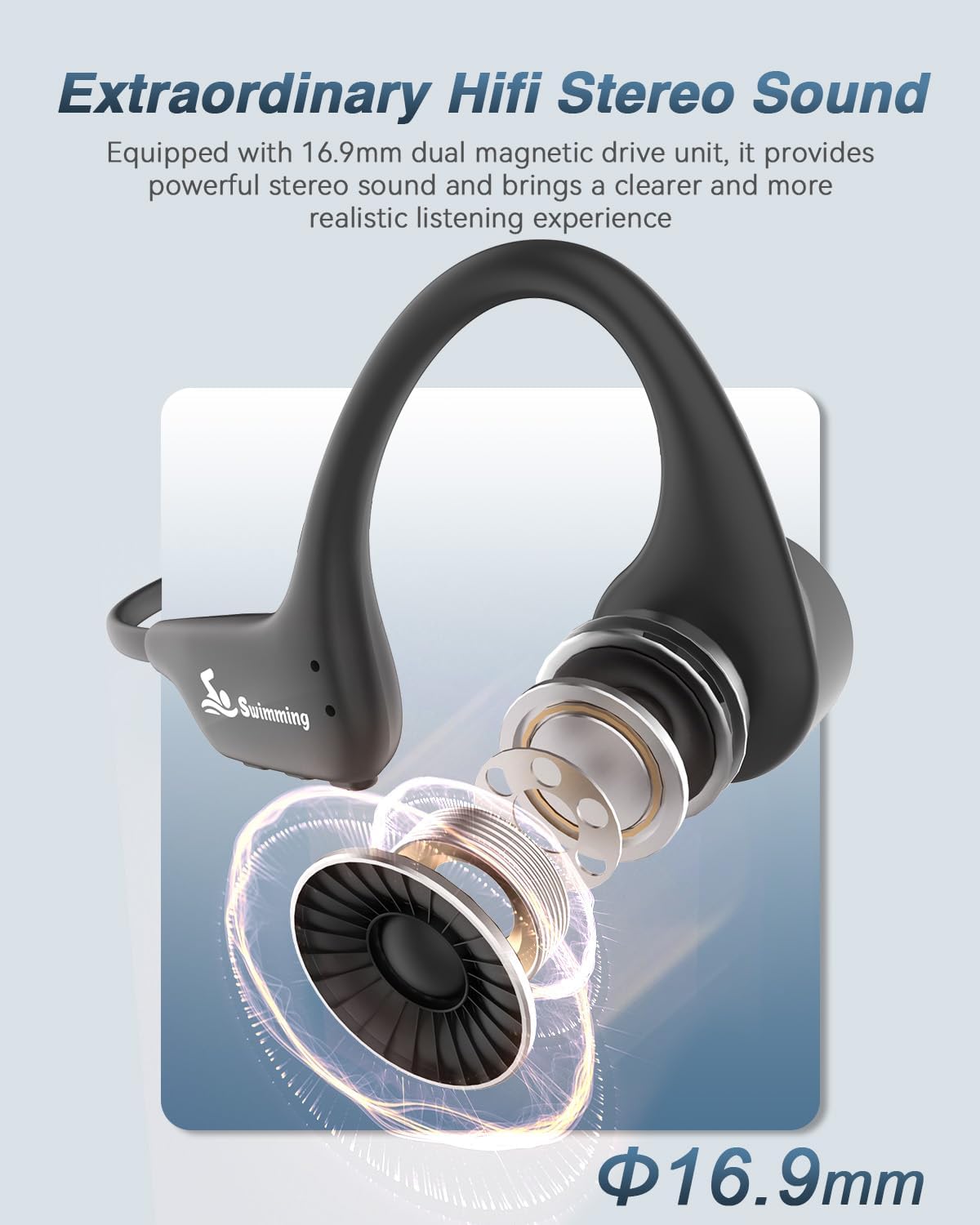
The ANSTEN X6 headphones utilize bone conduction technology, allowing you to hear audio while remaining aware of your surroundings. They are constructed from a high-quality alloy for durability and flexibility.
Package Contents
- 1 x ANSTEN Bone Sound Headphones X6
- 1 x Magnetic Charging Cable
- 1 x User Manual
Setup
Charging the Headphones
Before first use, fully charge the headphones.
- Connect the magnetic charging cable to the charging port on the headphones.
- Connect the other end of the cable to a USB power source (e.g., computer, USB wall adapter).
- The indicator light will show charging status. A full charge takes approximately 2 hours.

An illustration showing the ANSTEN X6 headphones connected to a laptop via its magnetic charging cable, with a 32GB MP3 icon and text indicating 8 hours play time and 2 hours charging time.
Power On/Off
To power on, press and hold the multi-function button for 3 seconds until the indicator light flashes.
To power off, press and hold the multi-function button for 3 seconds until the indicator light turns off.
Bluetooth Pairing
Ensure the headphones are powered off.
- Press and hold the multi-function button for approximately 5-7 seconds until the indicator light flashes red and blue alternately, indicating pairing mode.
- On your device (smartphone, tablet, laptop), enable Bluetooth and search for "ANSTEN X6".
- Select "ANSTEN X6" from the list of available devices to connect. A voice prompt will confirm successful pairing.
The ANSTEN X6 headphones shown next to a tablet and a smartphone, illustrating its multi-device connection capability for quick pairing.
Loading MP3 Files
The headphones have a built-in 32GB memory for MP3 playback.
- Connect the headphones to your computer using the magnetic charging cable.
- The headphones will appear as a removable disk drive on your computer.
- Drag and drop your MP3 or WMA audio files into the headphones' storage folder.
- Safely eject the device from your computer before disconnecting the cable.
Operating Instructions
Switching Between Bluetooth and MP3 Mode
Double-click the multi-function button to switch between Bluetooth mode and MP3 mode. A voice prompt will indicate the current mode.
Note:
Bluetooth signals cannot be transmitted effectively underwater. For swimming, please switch to MP3 mode.
Volume Control
Use the volume up (+) and volume down (-) buttons to adjust the audio level.
Track Control
Press the volume up (+) button for 2 seconds to skip to the next track.
Press the volume down (-) button for 2 seconds to go to the previous track.
Call Functions (when connected via Bluetooth)
Answer/End Call: Press the multi-function button once.
Reject Call: Press and hold the multi-function button for 2 seconds.
Wearing the Headphones
Place the headphones with the transducers resting on your cheekbones, just in front of your ears. The band should wrap around the back of your head.

A person swimming, wearing the ANSTEN X6 headphones, demonstrating their use during water activities. Text overlay indicates 'IPX8 Professional Waterproof'.

A person cycling outdoors, wearing the ANSTEN X6 headphones and a helmet, illustrating the open-ear design for safety and awareness of surroundings.
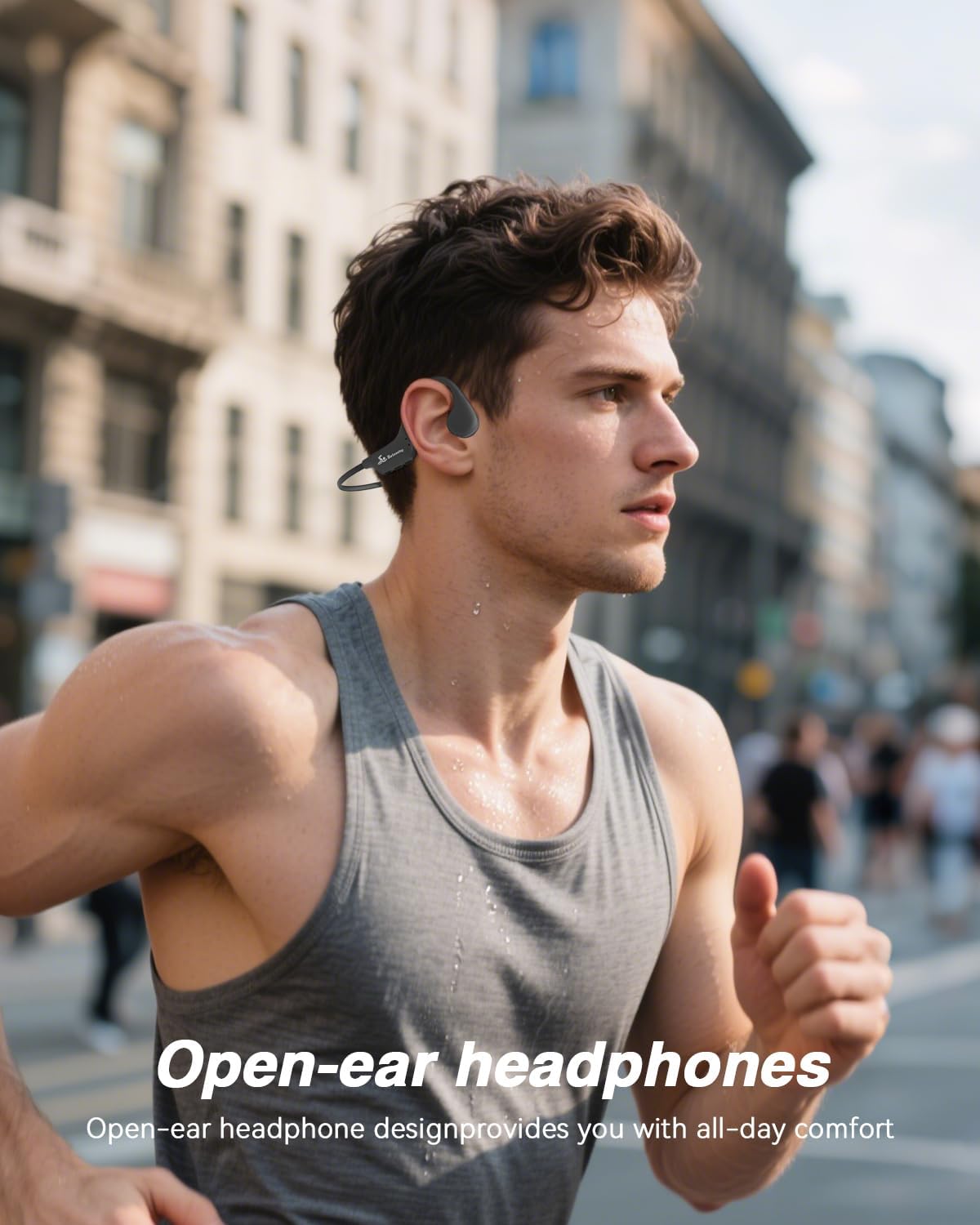
A person running in an urban environment, wearing the ANSTEN X6 headphones, showcasing the open-ear design for comfort during exercise.
Maintenance and Care
Waterproofing
The ANSTEN X6 headphones are IPX8 waterproof, suitable for swimming and other water sports.
Important:
Always switch to MP3 mode when using the headphones underwater, as Bluetooth signals do not transmit through water.
Cleaning
Wipe the headphones with a soft, dry cloth after each use, especially after exposure to sweat, saltwater, or chlorinated water.
For the microphone, gently wipe any moisture or debris from the microphone hole to ensure clear call quality.
A close-up of the ANSTEN X6 headphones being wiped with a finger, with text 'Microphone Care Tips' advising to wipe off sweat or rainwater for good call quality.
Storage
Store the headphones in a cool, dry place away from direct sunlight and extreme temperatures.
Troubleshooting
No Power
- Ensure the headphones are fully charged.
- Press and hold the multi-function button for 3 seconds to power on.
No Sound
- Check the volume level on both the headphones and your connected device.
- Ensure the headphones are correctly paired via Bluetooth or in MP3 mode.
- If in MP3 mode, ensure audio files are loaded correctly.
Bluetooth Disconnection
- Ensure the headphones are within the Bluetooth range (typically 10 meters) of your device.
- Re-pair the headphones with your device.
- Avoid obstacles that may interfere with the Bluetooth signal.
Poor Sound Quality Underwater
- Ensure you are in MP3 mode. Bluetooth does not work underwater.
- Check if the headphones are properly positioned on your cheekbones.
Specifications
| Feature | Detail |
|---|---|
| Model | X6 |
| Brand | ANSTEN |
| Connectivity | Bluetooth 5.4, Wired (for charging/data transfer) |
| Internal Memory | 32GB (approx. 8,000 songs) |
| Waterproof Rating | IPX8 |
| Play Time | Up to 8 hours |
| Charging Time | Approximately 2 hours |
| Material | Alloy |
| Ear Placement | Open Ear |
| Item Weight | 0.19 Kilograms |
| Compatible Devices | Laptops, Tablets, Telephones |
| Included Components | 1 x bone sound headphones, 1 x magnetic charging cable, User Manual |
Warranty and Support
Warranty Information
ANSTEN offers a lifetime warranty upon product registration. Please refer to the product packaging or the official ANSTEN website for registration details.
Customer Support
For technical assistance, troubleshooting, or warranty claims, please contact ANSTEN customer support. Contact information can typically be found on the product packaging or the official ANSTEN website.