
Introduction
Thank you for choosing the Yoidesu HiFi Stereo IEM Earphones. This manual provides essential information for the proper setup, operation, and maintenance of your new earphones. Please read it thoroughly before use to ensure optimal performance and longevity.
Package Contents
Verify that all items are present in the package:
- 2 x IEM Earphones (Left and Right)
- 4 x Silicone Ear Tips (various sizes)
- 1 x Detachable Silver Plated Copper Cable

Image: The complete package contents, including the earphone units, the braided silver-plated copper cable, and a selection of silicone ear tips.
Setup
Attaching the Cable
The earphones feature a detachable 2-pin 0.78mm interface. Carefully align the pins on the cable with the receptacles on each earphone unit. Push firmly until the cable is securely connected. Ensure the left (L) and right (R) indicators on the cable match the respective earphone units.

Image: A detailed view of the 2-pin connector on the earphone unit, where the detachable cable is attached.
Selecting Ear Tips
Choose the silicone ear tips (S, M, L) that provide the most comfortable and secure fit for your ears. A proper seal is crucial for optimal sound quality and noise cancellation. Experiment with different sizes to find the best fit.
Wearing the Earphones
The earphones are designed for an ergonomic, over-ear fit with a pre-molded wrap-around cable. Gently insert the earphone into your ear canal and loop the cable over your ear for a secure and comfortable placement. This design helps keep the earphones stable during movement and reduces microphonics.

Image: The earphone cable demonstrating the pre-formed loop designed to fit securely over the ear.

Image: A user wearing the earphones, illustrating the correct over-ear cable placement for a secure fit.
Operating Instructions
Connecting to an Audio Source
The Yoidesu IEM Earphones utilize a standard 3.5mm gold-plated plug. Connect this plug to the 3.5mm audio jack of your device (e.g., smartphone, tablet, computer, audio player, amplifier). The earphones are designed for plug-and-play operation.

Image: The 3.5mm gold-plated plug, designed for wide compatibility and durability.
Audio Playback
Once connected, begin audio playback from your device. Adjust the volume on your audio source to a comfortable listening level. These earphones deliver HiFi full-range stereo sound, allowing for an authentic music experience.

Image: The earphone units, emphasizing their internal design for HiFi sound reproduction.
Noise Cancellation
The ergonomic design and proper ear tip seal provide passive noise cancellation, effectively blocking ambient noise. This feature enhances your listening experience in various environments, such as during travel or in noisy settings.
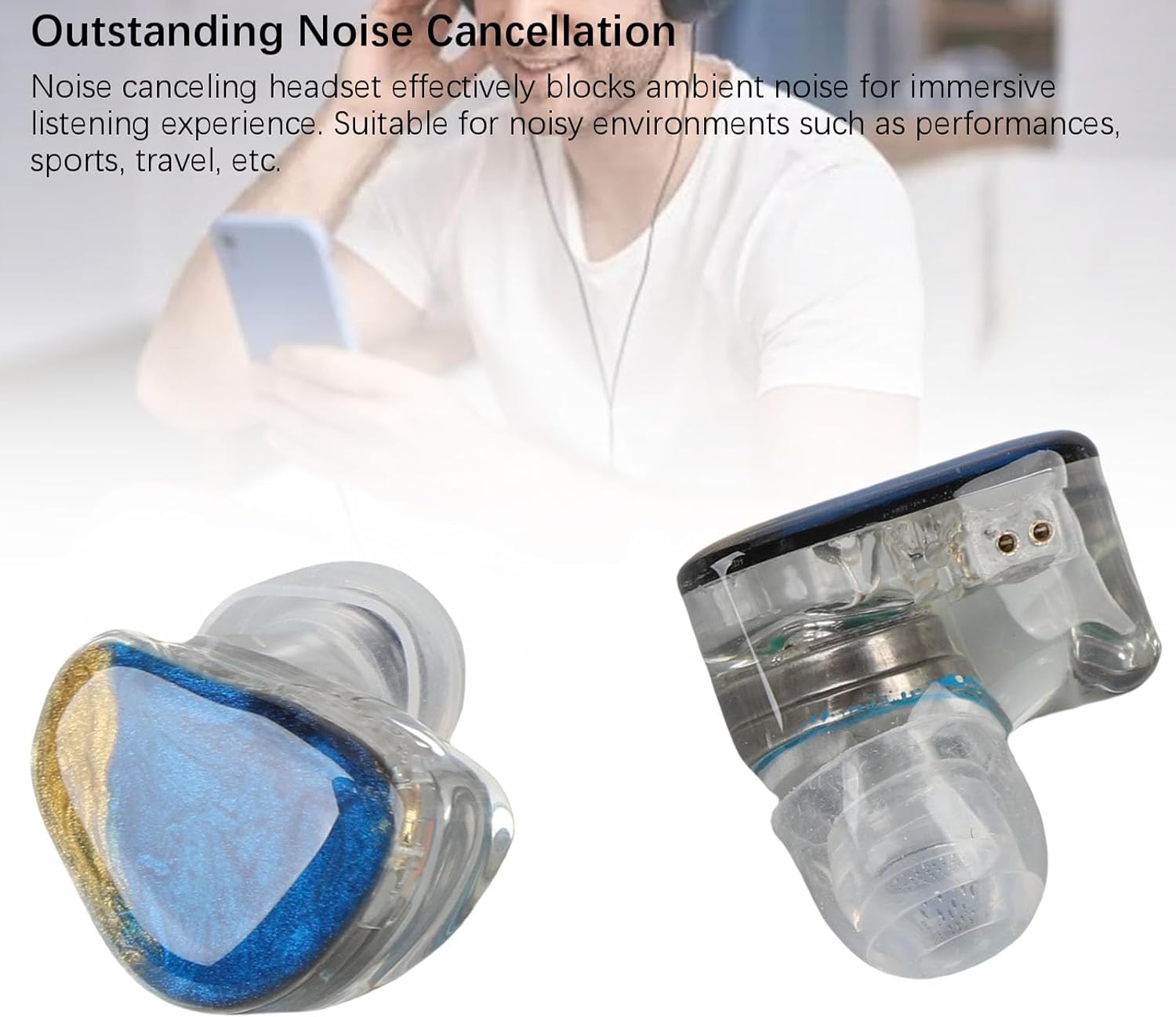
Image: An earphone unit, showcasing its form factor that contributes to passive noise isolation.
Maintenance
- Cleaning Ear Tips: Regularly remove the silicone ear tips and clean them with a soft, damp cloth. Ensure they are completely dry before reattaching them to the earphones.
- Cleaning Earphone Units: Use a dry, soft cloth to wipe the earphone units. Avoid using liquids or harsh chemicals.
- Cable Care: The silver-plated copper cable is designed for durability. Avoid sharp bends or excessive pulling. When not in use, coil the cable loosely to prevent tangling.
- Storage: Store the earphones in a clean, dry place, away from extreme temperatures and direct sunlight.
Troubleshooting
| Problem | Possible Cause | Solution |
|---|---|---|
| No sound or low volume |
|
|
| Poor sound quality (e.g., lack of bass, tinny sound) |
|
|
| Earphones feel uncomfortable or fall out easily |
|
|
Specifications
| Feature | Detail |
|---|---|
| Model Number | Yoidesuxyrck701id-11 |
| Material | Resin (earphone housing), Silver Plated Copper (cable) |
| Impedance | 32Ω |
| Sensitivity | 103dB |
| Frequency Response | 20Hz-20KHz |
| Earphone Interface Type | 2 Pin 0.78mm |
| Earphone Cable Plug | 3.5mm (Gold Plated) |
| Earphone Cable Length | Approx. 1.2m / 3.94ft |
| Item Weight | 2.82 ounces |
| Package Dimensions | 4.33 x 2.76 x 1.18 inches |
| Manufacturer | Yoidesu |
Warranty and Support
For warranty information and customer support, please refer to the documentation included with your purchase or visit the official Yoidesu brand store. If you encounter any issues not covered in this manual, please contact Yoidesu customer service for assistance.
Official Yoidesu Store: Visit Yoidesu Store on Amazon