
Introduction
The CINOTON Permanent Outdoor Lights Pro 100ft (Model C5107-B) are smart RGBCW LED lights designed for year-round outdoor illumination and decorative purposes. Featuring 60 LEDs, IP67 waterproofing, and a wide range of customizable scene modes, these lights offer versatile control options via a smart app, voice commands, or a remote control. This manual provides essential information for the proper installation, operation, and maintenance of your permanent outdoor lighting system.
What's in the Box
Upon unpacking, please ensure all items listed below are present and in good condition:
- 25ft Permanent Outdoor Lights x 4 (total 100ft)
- 60W Power Adapter x 1
- 12ft Extension Cable x 1
- Control Box x 1
- Remote Controller x 1
- Accessory Clips, Screws x 2 Bags
- User Manual x 1
- Installation Guide x 1

Setup and Installation
Follow these steps for proper installation of your CINOTON Permanent Outdoor Lights:
- Plan Your Layout: Before mounting, determine the desired path for your lights along eaves, rooflines, or other outdoor structures. Consider the length of the light segments (25ft each) and the 12ft extension cable provided.
- Clean the Surface: Ensure the installation surface is clean and dry for optimal adhesion of the 3M adhesive strips. For certain surfaces like tin siding, glass cleaner may work better than rubbing alcohol for preparation.
- Connect Components: Connect the light string segments, power adapter, and control box. Ensure arrows on connectors align for a secure, waterproof connection.
- Test Before Mounting: It is highly recommended to power on and test the entire light string indoors before permanent installation to ensure all components are functioning correctly and to familiarize yourself with the app and controls.
- Mount the Lights: Use the provided 3M adhesive strips and clips/screws to secure each exterior light. Position the lights to shine downwards for optimal effect. Ensure the lights are installed vertically 2-4 inches away from the wall for better light diffusion.
- Secure Wiring: Use clips and screws to firmly attach the light string and any extension cables to prevent sagging and ensure a neat appearance.
- Power Connection: Connect the 60W power adapter to a covered Class A GFCI receptacle that is weatherproof. Mount the unit at a height greater than 1 foot from the ground surface.

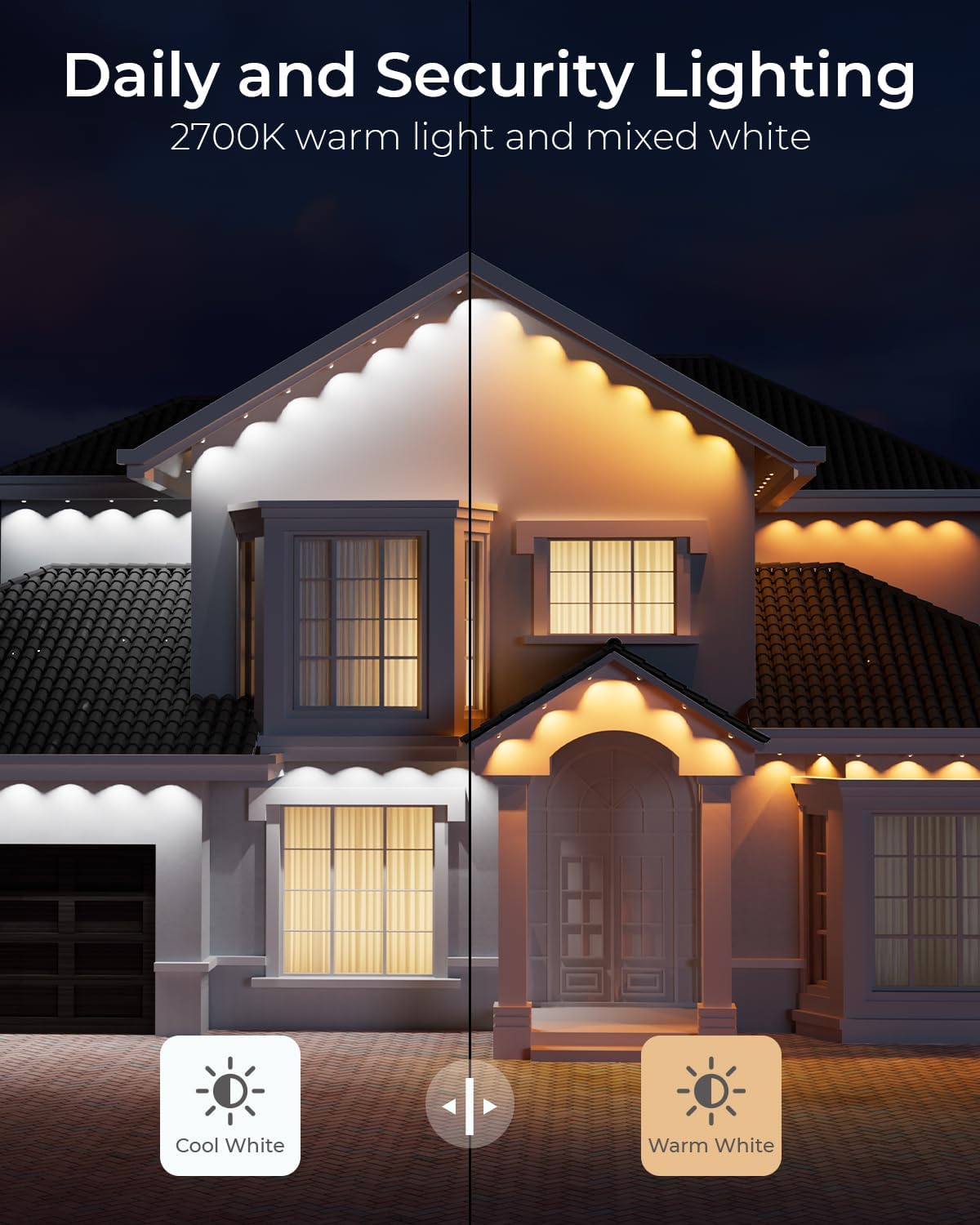
Video: This video provides an overview of the CINOTON Permanent Outdoor Lights, including unboxing, installation tips, and a demonstration of various lighting modes and control options. It highlights the ease of installation using adhesive and the versatility of the smart app.
Operating Instructions
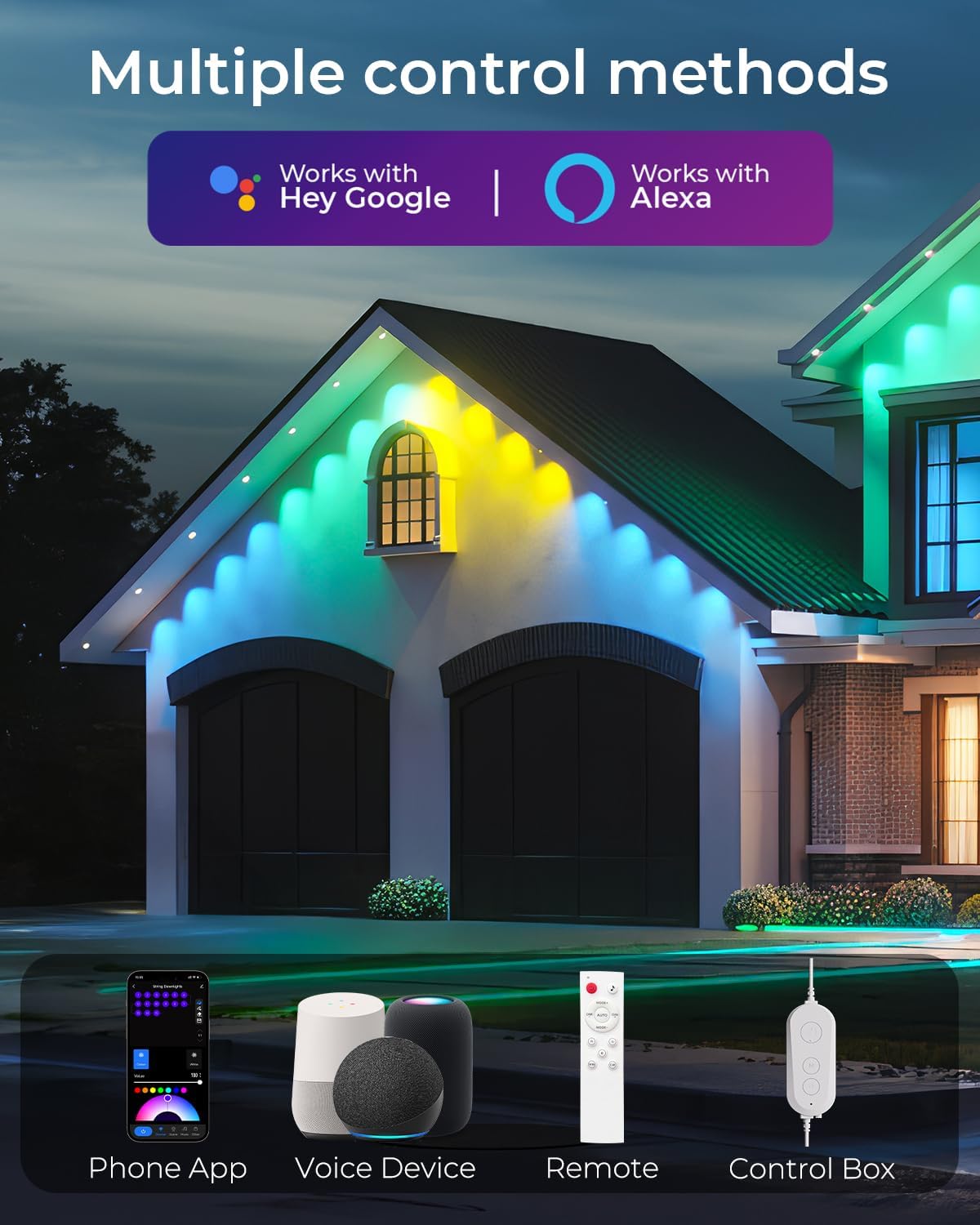
The CINOTON Permanent Outdoor Lights offer multiple control methods for a customized lighting experience:
- Smart Life App Control: Download the Smart Life APP to access over 111 preset scenes, customize colors (16 million RGBCW options), adjust brightness, set schedules, and create DIY lighting modes. The app allows for individual light control and advanced effects.
- Voice Control: Pair your lights with Amazon Alexa or Google Assistant for convenient voice commands to turn lights on/off, change colors, or activate scenes.
- Remote Control: Use the included multi-functional remote control for basic functions such as power on/off, color changes, and dimming.
- Control Box: The physical control box on the light string provides basic power on/off functionality.
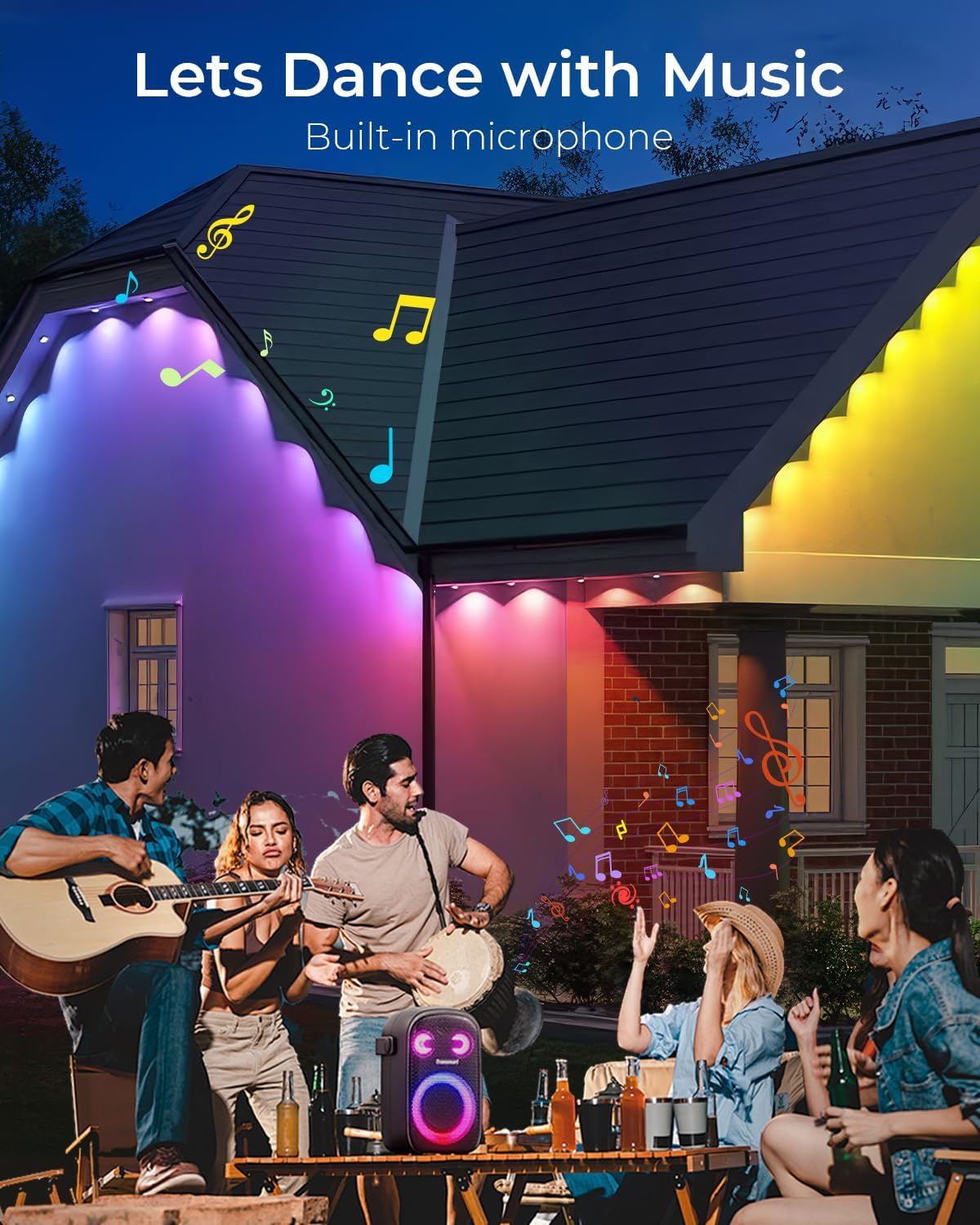
- Music Sync: Utilize the built-in microphone feature to synchronize your lights with music, creating dynamic light shows that react to audio rhythms.

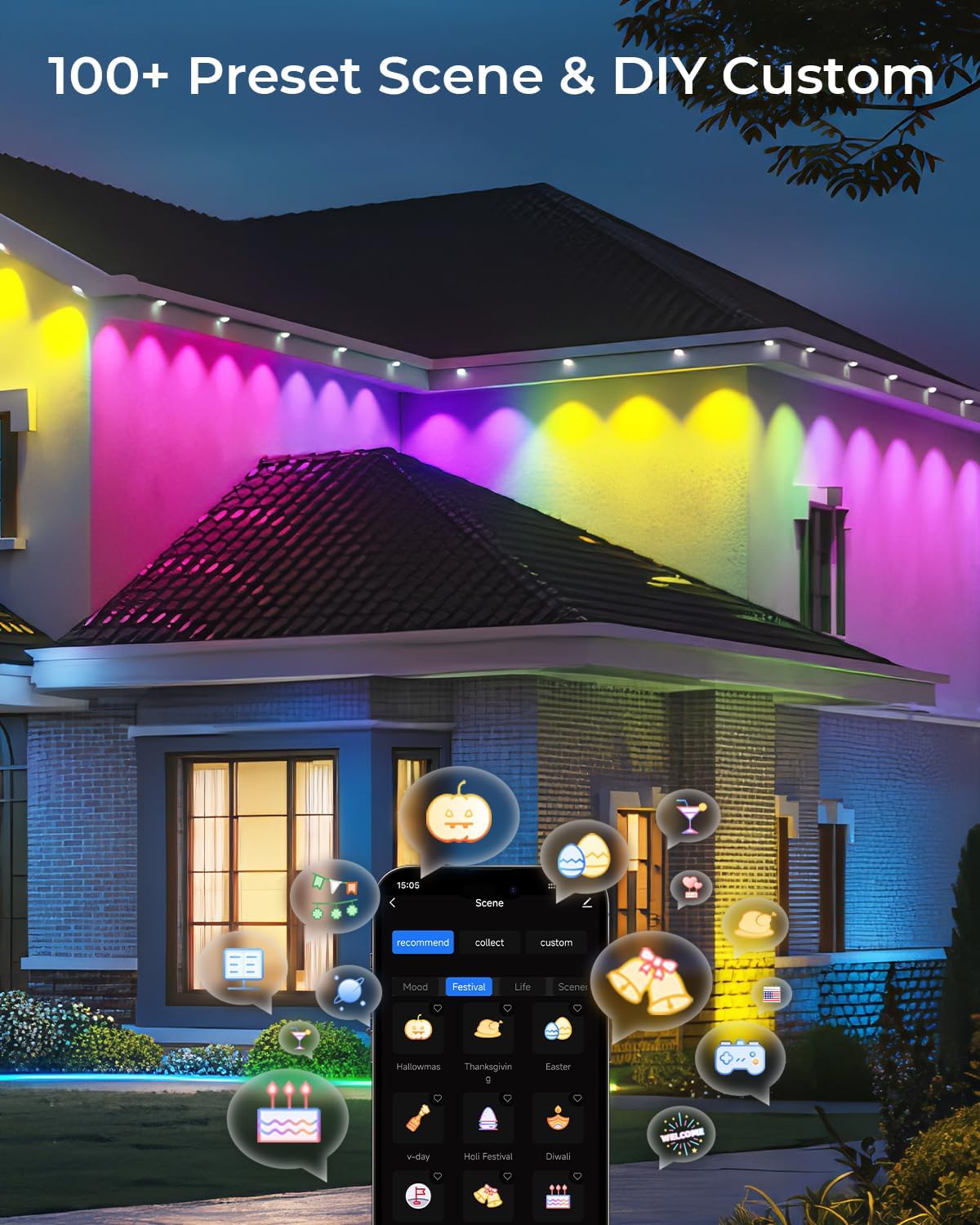
Video: This video demonstrates various light shows and scene modes available with the CINOTON Permanent Outdoor Lights, showcasing dynamic color changes and patterns suitable for different holidays and moods.
Video: An overview of the CINOTON Permanent Outdoor Lights, highlighting their features such as RGBCW LEDs, 111 scene modes, and multiple control options including app, voice, and remote. It also shows the lights in various settings and colors.
Maintenance
The CINOTON Permanent Outdoor Lights are designed for durability and minimal maintenance:
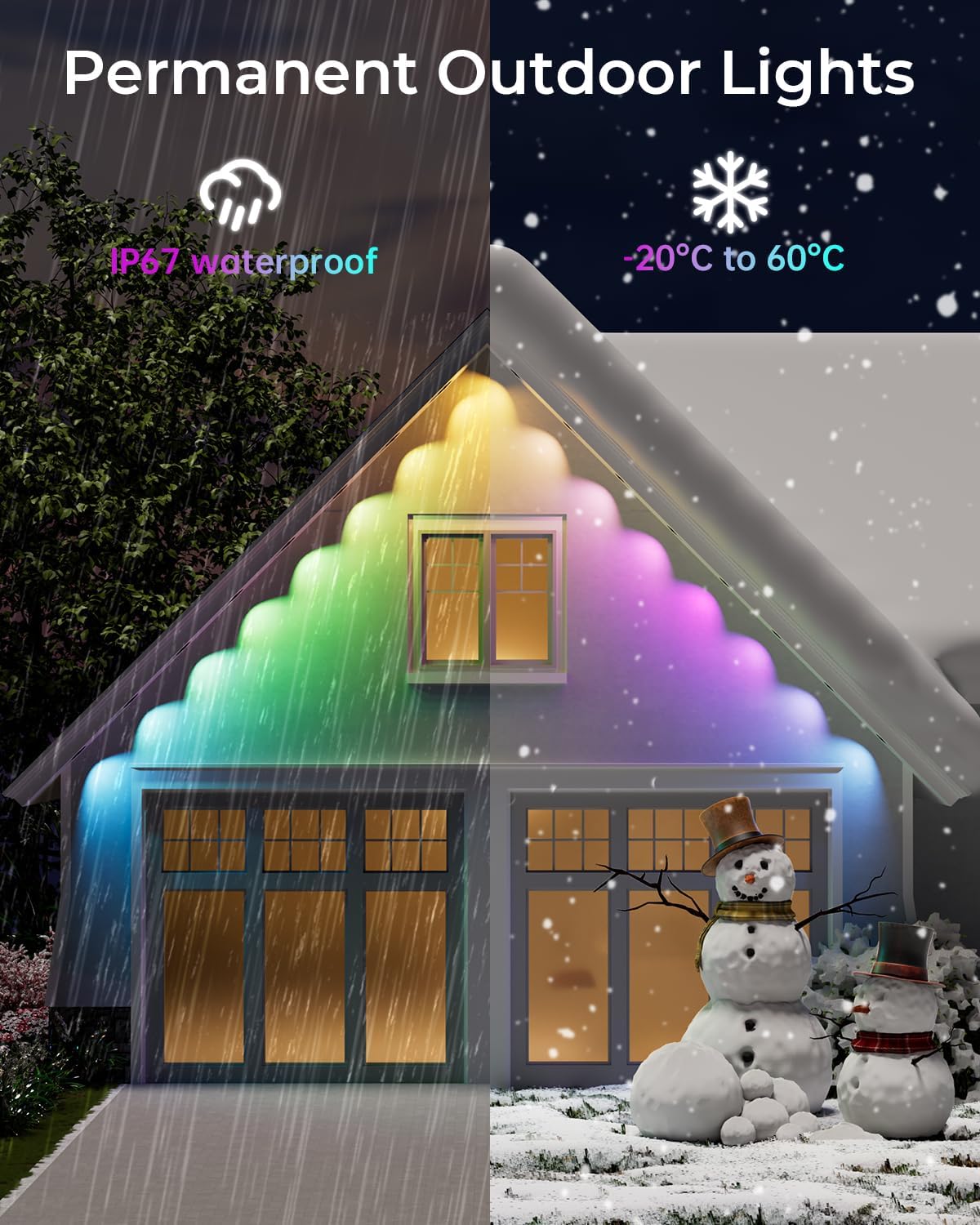
- Weather Resistance: The lights feature an IP67 waterproof rating for the string lights and an IP65 rating for the control box and adapter, ensuring reliable operation in rain, sun, or snow, within a temperature range of -4°F to 140°F (-20°C to 60°C).
- Cleaning: Periodically wipe down the lights and control box with a soft, damp cloth to remove dirt and debris. Avoid using harsh chemicals or abrasive cleaners.
- Connection Check: Occasionally inspect all connections to ensure they remain secure and free from moisture or damage.
Troubleshooting
If you encounter any issues with your CINOTON Permanent Outdoor Lights, please refer to the following common solutions:
- Lights Not Turning On:
- Check if the power adapter is securely plugged into a working outlet.
- Ensure all connections between the light segments, control box, and adapter are firm.
- Verify that the control box is receiving power (indicated by an LED light).
- App Connectivity Issues:
- Ensure your smartphone's Wi-Fi is enabled and connected to a 2.4GHz network.
- Restart the Smart Life app and attempt to re-pair the device.
- Confirm the lights are within range of your Wi-Fi router.
- Remote Control Not Responding:
- Check the battery in the remote control and replace if necessary.
- Ensure there are no obstructions between the remote and the control box.
- Lights Not Displaying Correct Colors/Modes:
- Reset the lights by unplugging them for a few seconds and plugging them back in.
- Recalibrate or re-select the desired mode/color through the Smart Life app.
For further assistance, please contact CINOTON customer support.
Specifications
| Feature | Detail |
|---|---|
| Model Number | C5107-B |
| Light Type | RGBCW LED (5-in-1 LED with WonderShine) |
| Length | 100ft (4 x 25ft segments) |
| Number of LEDs | 60 |
| White Light Temperature | 2700K-6500K (Adjustable) |
| Color Options | 16 Million RGB Colors |
| Scene Modes | 111+ Preset Scenes & DIY Mode |
| Control Methods | Smart Life App, Voice Control (Alexa, Google Assistant), Remote Control, Control Box |
| Waterproof Rating | IP67 (String Lights), IP65 (Control Box & Adapter) |
| Operating Temperature | -4°F to 140°F (-20°C to 60°C) |
| Power Source | Corded Electric (120V to 36V Low Voltage Adapter) |
| Wattage | 60 watts |
| Luminous Flux | 70 Lumens (White Brightness) |
| Special Features | Dimmable, Music Sync, Timer, Anti-UV Material |
Warranty and Support
CINOTON products are designed for quality and durability. For specific warranty details, please refer to the documentation included with your product or visit the official CINOTON website. If you require technical support, have questions about installation, or need assistance with troubleshooting, please contact CINOTON customer service through the contact information provided in your product packaging or on the brand's official channels.