
1. Introduction
Thank you for choosing the KOFIRE UG-09 Wireless Gaming Headset. This manual provides essential information for setting up, operating, and maintaining your headset to ensure optimal performance. The UG-09 offers versatile connectivity, high-quality audio, and comfortable design for extended use across various gaming platforms and devices.
2. What's in the Box
- 1 x KOFIRE Wireless Gaming Headset
- 1 x Detachable ENC Noise-Canceling Microphone
- 1 x 2.4GHz USB-A & Type-C 2-in-1 Dongle
- 1 x 3.5mm Audio Cable
- 1 x USB Charging Cable (USB-A to USB-C)
- 1 x User Manual

Image: All components included in the KOFIRE UG-09 Wireless Gaming Headset package.
Video: An unboxing of the Kofire UG-09 headset, showing the contents of the package.
3. Product Features
- 53MM Dynamic Drivers: Equipped with large 53mm speakers for immersive 3D stereo sound, enhancing environmental audio and directional cues in games.
- Detachable ENC Noise-Canceling Microphone: A 360° omnidirectional microphone with Environmental Noise Cancellation (ENC) to ensure clear voice transmission by filtering background noise. It can be easily removed when not in use.
- Multi-Mode Connectivity: Supports 2.4GHz wireless (ultra-low latency ≤20ms), Bluetooth 5.4, and 3.5mm wired connections for broad compatibility.
- Extended Battery Life: Up to 65 hours of playtime in Bluetooth mode (mic off) or 50 hours in 2.4GHz mode (mic on). Fully recharges in 2-2.5 hours and supports use while charging.
- Lightweight & Ergonomic Design: Weighs 9.5 ounces with rotatable and foldable ear cups, an adjustable headband, and soft memory sponge cushions for comfortable long-term wear.
- Passive Noise Cancellation: Ear cups designed to envelop the ears, effectively isolating environmental noise without active noise-canceling technology.
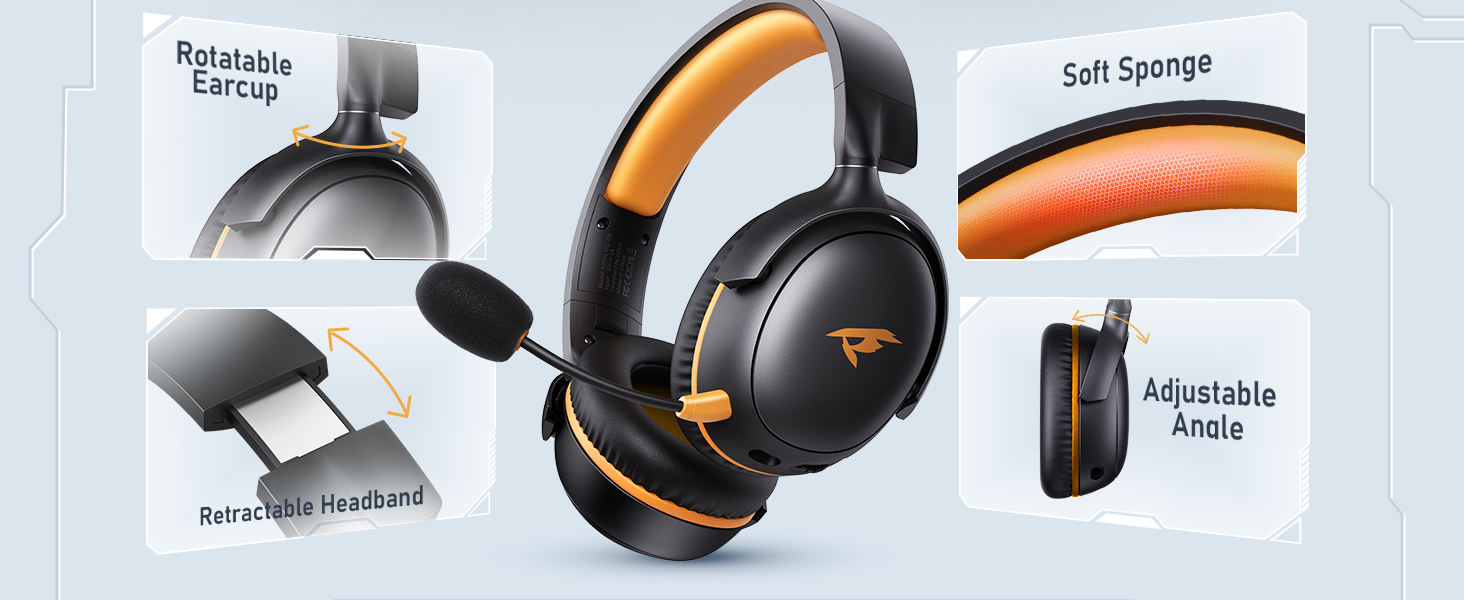
Image: The KOFIRE UG-09 headset emphasizing its 3D Spatial Audio capabilities.
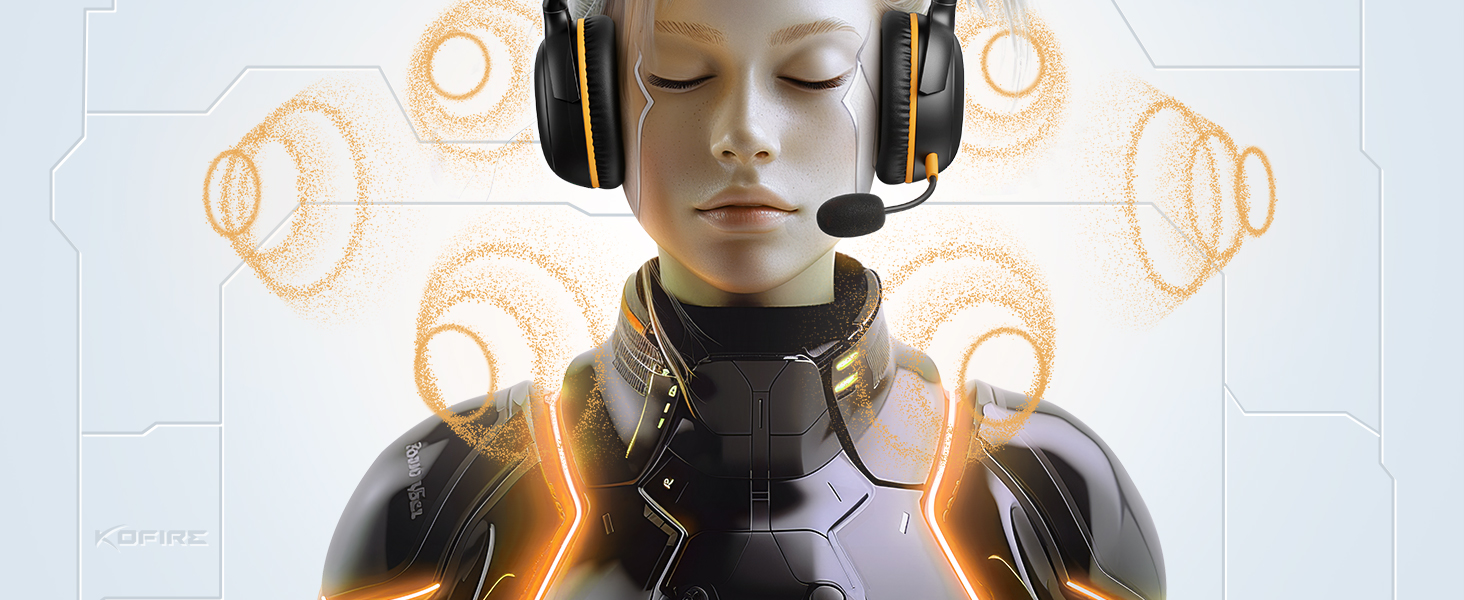
Image: The KOFIRE UG-09 headset illustrating its dual wireless connectivity modes: Bluetooth 5.4 and 2.4GHz.
4. Setup and Connection
4.1. 2.4GHz Wireless Mode
- Insert the 2.4GHz USB dongle into an available USB port on your device (PS5, PS4, PC, Mac, etc.).
- On the headset, press and hold the microphone button to switch to 2.4G mode. You will hear an audio prompt "dongle mode."
- On your connected device, select "Kofire UG-09" from the audio output settings to complete pairing.

Image: Demonstrating how to connect the 2.4GHz USB dongle to a laptop.
4.2. Bluetooth Mode
- On the headset, press and hold the microphone button for 3 seconds to switch to Bluetooth mode.
- On your mobile device (phone, tablet, Nintendo Switch), search for "Kofire UG-09" in your Bluetooth settings.
- Select "Kofire UG-09" to complete the pairing process.
4.3. 3.5mm Wired Mode
- Connect one end of the included 3.5mm audio cable to the headset's 3.5mm jack.
- Connect the other end of the 3.5mm audio cable to your gaming device (e.g., Xbox controller, Nintendo Switch).
- Note: Microphone functionality is not supported on Nintendo Switch in wired mode. Xbox Wireless Mode is not supported; only wired mode is available for Xbox.
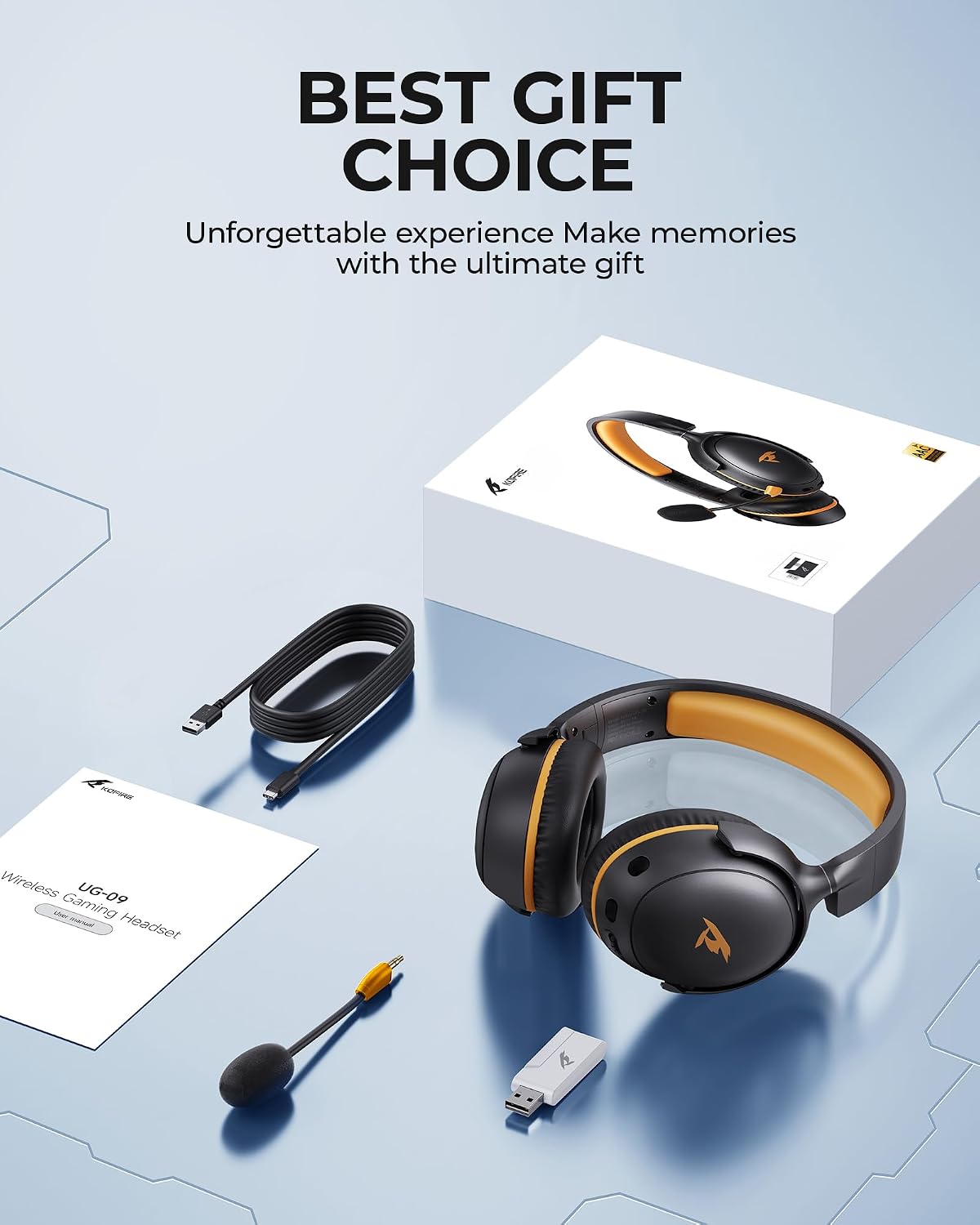
Image: Illustrating the connection of the 3.5mm audio cable for wired use.
5. Operating Instructions
5.1. Power On/Off
Locate the power button on the headset. Press and hold to power on or off.
5.2. Volume Control
Use the volume roller/buttons located on the earcup to adjust the audio volume up or down.
5.3. Microphone Mute
Press the one-touch mute button on the headset to quickly mute or unmute the microphone.
5.4. Detachable Microphone
The microphone can be plugged into or unplugged from the dedicated port on the earcup as needed.

Image: Detailed view of the control buttons and ports on the headset earcup.
6. Maintenance
- Keep the headset clean by wiping it with a soft, dry cloth.
- Avoid exposing the headset to extreme temperatures, humidity, or direct sunlight.
- Store the headset in a safe place when not in use to prevent damage. The foldable design allows for compact storage.
- Ensure charging ports and audio jacks are free from dust and debris.
7. Troubleshooting
7.1. No Sound/Poor Audio Quality
- Ensure the headset is powered on and fully charged.
- Verify the correct connection mode (2.4GHz, Bluetooth, or wired) is selected and properly paired/connected.
- Check the volume levels on both the headset and your connected device.
- If using 2.4GHz, ensure the USB dongle is securely inserted.
- If using Bluetooth, ensure the headset is within the 10-meter range of your device.
7.2. Microphone Not Working
- Ensure the microphone is securely plugged into the headset.
- Check if the microphone is muted (one-touch mute button).
- Verify microphone input settings on your connected device.
- Note: Microphone is not supported on Nintendo Switch.
7.3. Connectivity Issues
- For 2.4GHz, ensure the dongle is correctly recognized by your device.
- For Bluetooth, try unpairing and re-pairing the headset with your device.
- Move closer to your device to rule out range issues.
8. Specifications
| Feature | Detail |
|---|---|
| Model Name | UG-09 |
| Connectivity Technology | 2.4GHz USB-A & Type-C 2-in-1 Dongle, Bluetooth 5.4, 3.5mm Wired |
| Audio Driver Type | Dynamic Driver (53mm) |
| Battery Life | Up to 65 hours (Bluetooth, mic off), 50 hours (2.4GHz, mic on) |
| Charging Time | 2-2.5 hours |
| Audio Latency (2.4GHz) | ≤20 Milliseconds |
| Bluetooth Range | 10 Meters |
| Noise Control | Sound Isolation (Passive Noise Cancellation), ENC Microphone |
| Weight | 9.5 ounces (approx. 270g) |
| Compatible Devices | PS5, PS4, PC, Mac, Laptop, Desktop, Phone, Pad, Tablet, Gaming Consoles, Switch (mic invalid), Xbox (wired mode only) |
Video: A short clip highlighting the battery capacity of the Kofire UG-09 headset.
9. Warranty and Support
KOFIRE provides professional services and expert support for your wireless gaming headset. If you encounter any issues or have questions, please feel free to contact our support team. We are committed to helping you solve problems until you are satisfied, ensuring responses within 0-24 hours and providing comprehensive assistance for all your gaming needs.
For support, please visit the official KOFIRE store or contact customer service through your purchase platform.


