
1. Introduction
The pTron KWM-1 is an omnidirectional Type C wireless microphone system designed for high-quality audio recording. It features DSP noise cancellation, a 25-meter wireless range, and a plug-and-play design for ease of use with compatible Type C devices. This manual provides instructions for setup, operation, maintenance, and troubleshooting.
2. Package Contents
Verify that all items listed below are present in your package:
- 2 x Wireless Microphones (Transmitters)
- 1 x Type C Receiver
- 1 x Charging Cable
- 1 x User Guide Card
- 4 x Mic Muffs (Windshields)

Image 2.1: The pTron KWM-1 wireless microphone system, showing two microphones with furry wind muffs and one Type C receiver.
3. Product Overview
The pTron KWM-1 system consists of two wireless microphones (transmitters) and one Type C receiver. Each microphone is equipped with an omnidirectional pickup pattern and DSP noise reduction technology for clear audio capture. The receiver connects directly to your device's Type C port.

Image 3.1: An infographic illustrating key features such as 360-degree audio sensing, DSP noise reduction, 1-hour charging for 5 hours endurance, Type-C charging, plug-and-play connectivity, and clear audio with foam and furry filters.
4. Setup Guide
4.1 Charging the Microphones and Receiver
Before initial use, ensure both microphones and the receiver are fully charged. Use the provided charging cable to connect the devices to a standard USB power source. A full charge typically takes approximately 1 hour and provides up to 5 hours of operation.

Image 4.1: Illustration showing the microphone and its battery performance: 1 hour charging time for 5 hours of endurance.
4.2 Connecting to Your Device (Plug & Play)
- Insert the Type C receiver into the Type C port of your smartphone or tablet. Ensure your device supports OTG (On-The-Go) function for external audio devices.
- Press the power button on each microphone to turn them on.
- The microphones will automatically pair with the receiver. A successful connection is indicated by a stable light on the microphone.

Image 4.2: Step-by-step visual guide demonstrating the plug-and-play connection process: plug in the receiver, power on the microphone, and the devices will automatically pair for recording.
5. Operating Instructions
5.1 Wearing the Microphone
Clip the microphone onto your collar or clothing, ensuring the microphone head is facing towards your mouth for optimal sound capture. Use the provided mic muffs to reduce wind noise, especially in outdoor environments.

Image 5.1: A person wearing the pTron KWM-1 microphone clipped to their jacket, demonstrating its discreet placement and the furry wind filter for clear audio.
5.2 Recording Audio
Once the microphone and receiver are paired, open your device's camera or audio recording application. The system will automatically use the external microphone for audio input. Begin recording as usual.
5.3 Omnidirectional Sound Pickup and Noise Reduction
The KWM-1 features an omnidirectional microphone, capturing sound equally from all directions. Integrated DSP (Digital Signal Processing) technology actively reduces background noise, enhancing the clarity of your recordings.
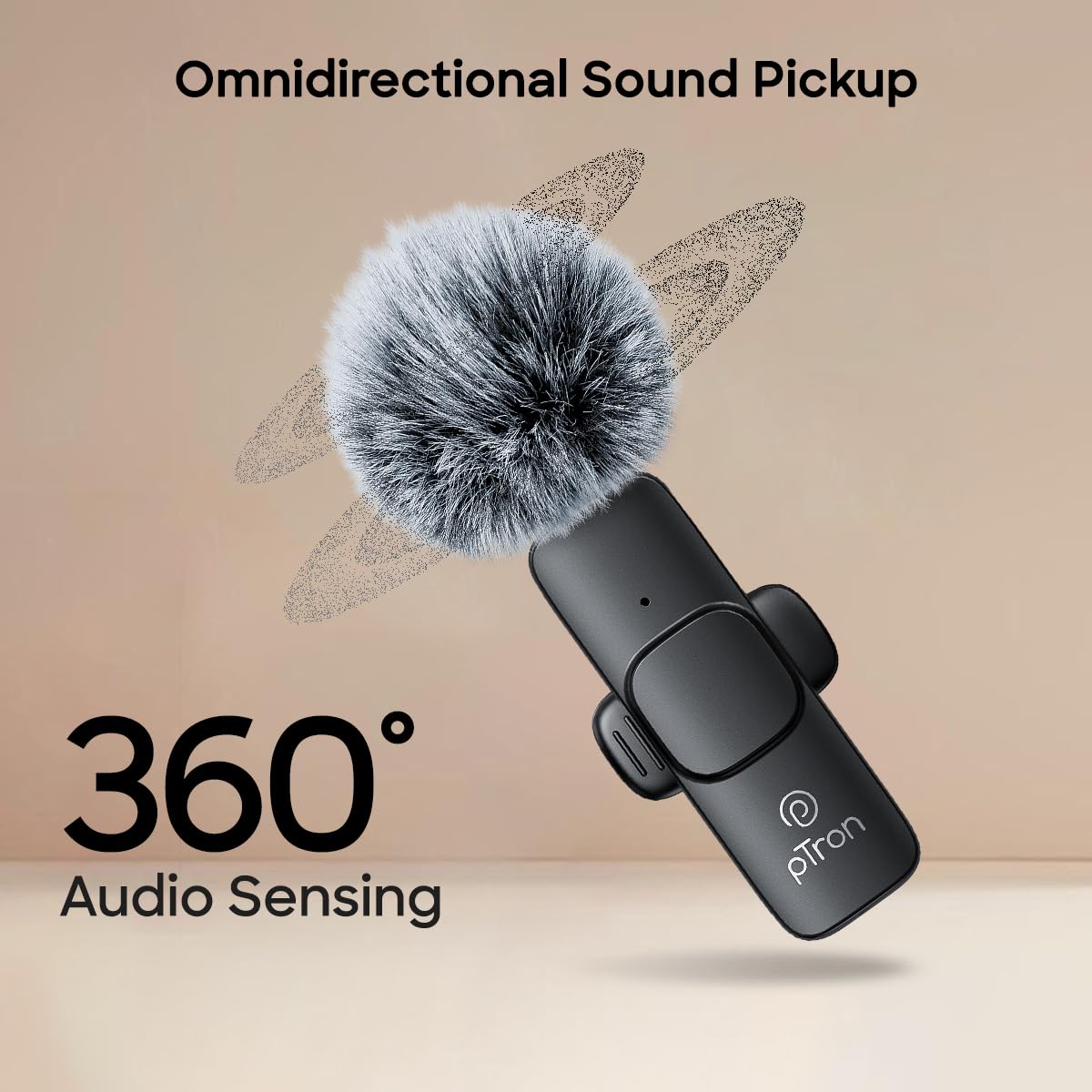
Image 5.2: Visual representation of the microphone's 360-degree omnidirectional sound pickup capability, indicating audio sensing from all directions.
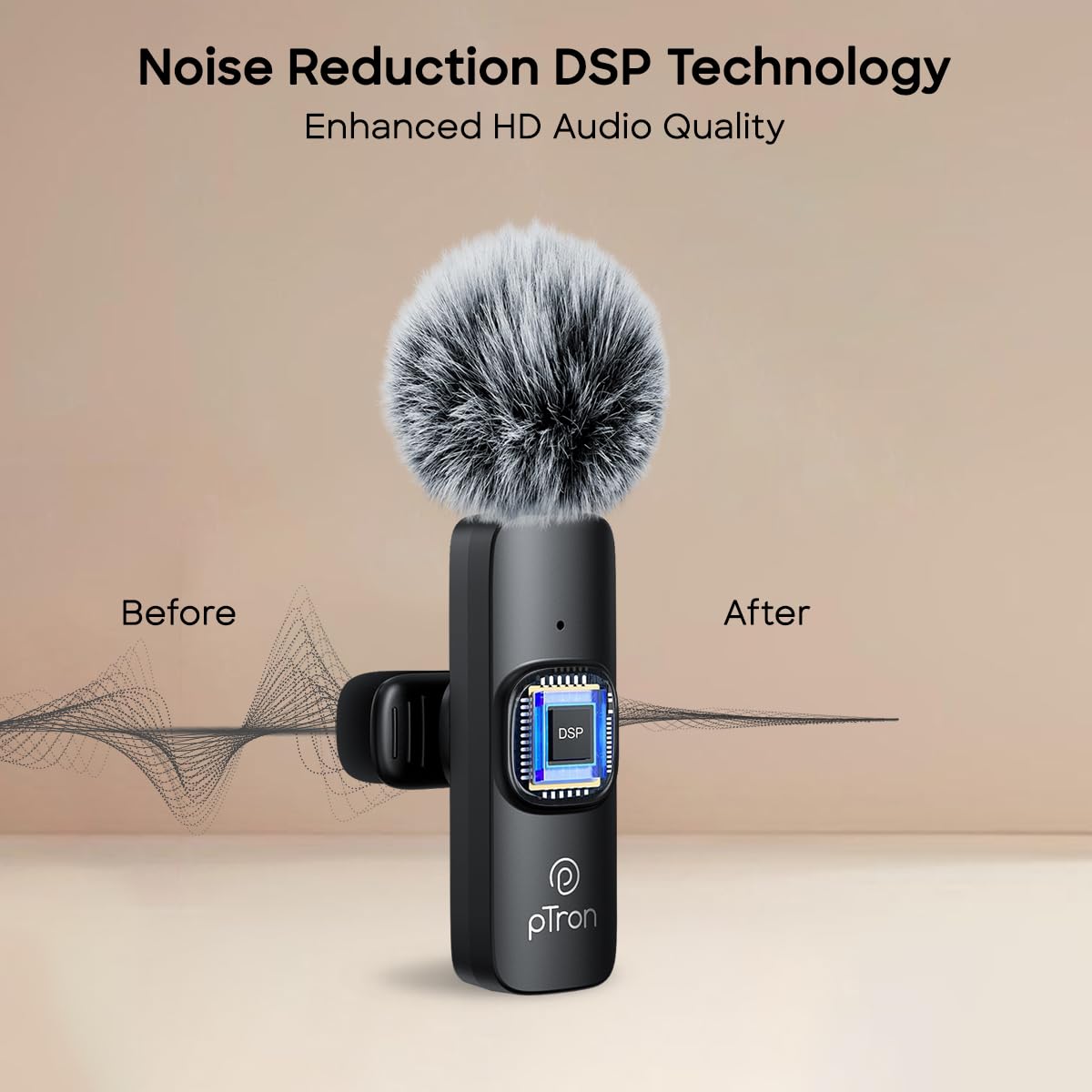
Image 5.3: An illustration demonstrating the effect of DSP noise reduction technology, showing a 'before' waveform with noise and an 'after' waveform with enhanced, clearer audio.
5.4 Wireless Range
The system operates on a 2.4GHz wireless frequency, providing a stable connection up to 25 meters in open environments. Performance may vary depending on obstacles and electromagnetic interference.
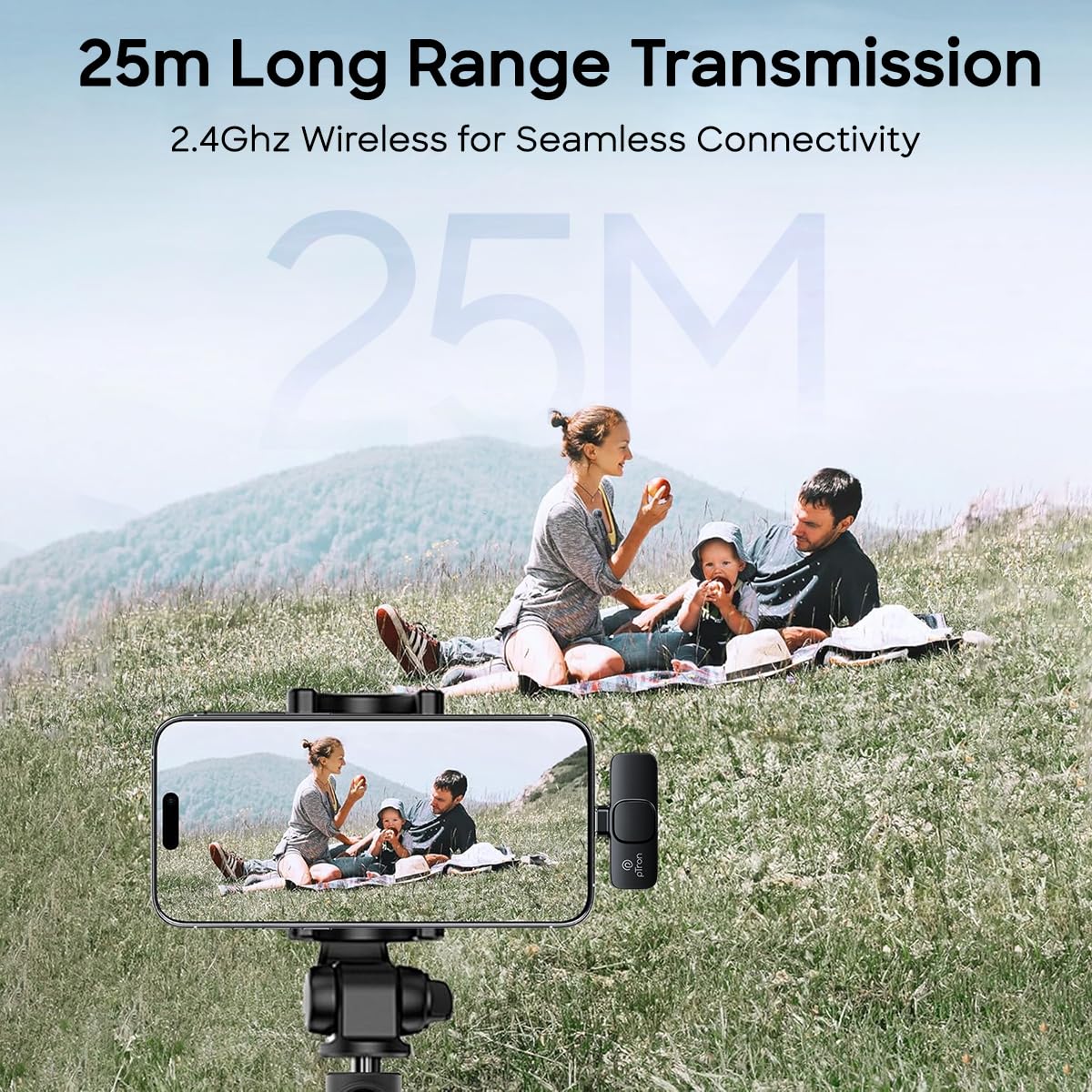
Image 5.4: A scenic outdoor image illustrating the 25-meter long-range transmission capability of the 2.4GHz wireless microphone system.
6. Maintenance
- Cleaning: Use a soft, dry cloth to clean the microphone and receiver. Do not use liquid cleaners or solvents.
- Storage: Store the devices in a cool, dry place away from direct sunlight and extreme temperatures.
- Battery Care: For optimal battery life, avoid fully discharging the devices frequently. Charge them regularly, even if not in use for extended periods.
7. Troubleshooting
| Issue | Possible Cause | Solution |
|---|---|---|
| No sound recorded | Microphone not powered on Receiver not properly connected Devices not paired Device OTG function disabled | Ensure microphone is on Re-insert receiver firmly Check pairing indicator light Enable OTG in device settings |
| Poor audio quality / Excessive noise | Microphone too far from source Strong environmental noise Wind interference | Position microphone closer Use in a quieter environment Ensure mic muff is properly installed |
| Intermittent connection / Short range | Obstacles between mic and receiver Low battery Electromagnetic interference | Reduce distance, clear line of sight Recharge devices Move away from other wireless devices |
| Microphone not charging | Faulty cable or power source | Try a different charging cable or USB port |
8. Technical Specifications
| Feature | Specification |
|---|---|
| Model | KWM-1 |
| Brand | pTron |
| Connectivity Technology | RF (2.4GHz) |
| Connector Type | USB Type-C |
| Polar Pattern | Omnidirectional |
| Special Features | Clip, Noise Reduction (DSP) |
| Compatible Devices | Smartphone, Tablet (with Type-C and OTG support) |
| Wireless Range | Up to 25 meters |
| Battery Life | Up to 5 hours |
| Charging Time | Approx. 1 hour |
| Microphone Form Factor | Lavalier |
| Item Weight | 30 Grams (per microphone) |
| Material | Acrylonitrile Butadiene Styrene |
| Product Dimensions (LxWxH) | 5.7 x 2.8 x 3.4 Centimeters |
| Batteries | 3 9V batteries required (included), Lithium Polymer |
9. Warranty and Support
9.1 Manufacturer Warranty
The pTron KWM-1 comes with a 1-year manufacturer warranty covering manufacturing defects only. Please retain your purchase receipt for warranty claims.
9.2 Customer Support
For technical assistance, warranty claims, or any product-related inquiries, please contact pTron customer support:
- Phone: 040-67138888
- Email: support@ptron.in
Manufacturer: PALRED ELECTRONICS PVT. LTD., SY.NO. 56, 1ST FLOOR, GUNDLAPOCHAMPALLY VILLAGE, TECH PARK MTP, TSIIC-IALA NACHARAM, HYDERABAD - 500076, TELANGANA, INDIA


