
1. Setup
1.1 Unboxing and Package Contents
Carefully remove all components from the packaging. Ensure all items listed below are present.
- Amzfast 27-inch Gaming Monitor
- Monitor Stand (Base and Neck)
- Power Adapter
- DP Cable (1.5m)
- HDMI Cable (1.5m)
- User Manual (this document)
- Quick Start Guide (QSG)
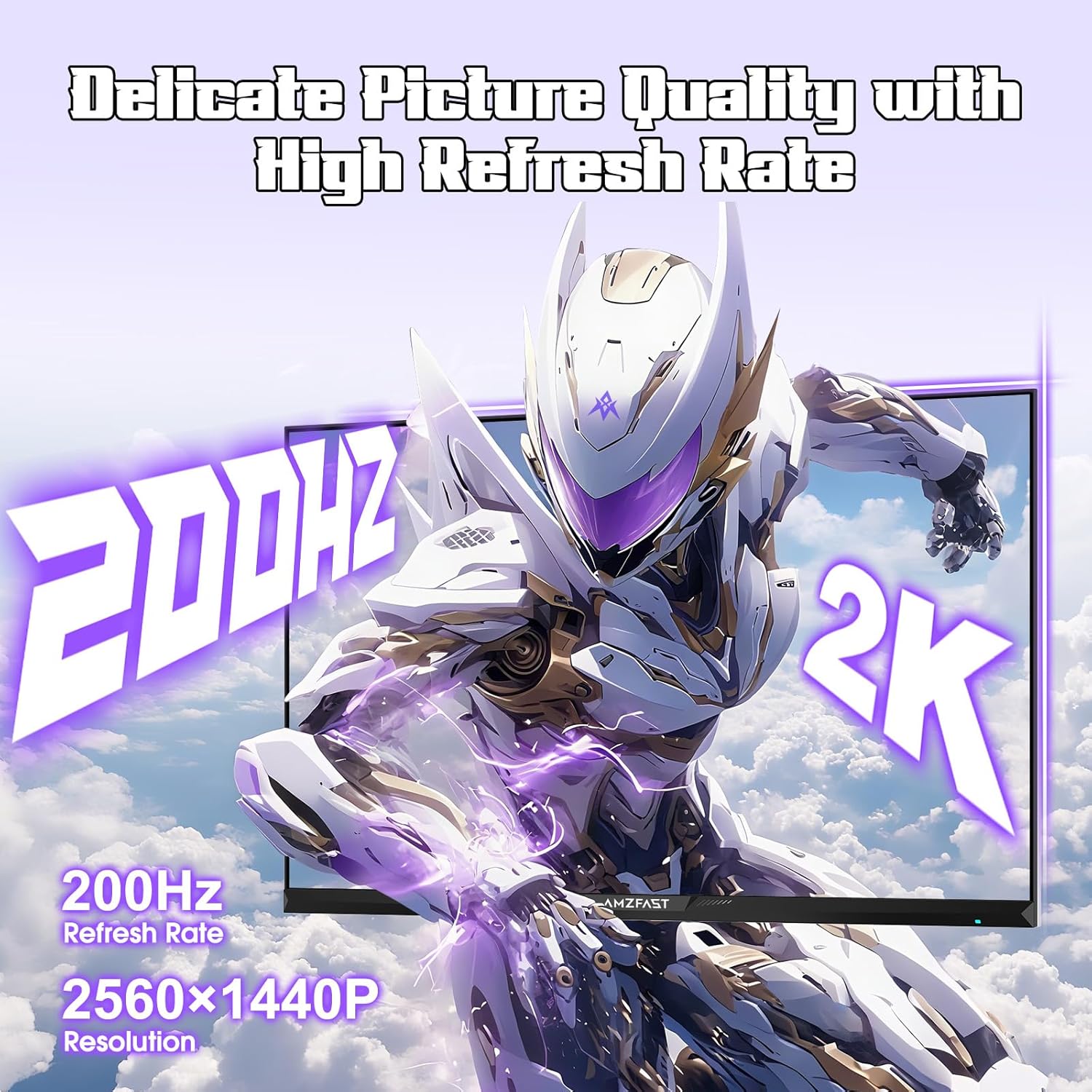
Image: Amzfast 27-inch monitor and included accessories.
1.2 Assembling the Stand
- Attach the stand neck to the monitor panel.
- Secure the stand base to the neck using the provided screws.
- Ensure all connections are firm and stable.
For a visual guide on unboxing and assembly, please refer to the official unboxing video:
Video: Official Amzfast 27-inch WQHD 200Hz Gaming Monitor Unboxing and Assembly Guide.
1.3 Connecting the Monitor
Connect the monitor to your computer or other devices using the appropriate cables.
- Power Connection: Connect the power adapter to the DC IN port on the monitor and then to a power outlet.
- Video Connection: Use either the provided DP cable (for 1440p 200Hz) or HDMI cable (for 1440p 144Hz) to connect the monitor to your device's graphics card.
- Audio Output: If desired, connect headphones to the EARPHONE jack.
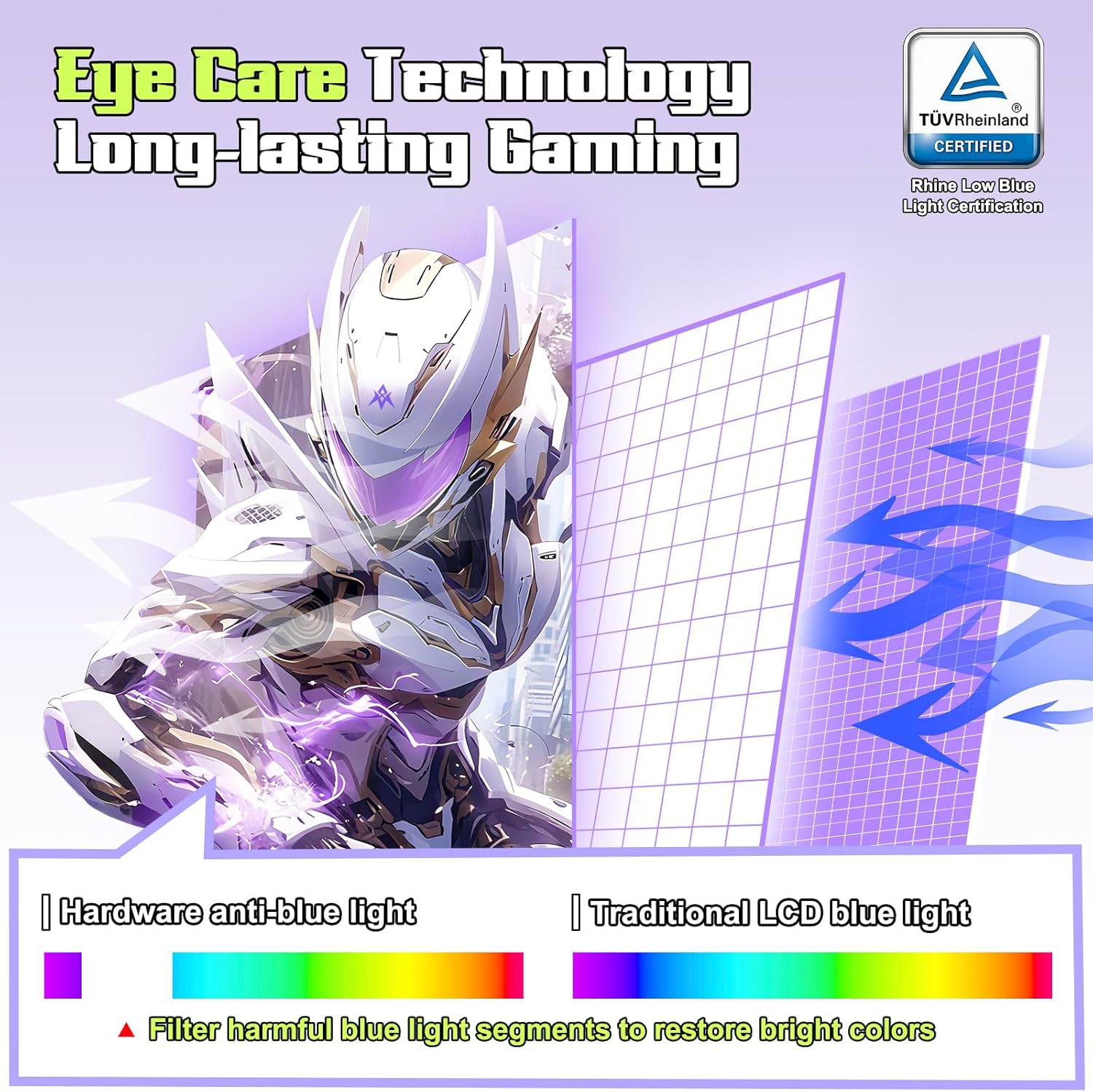
Image: Rear view of the monitor displaying various input ports.
2. Operating the Monitor
2.1 Powering On/Off
Press the power button located on the back of the monitor to turn it on or off. The monitor will automatically detect the input signal.
2.2 On-Screen Display (OSD) Navigation
Use the 5-way joystick on the back of the monitor to navigate the OSD menu. Push the joystick in to confirm selections, and move it up/down/left/right to browse options.
2.3 Adjusting Display Settings
The OSD menu allows you to customize various display settings:
- Brightness/Contrast: Adjust for optimal viewing conditions.
- Color Settings: Fine-tune color temperature, gamma, and saturation. The monitor supports 16.7 million colors (8-bit), 130% sRGB, and 95% DCI-P3 coverage.
- HDR400: Enable HDR for enhanced contrast and vibrant colors.
- Eye Care: Activate TÜV Rheinland Certified Hardware Low Blue Light technology to reduce eye strain during prolonged use.
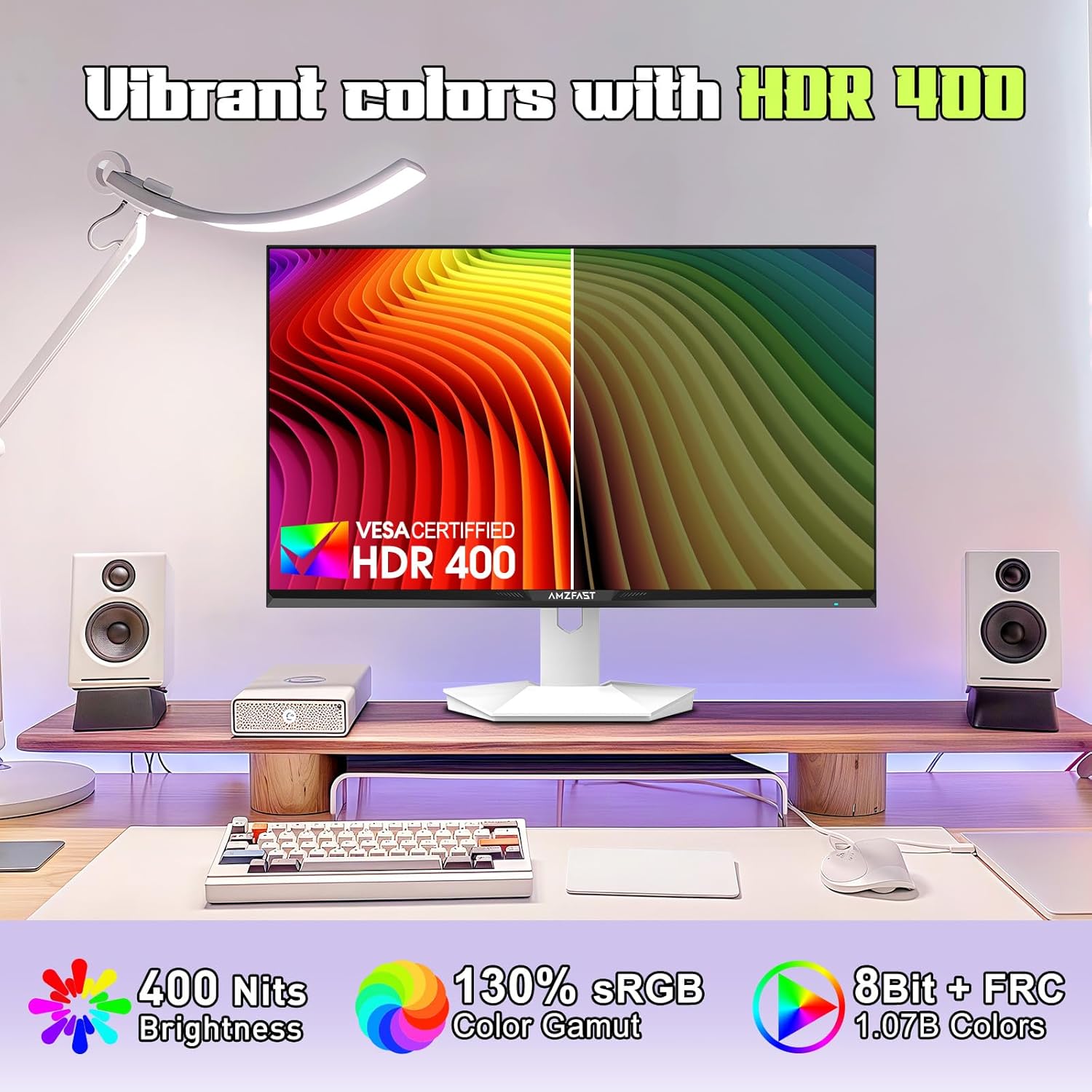
Image: Monitor showcasing vibrant color capabilities with HDR400.
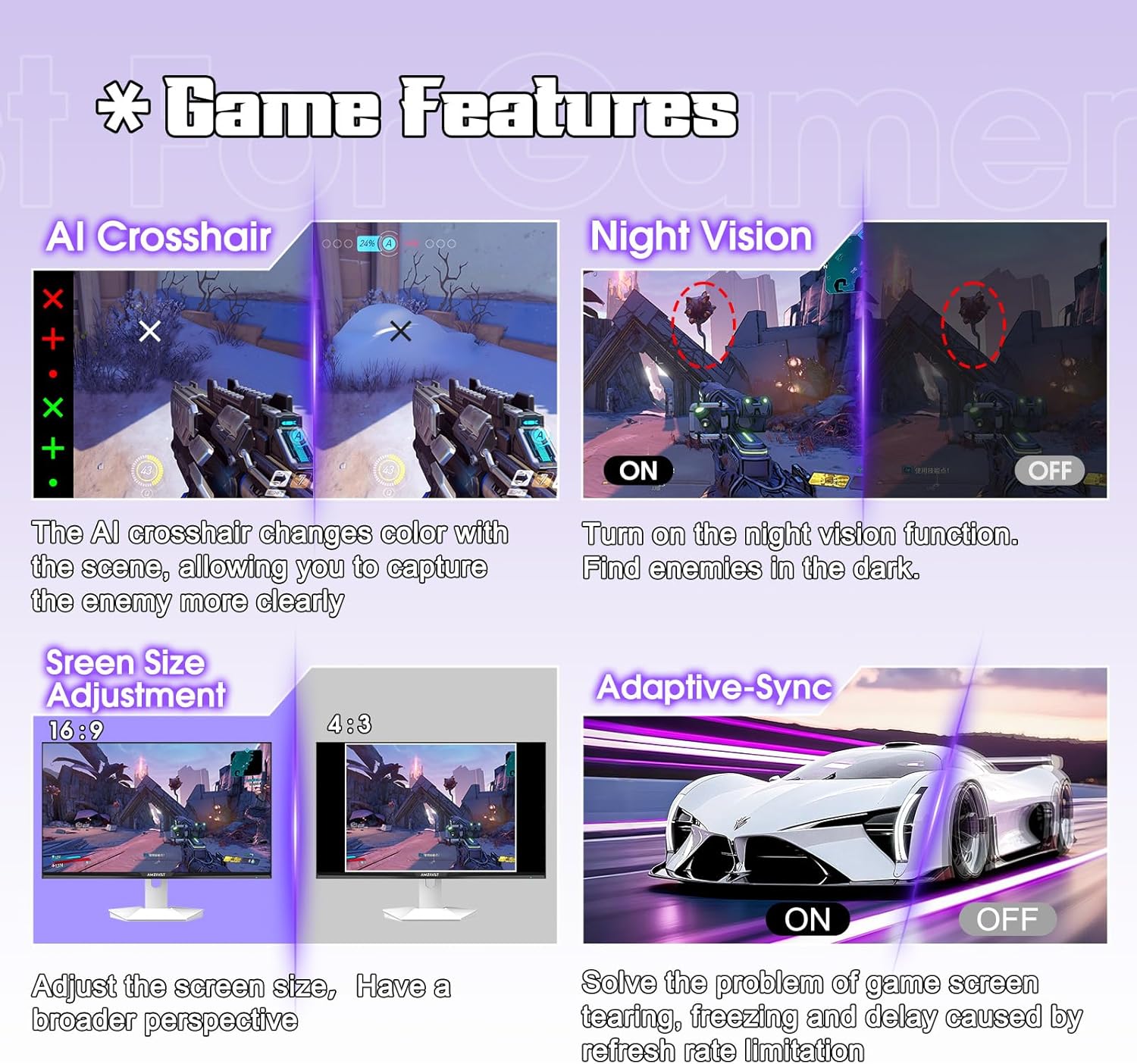
Image: Explanation of the monitor's Eye Care Technology.
2.4 Gaming Features
Optimize your gaming experience with built-in features:
- Adaptive-Sync: Synchronizes the monitor's refresh rate with your GPU's frame rate to eliminate screen tearing and stuttering.
- MPRT 1ms Response Time: Reduces motion blur for fast-paced action.
- AI Crosshair Assist: Provides an on-screen crosshair for improved aiming.
- Night Vision: Enhances visibility in dark in-game environments.
- Screen Size Adjustment: Switch between 16:9 and 4:3 aspect ratios.
- Game Modes: Pre-set display modes optimized for FPS, RTS, and RPG genres.
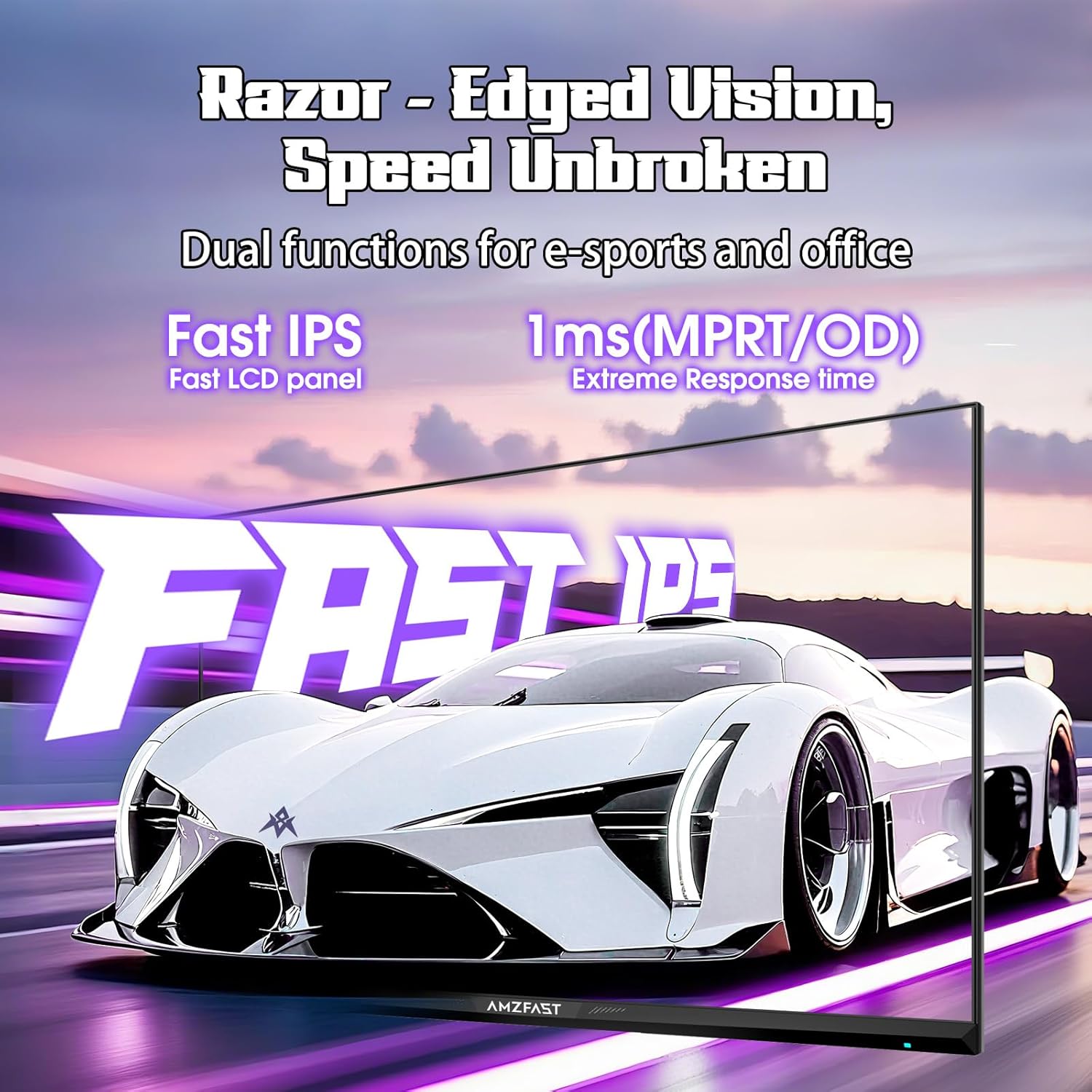
Image: Visual representation of the monitor's gaming-specific features.
See the monitor in action with its gaming capabilities:
Video: Official Amzfast 27-inch 200Hz WQHD White Gaming Monitor showcasing gameplay.
3. Maintenance
3.1 Cleaning the Monitor
- Always power off and unplug the monitor before cleaning.
- Use a soft, lint-free cloth lightly dampened with water or a screen-cleaning solution.
- Do not spray liquid directly onto the screen or monitor casing.
- Avoid using abrasive cleaners, waxes, or solvents.
3.2 General Care
- Avoid placing heavy objects on the monitor or its cables.
- Do not expose the monitor to direct sunlight, excessive heat, or extreme cold.
- Keep the monitor away from liquids and excessive moisture.
- Ensure proper ventilation around the monitor to prevent overheating.
4. Troubleshooting
If you encounter issues with your Amzfast monitor, refer to the solutions below:
4.1 No Signal / Black Screen
- Ensure the power cable is securely connected to both the monitor and the power outlet.
- Verify that the video cable (DP or HDMI) is firmly connected to both the monitor and your computer's graphics card.
- Check if the correct input source is selected in the monitor's OSD menu.
- Restart your computer.
4.2 Image Tearing / Ghosting
- Ensure Adaptive-Sync is enabled in both the monitor's OSD settings and your graphics card control panel.
- Adjust the 'Response Time' setting in the OSD menu. If set to 'Extreme', try 'Fast' to resolve potential ghosting issues.
- Verify your graphics card drivers are up to date.
4.3 Color / Brightness Issues
- Adjust brightness, contrast, and color temperature settings via the OSD menu.
- Ensure HDR is enabled in both the monitor's OSD and your operating system's display settings for HDR content.
- If colors appear washed out, check your graphics card's color settings.
4.4 Power Issues
- Confirm the power adapter is functioning correctly and the power outlet is active.
- If the monitor does not power on, try a different power outlet.
5. Specifications
| Feature | Specification |
|---|---|
| Model Number | AMZG27F6Q |
| Screen Size | 27 Inches |
| Resolution | 2560 x 1440 Pixels (QHD Wide 1440p) |
| Refresh Rate | 200Hz (supports 180Hz, 165Hz) |
| Response Time | MPRT 1ms |
| Panel Type | Fast IPS |
| Brightness | 400 Candela per Square Meter (400 Nits) |
| Contrast Ratio | 1000:1 |
| Color Gamut | 130% sRGB, 95% DCI-P3 |
| Color Depth | 16.7 Million Colors (8-bit + FRC) |
| HDR Support | HDR400 Certified |
| Eye Care | TÜV Rheinland Certified Low Blue Light, Anti-flicker, Anti-Glare |
| Connectivity | 2x HDMI 2.0 (Max 1440p 144Hz), 2x DP 1.4 (Max 1440p 200Hz), DC IN, Earphone Jack |
| VESA Mount | 100mm x 100mm |
| Product Dimensions | 24.1 x 8.66 x 18.43 inches |
| Item Weight | 13.22 pounds |
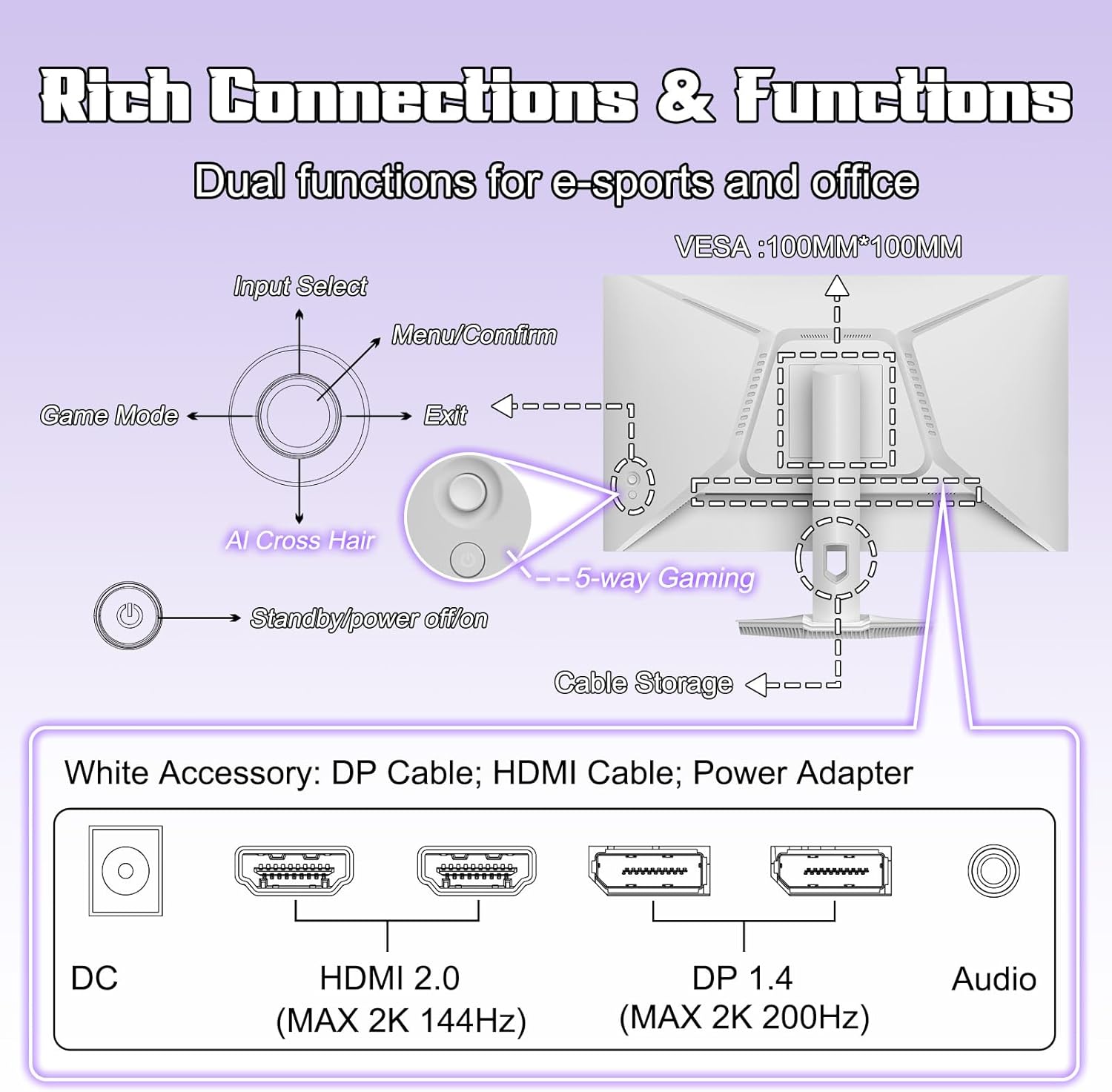
Image: Detailed dimensions of the Amzfast 27-inch monitor.
6. Warranty and Support
Amzfast provides comprehensive support for its products:
- 2-Year Zero-Bright-Dot Warranty: Free replacement or new monitor for any major quality problems within two years.
- 12-Month Exchange Policy: For other after-sales issues, contact Amzfast for a satisfactory solution.
- 30-Day Free Return/Replacement: Available for initial product issues.
- Customer Service: For any inquiries or support, please contact Amzfast customer service.