
1. Introduction
This manual provides instructions for the ZWP Replacement Remote Control, designed for seamless compatibility with the Bose Soundbar 700 and original remote model 809945-0010. This remote offers a direct replacement solution without the need for complex programming.

Figure 1: Front view of the ZWP Replacement Remote Control.

Figure 2: Comparison illustrating the ZWP Replacement Remote (left) and the original remote (right).
2. Setup
The ZWP Replacement Remote Control is designed for immediate use with your Bose Soundbar 700. No programming or pairing is required.
2.1 Battery Installation
- Locate the battery compartment on the back of the remote control.
- Slide the battery cover downwards or outwards to open it.
- Insert two (2) AAA batteries, ensuring the positive (+) and negative (-) terminals align correctly with the markings inside the compartment.
- Replace the battery cover by sliding it back into position until it clicks securely.
Note: Batteries are not included with the remote control.
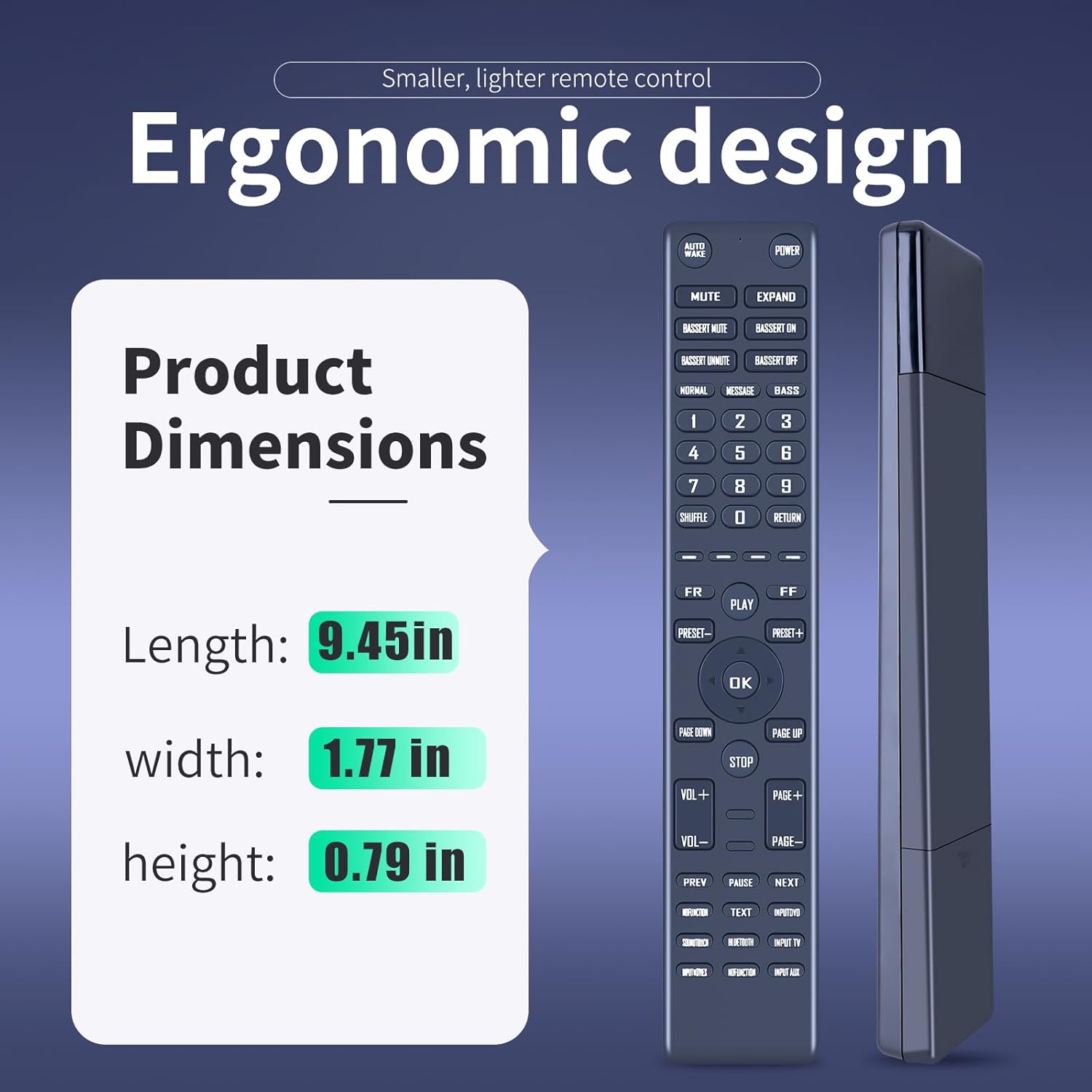
Figure 3: Illustration of battery installation, showing the remote control requiring two AAA batteries.
3. Operating Instructions
Once batteries are installed, the remote control is ready for use. Point the remote directly at your Bose Soundbar 700 to operate its functions.
3.1 Basic Functions
- Power: Press the POWER button to turn the soundbar on or off.
- Volume Control: Use the VOL+ and VOL- buttons to adjust the sound level.
- Mute: Press the MUTE button to silence the audio.
- Source Selection: Use the INPUT buttons (e.g., INPUT TV, INPUT AUX, BLUETOOTH) to switch between audio sources.
- Navigation: Use the directional arrows and OK button for menu navigation.
The remote is designed for multi-angle induction, allowing effective control from various positions within a range of approximately 26 feet (8 meters).
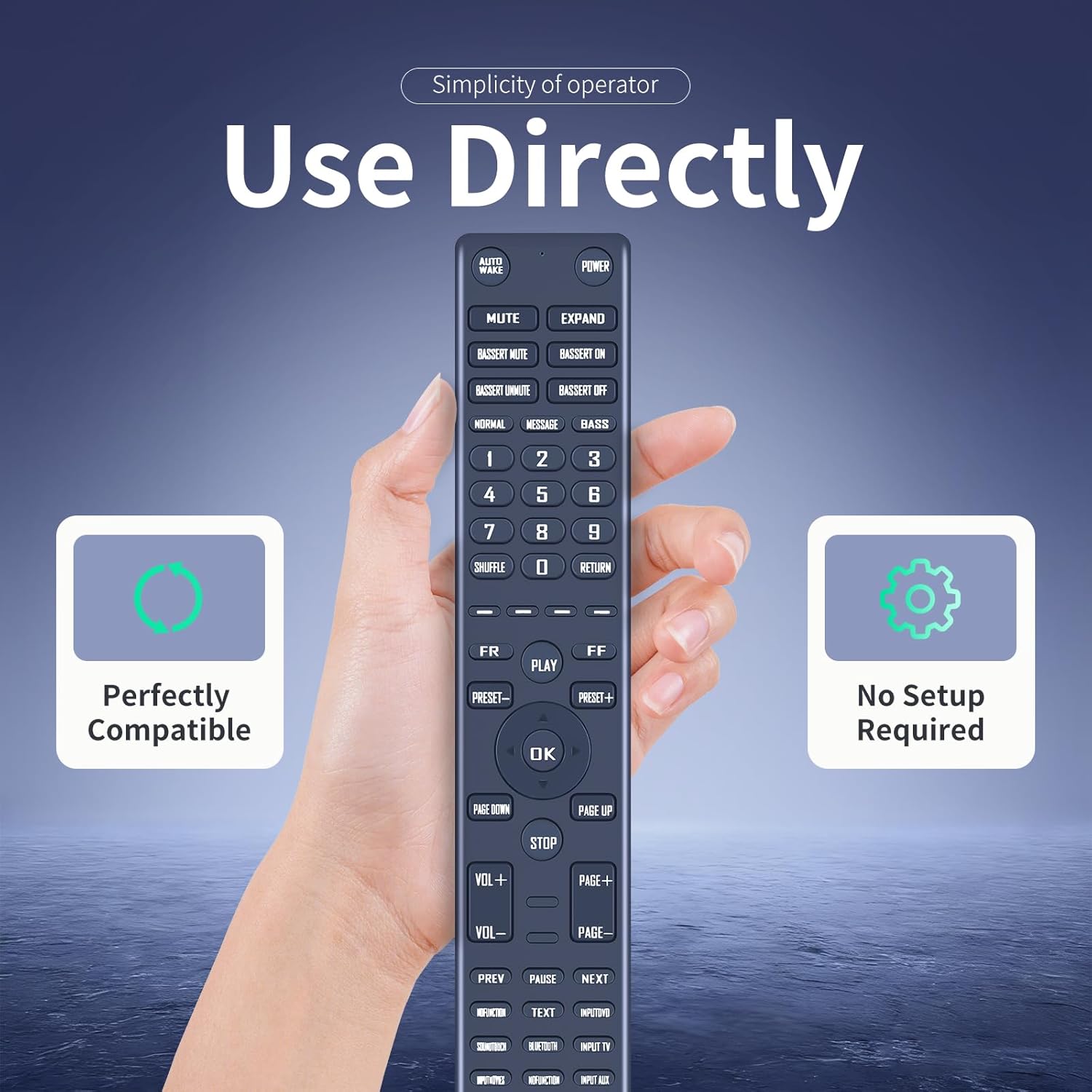
Figure 4: The remote control is ready for direct use without any setup.
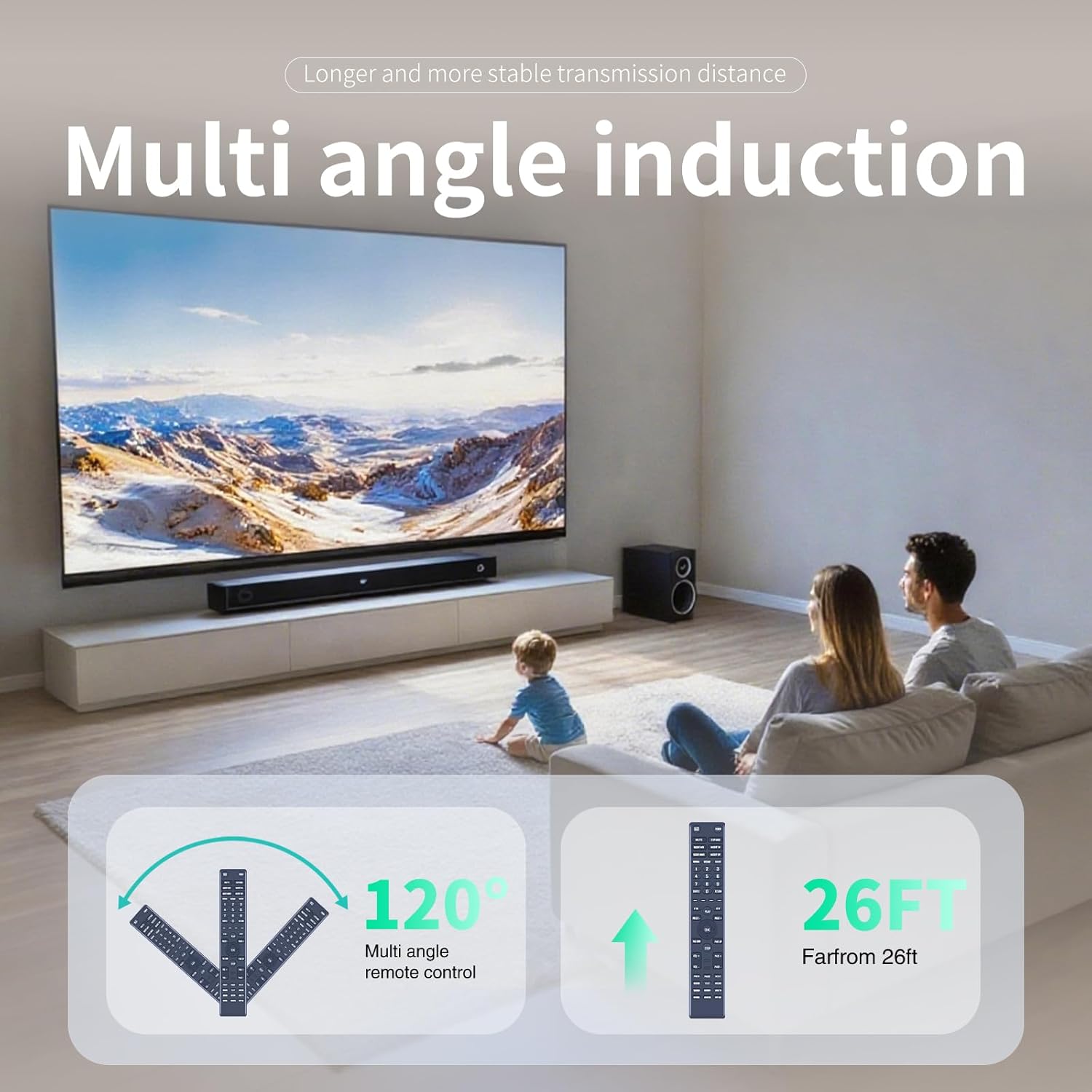
Figure 5: The remote supports multi-angle operation up to 120 degrees and has an effective range of approximately 26 feet.
4. Maintenance
To ensure the longevity and optimal performance of your ZWP Replacement Remote Control, follow these maintenance guidelines:
- Cleaning: Wipe the remote with a soft, dry cloth. Avoid using liquid cleaners or abrasive materials.
- Battery Replacement: Replace batteries when the remote's response becomes sluggish or stops working. Always replace both batteries at the same time.
- Storage: Store the remote in a cool, dry place away from direct sunlight and extreme temperatures.
- Handling: Avoid dropping the remote or exposing it to moisture. The remote is constructed from high-quality, wear-resistant ABS material for durability.

Figure 6: The remote is built with quality materials and an advanced chip for a long lifespan.
5. Troubleshooting
If you encounter issues with your ZWP Replacement Remote Control, consider the following:
- Remote not responding:
- Check if the batteries are inserted correctly with the correct polarity.
- Replace old batteries with new AAA batteries.
- Ensure there are no obstructions between the remote and the soundbar.
- Confirm you are within the operating range (approximately 26 feet).
- Specific buttons not working:
- Ensure the remote is pointed directly at the soundbar.
- Clean the remote's surface and buttons to remove any debris that might be interfering.
If problems persist after following these steps, please contact customer support for assistance.
6. Specifications
| Feature | Detail |
|---|---|
| Brand | ZWP |
| Compatible Models | Bose Soundbar 700, 809945-0010 |
| Power Source | 2 x AAA Batteries (not included) |
| Material | High-quality ABS |
| Color | Black |
| Special Feature | Ergonomic Design |
| Max Number of Supported Devices | 1 |
| Package Dimensions | 7.4 x 2.5 x 1.1 inches |
| Item Weight | 2.08 ounces |

Figure 7: Product dimensions of the ZWP Replacement Remote Control.
7. Warranty and Support
For any questions, concerns, or assistance with your ZWP Replacement Remote Control, please do not hesitate to contact our customer support. We are committed to helping you resolve any issues you may encounter.
Please refer to your purchase documentation or the seller's contact information for specific support channels.