
1. Introduction
The WESECUU Light Bulb Security Camera offers a discreet and effective solution for monitoring your property. Designed for easy installation into standard light sockets, this camera provides high-definition 2K video, dual-band Wi-Fi connectivity (2.4GHz and 5GHz), and advanced features such as motion detection, two-way audio, and color night vision. It is an ideal choice for enhancing the security of your home or business with minimal effort.
2. Package Contents
Please verify that all items are present in your package:
- WESECUU Light Bulb Security Camera (2 units for 2-Pack)
- Instruction Manual
3. Setup Guide
3.1 Physical Installation
- Ensure the power to the light socket is turned off before installation.
- Carefully screw the WESECUU Light Bulb Security Camera into a standard E27/E26 light socket.
- Turn on the power to the light socket. The camera will power on and begin its initialization sequence.
3.2 App Download and Connection
- Download the official WESECUU mobile application from your device's app store (iOS or Android).
- Register for a new account or log in if you already have one.
- Follow the in-app instructions to add your new camera. This typically involves scanning a QR code on the camera or connecting to a temporary Wi-Fi hotspot created by the camera.
- Connect the camera to your home Wi-Fi network. The camera supports both 2.4GHz and 5GHz Wi-Fi bands for flexible connectivity. Ensure your mobile device is connected to the same Wi-Fi network during the setup process.
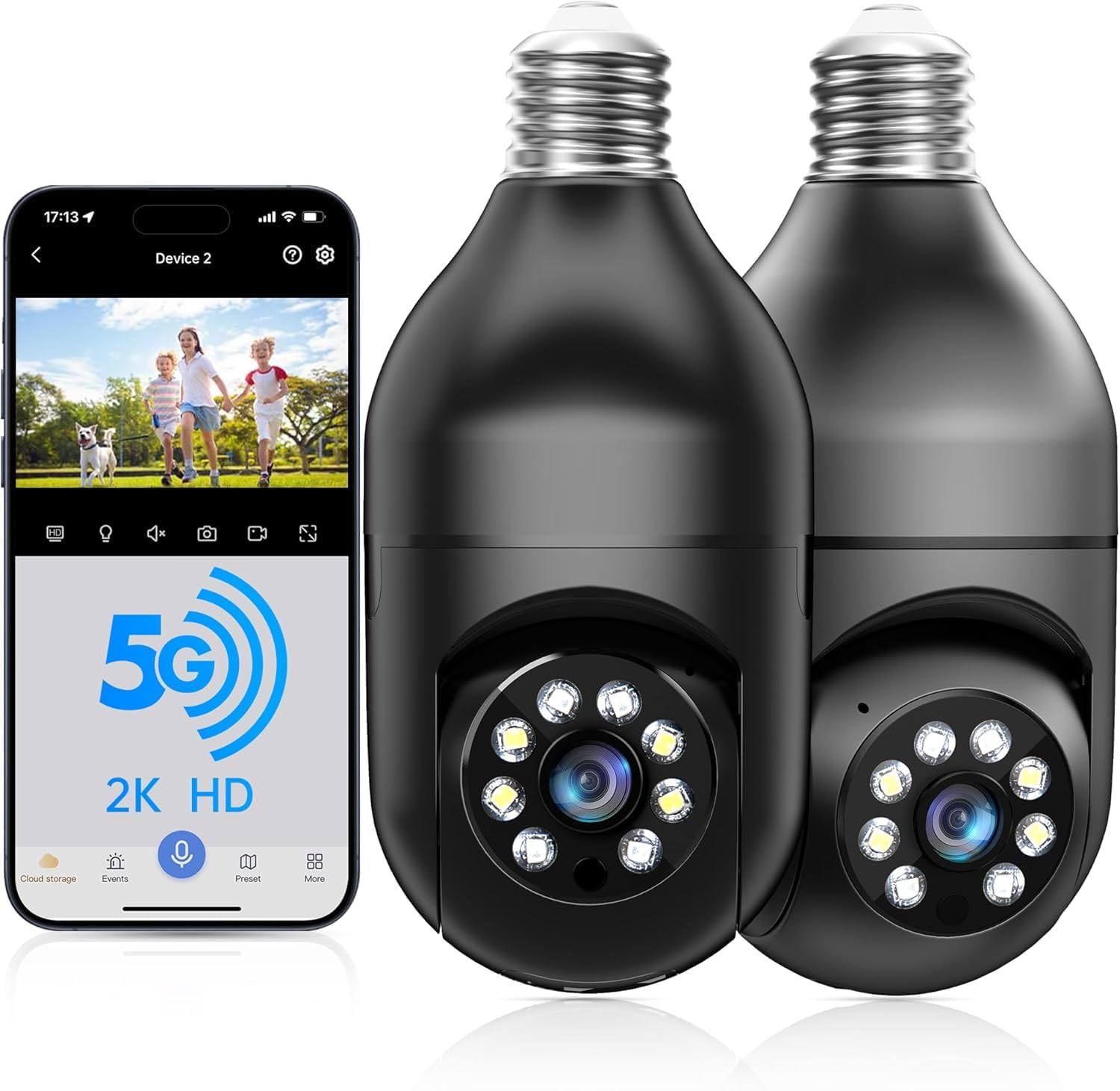
WESECUU Light Bulb Security Camera with companion mobile application interface, demonstrating 5G and 2K HD capabilities.

Diagram illustrating the extended Wi-Fi range (328 feet) and dual-band 2.4G & 5G support for the WESECUU security camera, showing optimal placement relative to routers.
4. Operating Instructions
4.1 Live View and Pan/Tilt Control
Open the WESECUU app and select your camera to access the live video feed. Use the on-screen controls to pan (horizontal rotation) and tilt (vertical movement) the camera lens to adjust your viewing angle. The camera offers a 360-degree range of motion for comprehensive coverage.
4.2 Two-Way Audio
To use the two-way audio feature, tap the microphone icon in the live view interface. You can speak through your phone, and your voice will be projected through the camera's speaker. Similarly, you can hear audio from the camera's surroundings through your phone's speaker.

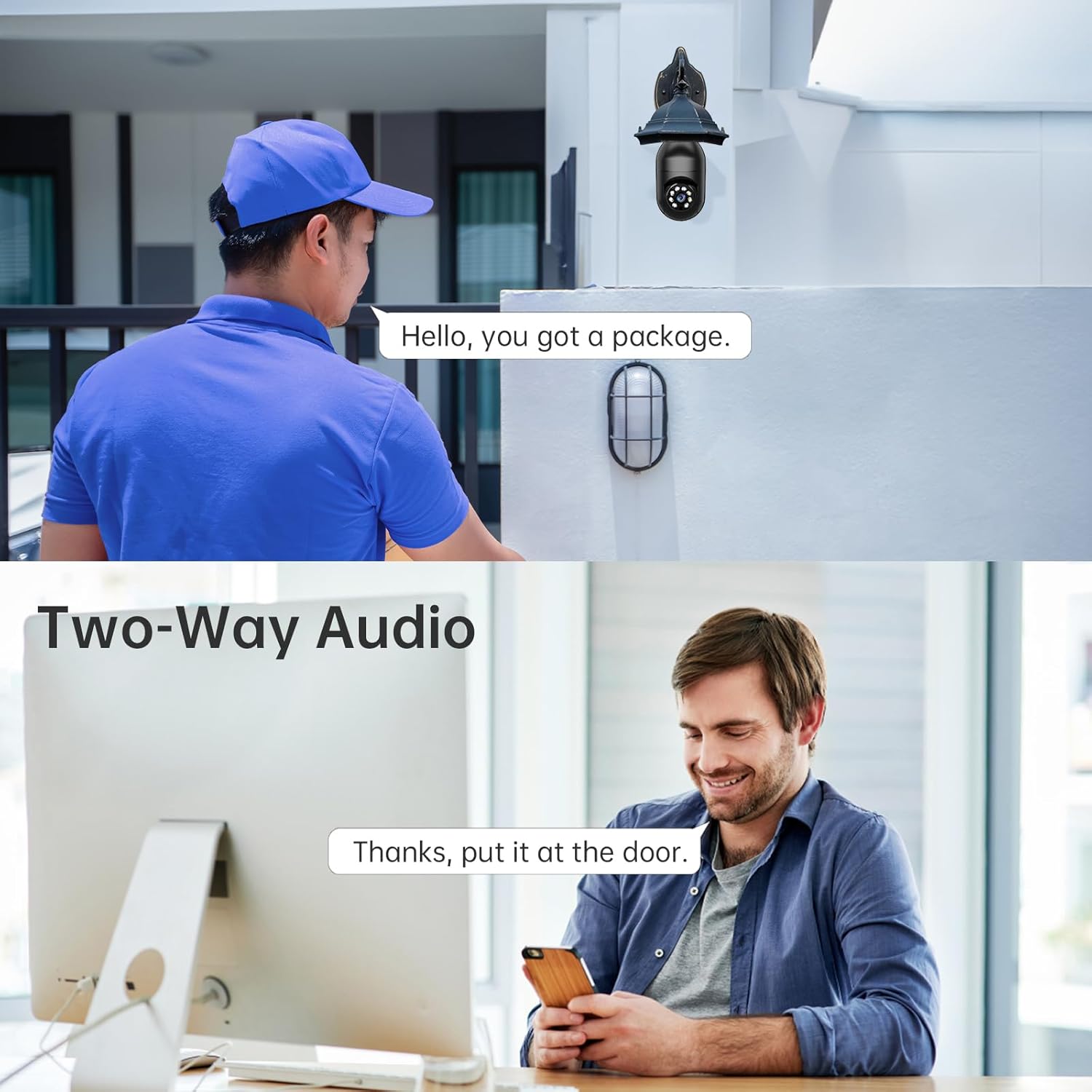
A delivery person speaking into the camera and a user responding via the mobile app, demonstrating the two-way audio feature of the WESECUU Light Bulb Security Camera.
4.3 Motion Detection and Alerts
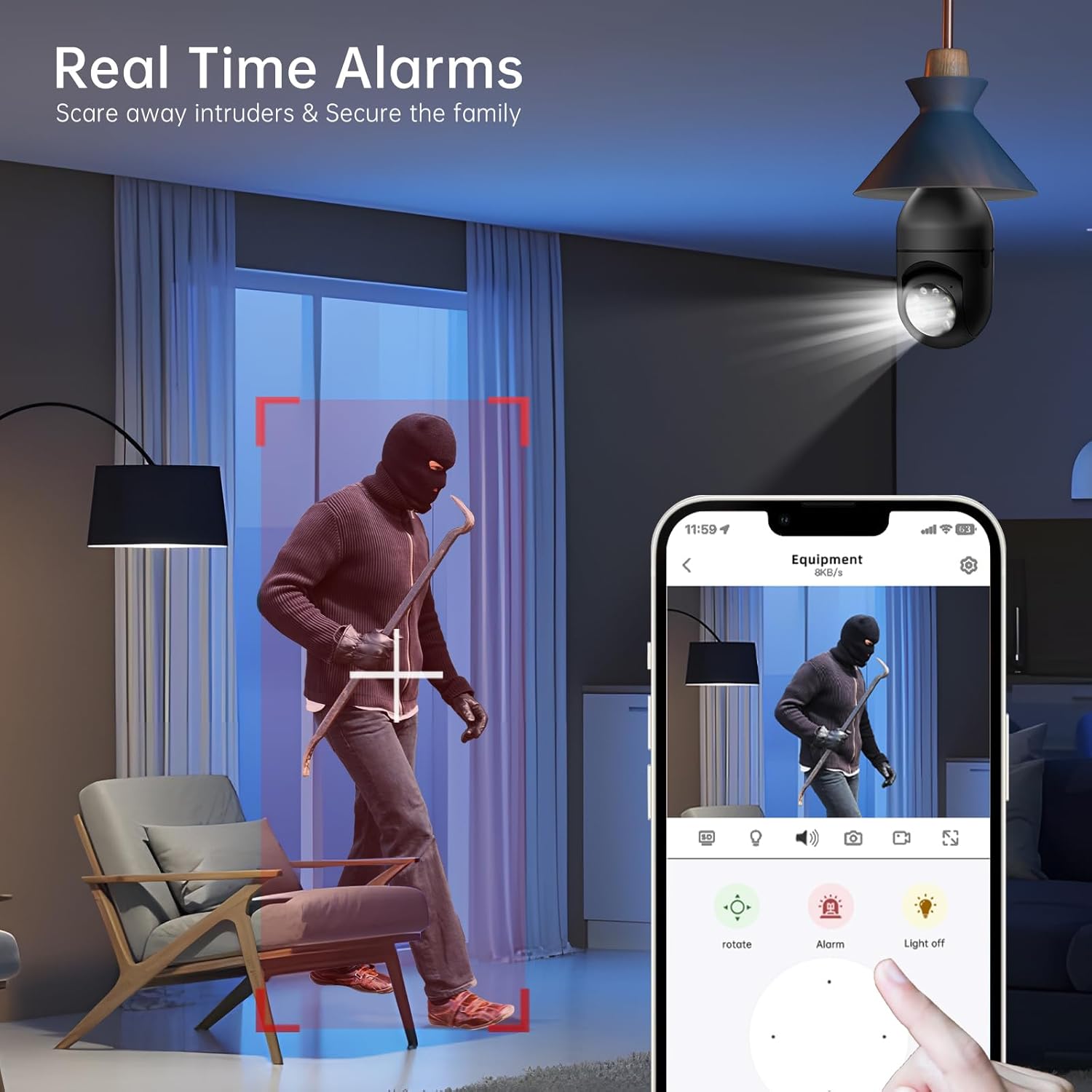
The camera is equipped with advanced motion detection and human detection capabilities. When motion or a human figure is detected, the camera can send real-time alerts to your mobile device. You can customize alert settings, sensitivity, and notification preferences within the app.
Screenshot from the WESECUU mobile application showing a real-time alarm triggered by human detection, with options to rotate the camera, activate an alarm, or turn off the light.
4.4 Recording and Playback
The camera supports 24/7 continuous recording. Footage can be stored locally on a microSD card (not included) or via cloud storage (subscription may be required). Access recorded videos and playback history through the app's interface.

The WESECUU Light Bulb Security Camera installed outdoors, with an overlay indicating 24/7 recording capability and options for cloud storage (subscription required) or local SD card storage.
5. Key Features
- 2K High-Definition Video: Captures clear and detailed footage for enhanced monitoring.
- Dual-Band Wi-Fi (2.4GHz & 5GHz): Provides flexible and stable wireless connectivity.
- Color Night Vision: Offers full-color video even in low-light conditions, in addition to traditional infrared night vision.
- Human Detection: Intelligent algorithms differentiate human movement from other motion, reducing false alarms.
- Motion-Activated Alarm: Triggers a siren or strobe light upon detection to deter intruders.
- Two-Way Talk: Communicate with visitors or deter unwanted guests remotely.
- Alexa Compatibility: Integrate with Amazon Alexa for voice control and smart home automation.
- Multiple Storage Options: Supports local microSD card storage and optional cloud storage for continuous recording.
Comparison image showing the difference between infrared night vision (monochrome) and 2K full color night vision provided by the WESECUU Light Bulb Security Camera.
6. Maintenance
- Cleaning: Periodically wipe the camera lens and body with a soft, dry cloth to remove dust and debris. Do not use harsh chemicals or abrasive cleaners.
- Firmware Updates: Regularly check the WESECUU app for available firmware updates. Keeping your camera's firmware up-to-date ensures optimal performance, security, and access to new features.
- Power Supply: Ensure the light socket providing power to the camera has a stable electrical supply.
7. Troubleshooting
| Issue | Possible Cause / Solution |
|---|---|
| Camera not connecting to Wi-Fi | Ensure your Wi-Fi password is correct. Verify the camera is within range of your router. If using a dual-band router, try connecting to both 2.4GHz and 5GHz networks. Restart your router and the camera. |
| No motion alerts received | Check motion detection settings in the app (sensitivity, detection zones). Ensure app notifications are enabled on your phone. Verify the camera has a stable internet connection. |
| Poor video quality | Clean the camera lens. Ensure adequate lighting. Check your internet speed; a slow connection can affect streaming quality. |
| Alarm/Intercom not working or recording issues | Check app permissions and settings for audio and recording. Ensure sufficient storage space on the microSD card or active cloud subscription. Some features may require the latest app version; check for updates. If issues persist after app updates, verify if a cloud service is required for specific functionalities. |
| Camera offline frequently | Weak Wi-Fi signal. Try relocating the camera closer to the router or using a Wi-Fi extender. Ensure no physical obstructions are blocking the signal. |
8. Specifications
| Feature | Detail |
|---|---|
| Model Name | T-CP8044LF-W3M |
| Video Capture Resolution | 2K |
| Connectivity Technology | Wireless (2.4GHz & 5GHz Wi-Fi) |
| Power Source | Corded Electric (Light Socket) |
| Indoor/Outdoor Usage | Outdoor |
| Special Feature | Night Vision (Color & Infrared), Motion Detection, Two-Way Talk, Human Detection |
| Compatible Devices | Smartphone, Amazon Alexa |
| Mounting Type | Light Socket Mount |
| Item Weight | 1.08 pounds |
| Product Dimensions | 1 x 1 x 1 inches |
9. Warranty and Support
For technical support or warranty inquiries, please contact WESECUU customer service:
Customer Hotline: +1-888-9716718
Working Hours: Pacific Time 6:00 PM - 3:00 AM, Monday to Friday


