
1. Introduction
This manual provides detailed instructions for the assembly, operation, maintenance, and troubleshooting of your FLEXISPOT 48x24 Inch Electric Standing Desk with Monitor Riser. Please read this manual thoroughly before assembly and use to ensure proper function and safety.
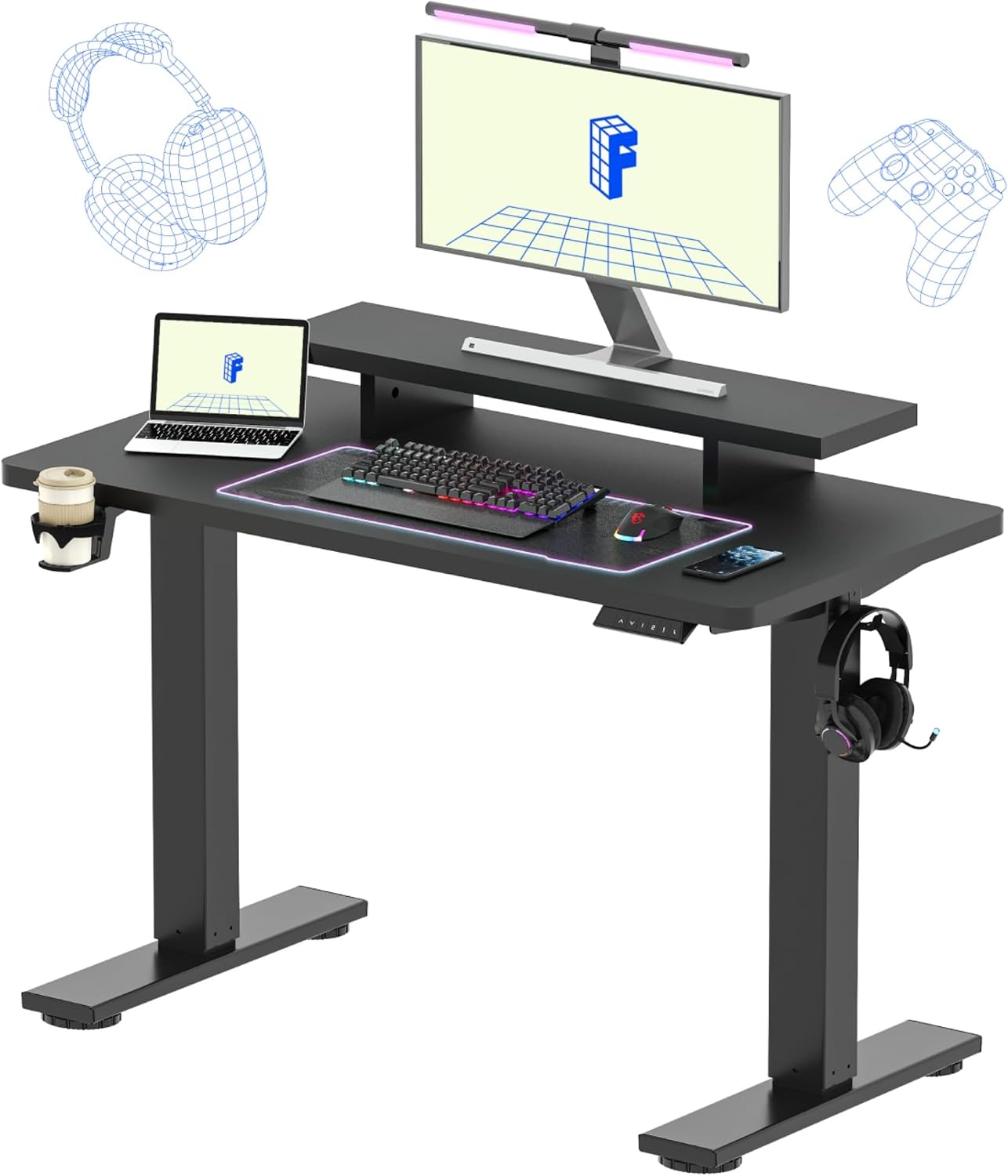
Image 1.1: The FLEXISPOT 48x24 Inch Electric Standing Desk with Monitor Riser, featuring a black frame and black top, with a laptop, monitor, keyboard, mouse, cup holder, and headphone hook.
2. Safety Information
- Ensure all components are present and undamaged before assembly. Do not use if any parts are missing or broken.
- Keep children and pets away from the desk during operation.
- Do not place hands or other objects near the moving parts of the desk frame during height adjustment.
- Ensure the power cord is not pinched or damaged.
- Do not overload the desk. The maximum weight capacity is 154 lbs (70 kg).
- Only use the desk on a level surface.
- Disconnect power before cleaning or maintenance.
3. Setup and Assembly
Assembly of the FLEXISPOT Electric Standing Desk is designed to be straightforward. Most users can complete assembly within 30 minutes. A power drill can expedite the process but is not strictly required.
3.1 Unpacking and Component Check
- Carefully open the packaging and remove all components. The packaging can be heavy; assistance is recommended for lifting.
- Verify that all parts listed in the included assembly guide are present and undamaged.
3.2 Assembly Steps (General Overview)
Refer to the detailed assembly instructions provided in your product packaging for specific diagrams and screw types. The general steps include:
- Attach the lifting columns to the desk feet.
- Connect the crossbar to the lifting columns.
- Secure the one-piece desktop to the assembled frame.
- Install the control box and keypad onto the desk frame.
- Attach the monitor riser to the desktop.
- Install the cup holder and headphone hooks as desired.
- Connect all necessary cables (motor to control box, control box to keypad, power cord to control box).

Image 3.1: Diagram illustrating the product dimensions, including the desktop size (48" W x 24" D), monitor riser dimensions (35.4" W x 21.6" D x 4.2" H), and adjustable height range (28.9" to 46.5"). Maximum load capacity is 154 lbs.
4. Operating Instructions
4.1 Height Adjustment
The desk features an electric height adjustment system. Use the up and down arrow buttons on the control panel to adjust the desk height. The current height will be displayed on the LED screen.
- Press and hold the Up Arrow button to raise the desk.
- Press and hold the Down Arrow button to lower the desk.
- The desk can be adjusted between 28.9 inches and 46.5 inches.

Image 4.1: Close-up of the multifunctional controller, showing the LED display for current height, up/down arrow buttons, and four memory preset buttons.
4.2 Memory Presets
The control panel includes four memory preset buttons to save and recall your preferred sitting and standing heights.
- Adjust the desk to your desired height using the up/down arrows.
- Press the


