
Introduction
Welcome to the user manual for your boAt Storm Infinity Max Smartwatch. This guide provides detailed instructions on how to set up, operate, and maintain your device to ensure optimal performance and a seamless user experience. The boAt Storm Infinity Max features a large 2.01-inch HD display, Bluetooth calling, AI-based health nudges, and an impressive battery life.
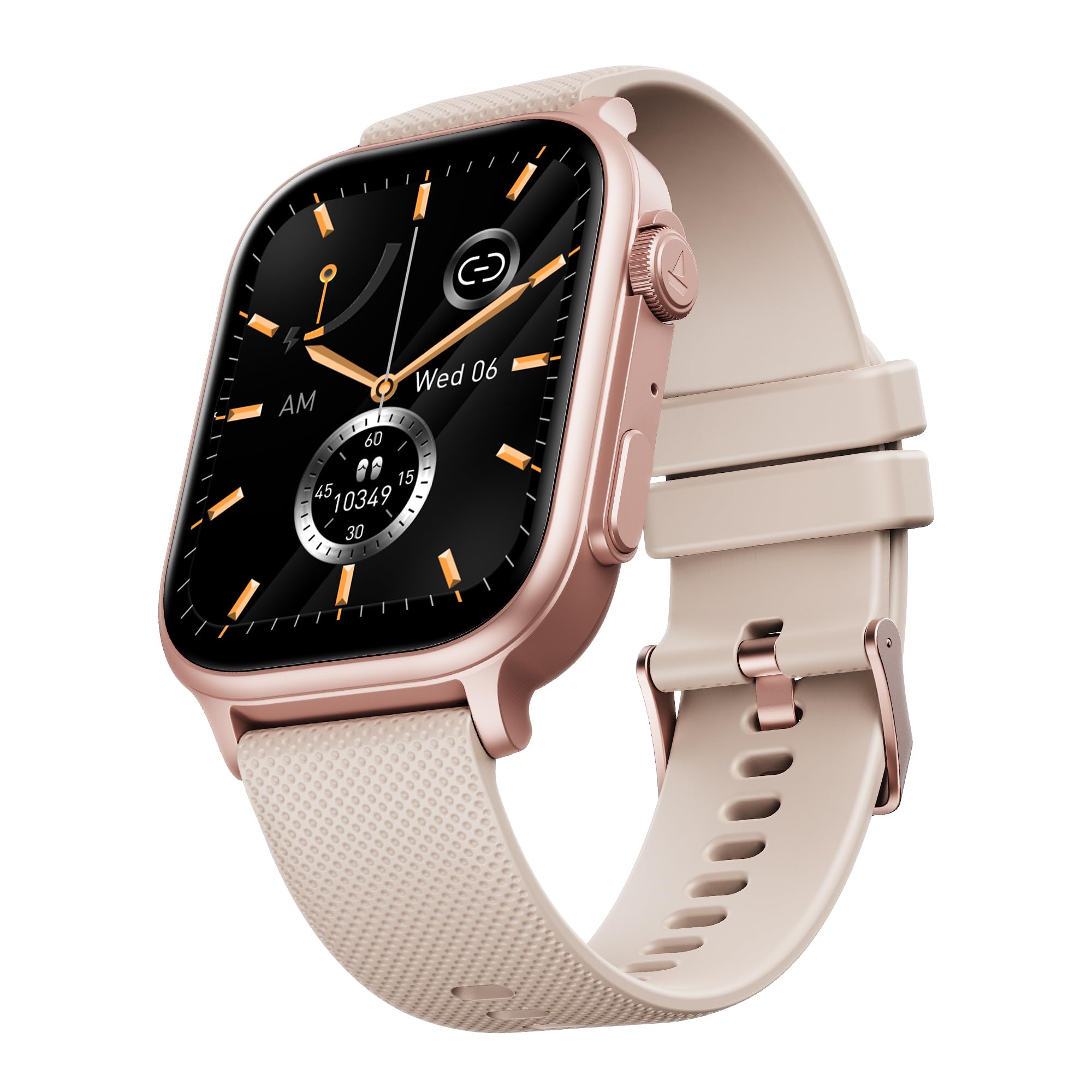
Image: The boAt Storm Infinity Max Smartwatch, showcasing its sleek design and large display.
What's in the Box
Please check the package contents to ensure all items are present:
- Smart Watch
- Charging Cable
- User Manual
Setup
1. Charging Your Smartwatch
Before first use, fully charge your boAt Storm Infinity Max. Connect the provided charging cable to the charging port on the back of the watch and to a USB power adapter. A full charge provides up to 20 days of battery life with its 680 mAh battery capacity.
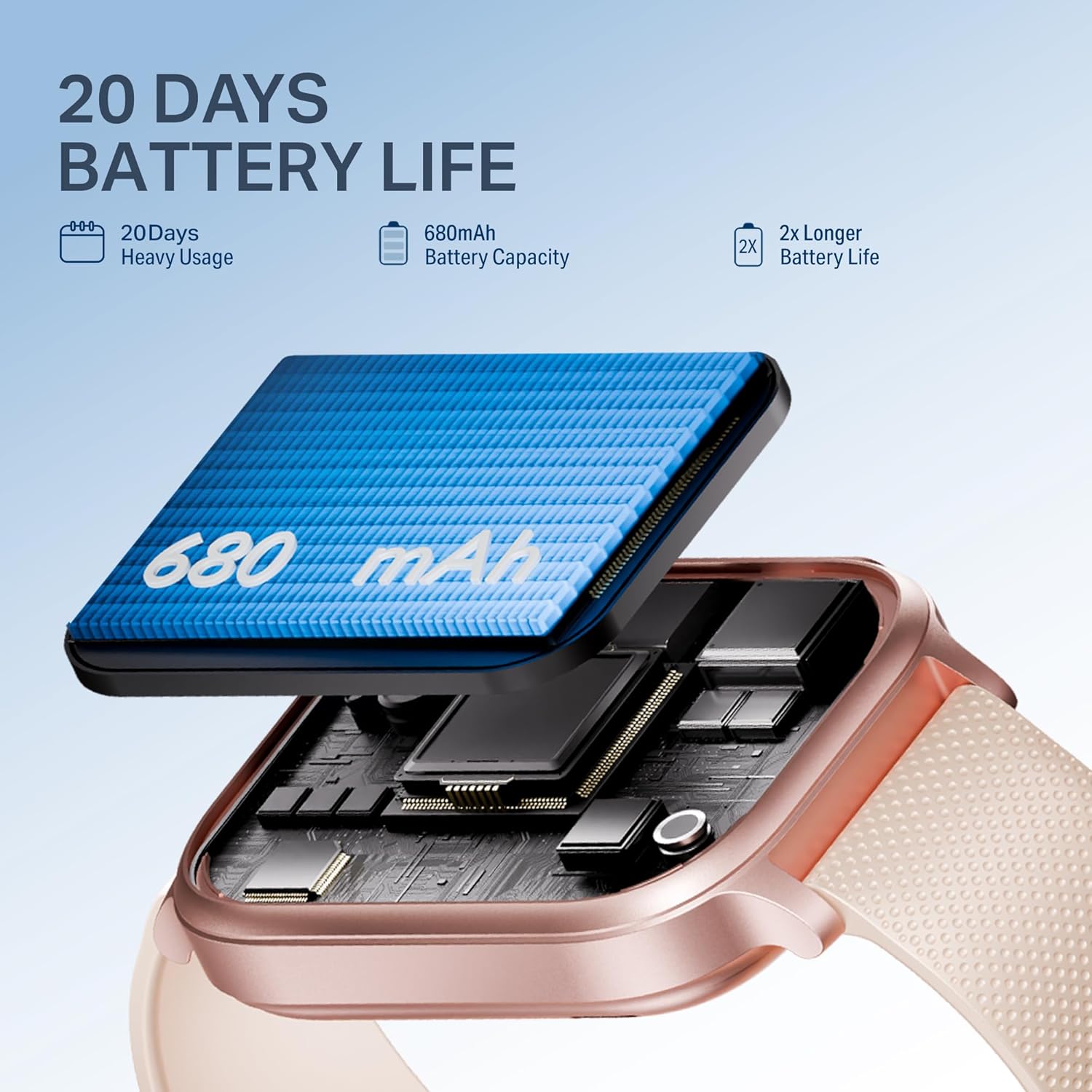
Image: Close-up of the smartwatch highlighting its 680mAh battery and charging mechanism, indicating a 20-day battery life.
2. Pairing with the App
To unlock the full potential of your smartwatch, download the companion app. Search for "Dafit" in your smartphone's app store (Google Play Store for Android or Apple App Store for iOS). Install the app and follow the on-screen instructions to pair your watch via Bluetooth.
Ensure Bluetooth is enabled on your smartphone and the watch is sufficiently charged. Open the app, create an account or log in, and select "Add Device" to find and connect to your boAt Storm Infinity Max.
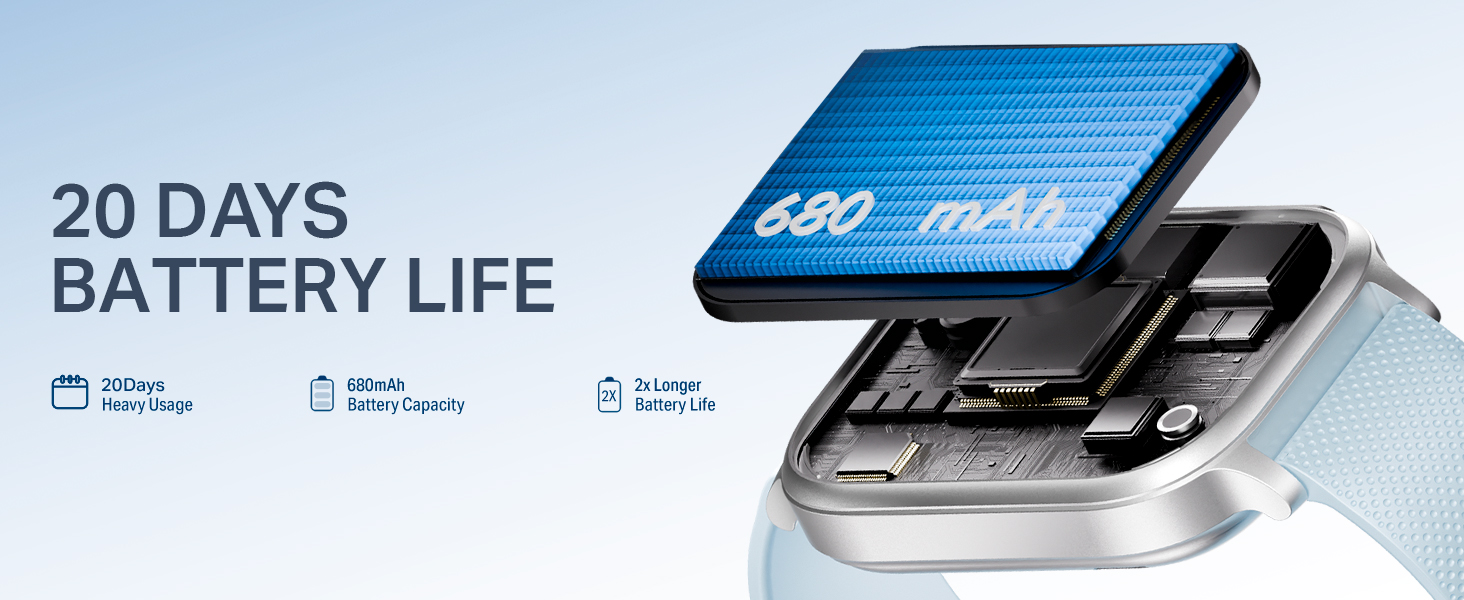
Image: A visual representation of the boAt Storm Infinity Max smartwatch connecting to a smartphone application.
3. Wearing the Watch
Wear the smartwatch snugly on your wrist, about one finger's width above your wrist bone. This ensures accurate heart rate and SpO2 measurements.
Operating Instructions
Power On/Off
- Power On: Press and hold the side button until the screen lights up.
- Power Off: Press and hold the side button, then select "Power Off" on the screen.
Navigation
The boAt Storm Infinity Max features a 2.01-inch HD display and a functional crown for easy navigation.
- Touch Screen: Swipe up, down, left, or right to access different menus and notifications. Tap to select.
- Functional Crown: Rotate the crown to scroll through features, menus, or switch watch faces. Press the crown to return to the home screen or confirm selections.
- Raise-to-Wake: Lift your wrist to automatically activate the display.

Image: The smartwatch display showing time and activity metrics, highlighting its 2.01-inch HD screen.

Image: Close-up of the functional crown on the smartwatch, used for navigation and feature selection.
Bluetooth Calling
With advanced Bluetooth calling, you can make and receive calls directly from your wrist. The watch features a crystal-clear microphone and an in-built dialer. You can also sync up to 20 contacts from your phone to the watch.

Image: A person using the smartwatch for Bluetooth calling, illustrating the convenience of hands-free communication.
Health & Fitness Tracking
Monitor your well-being with comprehensive health tracking features:
- Heart Rate (HR): Continuous heart rate monitoring.
- SpO2: Blood oxygen saturation measurement.
- Sleep Tracking: Analyze your sleep patterns (deep sleep, light sleep, awake time).
- Stress Monitoring: Track your stress levels throughout the day.
- Female Wellness: Dedicated tracking for menstrual cycles.
- Guided Breathing: Practice mindful breathing exercises.

Image: The smartwatch displaying heart rate data, illustrating its health and fitness tracking capabilities.
AI-Based Health Nudges & Wellness Balance Score
The Storm Infinity Max provides intelligent, personalized nudges based on your activity, sleep, and daily habits. After two weeks of consistent activity, the watch will also provide a daily Wellness Balance Score, reflecting your physical and emotional well-being.

Image: A smartphone screen showing AI-based health nudges from the smartwatch app, offering personalized recommendations.
QR Tray
Access frequently used QR codes directly from your watch. This feature allows for quick access to UPI payments, metro passes, or digital business cards.

Image: The smartwatch display showing a QR code for UPI payment, demonstrating the QR Tray functionality.
Multiple Sports Modes
The watch supports over 100 sports modes. Access your activities quickly with a dedicated side button.

Image: A person wearing the smartwatch during exercise, with the watch display showing various sports modes.
Watch Face Studio
Personalize your smartwatch with various watch faces available through the Watch Face Studio in the companion app.
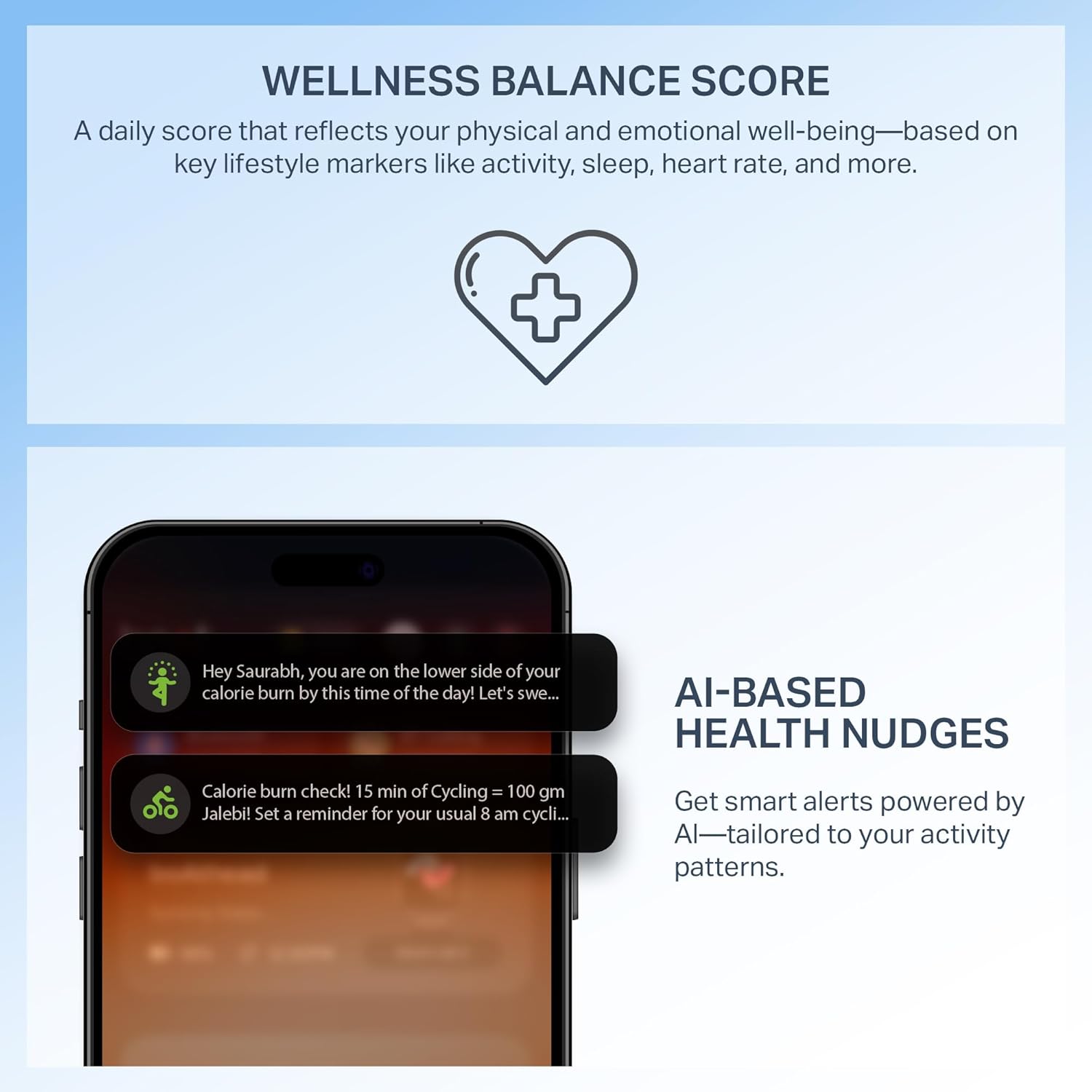
Image: Examples of different watch faces available for customization through the Watch Face Studio.
Emergency SOS
In case of an emergency, the watch features an SOS function. Refer to the app settings for configuring emergency contacts and activation methods.

Image: A graphic illustrating the Emergency SOS feature with an SOS icon.
Maintenance
Cleaning Your Smartwatch
Regularly clean your watch and strap with a soft, dry cloth. Avoid using harsh chemicals or abrasive materials. If necessary, use a slightly damp cloth and dry thoroughly.
Water Resistance (IP68)
The boAt Storm Infinity Max is IP68 dust, sweat, and splash resistant. This means it can withstand immersion in water up to 1.5 meters for 30 minutes. It is suitable for daily use and light water activities but not recommended for swimming or diving.
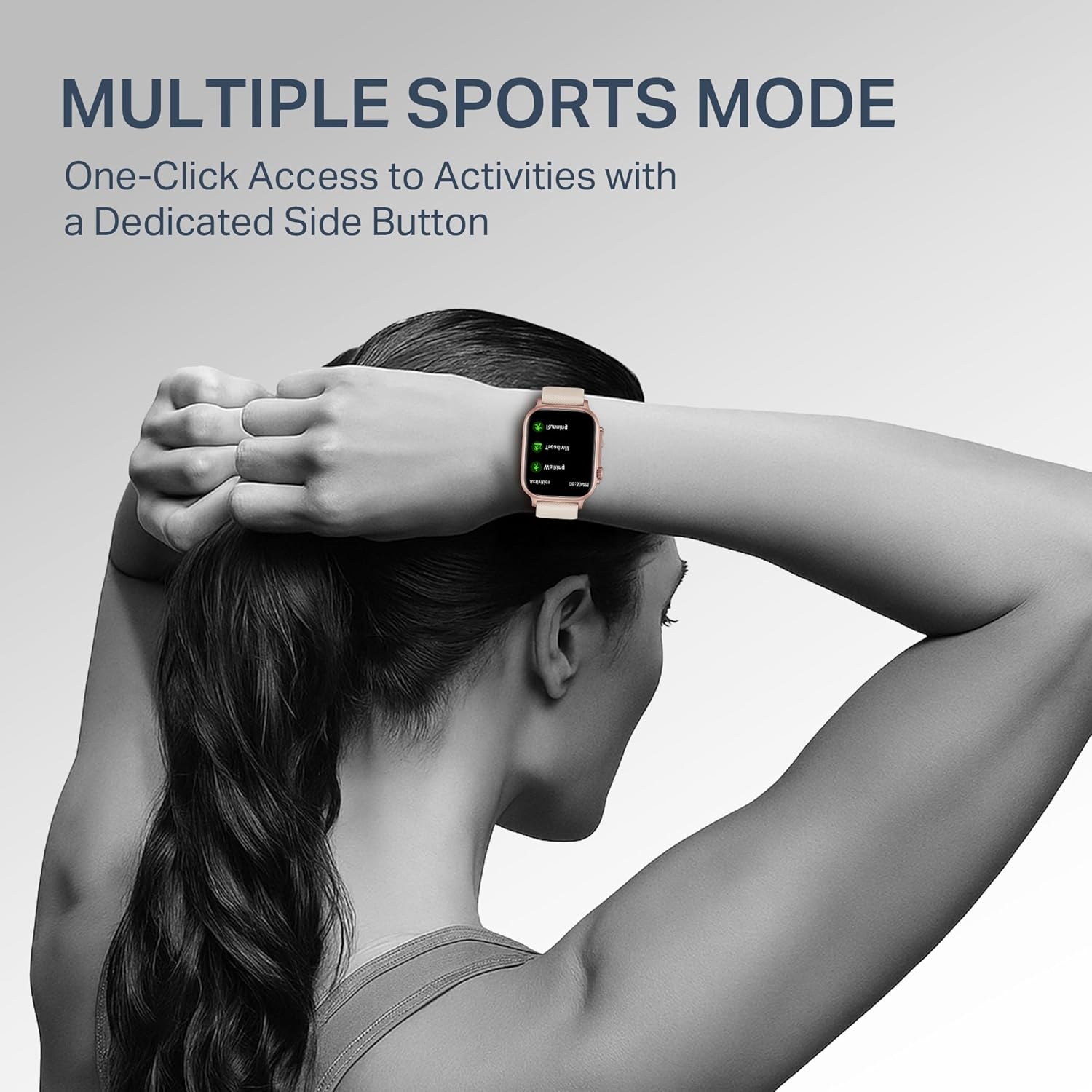
Image: A visual representation indicating the smartwatch's IP68 dust, sweat, and splash resistance.
Battery Care
To prolong battery life, avoid exposing the watch to extreme temperatures. Charge the watch regularly, but avoid leaving it fully charged or fully discharged for extended periods.
Troubleshooting
- Watch not turning on: Ensure the watch is fully charged. Connect it to the charging cable and a power source for at least 30 minutes.
- Cannot pair with phone:
- Ensure Bluetooth is enabled on your phone.
- Make sure the watch is within range of your phone.
- Restart both your phone and the smartwatch.
- Try unpairing and re-pairing the device through the app.
- Inaccurate health data:
- Ensure the watch is worn snugly on your wrist, not too loose or too tight.
- Clean the sensors on the back of the watch.
- Avoid excessive movement during measurements.
- Notifications not appearing:
- Check app notification settings on your phone and within the smartwatch app.
- Ensure the watch is connected to your phone via Bluetooth.
Specifications
| Brand | boAt |
| Model Number | WB0015 |
| Display Size | 2.01 Inches |
| Battery Capacity | 680 mAh |
| Battery Life | Up to 20 Days (Heavy Usage) |
| Wireless Type | Bluetooth |
| Operating System | Android (compatible) |
| Water Resistance | IP68 Dust, Sweat & Splash Resistant |
| Item Weight | 35 g |
| Included Components | Smart Watch, Charging Cable, User Manual |
Warranty and Support
For warranty information and customer support, please refer to the official boAt website or contact their customer service. Keep your purchase receipt as proof of purchase for warranty claims.
You can find additional support and FAQs on the boAt Support Page.

