
ENOMIR GTX20
ENOMIR Smart Watch GTX20 User Manual
Model: GTX20
1. Introduction
The ENOMIR Smart Watch GTX20 is a versatile wearable device designed to enhance your daily life through seamless communication, comprehensive health monitoring, and advanced fitness tracking. Featuring a vibrant AMOLED display and robust connectivity, it is compatible with both iOS and Android devices.
2. What's in the Box
Upon unboxing your ENOMIR Smart Watch GTX20, please ensure all components are present:
- ENOMIR Smart Watch GTX20 (with pre-installed band)
- Magnetic Charging Cable
- User Manual

Image: Components included in the ENOMIR Smart Watch GTX20 packaging.
3. Setup
3.1. Charging the Device
Before initial use, fully charge your smartwatch. Connect the magnetic charging cable to the charging points on the back of the watch. Plug the USB end of the cable into a compatible USB power adapter (not included) or a computer's USB port.
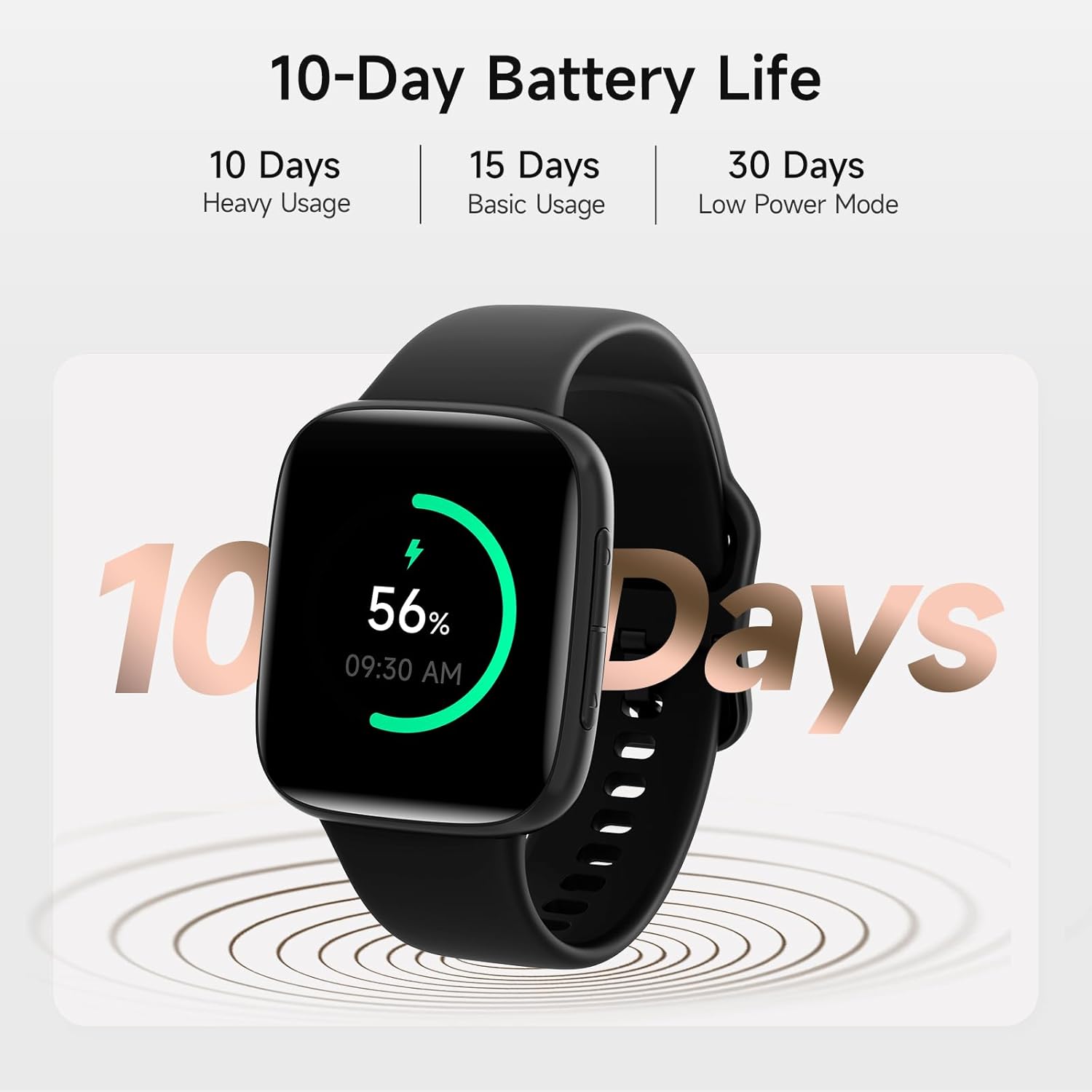
Image: The smartwatch displaying its battery life, indicating it is powered on and ready for use.
3.2. Pairing with Your Smartphone
- Download the VeryFit application from your smartphone's app store (available for iOS and Android).
- Ensure Bluetooth is enabled on your smartphone.
- Open the VeryFit app and follow the on-screen instructions to search for and pair with your ENOMIR Smart Watch GTX20.
- Confirm the pairing request on both your smartphone and the smartwatch.
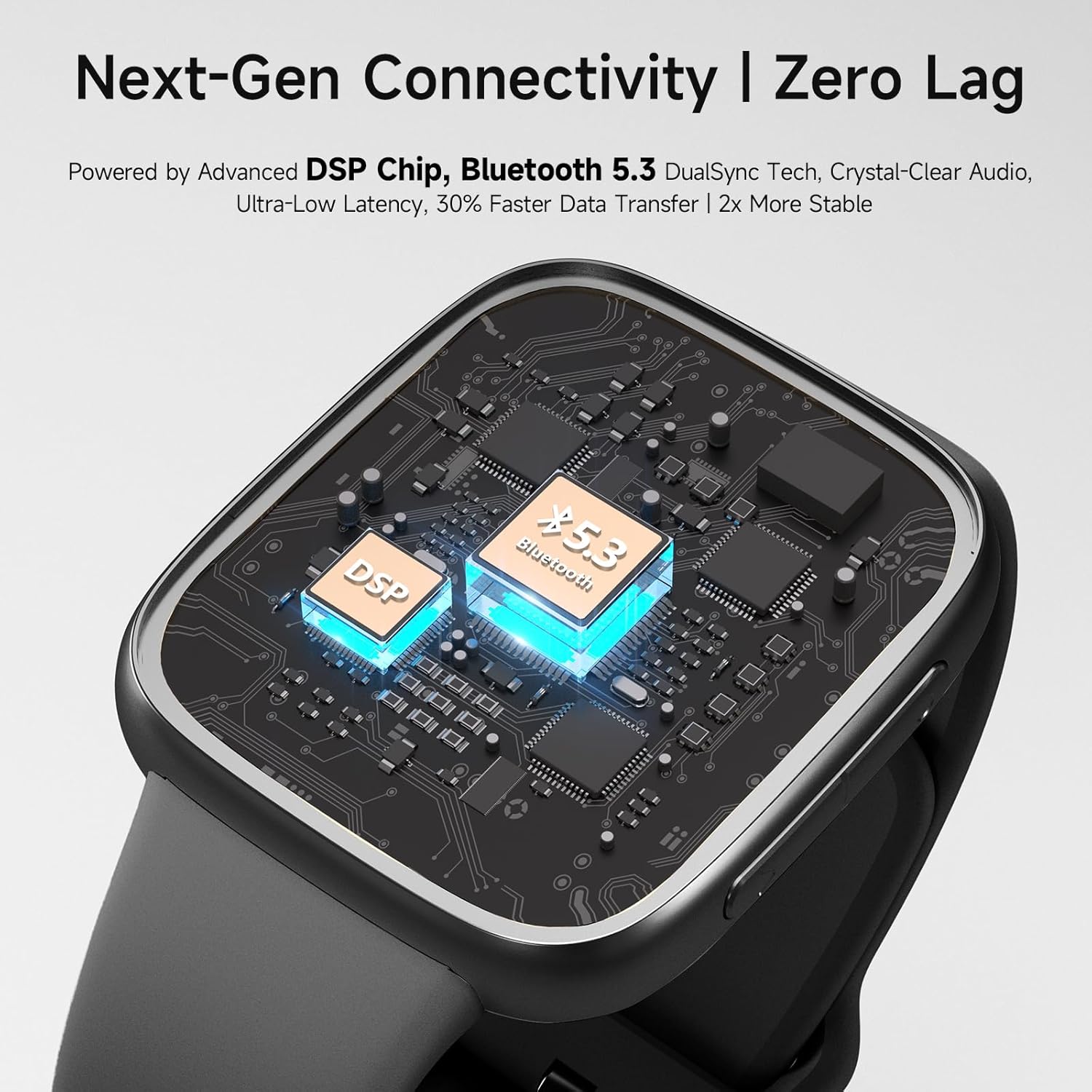
Image: An internal view of the smartwatch's advanced Bluetooth 5.3 and DSP chip, enabling stable and fast data transfer.
4. Operating Instructions
4.1. Display and Navigation
The smartwatch features a 1.85-inch 2.5D Curved AMOLED touchscreen display. Navigate through menus and features by swiping across the screen and using the side buttons. The display offers clear visuals and vibrant colors, even in bright conditions.

Image: The smartwatch on a wrist, highlighting the wide viewing angle and vivid colors of its 2.5D Curved AMOLED screen.
4.2. Calls and Notifications
With Bluetooth 5.3 and advanced DSP technology, the smartwatch allows for crystal-clear calls directly from your wrist. You will also receive real-time SMS and app notifications. Please note that replying to messages is not supported directly from the watch.

Image: The smartwatch showing an incoming call, with a smartphone displaying various app notifications, illustrating the call and notification reminder feature.
4.3. Health Monitoring
The GTX20 Smart Watch utilizes proprietary BioSync Nexus Technology for precise health insights. It continuously monitors your heart rate, blood oxygen (SpO2) levels, and sleep quality. This data helps you make informed decisions about your health and well-being.
- Heart Rate Monitoring: Track your heart rate throughout the day.
- SpO2 Monitoring: Measure your blood oxygen saturation.
- Sleep Monitoring: Analyze your sleep patterns (deep, light, REM sleep) for better rest insights.
- Stress Monitoring: Detect stress levels and receive alerts.

Image: The smartwatch monitoring heart rate during physical activity, providing real-time health data.
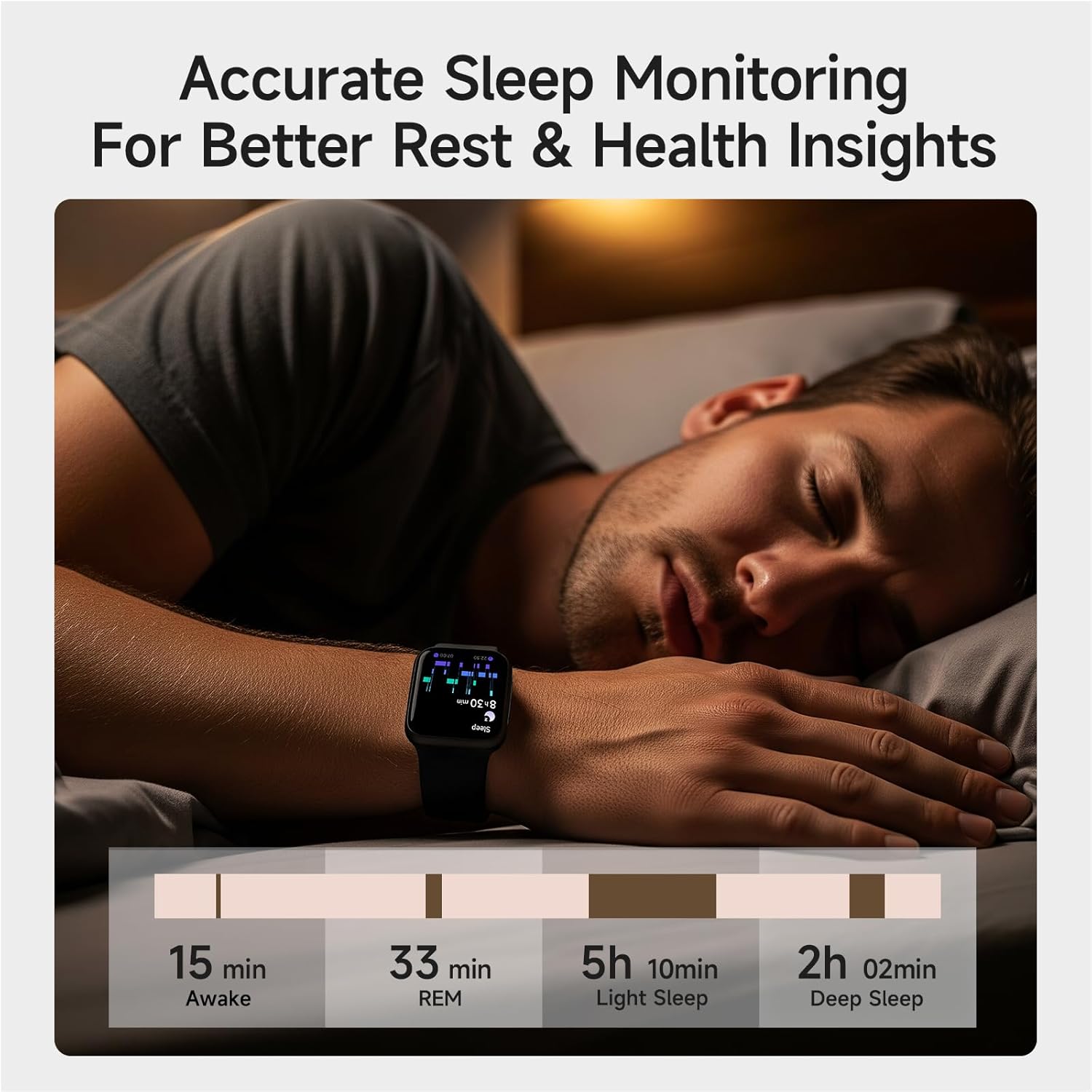
Image: The smartwatch tracking sleep, providing detailed insights into sleep stages for improved rest.
4.4. Advanced Fitness Tracking
Elevate your workouts with over 100 sport modes, including running, swimming, and yoga. The watch accurately tracks distance, calories burned, and steps taken. Its IP68 waterproof design ensures durability for various activities.

Image: The smartwatch being used for swimming, demonstrating its 3ATM waterproof rating and the variety of sport modes available.
4.5. Smart Features and Reminders
The ENOMIR Smart Watch GTX20 offers several smart features to keep you proactive and organized:
- Water Intake Reminders: Prompts you to stay hydrated.
- Sedentary Alerts: Reminds you to move after periods of inactivity.
- Menstrual Cycle Tracking: Provides insights for women's health.
- Music Control: Manage your music playback directly from your wrist.
- Weather Forecast: Get real-time weather updates.
- Alarm Clock: Set alarms for daily routines.
- Find Phone: Locate your paired smartphone.
- AI Voice Assistant: Interact with your watch using voice commands.
- DIY Watch Face: Customize your watch face with personal photos.

Image: The smartwatch's AI Voice Assistant feature, demonstrating voice command capabilities for various functions.
5. Maintenance
5.1. Cleaning Your Smartwatch
To maintain the appearance and functionality of your smartwatch, regularly clean the device and its band. Use a soft, lint-free cloth. For stubborn spots, dampen the cloth with a small amount of water. Avoid using harsh chemicals or abrasive materials.
5.2. Water Resistance
The ENOMIR Smart Watch GTX20 has an IP68 waterproof rating, meaning it can withstand immersion in water up to 3 meters deep. It is suitable for swimming, sweating, and showering. However, it is not recommended for diving or high-pressure water activities.

Image: The smartwatch submerged in water, illustrating its 3ATM waterproof rating for various water-related activities.
6. Troubleshooting
If you encounter issues with your ENOMIR Smart Watch GTX20, please refer to the following common solutions:
- Device not turning on: Ensure the watch is fully charged. Connect it to the charging cable and allow it to charge for at least 30 minutes before attempting to power on again.
- Cannot pair with smartphone: Ensure Bluetooth is enabled on your phone and the watch is within range. Restart both devices and try pairing again through the VeryFit app.
- Inaccurate health data: Ensure the watch is worn snugly on your wrist, not too tight or too loose. Clean the sensors on the back of the watch.
- Notifications not appearing: Check the notification settings within the VeryFit app and your phone's system settings to ensure permissions are granted for the app to display notifications.
For further assistance, please contact customer support.
7. Specifications
| Feature | Specification |
|---|---|
| Model | GTX20 |
| Screen Size | 1.85 Inches AMOLED |
| Connectivity | Bluetooth 5.3 |
| Battery Capacity | 350 Milliamp Hours |
| Battery Life | Up to 10 days (typical usage) |
| Water Resistance | 3ATM (IP68) |
| Operating System | Android & iOS Compatible |
| Item Weight | 5.6 ounces |
| Package Dimensions | 10.91 x 7.48 x 0.75 inches |
8. Warranty and Support
The ENOMIR Smart Watch GTX20 comes with a 5-year warranty covering hardware defects and accidental damage. For any technical issues or support inquiries, our 24/7 technical support team is available to provide fast responses and resolutions.
For more information or to contact support, please visit the official ENOMIR website or refer to the contact details provided in the packaging.
Ask a question about this manual
Ask about setup, troubleshooting, compatibility, parts, safety, or missing instructions. Manuals+ will review the question and use this page’s manual context to help answer it.