
WeurGhy X12S
WeurGhy X12S Wireless Earbuds User Manual
Model: X12S
1. Introduction
Thank you for choosing the WeurGhy X12S Wireless Earbuds. This manual provides detailed instructions on how to set up, operate, and maintain your earbuds to ensure optimal performance and longevity. Please read this manual thoroughly before using the product.

Image 1.1: The WeurGhy X12S Wireless Earbuds in their charging case, displaying the battery percentage.
2. What's in the Box
Carefully unpack your WeurGhy X12S Wireless Earbuds and ensure all items are present:
- WeurGhy X12S Wireless Earbuds (Left and Right)
- Wireless Charging Case
- USB-C Charging Cable
- User Manual
- Eartips (S/M/L sizes)

Image 2.1: Illustration of the WeurGhy X12S package contents, including earbuds, charging case, USB-C cable, user guide, and various eartip sizes.
3. Setup
3.1 Initial Charging
Before first use, fully charge the earbuds and the charging case. Connect the provided USB-C cable to the charging port on the case and a power source. The LED display on the charging case will show the battery percentage, indicating the charging status. A full charge typically takes about 1.5 hours.
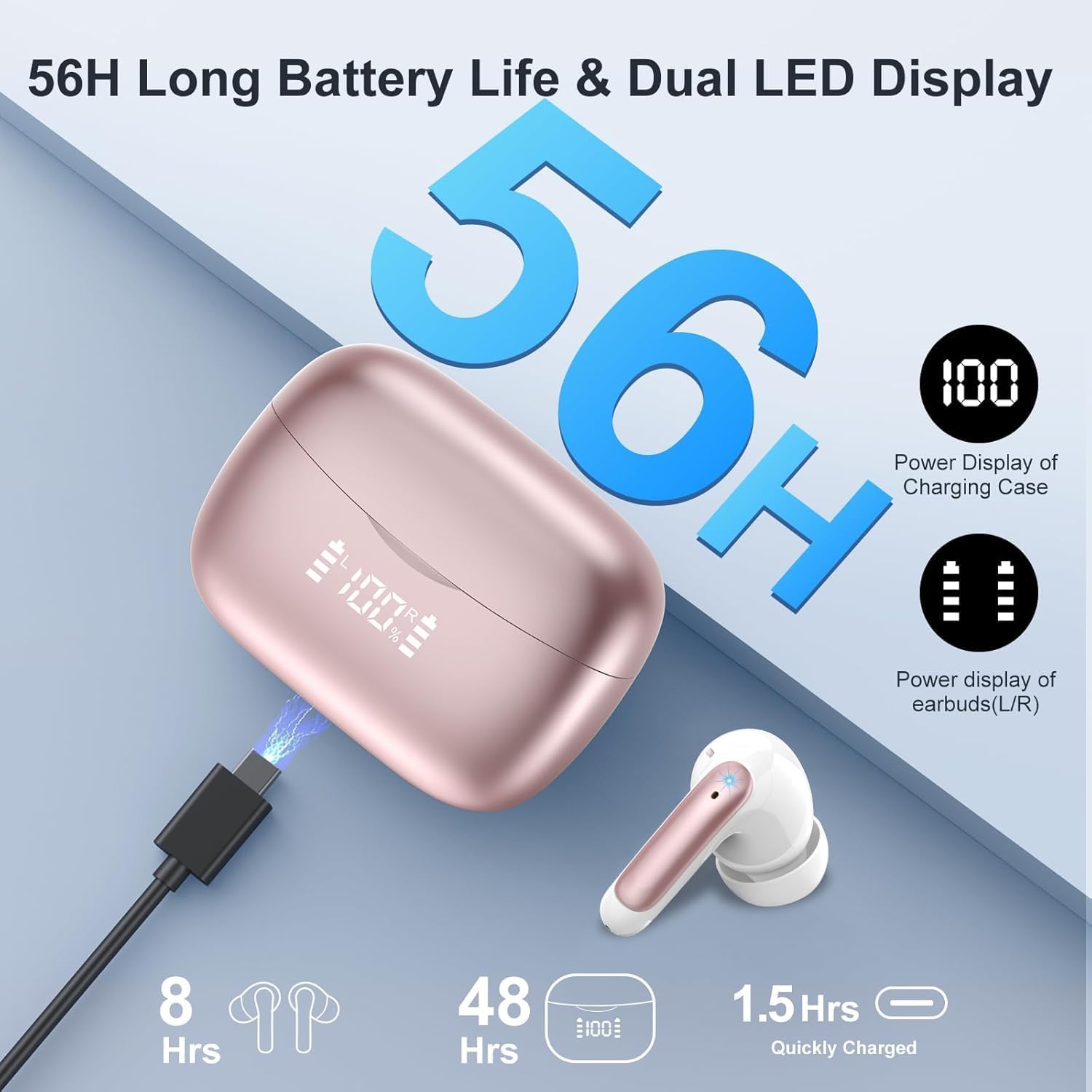
Image 3.1: The charging case connected via USB-C, displaying the battery level for both the case and individual earbuds.
3.2 Pairing with Your Device
- Ensure the earbuds are charged.
- Open the charging case. The earbuds will automatically enter pairing mode, indicated by a flashing light on the earbuds.
- On your device (smartphone, tablet, etc.), enable Bluetooth.
- Search for available Bluetooth devices and select "X12S" from the list.
- Once connected, the earbuds will indicate successful pairing, and the light will stop flashing.
After the initial pairing, the earbuds will automatically connect to the last paired device when removed from the charging case, provided Bluetooth is enabled on your device.
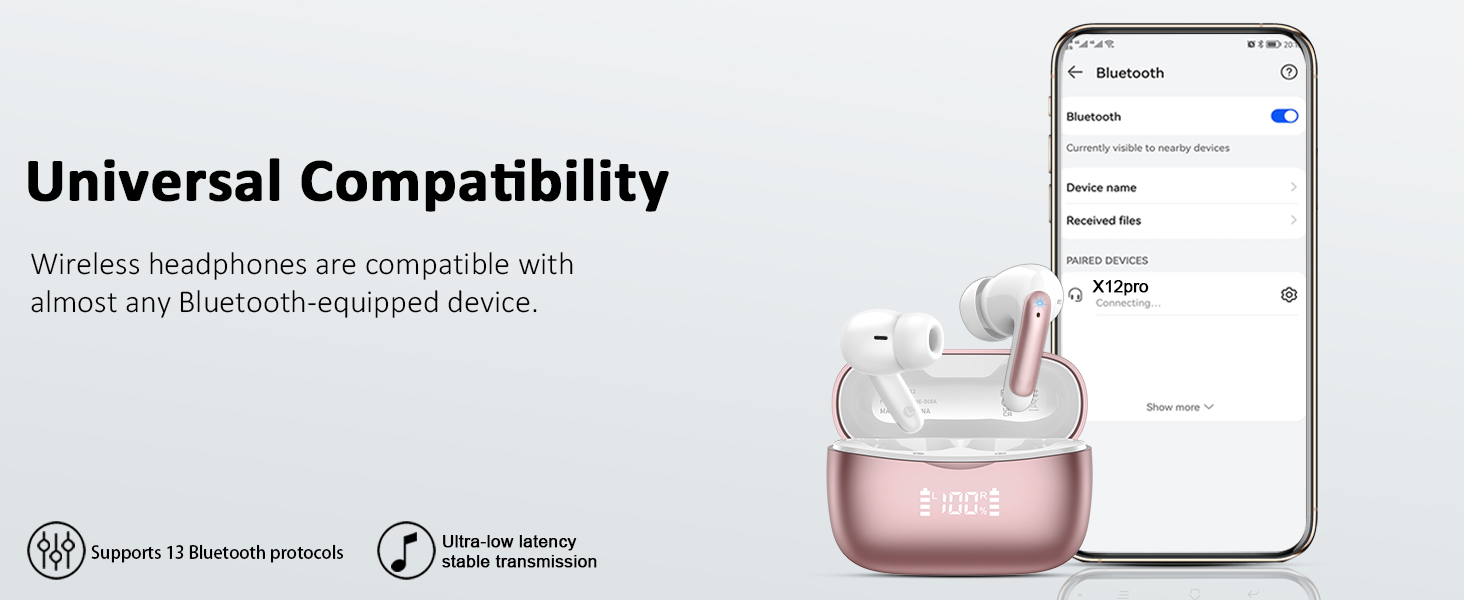
Image 3.2: A smartphone screen showing the "X12S" earbuds connected in the Bluetooth settings, demonstrating universal compatibility.
4. Operating the Earbuds
4.1 Wearing the Earbuds
Gently insert the earbuds into your ears, ensuring a comfortable and secure fit. Choose the appropriate eartip size for optimal sound quality and noise isolation. A snug fit is essential for effective noise cancellation and bass response.
4.2 Touch Controls
The WeurGhy X12S earbuds feature intuitive touch controls on each earbud. Refer to the diagram below for specific functions:
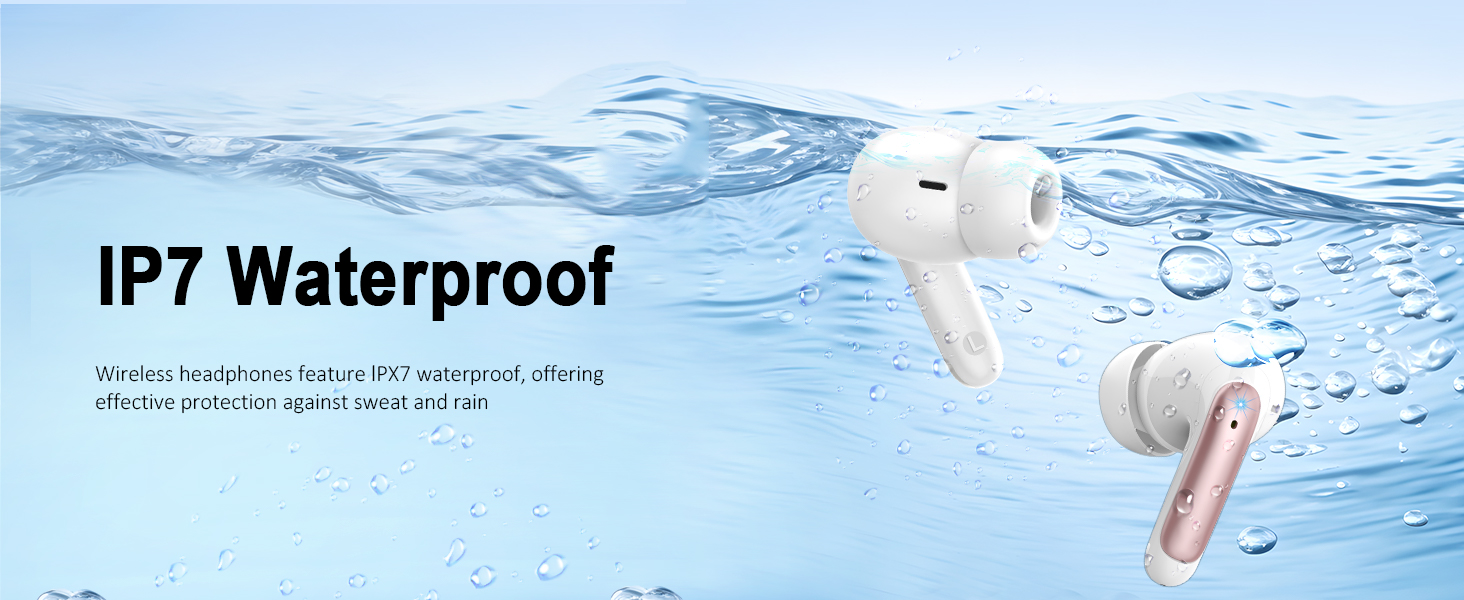
Image 4.1: Visual guide to the touch control functions on the WeurGhy X12S earbuds, including play/pause, track skipping, volume adjustment, call management, and voice assistant activation.
- Play/Pause: Double-tap either earbud.
- Next Track: Long press right earbud for 2 seconds.
- Previous Track: Long press left earbud for 2 seconds.
- Answer/End Call: Double-tap either earbud.
- Reject Call: Long press either earbud for 2 seconds.
- Volume Up: Single tap right earbud.
- Volume Down: Single tap left earbud.
- Activate Voice Assistant: Triple-tap either earbud.
4.3 Sound Quality and Noise Cancellation
The X12S earbuds deliver Hi-Fi stereo sound with deep bass, powered by 13mm dynamic drivers. They feature 4 ENC (Environmental Noise Cancellation) microphones to reduce background noise during calls, ensuring clear communication.

Image 4.2: An illustration highlighting the ENC Noise Canceling technology for clear calls and crystal sound.
5. Maintenance
5.1 Cleaning
Regularly clean your earbuds and charging case to maintain optimal performance and hygiene. Use a soft, dry, lint-free cloth. For the eartips, remove them and clean with a mild soap solution, then rinse and dry thoroughly before reattaching. Do not use harsh chemicals or abrasive materials.
5.2 Water Resistance
The WeurGhy X12S earbuds are IP7 waterproof, offering protection against sweat and rain. This makes them suitable for workouts and outdoor activities. However, they are not designed for swimming or submersion in water. Ensure the charging port is dry before charging.

Image 5.1: An illustration showing the IP7 waterproof rating of the earbuds, indicating protection against sweat and rain.
5.3 Storage
When not in use, store the earbuds in their charging case to protect them from dust, damage, and to keep them charged. Store in a cool, dry place away from extreme temperatures.
6. Troubleshooting
If you encounter any issues with your WeurGhy X12S Wireless Earbuds, please refer to the following common solutions:
| Problem | Possible Solution |
|---|---|
| Earbuds not pairing |
|
| No sound or low volume |
|
| Earbuds not charging |
|
| One earbud not working |
|
If the issue persists after trying these steps, please contact customer support.
7. Specifications
| Feature | Specification |
|---|---|
| Model Name | X12S |
| Bluetooth Version | 5.3 |
| Bluetooth Range | Up to 15 meters (49 feet) |
| Battery Life (Earbuds) | Up to 8 hours per charge |
| Total Playtime (with Case) | Up to 56 hours |
| Charging Time (Earbuds & Case) | Approx. 1.5 hours |
| Water Resistance Rating | IP7 |
| Noise Control | ENC (Environmental Noise Cancellation) for calls |
| Control Method | Touch |
| Audio Driver Type | Dynamic Driver (13mm) |
| Charging Interface | USB Type-C |
| Earbud Weight | Approx. 30 grams (total for both) |
| Compatible Devices | iOS, Android, and other Bluetooth-enabled devices |
8. Warranty and Support
8.1 Warranty Information
The WeurGhy X12S Wireless Earbuds come with a 2-year warranty from the date of purchase, covering manufacturing defects. This warranty does not cover damage caused by misuse, accidents, unauthorized modifications, or normal wear and tear. Please retain your proof of purchase for warranty claims.
8.2 Customer Support
For any questions, technical assistance, or warranty claims, please contact our customer service. We offer a 24-hour customer service response to assist you.
You can typically find contact information on the product packaging, our official website, or through the retailer where you purchased the product.
Ask a question about this manual
Ask about setup, troubleshooting, compatibility, parts, safety, or missing instructions. Manuals+ will review the question and use this page’s manual context to help answer it.