
1. Introduction
This manual provides essential information for the proper setup, operation, and maintenance of your UPERFECT Portable Monitor 4K 120Hz QLED 17.3". Please read it thoroughly before using the product to ensure optimal performance and longevity.
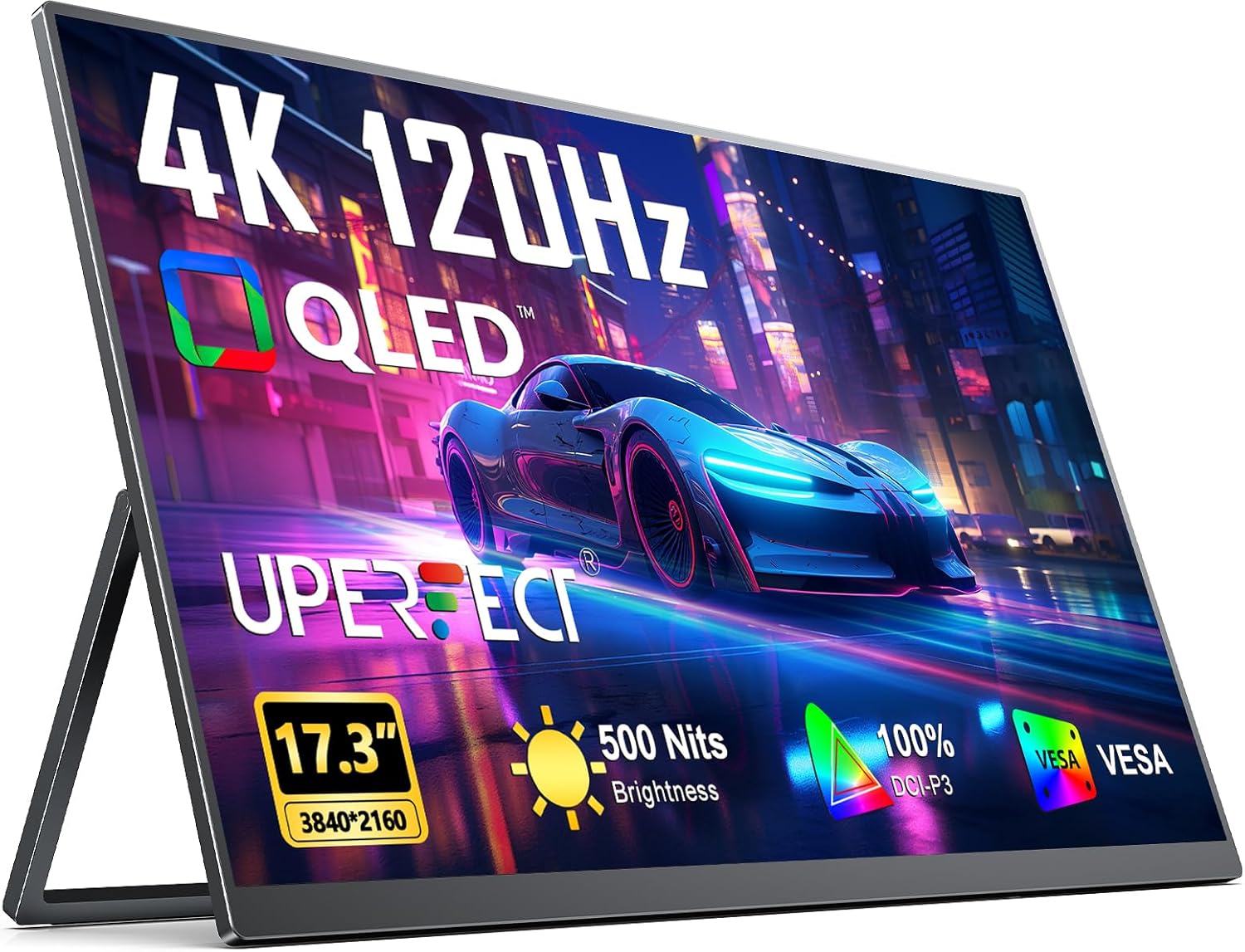
Image: UPERFECT Portable Monitor 4K 120Hz QLED 17.3" displaying a vibrant image.
2. Key Features
- 4K UHD Resolution & 120Hz Refresh Rate: Experience micro-precision 3840 x 2160 visuals with a smooth 120Hz refresh rate for both gaming and professional applications.
- QLED Display Technology: Enjoy a wider color volume (100% DCI-P3) with purer reds, darker greens, and brighter blues compared to standard IPS panels.
- 0.1ms Response Time: Achieve an ultra-fast 0.1ms response time, minimizing motion blur and ghosting for a clear and responsive experience.
- 500 Nits Brightness: The monitor maintains unwavering color accuracy at a peak brightness of 500 nits, ensuring clear visibility in various lighting conditions.
- Durable Aluminum Construction: Constructed from recyclable aluminum for modern aesthetics, durable strength, and environmental responsibility.
- Integrated Kickstand & VESA Mount: Features a built-in 180° adjustable kickstand for ergonomic positioning and VESA (75x75@M4) compatibility for wall or desktop mounting.
- Comprehensive Connectivity: Equipped with Mini HDMI, two USB-C 3.1 ports, and an audio jack for versatile device connections.

Image: Visual representation of 4K resolution and 120Hz refresh rate benefits.

Image: Demonstrates the difference in motion clarity with 120Hz and 0.1ms response time.
3. Package Contents
Upon unpacking, please verify that all the following items are included:
- UPERFECT Portable Monitor 4K 120Hz QLED 17.3"
- USB-C to USB-C Cable (x2)
- Mini HDMI to HDMI Cable
- Power Adapter
- User Manual

Video: Unboxing the UPERFECT Portable Monitor, showing the monitor and included cables (USB-C, HDMI, power adapter).
4. Setup
4.1 Connecting to Devices
The monitor supports connection via USB-C or Mini HDMI. Ensure the power supply is connected for optimal performance, especially when using 4K 120Hz.
- USB-C Connection: Use a USB-C to USB-C cable to connect your device (laptop, smartphone, etc.) to one of the monitor's USB-C 3.1 ports. This single cable can transmit both video signal and power if your device supports it.
- HDMI Connection: Use the Mini HDMI to HDMI cable to connect your device to the monitor's Mini HDMI port. An external power supply is always required when using HDMI.

Image: Overview of the monitor's comprehensive interfaces.

Image: Illustrates the plug-and-play convenience of USB-C connectivity.
4.2 Power Requirements
To support the high-performance 120Hz 4K display, an external power connection is necessary. Always connect the provided power adapter to the monitor when using it, especially for demanding tasks or when your source device cannot provide sufficient power via USB-C.

Image: Demonstrates the necessity of external power for optimal monitor performance.
4.3 Using the Kickstand
The monitor features a built-in 180° adjustable kickstand. Gently pull out the kickstand from the back of the monitor and adjust it to your desired viewing angle. This allows for versatile viewing positions.

Image: The monitor's integrated kickstand providing stable and adjustable support.
4.4 VESA Mounting
For a more permanent setup, the monitor is VESA compatible (75x75@M4). This allows it to be mounted on a wall or a desktop monitor arm (sold separately). Ensure you use appropriate VESA-compatible hardware.
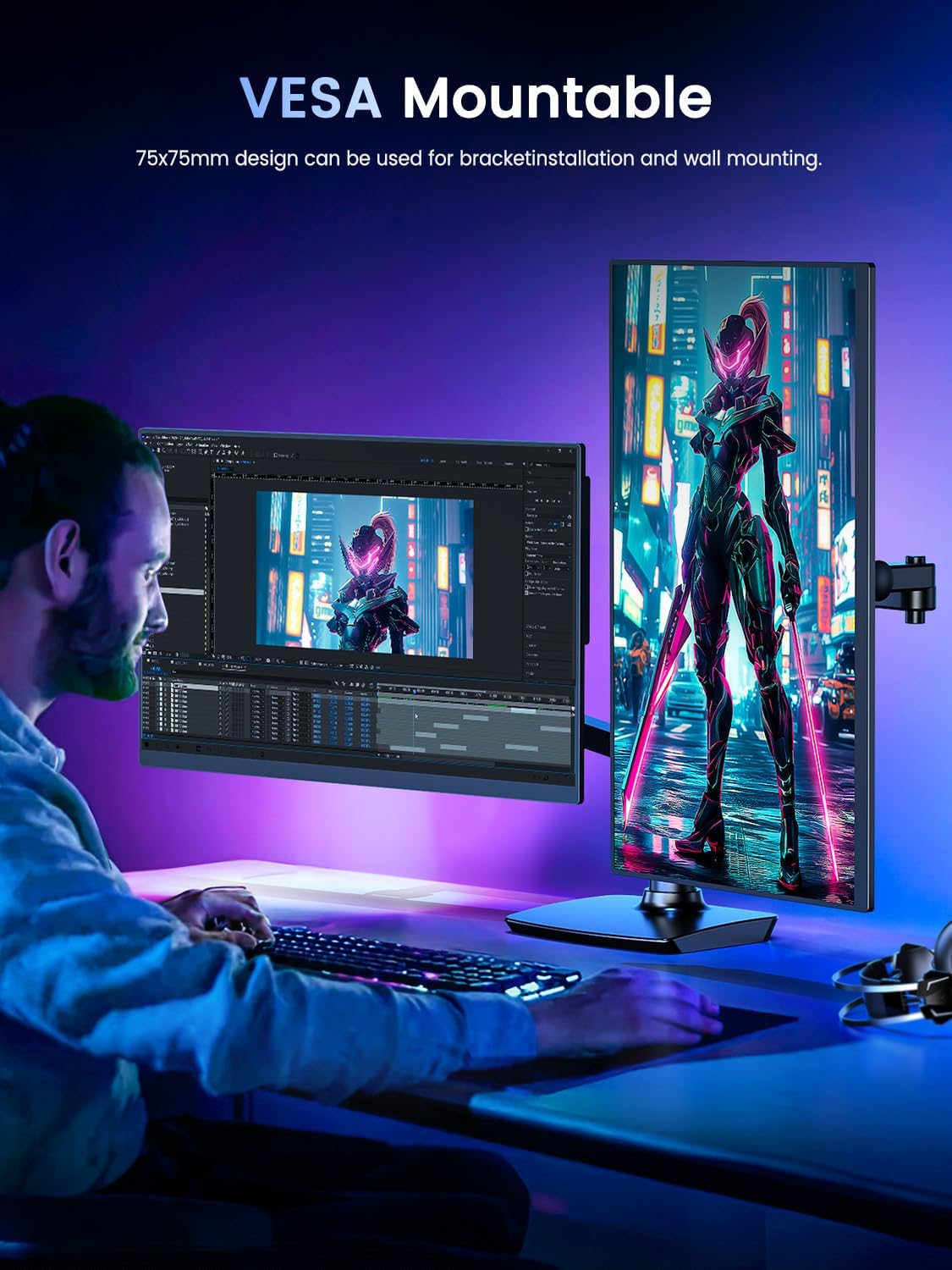
Image: The monitor mounted on a VESA arm, demonstrating its versatility.
5. Operating Instructions
5.1 Basic Controls
The monitor features a Power/Back Button and a Pulley Button for navigation and adjustments. Refer to the diagram below for button locations.

Image: Detailed view of monitor buttons and ports.
5.2 On-Screen Display (OSD) Menu
Use the Pulley Button to navigate the OSD menu. Press the Pulley Button to enter the menu, scroll up/down to select options, and press again to confirm. The Power/Back Button typically serves as a back or exit function.
- Brightness/Contrast: Adjust display luminance and contrast levels.
- Color Settings: Modify color temperature, hue, and saturation.
- Input Source: Manually select between USB-C and Mini HDMI inputs.
- Audio: Adjust volume for the built-in dual speakers or connected headphones.
5.3 Game Console Support
The monitor supports various game consoles. Refer to the table below for maximum HDMI output and specific notes.
| Device | Max HDMI Output | Notes |
|---|---|---|
| For PS5 / Xbox | 3840x2160 @ 120Hz | Fully supported |
| For Steam Deck | 3840x2160 @ 120Hz | Fully supported |
| For PC (HDMI 2.1) | 3840x2160 @ 120Hz | Full support if GPU OK |
| For PS4 / Switch | 1920x1080 @ 60Hz | 4K 120Hz not supported |
| For PS4 Pro | 3840x2160 @ 60Hz | 120Hz not supported |
| For Xbox One S/X | 2K @ 60Hz / 4K @ 30Hz | 120Hz not supported |
Video: Demonstrates the UPERFECT 17.3'' 4K Portable Monitor in use with various devices, highlighting its 4K 120Hz capabilities.
Video: Showcases the UPERFECT Portable Monitor 4K 120Hz 17.3" in different usage scenarios, emphasizing its portability and display quality.
6. Maintenance
- Cleaning the Screen: Use a soft, lint-free cloth slightly dampened with water or a non-abrasive screen cleaner. Avoid harsh chemicals.
- General Care: Keep the monitor away from extreme temperatures, direct sunlight, and high humidity. Avoid placing heavy objects on the monitor.
- Storage: When not in use, store the monitor in a protective sleeve or its original packaging to prevent scratches and damage.
7. Troubleshooting
7.1 No Signal / Black Screen
- Ensure all cables (USB-C or HDMI) are securely connected to both the monitor and your device.
- Verify the external power adapter is connected and the monitor is receiving power.
- Check the input source setting on the monitor via the OSD menu to ensure it matches your connection type.
- Try connecting the monitor to a different device or using different cables to rule out faulty components.
7.2 Flickering Screen
- Ensure the monitor is connected to an external power supply, especially when using USB-C for display output. High resolutions and refresh rates require stable power.
- Check your device's display settings to ensure the resolution and refresh rate are supported by both the device and the monitor.
- Update your graphics card drivers on your connected device.
7.3 Noticeable Heat During Use
High brightness, resolution, and refresh rates mean higher power draw, which can generate heat. Some heat is normal, with surface temperatures potentially reaching up to 58°C. Ensure adequate ventilation around the monitor.

Image: Important usage notes regarding GPU requirements, heat, and game console compatibility.
8. Specifications
| Feature | Detail |
|---|---|
| Brand | UPERFECT |
| Model Number | 1130-1 |
| Screen Size | 17.3 Inches |
| Resolution | 3840 x 2160 Pixels (4K UHD) |
| Refresh Rate | 120Hz |
| Panel Type | QLED |
| Response Time | 0.1ms |
| Image Brightness | 500 Candela (Nits) |
| Color Gamut | 100% DCI-P3 |
| Aspect Ratio | 16:9 |
| Screen Surface | Matte |
| Connectivity | 2x USB-C 3.1, 1x Mini HDMI, 1x 3.5mm Audio Jack |
| VESA Mount | 75x75mm (M4) |
| Product Dimensions | 0.5 x 15.6 x 9.5 inches |
| Item Weight | 4.31 pounds |
| Voltage | 5 Volts |
9. Warranty and Support
For warranty information and technical support, please refer to the official UPERFECT website or contact their customer service directly. Details are typically provided on the product packaging or within the included documentation.