
Introduction
This manual provides essential information for the safe and efficient operation, maintenance, and troubleshooting of your BWT Advanced PRO 600 Robotic Pool Cleaner. Please read this manual thoroughly before using the device and retain it for future reference.
Safety Information
Always observe the following safety precautions to prevent injury or damage to the device:
- Ensure the power supply is disconnected before performing any maintenance or cleaning.
- Do not operate the robot if the power cable is damaged. Contact customer support for replacement.
- Keep children and pets away from the pool area while the robot is operating.
- The robot is designed for pool cleaning only. Do not use it for other purposes.
- Only use the original power supply unit provided with the robot.
- Do not enter the pool while the robot is in operation.
- The transformer is rated IP54; the robot itself is IP68 waterproof. Ensure the transformer is placed in a dry, protected area.
Package Contents
Verify that all items are present in the package:
- BWT Advanced PRO 600 Robotic Pool Cleaner
- Power Supply Unit (Transformer)
- 60 ft (18 m) Floating Cable
- Fine and Ultra-fine Mesh Filter Baskets (pre-installed or separate)
- Transport Caddy
- Instruction Manual (this document)

Image: The BWT Advanced PRO 600 Robotic Pool Cleaner, showcasing its compact design and integrated handle.
Setup
Unpacking and Initial Placement
Carefully remove the robot and all accessories from the packaging. Place the transport caddy on a flat, stable surface near the pool.
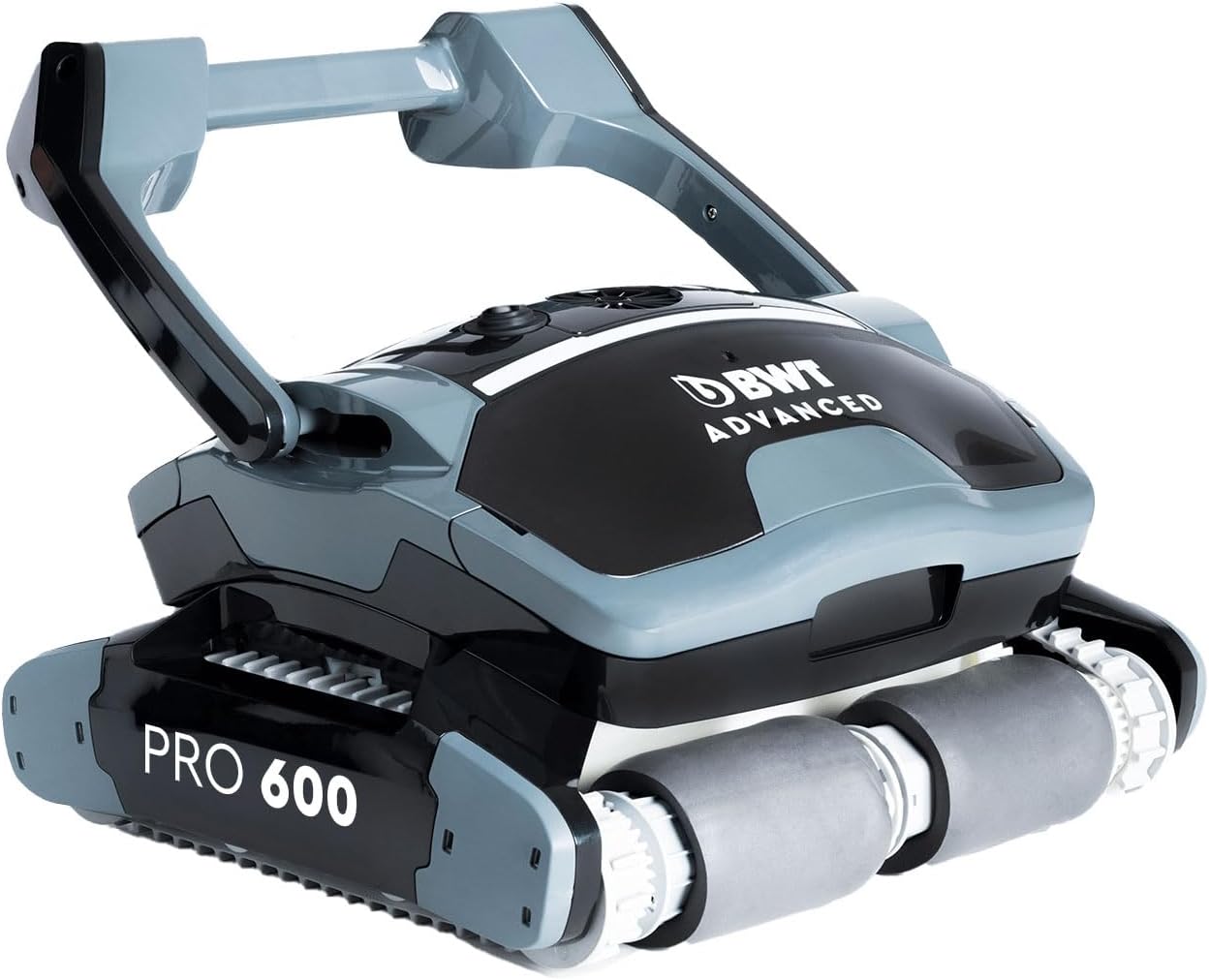
Image: Side view of the BWT Advanced PRO 600, highlighting its ergonomic handle for easy lifting.
Power Connection
Connect the floating cable from the robot to the power supply unit. Ensure the connection is secure. Plug the power supply unit into a grounded electrical outlet. Position the power supply unit at least 3.5 meters (11.5 feet) from the edge of the pool and in a shaded area to prevent overheating.
Submerging the Robot
Gently lower the robot into the pool. Allow it to sink to the bottom, releasing any trapped air. Ensure the floating cable is untangled and has enough slack to allow the robot to move freely across the entire pool surface.
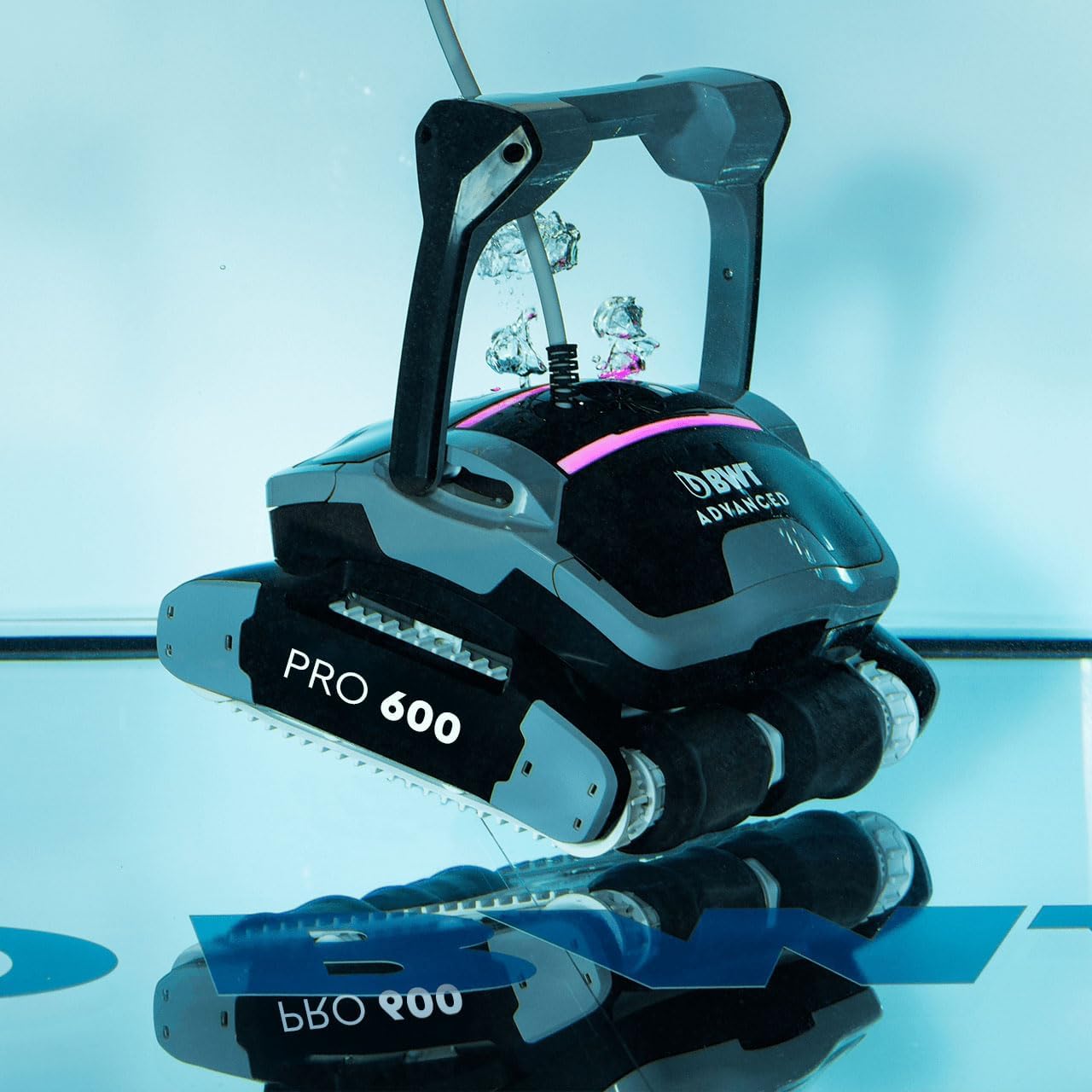
Image: The BWT Advanced PRO 600 being carefully lowered into a pool, showing water displacement.
Operating Instructions
Starting a Cleaning Cycle
Once the robot is submerged and the power supply is connected, press the power button on the power supply unit or the robot itself (if applicable) to initiate a cleaning cycle. The robot will begin its programmed cleaning path.
Cleaning Modes
The Advanced PRO 600 offers cleaning cycles of 1.5, 2, or 2.5 hours. Select the desired cycle duration based on your pool's size and cleaning needs. The robot will clean the pool floor, walls, and waterline.

Image: The BWT Advanced PRO 600 actively cleaning the wall of a swimming pool, demonstrating its wall-climbing capability.
Automatic Shut-off
The robot is equipped with an automatic shut-off feature. It will power down automatically once the selected cleaning cycle is complete.
Retrieving the Robot
After the cleaning cycle, disconnect the power supply unit from the electrical outlet. Gently pull the floating cable to bring the robot to the edge of the pool. Use the ergonomic handle to lift the robot out of the water. The quick water release system will help drain water efficiently, reducing the robot's weight.
Maintenance
Regular maintenance ensures optimal performance and extends the lifespan of your BWT Advanced PRO 600.
Filter Cleaning
The robot features a 2-level filter system with fine and ultra-fine mesh baskets. After each cleaning cycle, or as needed, clean the filter baskets:
- Disconnect the robot from the power supply.
- Open the top access cover of the robot.
- Remove the filter baskets.
- Rinse the filter baskets thoroughly with a garden hose until all debris is removed.
- Reinsert the clean filter baskets and close the top access cover securely.

Image: Top-down view of the BWT Advanced PRO 600, illustrating the easy-access filter compartment for cleaning.
Brush Cleaning
Inspect the 4 independent active scrubbing brushes (2 front, 2 back) and tracks for any trapped debris, hair, or algae. Clean them as necessary using a brush or hose.
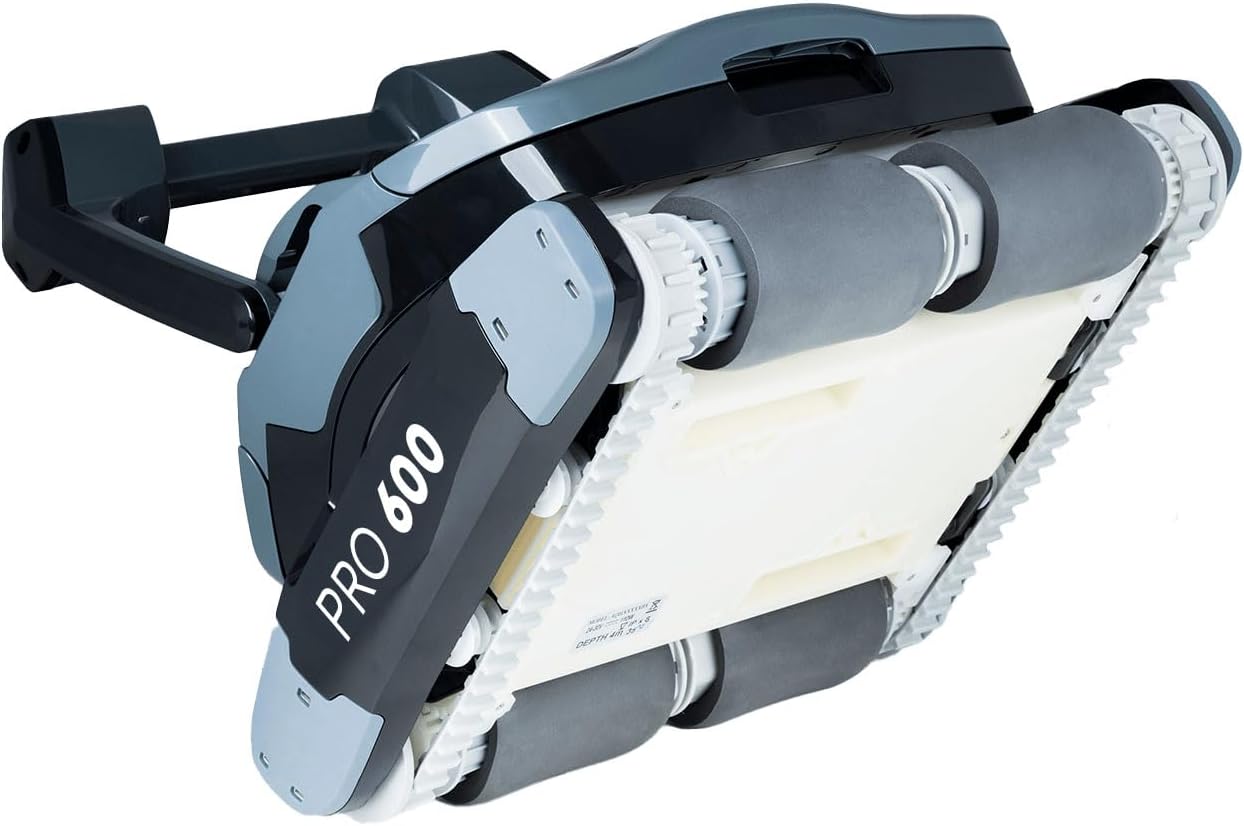
Image: Underside view of the BWT Advanced PRO 600, displaying its active scrubbing brushes and robust track system.
Storage
When not in use for extended periods, clean the robot thoroughly, ensure it is dry, and store it on its transport caddy in a cool, dry, and shaded area, away from direct sunlight and extreme temperatures.
Troubleshooting
| Problem | Possible Cause | Solution |
|---|---|---|
| Robot does not start. | No power supply; cable not connected; power button not pressed. | Check power connections; ensure outlet is functional; press power button. |
| Poor cleaning performance. | Clogged filter baskets; worn brushes; insufficient cleaning cycle duration. | Clean filter baskets; inspect and replace brushes if necessary; select a longer cleaning cycle. |
| Robot gets stuck or moves erratically. | Obstruction in pool; tangled cable; air trapped in robot. | Remove obstructions; untangle cable; gently shake robot underwater to release air. |
| Robot does not climb walls or clean waterline. | Clogged filters; water chemistry imbalance (e.g., high calcium); worn brushes. | Clean filters; check pool water chemistry; inspect brushes. |
Specifications
| Feature | Detail |
|---|---|
| Model Name | Advanced PRO 600 |
| Item Model Number | 125576416 |
| Product Dimensions (L x W x H) | 14.76" x 14.37" x 7.87" (37.5 cm x 36.5 cm x 20 cm) |
| Weight | 14.3 lbs (6.5 kg) |
| Cable Length | 60 ft (18 m) |
| Cleaning Cycle Options | 1.5, 2, or 2.5 hours |
| Suction Power | 70 gpm (16 m³/h) |
| Power Consumption | 150 W |
| Robot Waterproof Rating | IP68 |
| Transformer IP Rating | IP54 |
| Suitable Pool Size | Up to 40ft x 20ft (in-ground pools) |
| Suitable Pool Types | All surface types, including tiles and liners; suitable for saltwater pools. |
| Filtration System | Dual-level (fine and ultra-fine mesh baskets) |
| Brushes | 4 independent active scrubbing brushes |
Warranty and Support
Warranty Information
The BWT Advanced PRO 600 Robotic Pool Cleaner comes with an extended 3-year warranty. Please retain your proof of purchase for warranty claims. The warranty covers manufacturing defects and malfunctions under normal use conditions.
Customer Support
For technical assistance, troubleshooting not covered in this manual, or warranty inquiries, please contact BWT customer support. Refer to the official BWT website or your purchase documentation for current contact information.
Manufacturer: BWT


