
Introduction
Welcome to the ENOMIR Bright Smart Watch for Kids. This device is designed to encourage an active lifestyle, promote healthy habits, and provide engaging features for children aged 5-16. This manual provides essential information for setup, operation, maintenance, and troubleshooting to ensure optimal use of your new smartwatch.
What's in the Box
- ENOMIR Bright Smart Watch
- Magnetic USB Charging Cable
- Screen Protector (2 included)
- Operation Manual
Setup
1. Initial Charging
Before first use, fully charge the smartwatch. Connect the magnetic charging cable to the charging points on the back of the watch and plug the USB end into a compatible power adapter (not included).

Image: The ENOMIR Bright Smart Watch in blue, showing the magnetic charging cable connected to the back of the watch for charging.
2. Power On/Off
To power on the watch, long-press the function button located on the side of the device. To power off, navigate to the settings menu on the watch and select the power off option.
3. Basic Settings
Upon first power-on or after a reset, you will be prompted to set basic preferences directly on the watch screen:
- Language: Select your preferred language (e.g., English).
- Unit System: Choose between metric or imperial units.
- Time/Date: Adjust the current time and date.
- Gender/Age: Input basic user information for accurate tracking.
Video: An official product video demonstrating the initial setup process of the ENOMIR Smart Watch, including charging, language selection, and time/date adjustment.
Operating the Watch
Navigation
- Swipe Up/Down: Scroll through main menu options and notifications.
- Swipe Left/Right: Access quick views for activity, heart rate, sleep, etc.
- Tap: Select an option or enter a menu.
- Function Button: Press to return to the home screen or wake the device.
Core Functions
- Activity Tracking: The watch automatically tracks steps, calories burned, and distance. Swipe to view daily progress.
- Heart Rate Monitoring: The watch continuously monitors heart rate. View real-time data by swiping to the heart rate screen.
- Blood Oxygen (SpO2) Monitoring: The device can measure blood oxygen levels. Access this feature via the main menu.
- Sleep Monitoring: Wear the watch during sleep to track sleep patterns and quality. Data can be viewed on the watch or through the app.
- Sports Modes: Select from over 80 sports modes (e.g., running, cycling, swimming) to track specific workouts.
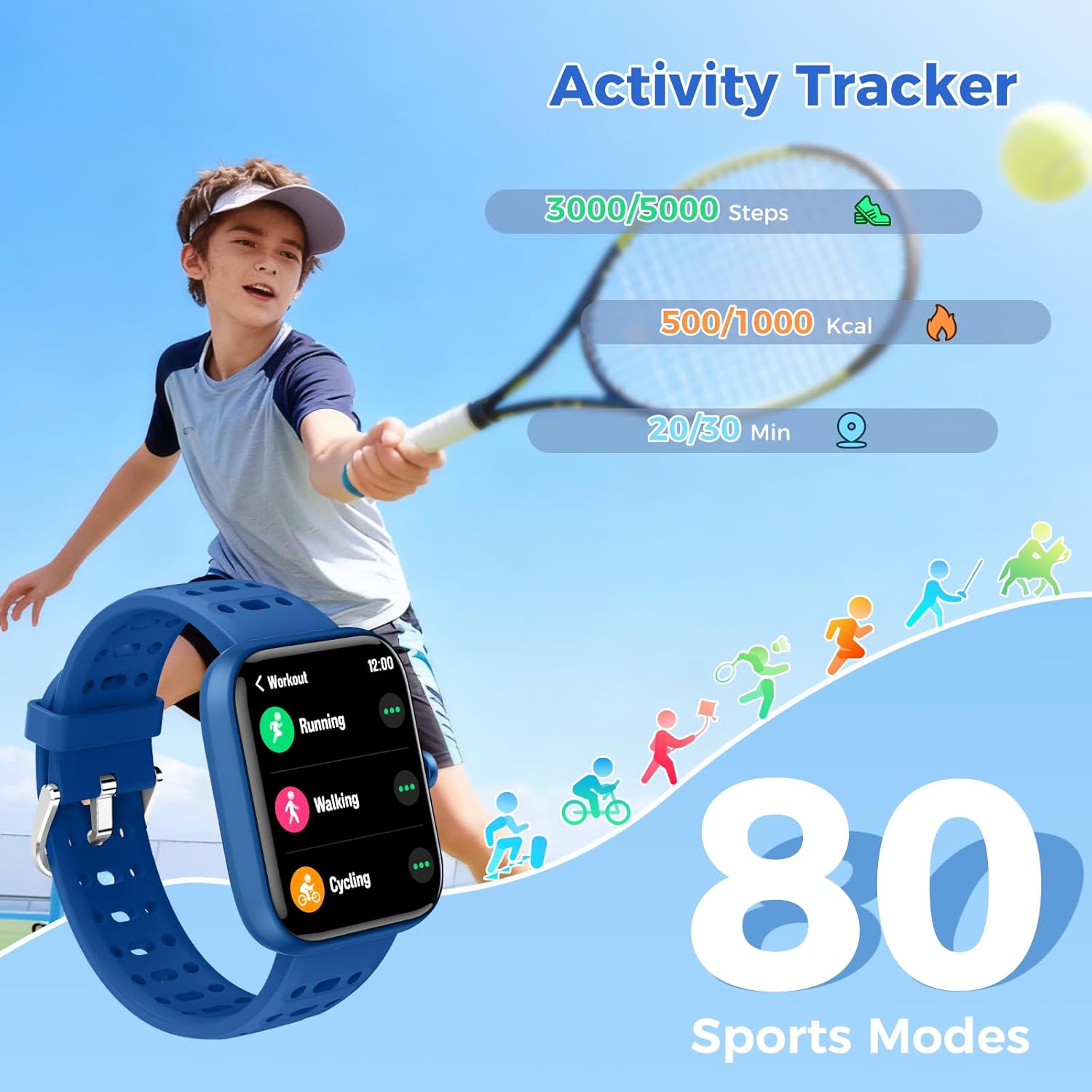
Image: A child wearing the ENOMIR Bright Smart Watch during a tennis game, with the watch display showing activity tracking metrics like steps and calories.
Features
Customizable Watch Faces
The 1.83" HD full-touch display offers over 100 customizable watch faces. Children can express their personality by choosing different designs or even uploading their own photos via the companion app.

Image: The ENOMIR Bright Smart Watch showcasing a variety of digital watch faces, including an astronaut, a cat, and options for personalized photo backgrounds.
Learning Games & Time Management
The smartwatch includes 5 built-in puzzle games to help children improve focus and planning skills. It also features alarms, a stopwatch, and a timer to assist with daily routines and time management.
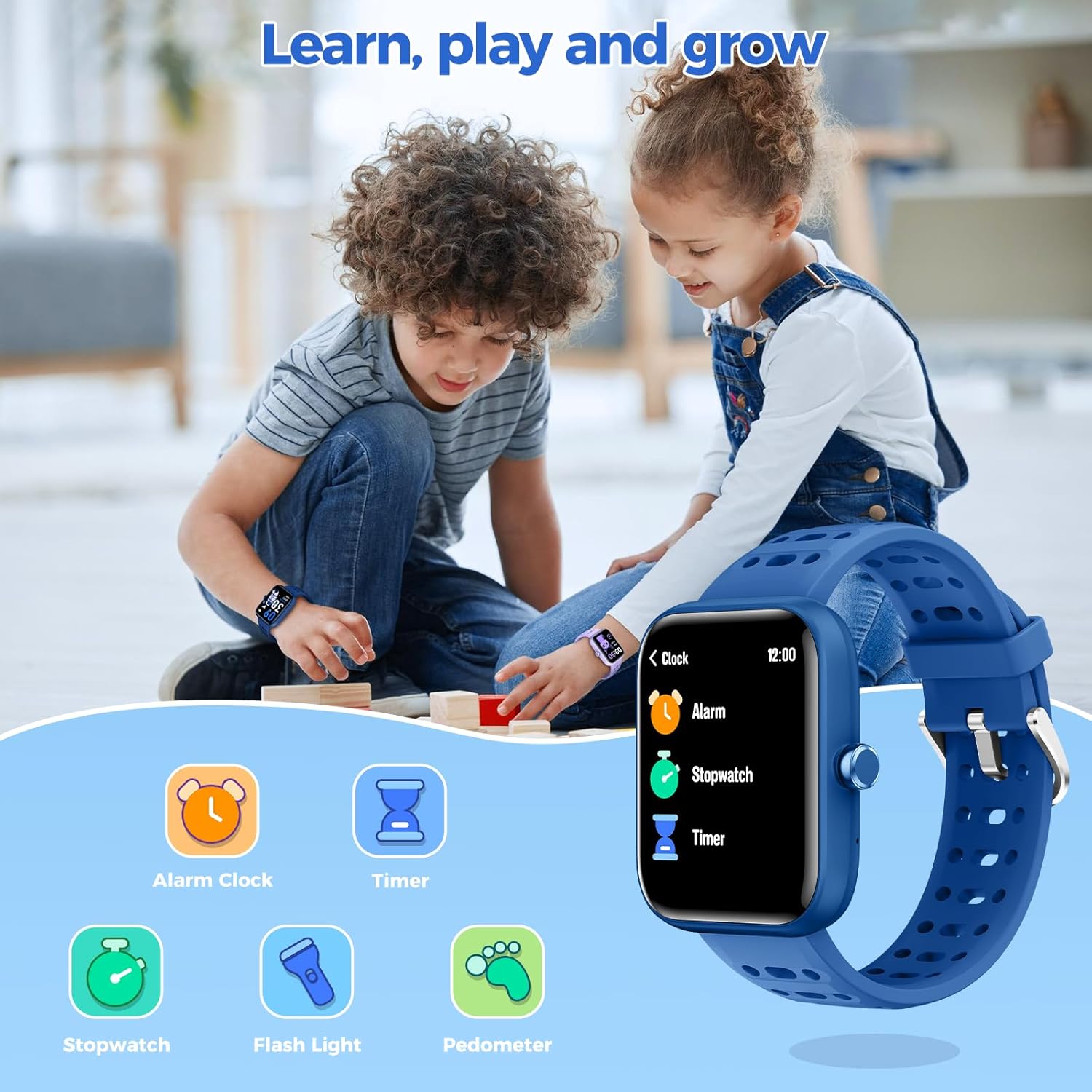
Image: The ENOMIR Bright Smart Watch showing a selection of 5 puzzle games, with an overlay demonstrating parental control settings for game time limits.
IP68 Waterproof Design
The watch is IP68 waterproof, making it suitable for daily activities like hand washing, rainy weather, and swimming. It is not recommended for hot baths or saunas.

Image: The ENOMIR Bright Smart Watch is shown on the wrists of children playing in a swimming pool, emphasizing its IP68 waterproof capability for water activities.
App Connectivity (Optional)
The ENOMIR Bright Smart Watch can be used independently without an app or phone. However, connecting to the companion app (VeryFit) unlocks additional features and parental control options.
Benefits of the App:
- Access to 80+ sports modes.
- Call and message reminders.
- DIY watch face customization with personal photos.
- Parental control features for managing screen time and game usage.
- Detailed fitness and health data tracking.
Video: An official product video demonstrating the features of the ENOMIR Smart Watch, including app connectivity for enhanced parental control and customization.
Maintenance
Cleaning
Regularly clean the watch band and screen with a soft, damp cloth. For stubborn dirt, a mild soap solution can be used, followed by thorough rinsing and drying. Avoid harsh chemicals or abrasive materials.
Battery Care
To prolong battery life, avoid fully discharging the watch frequently. Charge the device when the battery level is low. Store the watch in a cool, dry place when not in use for extended periods.
Troubleshooting
- Watch not turning on: Ensure the watch is fully charged. Long-press the function button to power on.
- Charging issues: Check that the magnetic charging cable is properly aligned with the charging points on the watch. Ensure the USB adapter is functional.
- Inaccurate readings: Ensure the watch is worn snugly on the wrist, but not too tight. Clean the sensors on the back of the watch.
- App connectivity problems: Ensure Bluetooth is enabled on your phone and the watch is within range. Restart both the watch and the app.
Specifications
| Feature | Detail |
|---|---|
| Model Number | Bright |
| Screen Size | 1.83 Inches |
| Battery Capacity | 300 Milliamp Hours |
| Battery Life (Typical Use) | Up to 7 days |
| Battery Life (Standby) | Up to 30 days |
| Waterproof Rating | IP68 |
| Connectivity | Bluetooth |
| Operating System Compatibility | Android & iOS |
| Special Features | Puzzle Games, Alarm Clock, Sleep Monitor, Heart Rate Monitor, Blood Oxygen (SpO2), Activity Tracker, Pedometer, Touchscreen |
Warranty and Support
ENOMIR offers a 60-day return policy and a 12-month warranty for the Bright Smart Watch. For any questions, technical assistance, or support needs, please contact our 24/7 friendly customer support.
Contact information can be found on the warranty card included in your product packaging or through the official ENOMIR website.

