
Introduction
Thank you for choosing the AlfaBot F2 Steam Cleaner. This manual provides essential information for the safe and efficient operation, maintenance, and troubleshooting of your new steam cleaner. Please read it thoroughly before first use and keep it for future reference.
The AlfaBot F2 is designed for deep cleaning and sanitizing various sealed hard floor surfaces using high-temperature steam, effectively eliminating 99.9% of bacteria without chemical residues.
Important Safety Instructions
Always follow basic safety precautions when using electrical appliances to reduce the risk of fire, electric shock, or injury.
- Read all instructions before using the appliance.
- Do not direct steam at people, animals, or electrical outlets.
- Use only distilled or demineralized water in the water tank.
- Do not leave the steam cleaner unattended while powered on.
- Unplug the appliance from the power outlet when not in use and before servicing.
- Keep the appliance out of reach of children.
- Do not immerse the appliance in water or other liquids.
- Do not use the appliance on unsealed hardwood floors or surfaces sensitive to heat and moisture.
Product Components
Familiarize yourself with the parts of your AlfaBot F2 Steam Cleaner.
- Main Unit (handle, water tank, body)
- Cleaning Head with Dual Rotating Pads
- Microfiber Cleaning Pads (6 included, 2 types)
- Power Cord
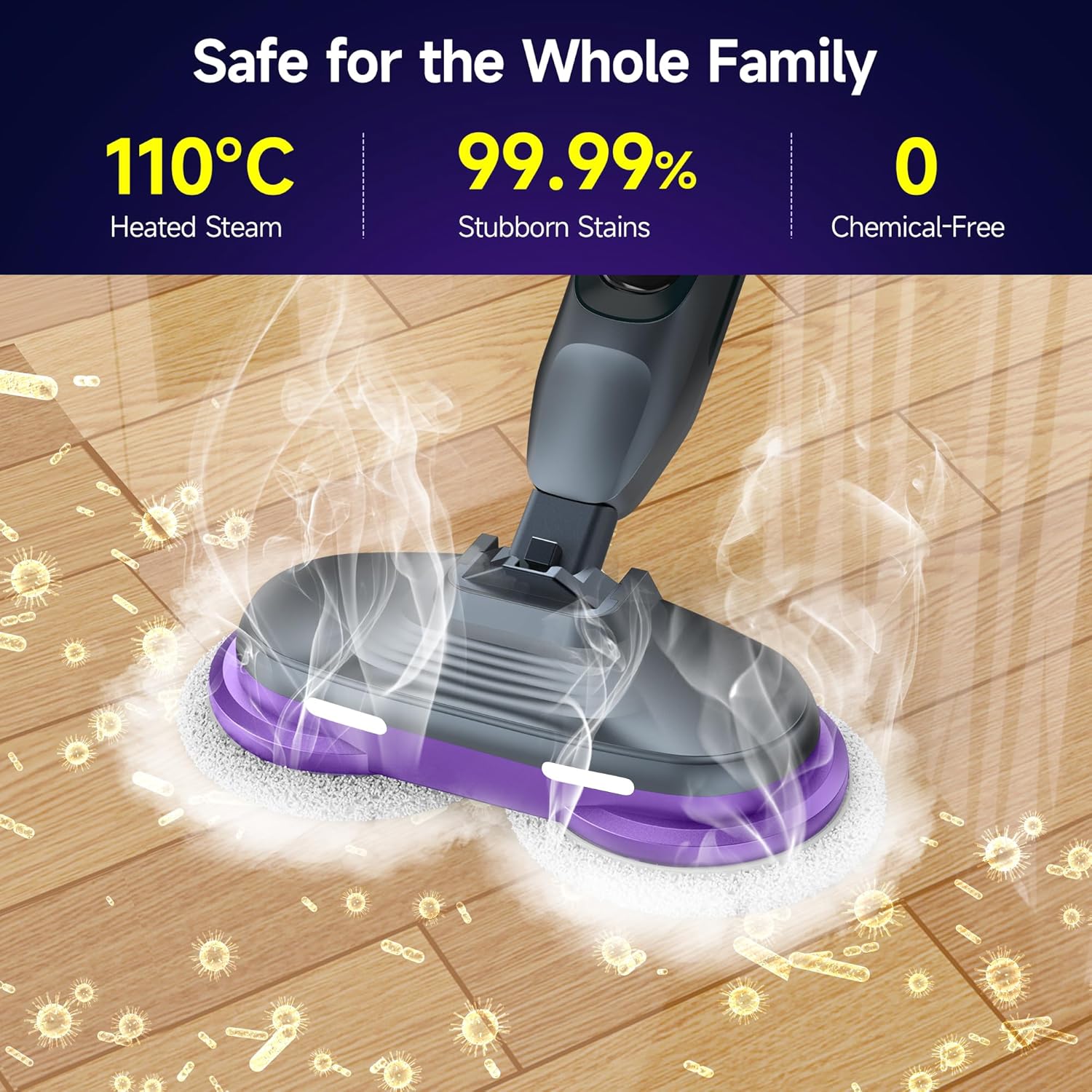
Image: The AlfaBot F2 Steam Cleaner, showing its main components including the handle, water tank, and cleaning head with rotating pads.
Setup and Assembly
- Attach the Handle: Insert the handle into the main body of the steam cleaner until it clicks securely into place.
- Attach Cleaning Pads: Secure the microfiber cleaning pads to the bottom of the cleaning head. Ensure they are properly aligned and attached. The product includes 2 types of cleaning cloths, 4 pieces in total, and 6 washable microfiber cleaning pads.
- Fill the Water Tank:
- Locate the water tank cap.
- Open the cap and fill the 450 ml water tank with distilled or demineralized water. Do not overfill.
- Close the cap securely.

Image: A close-up view of the 450 ml water tank on the AlfaBot F2, showing the 'MAX' fill line. This tank allows for up to 30 minutes of continuous steam.
- Connect Power: Plug the power cord into a grounded electrical outlet.
Operating Instructions
The AlfaBot F2 features 4 cleaning modes to suit different needs and floor types.

Image: The handle of the AlfaBot F2 Steam Cleaner, highlighting the On/Off button, Steam button, and Speed control button for selecting cleaning modes.
- Power On: Press the On/Off button to turn on the steam cleaner. The device will begin heating up.
- Heating Time: The steam cleaner heats up in approximately 30 seconds, indicated by a light or sound (refer to LED display for specific indicators).
- Select Cleaning Mode: Use the Speed control button to cycle through the 4 available cleaning modes. These modes adjust steam intensity and pad rotation speed for various floor types and cleaning tasks.
- Activate Steam: Press the Steam button to release steam.
- Begin Cleaning: Move the steam cleaner slowly and steadily across the floor surface. The dual rotating microfiber pads, combined with 110°C high-temperature steam, will effectively clean and sanitize. The 90° swivel head and LED headlights assist in reaching under furniture and illuminating hidden debris.
- Continuous Operation: The 450 ml water tank provides up to 30 minutes of continuous steam. Refill as needed.
- Power Off: After cleaning, press the On/Off button to turn off the appliance and unplug it from the power outlet.

Image: The AlfaBot F2 Steam Cleaner actively cleaning a floor, demonstrating the powerful dual-motor system with rotating microfiber pads and steam emission. The pads spin at 230 revolutions per minute.

Image: The AlfaBot F2 Steam Cleaner effectively tackling different types of floor stains, including surface dust, residue, grease, and grime, using the power of steam.

Image: The AlfaBot F2 Steam Cleaner's cleaning head, illustrating its LED headlights for illuminating hidden debris and its 90-degree adjustable mop angle for reaching corners and under furniture.

Image: The AlfaBot F2 Steam Cleaner in use on a wooden floor in a home setting, with a dog nearby, highlighting its chemical-free operation for a safe environment for families and pets.

Image: An illustration showing the AlfaBot F2 Steam Cleaner's applicability to various floor surfaces such as hardwood, marble, tile, laminate, and vinyl, and its ability to clean different stains like splotches, tea stains, honey, wine stains, dust, glue stains, footprints, and pigment stains.
Image: The AlfaBot F2 Steam Cleaner emphasizing its safety features: 110°C heated steam, 99.99% effectiveness against stubborn stains, and chemical-free operation, making it safe for the whole family.
Maintenance and Care
Regular maintenance ensures optimal performance and extends the life of your steam cleaner.
- Empty Water Tank: After each use, unplug the appliance and allow it to cool. Empty any remaining water from the tank.
- Clean Microfiber Pads: Remove the microfiber cleaning pads. They are washable and reusable. Machine wash them with similar colors and air dry. Do not use bleach or fabric softeners.
- Wipe Down Unit: Wipe the exterior of the steam cleaner with a damp cloth. Do not use abrasive cleaners.
- Descaling (Periodically): If you notice reduced steam output or mineral buildup, descale the unit. Consult the manufacturer's website or contact support for specific descaling instructions.
- Storage: Store the steam cleaner in a cool, dry place. Ensure the power cord is neatly wrapped.
Troubleshooting
If you encounter issues with your AlfaBot F2 Steam Cleaner, refer to the following common problems and solutions:
| Problem | Possible Cause | Solution |
|---|---|---|
| No steam or low steam output. |
|
|
| Unit not turning on. |
|
|
| Water leaking from unit. |
|
|
If the problem persists after trying these solutions, please contact AlfaBot customer support.
Product Specifications
| Feature | Detail |
|---|---|
| Model Number | F2 |
| Dimensions (L x W x H) | 16.7 x 36.5 x 120 cm |
| Item Weight | 3.8 Kilograms |
| Water Tank Capacity | 450 Milliliters |
| Heat-up Time | 30 Seconds |
| Maximum Temperature | 110 Degrees Celsius |
| Power Source | Corded Electric |
| Special Features | 30s for Steam, Chemical-Free, 4 Cleaning Modes, Suitable for various floor types, 450ml Water Tank, Powerful Dual-Motor System |
| Recommended Surface | Sealed hardwood, tile, marble, granite, linoleum |
| Included Components | 2 types of cleaning cloths (4 pieces total), 6 washable microfiber cleaning pads |
Warranty and Support
For warranty information, product registration, or technical support, please visit the official AlfaBot website or contact their customer service department. Keep your purchase receipt as proof of purchase for warranty claims.
Contact Information: Please refer to the packaging or the official AlfaBot website for the most up-to-date contact details.

