
1. Introduction
This user manual provides essential information for the safe and effective use of your GUY-TECH 12V AC Adapter, designed for the DRAYTEK Vigor 3200 Router. This adapter serves as a reliable power supply charger plug, ensuring your device receives stable and efficient power.

Figure 1: GUY-TECH 12V AC Adapter
This image displays the GUY-TECH 12V AC Adapter, showing the main adapter unit with its power prongs and the attached DC output cable ending in a barrel connector. The cable is coiled neatly below the adapter.
2. Product Features
- Universal Input: AC 100V - 240V, suitable for worldwide use.
- Compact Design: Small and lightweight for convenience, portability, and easy storage.
- High Efficiency: Designed for high power exchange efficiency, ensuring low energy consumption and stable operation.
- Safety Protections: Features Over Voltage Output Protection, Over Current Output Protection, and Short Circuit Output Protection to safeguard your connected device.
- Durable Construction: Utilizes thick copper core for enhanced durability and flexibility of the power cord.

Figure 2: Product Detail Highlights
This image illustrates key features of the adapter, including a close-up of the American-style plug, a cross-section demonstrating the thick copper core of the cable, and an example of the power cord's flexibility.
3. Setup
- Unpack: Carefully remove the AC adapter from its packaging.
- Inspect: Before use, inspect the adapter and cable for any visible damage. Do not use if damaged.
- Connect to Device: Insert the DC output plug of the adapter firmly into the power input port of your DRAYTEK Vigor 3200 Router. Ensure a secure connection.
- Connect to Power Outlet: Plug the AC prongs of the adapter into a standard wall power outlet (AC 100V-240V).
- Verify Power: Once connected, your router should receive power. Refer to your router's manual for indicators of power reception.
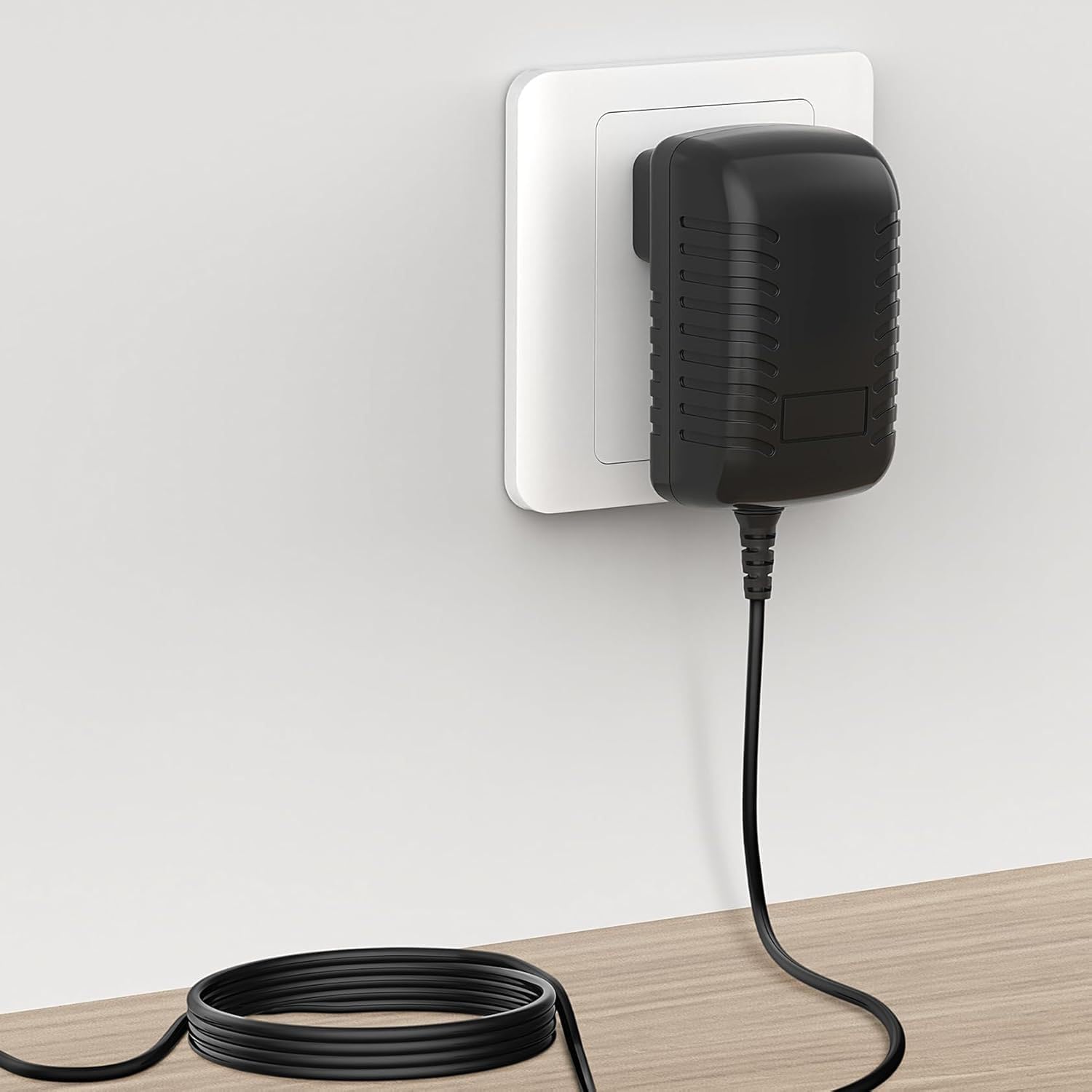
Figure 3: Adapter Connected to Power Outlet
This image shows the GUY-TECH AC Adapter securely plugged into a standard wall power outlet, with the power cord extending downwards along the wall and resting on a surface.
4. Operating Instructions
The GUY-TECH 12V AC Adapter operates automatically once connected to a power source and your device. It provides a stable 12V DC output to power your DRAYTEK Vigor 3200 Router.
- Ensure the adapter is always plugged into a functional power outlet.
- Do not obstruct the adapter, as it requires proper ventilation to dissipate heat.
- Disconnect the adapter from the power outlet when not in use for extended periods.
5. Maintenance
Proper maintenance ensures the longevity and safe operation of your AC adapter.
- Cleaning: Disconnect the adapter from the power source and your device before cleaning. Use a soft, dry cloth to wipe the exterior. Do not use liquid cleaners or solvents.
- Storage: Store the adapter in a cool, dry place away from direct sunlight and extreme temperatures. When storing, avoid tightly coiling the cable to prevent damage.
- Cable Care: Do not bend, twist, or pull the cable excessively, especially near the connectors, as this can damage the internal wires.
- Inspection: Periodically check the adapter and cable for any signs of wear, fraying, or damage.

Figure 4: Portability and Storage
This image demonstrates the compact size of the adapter, showing a hand easily placing it into a bag, highlighting its portability and ease of storage.
6. Troubleshooting
| Problem | Possible Cause | Solution |
|---|---|---|
| No power to device | Adapter not properly plugged in; Power outlet not functional; Damaged adapter/cable; Incorrect adapter for device. | Ensure adapter is fully inserted into both the wall outlet and the device. Test the outlet with another device. Inspect adapter and cable for damage; replace if damaged. Verify the adapter's specifications match your device's requirements. |
| Adapter feels hot | Normal operation (some heat is expected); Poor ventilation; Overload. | Ensure the adapter is in a well-ventilated area. Do not cover it. If excessively hot or emitting smoke/smell, immediately unplug and discontinue use. |
7. Specifications
| Attribute | Detail |
|---|---|
| Input Voltage | AC 100V - 240V |
| Output Voltage | 12V |
| Connector Type | Plug (Barrel Connector) |
| Compatible Devices | DRAYTEK Vigor 3200 Router, Monitors, Printers, Speakers, Tablets |
| Color | Black |
| Material | Composite, Metal, Plastic |
| Certifications | CCC, CE, RoHS |
| Dimensions (Approx.) | 2.92 in (Length) x 1.58 in (Width) x 1.18 in (Height) |

Figure 5: Adapter Dimensions
This image provides a visual representation of the adapter's approximate dimensions, showing its length, width, and height measurements.
8. Safety Information
Please read and follow these safety guidelines to prevent injury or damage to the product and connected devices.
- Do not expose the adapter to water, moisture, or extreme temperatures.
- Do not disassemble, modify, or attempt to repair the adapter. Refer to qualified personnel for service.
- Avoid dropping or subjecting the adapter to severe impacts.
- Ensure the adapter is used with devices that match its voltage and current specifications.
- Keep out of reach of children.
- This product contains chemicals known to the State of California to cause cancer and birth defects or other reproductive harm (Proposition 65 warning).
9. Warranty and Support
This product typically comes with a return policy allowing for refunds or replacements within 30 days of purchase, subject to the seller's terms and conditions.
For technical support or warranty claims, please contact the seller or manufacturer directly through your purchase platform. Ensure you have your purchase details readily available.

