
Baseus Baseus Bass BC1
Baseus Bass BC1 Open Ear Earbuds Instruction Manual
Model: Baseus Bass BC1 | Brand: Baseus
1. Introduction
Welcome to the Baseus Bass BC1 Open Ear Earbuds. These clip-on headphones are designed for comfort, powerful sound, and clear communication, allowing you to stay aware of your surroundings while enjoying your audio. This manual provides essential information for setup, operation, and maintenance.

Image: Baseus Bass BC1 Open Ear Earbuds in white, showcasing their design.
2. What's in the Box
Upon unboxing your Baseus Bass BC1 Open Ear Earbuds, please ensure all the following components are present:
- Baseus Bass BC1 Open Ear Clip On Earbuds
- USB-C Charging Cable
- User Manual
3. Setup
3.1 Charging the Earbuds
Before first use, fully charge your earbuds and charging case. Connect the provided USB-C charging cable to the charging port on the case and a power source. The charging indicator will provide status updates.
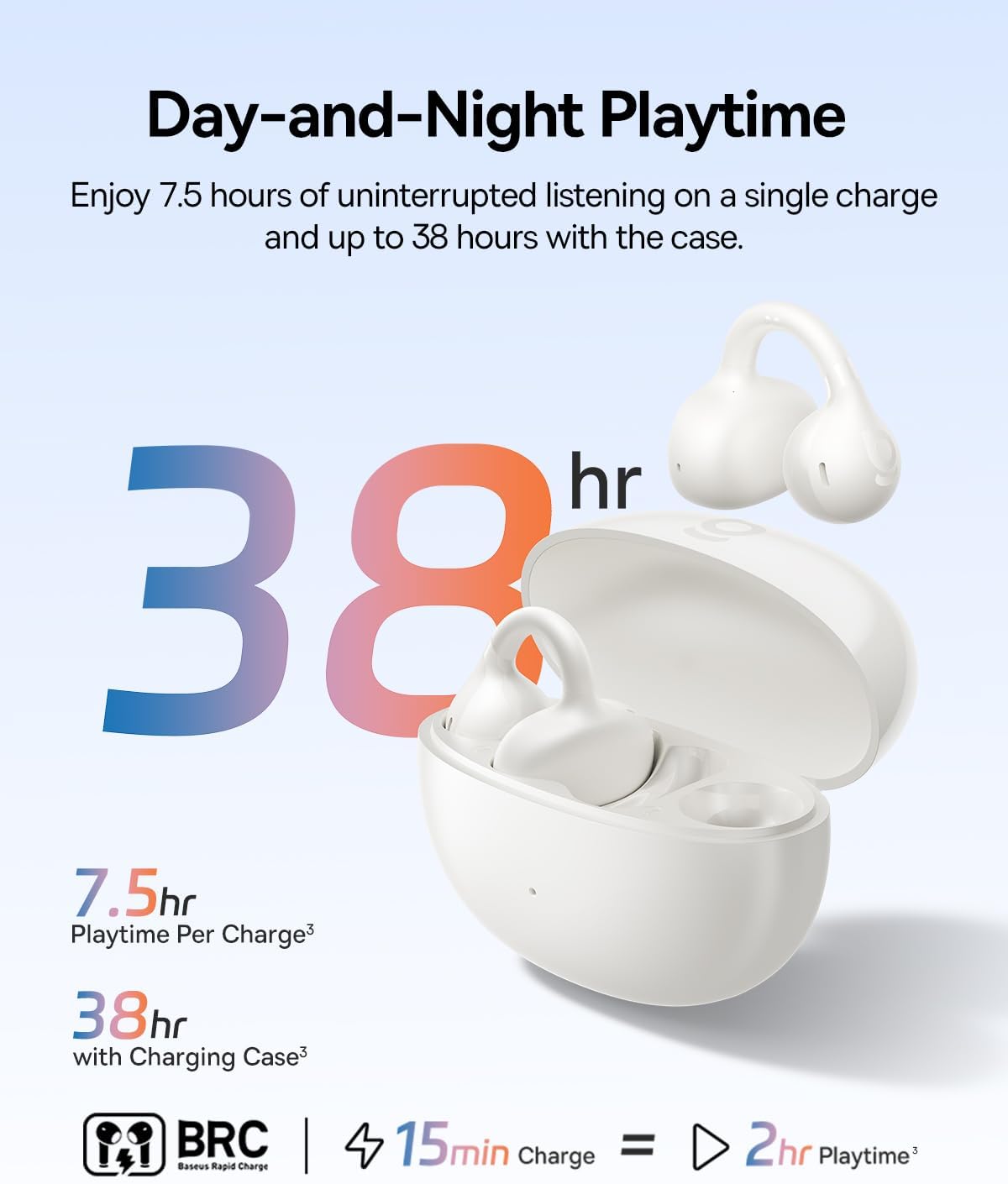
Image: Baseus Bass BC1 Earbuds and charging case, highlighting the 38-hour total playtime.
3.2 Wearing the Earbuds
The Baseus Bass BC1 earbuds feature an open-ring design with a tri-curve ergonomic clip for a secure and comfortable fit. Gently clip each earbud onto the correct ear (L/R). Position the open-ring joint horizontally and adjust slightly for the best fit, optimal sound, comfort, and stability. They are designed to adapt to various ear shapes and remain secure during activity.

Image: Visual guide on how to properly wear the Baseus Bass BC1 earbuds for optimal fit and sound.
3.3 Pairing with Your Device
The earbuds utilize Bluetooth 6.0 for stable and instant connections. To pair:
- Open the charging case. The earbuds will automatically enter pairing mode.
- On your device (smartphone, tablet, laptop), enable Bluetooth.
- Select "Baseus Bass BC1" from the list of available Bluetooth devices.
- Once connected, a voice prompt will confirm successful pairing.
The earbuds support Instant Multipoint Connection, allowing seamless switching between two paired devices.

Image: Demonstrating the Instant Multipoint Connection feature, allowing seamless device switching.
4. Operating the Earbuds
4.1 Controls
The Baseus Bass BC1 features precise physical buttons to prevent accidental touches. Refer to the diagram below for common functions:

Image: Detailed button control guide for music, calls, and volume adjustment.
4.2 Sound Features
Experience rich, balanced audio with crisp highs, detailed mids, and deep, punchy bass thanks to 12mm dynamic drivers and bio-cellulose diaphragms. The AI bass boost enhances your listening experience. Directional sound delivery minimizes sound leakage for private listening.

Image: An exploded view of the 12mm dynamic driver, illustrating the SuperBass technology.
4.3 Call Features
Enjoy crystal-clear calls with the 4-mic AI noise reduction algorithm. This technology captures your voice clearly while filtering out background distractions, ensuring seamless conversations anywhere.

Image: Illustration of the 4-microphone system with AI noise reduction for enhanced call clarity.
4.4 Smart App Control
Personalize your listening experience with the dedicated Baseus app. Adjust EQ settings, enhance bass, and customize shortcut keys to match your preferences.

Image: The Baseus app interface, demonstrating options for sound customization and control.
4.5 Official Product Video
Watch the official product video for a visual guide on the features and usage of your Baseus Bass BC1 Open Ear Earbuds.
Video: Official product video showcasing the Baseus Bass BC1 Open Ear Clip On Earbuds, highlighting their design, comfort, sound quality, and features.
5. Maintenance
5.1 Cleaning
To maintain optimal performance and hygiene, regularly clean your earbuds. Use a soft, dry, lint-free cloth to wipe the earbuds and charging case. Avoid using abrasive materials or harsh chemicals.
5.2 Water Resistance
The Bass BC1 earbuds are IP55 rated, making them resistant to dust, water, sweat, and splashes. This makes them suitable for workouts and outdoor activities. However, they are not designed for submersion in water. Ensure the earbuds are dry before placing them back in the charging case to prevent damage.

Image: The earbuds are shown with water droplets, emphasizing their IP55 dust and water resistance.
6. Troubleshooting
If you encounter any issues with your Baseus Bass BC1 earbuds, please refer to the following common solutions:
- No Sound: Ensure the earbuds are properly paired and connected to your device. Check the volume levels on both the earbuds and your device.
- Pairing Issues: Turn off Bluetooth on your device, then turn it back on. Reset the earbuds by placing them in the charging case and closing the lid for a few seconds, then reopening. Try pairing again.
- Charging Issues: Ensure the USB-C cable is securely connected to both the case and the power source. Try a different cable or power adapter.
- Uncomfortable Fit: Adjust the open-ring joint and tri-curve clip to find the most comfortable and secure position for your ear.
- Poor Call Quality: Ensure the microphones are not obstructed. Move to a quieter environment if possible.
For persistent issues, please contact Baseus customer support.
7. Specifications
| Feature | Detail |
|---|---|
| Model Name | Baseus Bass BC1 |
| Connectivity Technology | Wireless, Bluetooth 6.0 |
| Wireless Communication Technology | Bluetooth 6.0 |
| Included Components | USB-C Charging Cable, User Manual, Baseus Bass BC1 Open Ear Clip On Earbuds |
| Specific Uses For Product | Travel, Entertainment, Fitness |
| Recommended Uses For Product | Cycling, Running, Work Out, Exercising |
| Compatible Devices | Cellphones, Tablets, Devices with Bluetooth Audio Capability, including iOS, Android, Windows, Mac OS and Switch., Laptops |
| Number of Items | 1 |
| Audio Driver Type | Dynamic Driver |
| Bluetooth Version | 6.0 |
| UPC | 810196180420 |
| Manufacturer | Baseus |
| Package Dimensions | 5.24 x 3.39 x 1.61 inches |
| Item Weight | 3.84 ounces |
| ASIN | B0F8NM9LB3 |
| Item model number | Baseus Bass BC1 |
| Batteries | Nonstandard Battery batteries required. (included) |
| Date First Available | May 20, 2025 |
| Country of Origin | China |
| Brand | Baseus |
| Color | White |
| Ear Placement | Open Ear |
| Form Factor | Open Ear |
| Noise Control | None |
8. Warranty and Support
Baseus products come with a standard manufacturer's warranty. For detailed warranty information, technical support, or service inquiries, please visit the official Baseus website or contact their customer service directly. Keep your purchase receipt for warranty claims.
For additional resources, you may visit the Baseus Store on Amazon.
Related documentsBaseus Bass BC1


Ask a question about this manual
Ask about setup, troubleshooting, compatibility, parts, safety, or missing instructions. Manuals+ will review the question and use this page’s manual context to help answer it.