
1. Introduction
This manual provides comprehensive instructions for the Mophie Powerstation Fast 25,000mAh Power Bank. This portable charging device is designed to deliver extended and fast power to a variety of electronic devices, including laptops, smartphones, and tablets. Please read this manual carefully to ensure proper use and maintenance of your power bank.
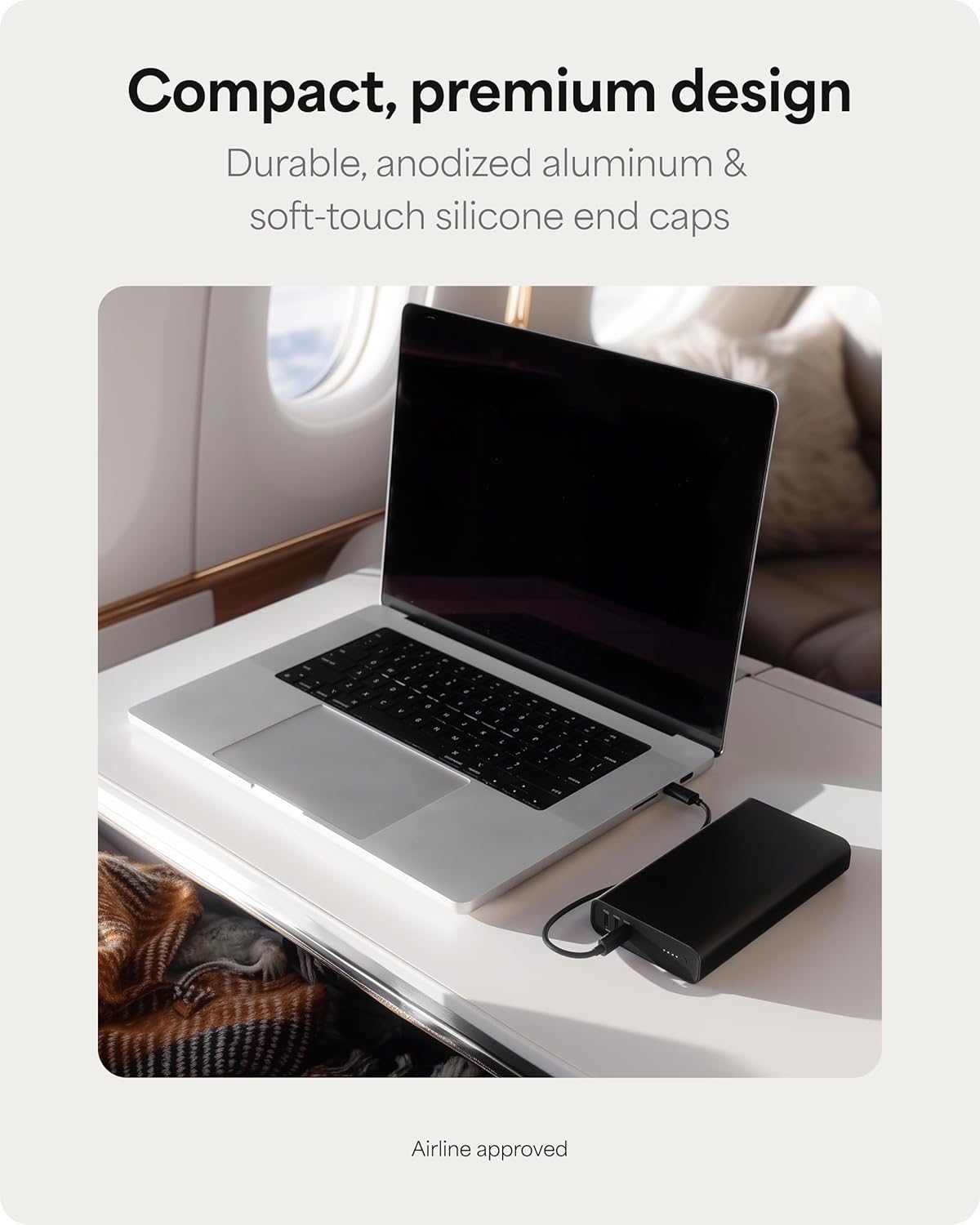
Figure 1: The Mophie Powerstation Fast 25,000mAh Power Bank, showcasing its compact design for portability.
2. Product Overview
2.1 Package Contents
- Mophie Powerstation Fast 25,000mAh Power Bank
- 0.2m USB-C to USB-C Cable
- Quick Start Guide (not included in this manual)
2.2 Components
The Mophie Powerstation Fast features a durable anodized aluminum body with soft-touch silicone ends. Key components include:
- USB-C Ports: Three USB-C Power Delivery (PD) ports for charging devices and recharging the power bank. One port supports up to 140W output, and two ports support up to 100W output each.
- LED Indicator Lights: Four LED lights indicate the remaining battery life and charging status.

Figure 2: Mophie Powerstation Fast 25,000mAh Power Bank with its retail packaging.

Figure 3: Detailed view of the USB-C ports, indicating 140W and 100W output capabilities.
2.3 LED Indicator Status
- Four Solid LEDs: 75-100% battery remaining.
- Three Solid LEDs: 50-75% battery remaining.
- Two Solid LEDs: 25-50% battery remaining.
- One Solid LED: 0-25% battery remaining.
- Flashing LEDs: Indicates the power bank is charging or being charged.
3. Setup
3.1 Initial Charge
Before first use, fully charge your Mophie Powerstation Fast. Use the included USB-C to USB-C cable and connect it to a compatible USB-C power adapter (not included) with sufficient wattage for optimal charging speed. The LED indicator lights will flash during charging and remain solid when fully charged.

Figure 4: Recharging the Mophie Powerstation Fast using a USB-C cable.
4. Operating Instructions
4.1 Charging the Power Bank
- Connect the included USB-C to USB-C cable to any of the USB-C ports on the Powerstation Fast.
- Connect the other end of the cable to a suitable USB-C wall adapter or power source.
- The LED indicator lights will illuminate and flash to show the charging progress. All four LEDs will be solid when the power bank is fully charged.
4.2 Charging Your Devices
The Powerstation Fast can charge up to three devices simultaneously using its three USB-C ports.
- Connect one end of a compatible USB-C cable to your device.
- Connect the other end of the cable to any of the USB-C output ports on the Powerstation Fast.
- The power bank will automatically begin charging your device. The LED indicators will show the remaining battery level of the power bank.

Figure 5: Charging a laptop using the Mophie Powerstation Fast's 140W USB-C PD output.

Figure 6: Multi-device charging capability, powering a laptop, tablet, and smartphone concurrently.
5. Maintenance
- Cleaning: Use a soft, lint-free cloth to clean the surface of the power bank. Avoid using harsh chemicals or abrasive materials.
- Storage: Store the power bank in a cool, dry place away from direct sunlight, extreme temperatures, and moisture.
- Battery Care: To prolong battery life, fully charge the power bank at least once every three months, even if not in regular use.
- Avoid Damage: Do not drop, puncture, or disassemble the power bank. Keep it away from water and fire.
6. Troubleshooting
6.1 Power Bank Not Charging
- Ensure the charging cable is securely connected to both the power bank and the power adapter.
- Verify that the wall adapter is functioning correctly and providing sufficient power.
- Try using a different USB-C cable or power adapter.
6.2 Devices Not Charging
- Check if the power bank has sufficient charge (refer to LED indicators).
- Ensure the charging cable connecting the device to the power bank is secure and undamaged.
- Verify that your device is compatible with USB-C charging.
- Try using a different USB-C port on the power bank or a different cable.
6.3 Slow Charging
- Ensure you are using a high-wattage USB-C power adapter (for charging the power bank) or a high-quality USB-C cable (for charging devices).
- Charging multiple devices simultaneously may reduce individual charging speeds.
- Some devices may have specific charging requirements or limitations.
7. Specifications
| Feature | Detail |
|---|---|
| Model Number | PS-2025-25K |
| Battery Capacity | 25,000mAh |
| Output (USB-C PD) | 1 x 140W, 2 x 100W |
| Input (USB-C PD) | Up to 140W |
| Product Dimensions | 6 x 1.02 x 3.27 inches |
| Item Weight | 1.59 pounds |
| Connector Type | USB Type C |
| Special Features | Fast Charging, LED Indicator Lights |
8. Warranty and Support
8.1 Warranty Information
The Mophie Powerstation Fast 25,000mAh Power Bank comes with a 2-year warranty that covers materials and workmanship. Please retain your proof of purchase for warranty claims.
8.2 Customer Support
For further assistance, troubleshooting, or warranty inquiries, please visit the official Mophie support website or contact their customer service. You can find more information at the Mophie Store on Amazon.


