
TOPUTURE Walking Pad with Incline
TOPUTURE Walking Pad with Incline User Manual
Model: Walking Pad with Incline (Amber)
Brand: TOPUTURE
Introduction and Safety Information
This manual provides essential information for the safe and effective operation, maintenance, and troubleshooting of your TOPUTURE Walking Pad with Incline. Please read this manual thoroughly before initial use and retain it for future reference.
Important Safety Precautions:
- Ensure the walking pad is placed on a flat, stable surface.
- Keep children and pets away from the walking pad during operation.
- Do not operate the walking pad if it is damaged or malfunctioning.
- Wear appropriate athletic footwear during use.
- Consult a physician before starting any new exercise program.
- Disconnect power when not in use or before cleaning/maintenance.
- Do not exceed the maximum weight capacity of 130 kg (300 lbs).
Setup and Assembly
Your TOPUTURE Walking Pad with Incline features an installation-free design, meaning it is ready for use almost immediately after unboxing.
Initial Setup Steps:
- Unpack: Carefully remove the walking pad from its packaging. Retain all packaging materials for potential future transport or storage.
- Placement: Place the walking pad on a firm, level surface, ensuring adequate space around it for safe operation.
- Power Connection: Connect the power cord to the walking pad and then to a suitable electrical outlet.
- Incline Adjustment (Optional): The walking pad can be manually adjusted to a 9% incline. To do this, pull out the bolt on each side and turn the slope block to the desired position, then re-insert the bolt to secure it. This simulates a climbing scene for increased calorie burn.

Figure 1: The TOPUTURE Walking Pad demonstrating its compact design and ease of storage.

Figure 2: Detailed view of the manual incline adjustment mechanism.
Operating Instructions
The TOPUTURE Walking Pad offers intuitive controls for a personalized exercise experience.
Using the Remote Control:
- Power On/Off: Press the power button on the remote to turn the walking pad on or off.
- Speed Adjustment: Use the '+' and '-' buttons to increase or decrease the speed. The speed range is 0.6 to 6.2 MPH (approximately 1 to 10 km/h).
- Pause Function: Press the pause button to temporarily stop the belt while retaining your exercise data. Press again to resume.
- Remote Storage: The remote control features magnets on its back, allowing it to be conveniently attached to the treadmill to prevent loss.
LED Display and Smart APP Integration:
The integrated LED display provides real-time feedback on your workout. For enhanced tracking and control, connect to the dedicated Sport APP.
- LED Display: Clearly shows data such as distance, speed, time, and calories burned.
- APP Connection: Download the "Sport APP" (refer to the included user manual for QR code or app store details). Connect your walking pad via Bluetooth.
- APP Features: The app allows for smart control, recording of exercise data, and sharing with friends.
- Preset Modes: Utilize the 12 preset sports modes to customize your training plan, suitable for walking, jogging, or running.

Figure 3: Smart APP integration for tracking and control.
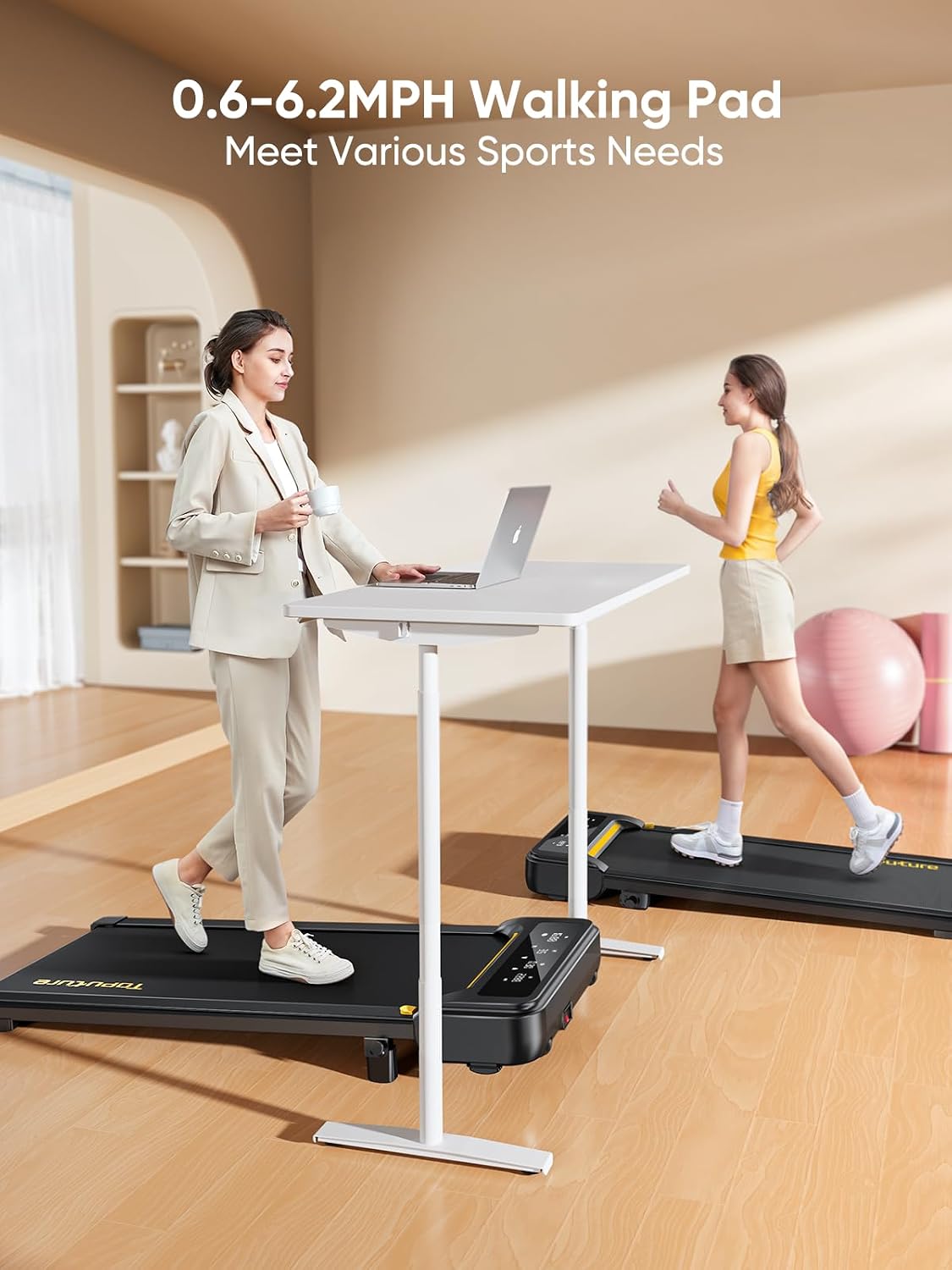
Figure 4: The clear LED display and magnetic remote control.
Maintenance
Regular maintenance ensures the longevity and optimal performance of your walking pad.
General Maintenance:
- Cleaning: Wipe down the walking pad with a damp cloth after each use to remove sweat and dust. Do not use abrasive cleaners.
- Lubrication: The walking pad features unique lubrication holes for easier maintenance. Refer to the detailed instructions in the included user manual for proper lubrication frequency and procedure. Regular lubrication is crucial for smooth belt operation and to prevent wear.
- Belt Adjustment: Periodically check the running belt for proper tension and alignment. Adjust as needed according to the instructions in the full manual.
Storage:
The TOPUTURE Walking Pad is designed for convenient storage due to its compact size and portability.
- Movement: The walking pad is lightweight (approximately 18.5 kg / 40.8 lbs) and equipped with two front wheels, allowing for easy movement.
- Storage Locations: It can be placed at the foot of a bed, under a sofa, or stored upright against a wall to save space.

Figure 5: Demonstrating the portability and space-saving storage of the walking pad.
Troubleshooting
If you encounter any issues with your TOPUTURE Walking Pad, refer to the following common troubleshooting steps. For problems not listed here, please contact customer support.
| Problem | Possible Cause | Solution |
|---|---|---|
| Walking pad does not power on. | Power cord not properly connected; power outlet issue; remote control battery low. | Ensure power cord is securely plugged into the unit and a working outlet. Check remote control battery and replace if necessary. |
| Belt slips or hesitates. | Insufficient lubrication; belt tension too loose. | Apply lubrication as per maintenance instructions. Adjust belt tension (refer to full manual for specific steps). |
| Unusual noise during operation. | Loose components; foreign object under belt; motor issue. | Inspect for loose screws and tighten. Check for any objects under the belt. If noise persists, contact customer support. |
| Remote control not responding. | Battery low; remote not paired; interference. | Replace remote control battery. Ensure no obstructions between remote and walking pad. Re-pair remote if necessary (refer to full manual). |
Specifications
- Model: Walking Pad with Incline
- Brand: TOPUTURE
- Product Dimensions: 103D x 15W x 59H Centimetres (approx. 40.5 x 5.9 x 23.2 inches)
- Packed Size: 120 x 52 x 12.8 cm (approx. 47.2 x 20.5 x 5 inches)
- Item Weight: Approximately 18.5 kg (40.8 lbs) for portability; 22 kg (48.5 lbs) overall product weight.
- Maximum Weight Capacity: 130 kg (300 lbs)
- Motor: 2.5 HP Silent Motor
- Speed Range: 0.6 - 6.2 MPH (approx. 1 - 10 km/h)
- Maximum Incline Percentage: 9% (manual adjustment)
- Running Surface: 100 x 40 cm (approx. 40 x 16 inches)
- Shock Absorption System: 5-layer anti-slip belt, 8 silicone shock absorbers, 2 soft rubber pads.
- Number of Programs: 12 preset modes
- Display: LED Multi-function Touch Display (shows Calories Burned, Distance, Speed, Time)
- Connectivity: Smart APP (Sport APP) via Bluetooth
- Material: Alloy Steel
- Included Components: Power Cord, Tool Kit, User Manual, Remote Control

Figure 6: Internal view highlighting the powerful and quiet motor.

Figure 7: Detail of the anti-slip and shock-absorbing running belt.
Warranty and Support
The TOPUTURE Walking Pad with Incline comes with a 2-year warranty, providing peace of mind regarding your investment.
For warranty claims, technical assistance, or any questions not covered in this manual, please contact TOPUTURE customer support through the retailer where you purchased the product or visit the official TOPUTURE website for contact information.
When contacting support, please have your product model number (Walking Pad with Incline) and purchase date readily available.
Related documentsWalking Pad with Incline


Ask a question about this manual
Ask about setup, troubleshooting, compatibility, parts, safety, or missing instructions. Manuals+ will review the question and use this page’s manual context to help answer it.