
SDRD SD-512
SDRD SD-512 Karaoke Machine Instruction Manual
Model: SD-512
Introduction
This manual provides essential information for the safe and efficient operation of your SDRD SD-512 Karaoke Machine. Please read these instructions carefully before using the product and retain them for future reference. The SDRD SD-512 is a portable Bluetooth speaker system designed for karaoke, featuring dual wireless microphones, LED lights, and multiple connectivity options.
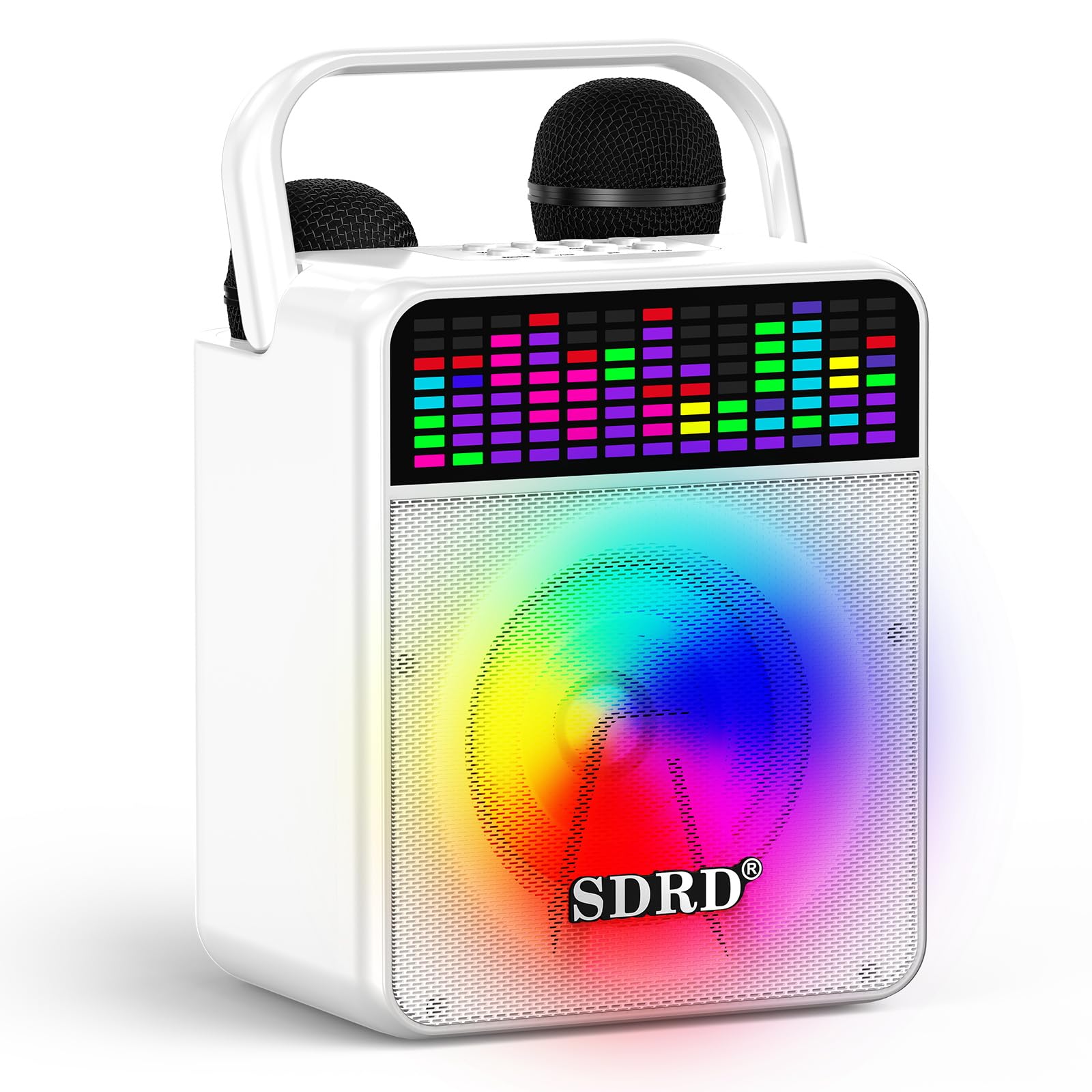
Figure 1: SDRD SD-512 Karaoke Machine
What's in the Box
Carefully unpack all items and ensure you have received the following components:
- 1 x Karaoke Machine (SD-512)
- 2 x Wireless Microphones
- 1 x Charging Cable (USB-C)
- 1 x Mics Cable
- 1 x User Manual

Figure 2: Packaging List
Product Overview
Main Unit
The main unit features a 5-inch full-range driver for clear audio output. It includes a control panel on top, a volume display, and integrated LED party lights. The unit also serves as a charging station for the wireless microphones.
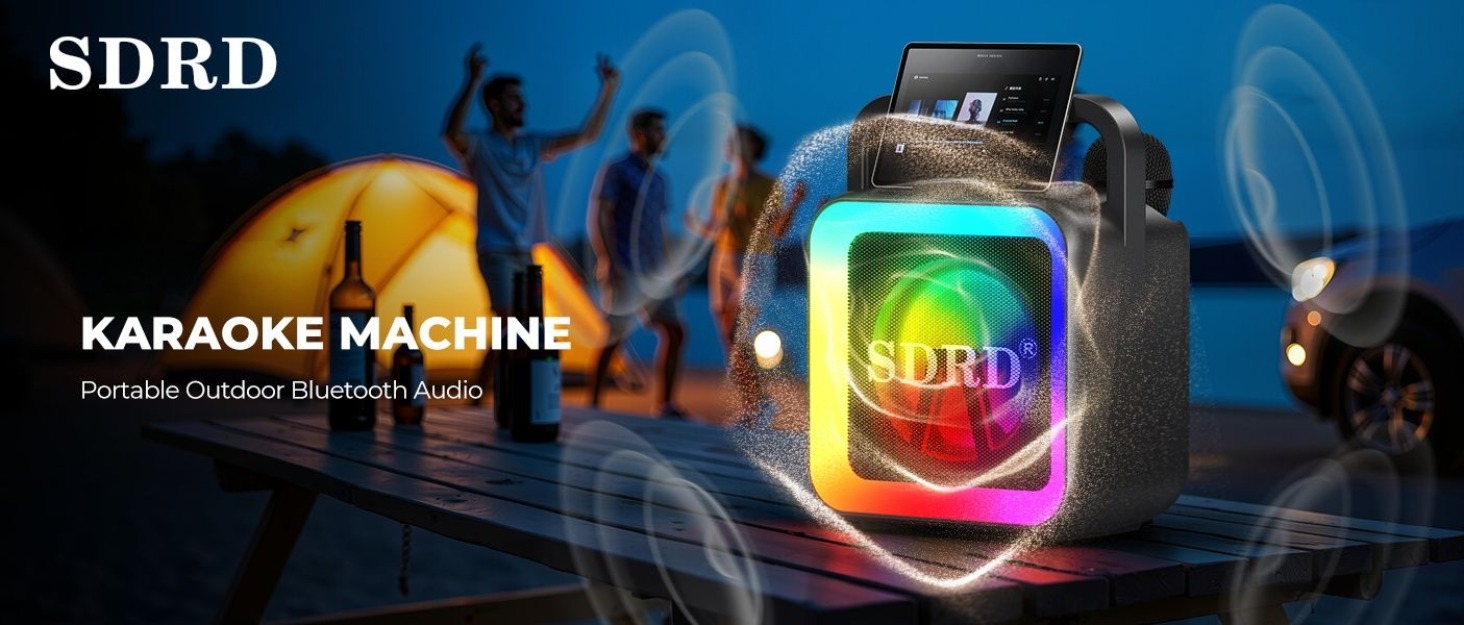
Figure 3: PowerHub Charging Station for Microphones
Wireless Microphones
Two 2.4GHz wireless microphones are included, designed for smooth singing within a range of 5–10 meters. Each microphone has independent controls for volume, echo, voice effects, and EQ modes. They can be charged directly in the main unit's charging dock or via their individual Type-C ports.

Figure 4: Wireless Microphone Controls
Setup
1. Initial Charging
Before first use, fully charge the karaoke machine and both wireless microphones. Connect the provided USB-C charging cable to the machine's charging port and a suitable USB power adapter (not included). The microphones can be charged by placing them in their designated slots on the main unit or by connecting a Type-C cable directly to each microphone.
2. Power On
Press and hold the power button on the main unit to turn it on. The LED lights will illuminate, and the display will activate.
3. Microphone Pairing
The wireless microphones are typically pre-synced with the main unit. If pairing is required, ensure both the machine and microphones are powered on. The microphones should automatically connect. If not, refer to the troubleshooting section.
Operating Instructions
1. Bluetooth Connection
- Turn on the SDRD SD-512 Karaoke Machine.
- Activate Bluetooth on your smartphone, tablet, or other device.
- Search for "SD-512" in the list of available Bluetooth devices and select it to pair.
- A confirmation sound will indicate successful pairing.

Figure 5: Bluetooth 5.3 Connectivity
2. Audio Playback
The SD-512 supports multiple audio input methods:
- Bluetooth: Stream music wirelessly from your paired device.
- AUX: Connect an external audio source (e.g., TV, MP3 player) using the provided AUX cable.
- USB: Insert a USB flash drive with MP3 files into the USB port.
- Micro SD/TF Card: Insert a Micro SD card with MP3 files into the TF card slot.
3. Microphone Usage
Use the controls on each wireless microphone to adjust your singing experience:
- Volume: Use the VOL +/- buttons to adjust microphone volume independently.
- Echo/Reverb: Use the ECHO +/- buttons to add or reduce echo effect.
- Voice Effects: Cycle through various voice effects (e.g., male, female, child voice) using the dedicated button.
- One-Key Vocal Removal: Press the 'Music/Orig' button on the main unit to attempt to remove vocals from a playing track, turning it into an instrumental.
- EQ Modes: The microphones offer multiple EQ modes. Press the EQ button to cycle through them. Note that the display may not explicitly show the active EQ mode.
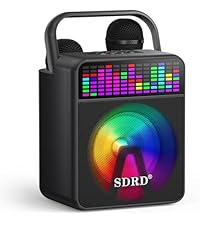
Figure 6: Built-in Control Buttons
4. LED Party Lights
The machine features colorful LED lights that flash with the music. The lights can be turned on or off separately using the LED Light button on the main unit. The volume display also provides interactive lighting.
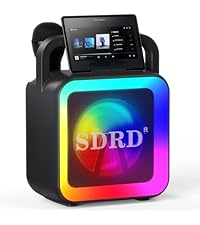
Figure 7: Built-in Volume Display and LED Lights
Charging
The SDRD SD-512 Karaoke Machine is equipped with a built-in 4000mAh battery, providing approximately 10–12 hours of playback time on a full charge. Fast charging takes about 2–3 hours.
- Main Unit: Connect the USB-C charging cable to the machine and a 5V/2A power adapter.
- Microphones: Place microphones in the main unit's charging dock or use individual Type-C cables.

Figure 8: Battery and Charging Information
Maintenance
- Keep the device dry. Do not expose it to moisture or extreme temperatures.
- Clean the surface with a soft, dry cloth. Avoid using abrasive cleaners or solvents.
- Store the microphones in their designated slots when not in use to prevent loss and ensure they are charged.
- Avoid dropping the unit or microphones, as this can cause damage.
- When transporting, ensure the foldable handle is securely in place.
Troubleshooting
| Problem | Possible Cause | Solution |
|---|---|---|
| No power | Battery is depleted. | Charge the karaoke machine fully. |
| No sound from speaker | Volume too low; incorrect input mode; device not connected. | Increase volume; select correct input mode (Bluetooth, AUX, USB); ensure device is properly connected. |
| Microphone not working | Microphone battery low; microphone not paired; microphone volume too low. | Charge microphones; ensure microphones are powered on and within range; increase microphone volume. If issues persist, try re-pairing by turning both the machine and microphones off and on. |
| Bluetooth connection unstable | Device too far from speaker; interference. | Move device closer to the speaker (within 100 ft); avoid obstacles or other wireless devices. |
| EQ button on mic does not show active mode | This is a design characteristic. | Cycle through EQ modes to find the desired sound. |
Specifications
| Feature | Detail |
|---|---|
| Brand | SDRD |
| Model Name | SD-512 |
| Color | White |
| Speaker Type | Portable PA System with 5-inch full-range driver |
| Connectivity Technology | Bluetooth 5.3, Auxiliary (AUX), USB |
| Media Type Supported | Micro SD, USB |
| Power Source | Battery Powered (4000mAh) |
| Battery Life | 10-12 hours playback |
| Charging Time | 2-3 hours (fast charging) |
| Microphones | 2 x 2.4GHz Wireless Microphones |
| Special Features | Built-In Microphone, Echo Effect, PA System, Portable, Rechargeable, LED Lights, Voice Effects, One-Key Vocal Removal |
| Item Dimensions (D x W x H) | 6.89"D x 6.3"W x 8.66"H |
Warranty Information
The SDRD SD-512 Karaoke Machine comes with a 1-year limited warranty from the date of purchase. This warranty covers manufacturing defects and workmanship under normal use. It does not cover damage caused by misuse, accidents, unauthorized modifications, or normal wear and tear. Please retain your proof of purchase for warranty claims.
Support
For technical support, troubleshooting assistance, or warranty inquiries, please contact SDRD customer service through the retailer where the product was purchased or visit the official SDRD website for contact information.
Ask a question about this manual
Ask about setup, troubleshooting, compatibility, parts, safety, or missing instructions. Manuals+ will review the question and use this page’s manual context to help answer it.