
SDRD SD-512
SDRD SD-512 Portable Karaoke Machine User Manual
Model: SD-512
1. Introduction
Thank you for choosing the SDRD SD-512 Portable Karaoke Machine. This device combines a powerful speaker with two wireless microphones, offering a versatile audio solution for various occasions. Designed for ease of use and portability, it supports multiple connection methods and features integrated LED lighting for an enhanced entertainment experience. Please read this manual thoroughly before operating the device to ensure proper use and to maximize its lifespan.
2. Safety Information
- Do not expose the device to water, moisture, or extreme temperatures.
- Avoid dropping or subjecting the device to strong impacts.
- Do not attempt to disassemble or repair the device yourself. Refer all servicing to qualified personnel.
- Keep the device away from heat sources and direct sunlight.
- Use only the provided charging cable and accessories.
- Ensure proper ventilation when operating the device.
- Do not block the speaker grille or ventilation openings.
3. Package Contents
Please check the box for the following items:
- 1 x SDRD SD-512 Karaoke Machine
- 2 x Wireless Microphones
- 1 x Charging Cable (USB Type-C)
- 1 x Mics Cable (for charging microphones directly)
- 1 x User Manual

Image: Contents of the SDRD SD-512 Karaoke Machine package, including the main unit, two wireless microphones, charging cables, and the user manual.
4. Product Overview
4.1. Main Unit (Speaker)
The main unit features a 5.0-inch full-range speaker with 15W power output, designed to deliver clear sound and powerful bass. It includes a vibrant LED light display that reacts to music, and a digital volume display. The top panel houses control buttons for various functions.

Image: Front view of the SDRD SD-512 Karaoke Machine, showing the speaker grille, LED display, and microphone slots on top.

Image: Exploded view illustrating the internal components of the SDRD SD-512 speaker, highlighting the 5.0-inch subwoofer, 15W power, and Bluetooth 5.3 chip.
4.2. Wireless Microphones
The two wireless microphones are designed for clear vocal pickup and feature individual controls for volume, echo, and EQ. They are rechargeable and can be stored and charged directly within the main unit's integrated charging slots.

Image: Close-up of the SDRD rechargeable microphone, showing its controls and USB-C charging port, contrasted with a depiction of a traditional AAA battery-powered microphone.
5. Setup
5.1. Charging the Device and Microphones
Before first use, fully charge the karaoke machine and both microphones. The main unit has a 4000mAh battery, providing 6-8 hours of playback after 2-3 hours of charging.
- Main Unit: Connect the provided USB Type-C charging cable to the charging port on the back of the unit and to a compatible USB power adapter (not included). The charging indicator will illuminate.
- Microphones: The microphones can be charged in two ways:
- Place them into the designated slots on top of the main unit. Ensure the main unit is powered on or connected to a power source for the microphones to charge.
- Connect the provided Mics Cable to the USB-C port on each microphone and to a USB power source.
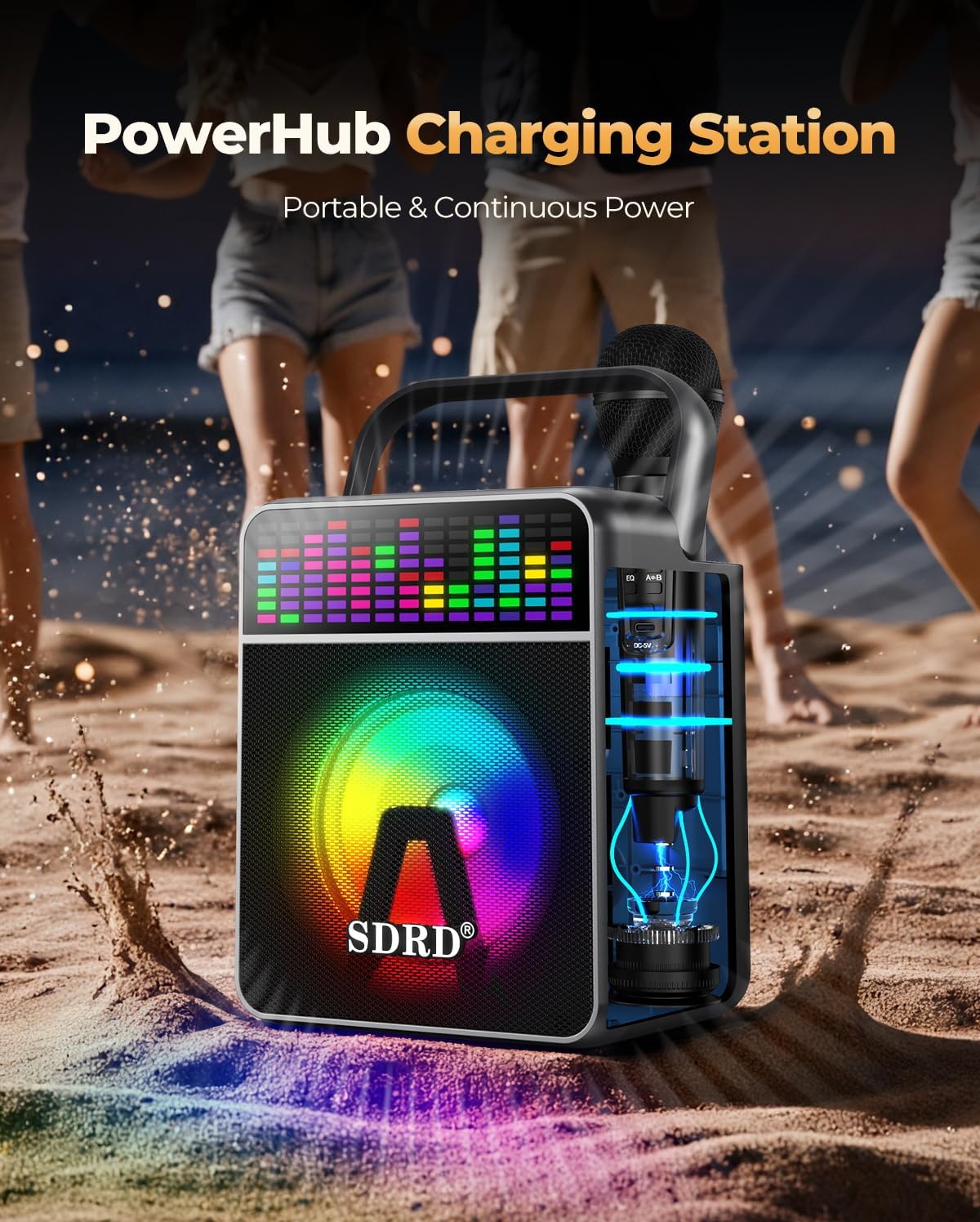
Image: The SDRD karaoke machine acting as a charging station, with microphones inserted into their charging slots on top of the unit.

Image: Diagram showing the 4000mAh battery capacity of the SDRD karaoke machine, with fast charging taking 2-3 hours and providing 6-8 hours of playing time.
5.2. Powering On/Off
- Main Unit: Press and hold the Power button located on the top panel for a few seconds to turn the unit on or off.
- Microphones: Press and hold the Power button on each microphone to turn it on or off. The microphone display will show 'ON' or 'OFF'.
5.3. Connecting via Bluetooth
The SDRD SD-512 supports Bluetooth 5.3 for stable wireless connection up to 100ft.
- Turn on the karaoke machine. It will automatically enter Bluetooth pairing mode.
- On your smartphone, tablet, or other Bluetooth-enabled device, search for "SDRD-512" in the Bluetooth settings.
- Select "SDRD-512" to pair. A confirmation sound will indicate successful pairing.
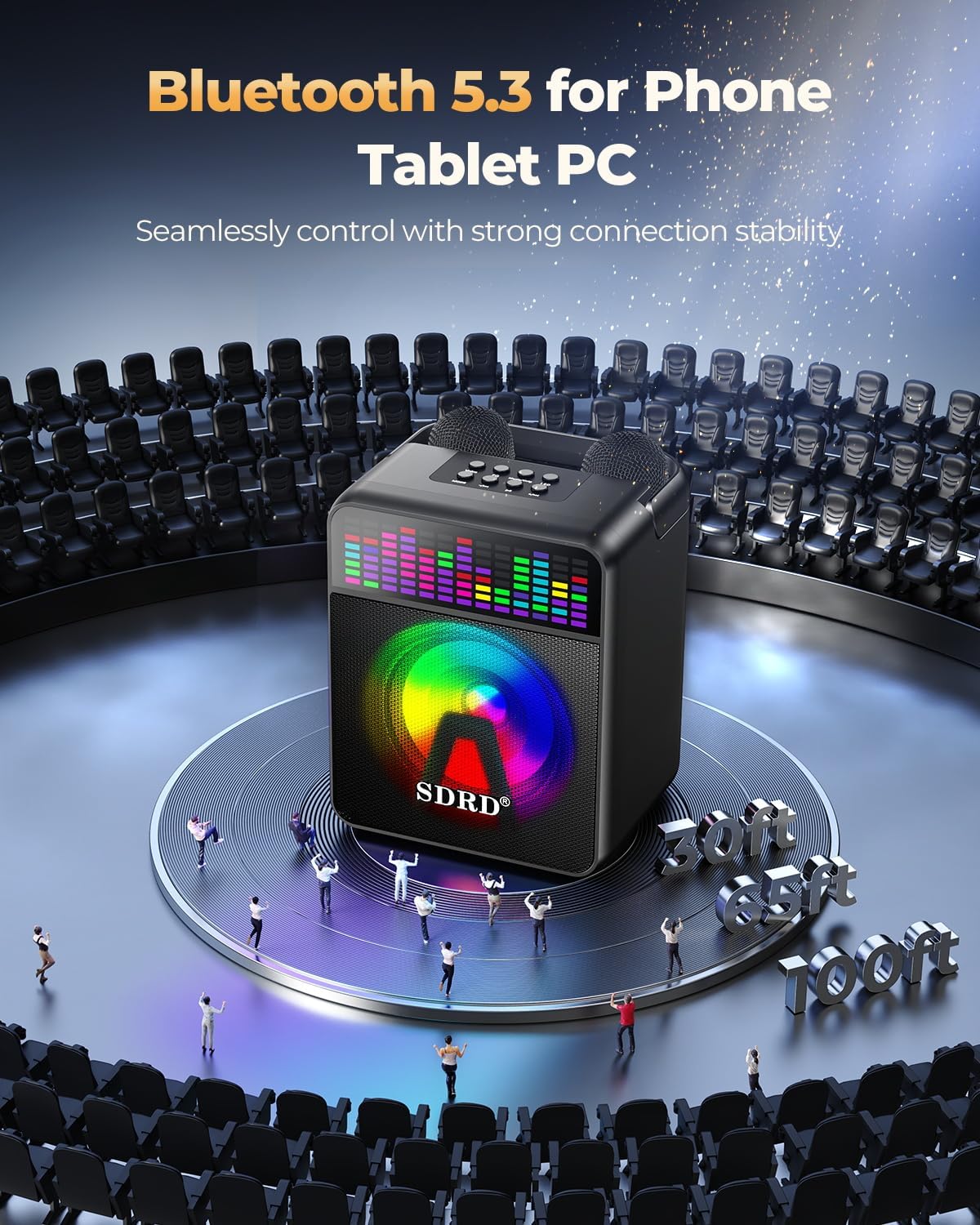
Image: Illustration showing the SDRD karaoke machine connecting via Bluetooth 5.3 to a phone or tablet, emphasizing seamless control and strong connection stability over a distance of up to 100 feet.
5.4. Connecting via AUX/USB
- AUX Connection: Use a 3.5mm audio cable (not included) to connect the AUX input port on the karaoke machine to the audio output of your device (e.g., TV, computer).
- USB Playback: Insert a USB flash drive containing MP3 audio files into the USB port on the karaoke machine. The unit will automatically detect and play the music.
6. Operating Instructions
6.1. Speaker Controls
The top panel of the karaoke machine features several buttons for controlling playback and settings:

Image: Diagram of the SDRD karaoke machine's top panel, labeling control buttons for Voice, EQ, Music/Orig, LED Light, Mode, Previous (Volume-), Pause, and Next (Volume+).
- Voice: Activates or deactivates voice changer effects.
- EQ: Cycles through preset equalizer modes for different sound profiles.
- Music/Orig: Switches between original vocal track and accompaniment (karaoke mode).
- LED Light: Toggles the LED party lights on/off or cycles through light modes.
- Mode: Switches between input modes (Bluetooth, AUX, USB).
- Previous (Volume-): Short press for previous track, long press to decrease volume.
- Next (Volume+): Short press for next track, long press to increase volume.
- Pause: Plays or pauses the current track.
The unit also features a built-in volume display that helps visualize the audio level.
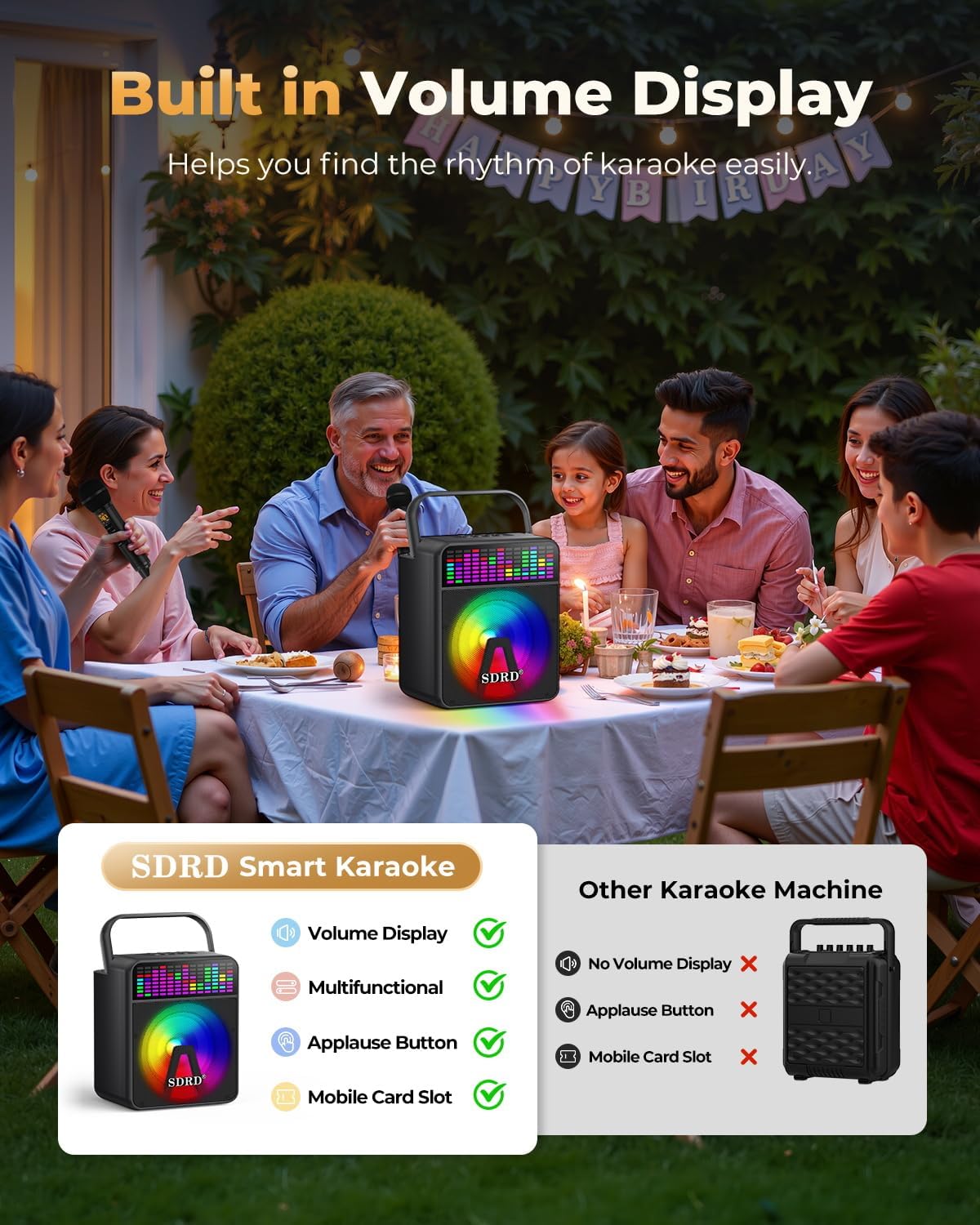
Image: The SDRD karaoke machine displaying its built-in volume level, highlighting its smart features compared to other karaoke machines.
6.2. Microphone Controls
Each wireless microphone has its own set of controls:
- Power Button: Press and hold to turn the microphone on/off.
- Volume +/-: Adjusts the microphone's vocal volume.
- Echo +/-: Adjusts the echo effect level on your voice.
- EQ: Cycles through different vocal EQ presets.
- A/B: Changes the microphone's frequency to avoid interference.
7. Maintenance
- Cleaning: Use a soft, dry cloth to clean the surface of the karaoke machine and microphones. Do not use abrasive cleaners or solvents.
- Storage: When not in use for extended periods, store the device in a cool, dry place away from direct sunlight. Ensure the battery is partially charged (around 50%) before storing to prolong battery life.
- Battery Care: To maintain battery health, avoid fully discharging the unit frequently. Recharge the unit regularly, even if not in active use.
8. Troubleshooting
| Problem | Possible Cause | Solution |
|---|---|---|
| No power | Battery is depleted. | Charge the karaoke machine and microphones fully. |
| No sound from speaker | Volume is too low or muted. Incorrect input mode. | Increase volume. Press 'Mode' button to select correct input (Bluetooth, AUX, USB). |
| Microphone not working | Microphone is off or battery is low. Frequency interference. | Turn on microphone and charge it. Press 'A/B' button on microphone to change frequency. |
| Bluetooth connection unstable | Device is too far from speaker. Interference from other devices. | Move device closer to the speaker. Turn off other Bluetooth devices nearby. |
| Distorted sound | Volume is too high. Audio source quality is poor. | Decrease volume. Try a different audio source or file. |
9. Specifications
- Model: SD-512
- Speaker Size: 5.0-inch full-range
- Power Output: 15W
- Bluetooth Version: 5.3
- Battery Capacity (Speaker): 4000mAh
- Charging Time (Speaker): 2-3 hours
- Playback Time (Speaker): 6-8 hours
- Connectivity: Bluetooth, AUX, USB
- Dimensions: Approximately 1.97 x 1.97 x 1.97 inches (Product Dimensions)
- Weight: Approximately 4.33 pounds
- Microphones: 2 Wireless, Rechargeable
10. Warranty and Support
SDRD products are manufactured to the highest quality standards. For warranty information, technical support, or customer service inquiries, please refer to the contact information provided on the product packaging or visit the official SDRD website. Please retain your proof of purchase for warranty claims.
Related documentsSD-512


Ask a question about this manual
Ask about setup, troubleshooting, compatibility, parts, safety, or missing instructions. Manuals+ will review the question and use this page’s manual context to help answer it.