Introduction
Thank you for choosing the TECKNET 7500LM Motion Sensor Outdoor Flood Light. This manual provides essential information for the safe and efficient operation of your new flood light. Please read it thoroughly before installation and use, and retain it for future reference.
Important Safety Information
- WARNING: Risk of electric shock. Disconnect power at the fuse or circuit breaker before installation or servicing.
- Installation should be performed by a qualified electrician or a person familiar with the construction and operation of the product and the hazards involved.
- Wear safety glasses and insulated gloves during installation.
- Ensure the product is securely mounted to prevent falling.
- Do not connect to a dimmer switch.
- This product is designed for outdoor use and is IP66 waterproof. However, ensure all connections are properly sealed to maintain waterproof integrity.
- This flood light is hardwired and requires a wired electricity supply. It is NOT solar powered.
Package Contents
Verify that all components are present before beginning installation:
- Fixed Luminaire (Flood Light) x 1
- Remote Control x 1
- EVA Gasket x 1
- Mounting Ring x 2
- Screw x 2
- Wire Nut x 3
- User Manual x 1
Product Overview
The TECKNET Motion Sensor Outdoor Flood Light features three adjustable LED heads and a movable motion sensor for wide coverage and customizable lighting. It offers 7500 lumens of cool white light (6500K) and is designed for durability with an IP66 waterproof rating.

Image: TECKNET 7500LM Motion Sensor Outdoor Flood Light, showcasing its three adjustable light heads and integrated motion sensor.
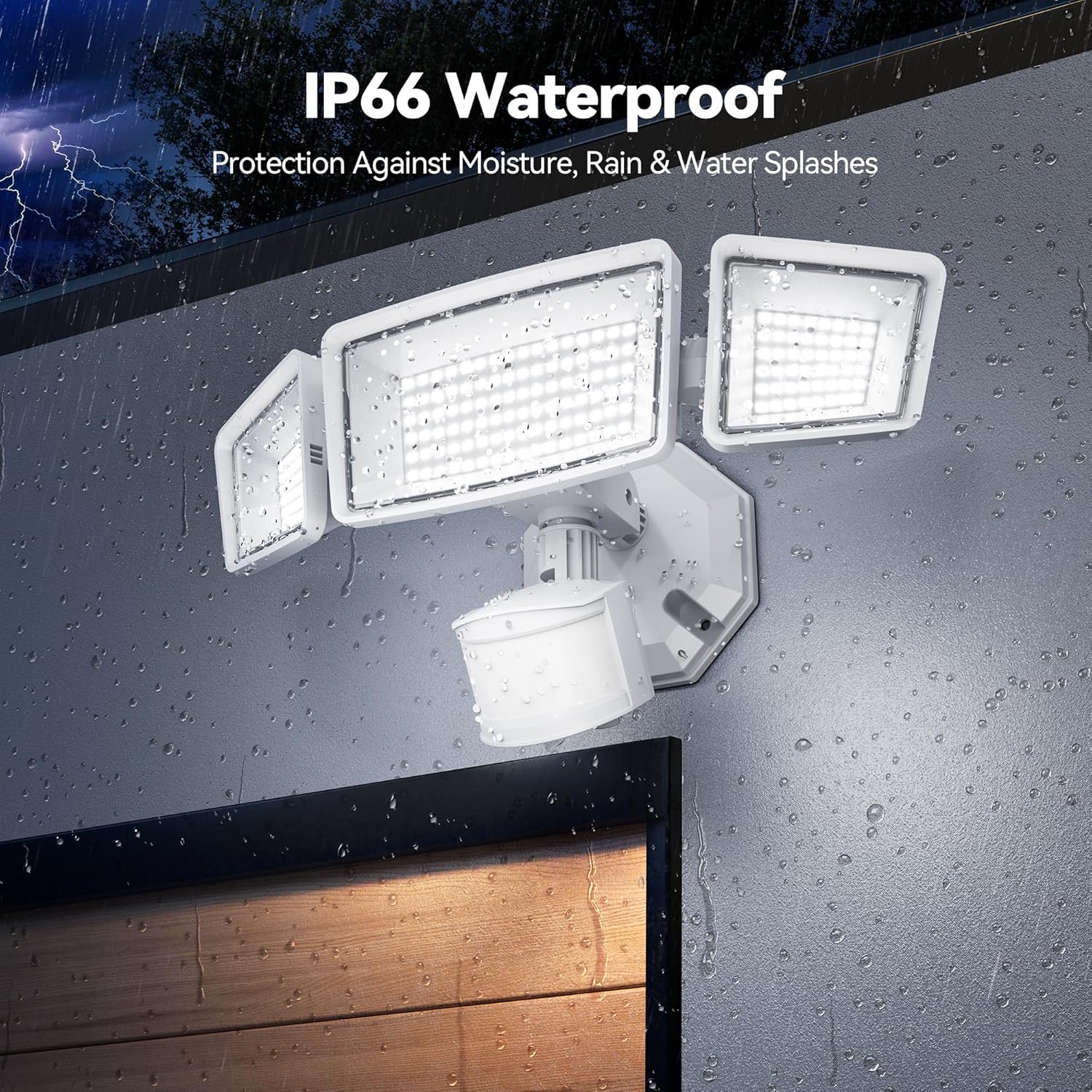
Image: The TECKNET Flood Light demonstrating its IP66 waterproof capability, with water droplets on the fixture.
Key Features:
- 150 LED Beams: Provides ultra-bright 7500 lumens.
- 4 Smart Lighting Modes: Includes continuous dim/medium light, dim-to-bright transition, and sensor motion mode.
- Remote Control: Allows for easy mode switching and brightness adjustment.
- PIR Motion Sensor: 300° wide lighting angle and 180° high-sensitivity sensor with a 70ft detection range.
- IP66 Waterproof: Withstands extreme weather conditions.
- Adjustable 3 Heads: Maximizes lighting coverage by allowing individual head adjustment.
Setup and Installation
This flood light is designed for hardwired installation to a junction box (not included). Ensure power is disconnected before starting. Refer to the included user manual for detailed wiring diagrams and safety precautions.
Installation Steps:
- Turn Off Power: Locate the circuit breaker controlling the light fixture and turn off the power.
- Prepare Wiring: Connect the flood light's wires (black for live, white for neutral, green/yellow for ground) to your house's wiring using the provided wire nuts.
- Mounting: Use the mounting ring and screws to securely attach the flood light to your junction box. Ensure the EVA gasket is properly placed for a waterproof seal.
- Adjust Heads and Sensor: Position the three light heads and the motion sensor to your desired angles for optimal coverage.
- Restore Power: Once installation is complete and secure, restore power at the circuit breaker.

Image: Close-up of the flood light's wiring connections and mounting base, illustrating the hardwired installation process.

Image: Diagram illustrating the adjustable nature of the three light heads and the motion sensor, allowing for flexible illumination angles.
Video: A seller-provided video demonstrating the unboxing and installation process of the TECKNET Motion Flood Light, highlighting its brightness and ease of setup.
Operating Instructions
The TECKNET flood light offers multiple operating modes and adjustable settings for sensitivity and time. These can be configured using the physical dials on the motion sensor unit or via the included remote control.
Motion Sensor Settings:
The motion sensor unit has three adjustable dials:
- Sensitivity (SENS): Adjusts the detection range of the motion sensor (Low, Medium, High).
- Time (TIME): Sets how long the light stays on after motion is detected (30s, 60s, 120s). A 'Test' mode is also available for initial setup.
- Mode (MODE): Selects the operating mode (e.g., motion-only, dusk-to-dawn, dim-to-bright).

Image: Close-up of the motion sensor unit, highlighting the dials for adjusting time, mode, and sensitivity settings.
Remote Control Functions:
The remote control provides convenient access to the light's functions:
- ON/OFF: Manually turn the light on or off.
- Mode Selection (1, 2, 3, 4): Select from the 4 smart lighting modes.
- Brightness Adjustment: Adjust the light intensity within each mode.

Image: The remote control for the TECKNET flood light, showing buttons for power, mode selection, and brightness adjustment.
Understanding the 4 Smart Lighting Modes:
- Mode 1 (Strong Light Sensor Mode): Light is off until motion is detected, then turns on at 100% brightness.
- Mode 2 (Dim Light Sensor Mode): Light stays at a dim level (e.g., 10%) and brightens to 100% upon motion detection.
- Mode 3 (Dusk to Dawn - 25% Brightness): Light turns on at 25% brightness at dusk and turns off at dawn.
- Mode 4 (Dusk to Dawn - 45% Brightness): Light turns on at 45% brightness at dusk and turns off at dawn.

Image: Visual representation of the four smart lighting modes, showing how the light behaves with and without motion detection at different brightness levels.

Image: An illustration demonstrating the Dusk to Dawn feature, where the light automatically turns on at dusk and off at dawn.
Maintenance
To ensure optimal performance and longevity of your TECKNET flood light, follow these maintenance guidelines:
- Cleaning: Periodically clean the light fixture and motion sensor lens with a soft, damp cloth. Do not use abrasive cleaners or solvents.
- Inspection: Regularly inspect the wiring and mounting for any signs of wear, damage, or loose connections.
- Weather Protection: While IP66 rated, ensure the fixture is not submerged in water. Clear any debris that may accumulate around the fixture.
Troubleshooting
| Problem | Possible Cause | Solution |
|---|---|---|
| Light does not turn on. | No power supply; faulty wiring; sensor malfunction. | Check circuit breaker. Verify wiring connections. Test sensor sensitivity and mode settings. |
| Light stays on continuously. | Sensor set to Dusk-to-Dawn mode; continuous motion detected; sensor malfunction. | Adjust mode setting. Ensure no constant motion in detection area. Reduce sensor sensitivity. |
| Light flashes or flickers. | Unstable power supply; loose wiring connection. | Check power source stability. Secure all wiring connections. |
| Remote control not working. | Battery tab not removed; remote out of range; battery depleted. | Remove battery tab. Ensure remote is within 10m range. Replace remote battery if necessary. |
Specifications
- Brand: TECKNET
- Model Name: TK-SL004
- Brightness: 7500 Lumens
- Light Source Type: LED (150 LEDs)
- Light Color: Cool White (6500 Kelvin)
- Power Source: Corded Electric (Hardwired)
- Control Method: Remote Control, Manual Dials
- Motion Sensor Range: Up to 70ft detection range, 180° sensing angle
- Lighting Angle: 300° wide lighting angle
- Water Resistance Level: IP66 Waterproof
- Material: Acrylonitrile Butadiene Styrene (ABS)
- Product Dimensions: 9"L x 7"W x 6"H
- Item Weight: 1.39 pounds
- Included Components: Flood light, EVA Gasket, Remote Control, Mounting Ring x 2, Screw x 2, Wire Nut x 3, Instruction Manual
Warranty & Support
TECKNET offers a 36-month warranty with product registration for this motion sensor outdoor light. For warranty claims, technical support, or any inquiries, please refer to the contact information provided in your original purchase documentation or visit the official TECKNET website.
Note: This product is a hardwired-only device and requires a wired electricity supply. It will not function during power outages.


