
Tayogo T6+W25 white
Tayogo Swimming Headphones & T6 Transmitter User Manual
Model: T6+W25 white
Product Overview
The Tayogo Swimming Headphones and T6 Transmitter combo offers a unique solution for enjoying music and receiving coaching instructions while swimming. This system allows you to stream audio directly from your smartphone to your waterproof bone conduction headphones, eliminating the need for MP3 downloads. The T6 transmitter ensures clear audio transmission even in water, making your swimming sessions more engaging and effective.
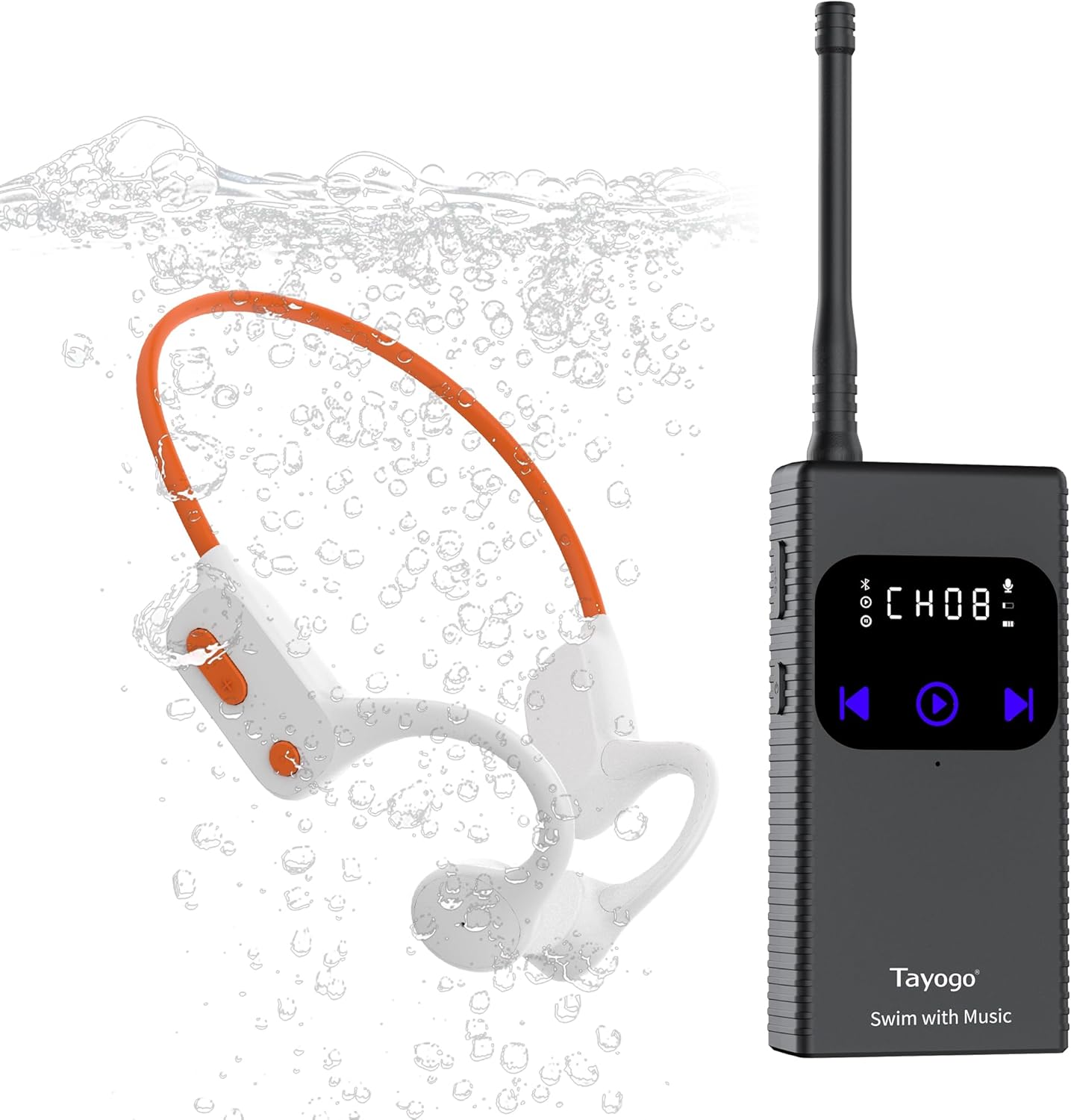
Image: Tayogo T6 Transmitter and W25 Bone Conduction Headphones, shown with water bubbles, indicating their waterproof nature.

Image: A swimmer in a pool wearing Tayogo headphones, with the T6 transmitter and a smartphone displaying music apps, illustrating seamless music streaming.
What's in the Box
- 1 x Tayogo T6 Transmitter
- 1 x Transmitter Antenna
- 1 x Type-C Cable
- 1 x Tayogo W25 Waterproof Receiver (Headphones)
- 1 x Magnetic Charging Cable for Headphones
- 1 x Set of Ear Buds
- 2 x Instruction Manuals (one for T6, one for W25)
- 1 x Carrying Case
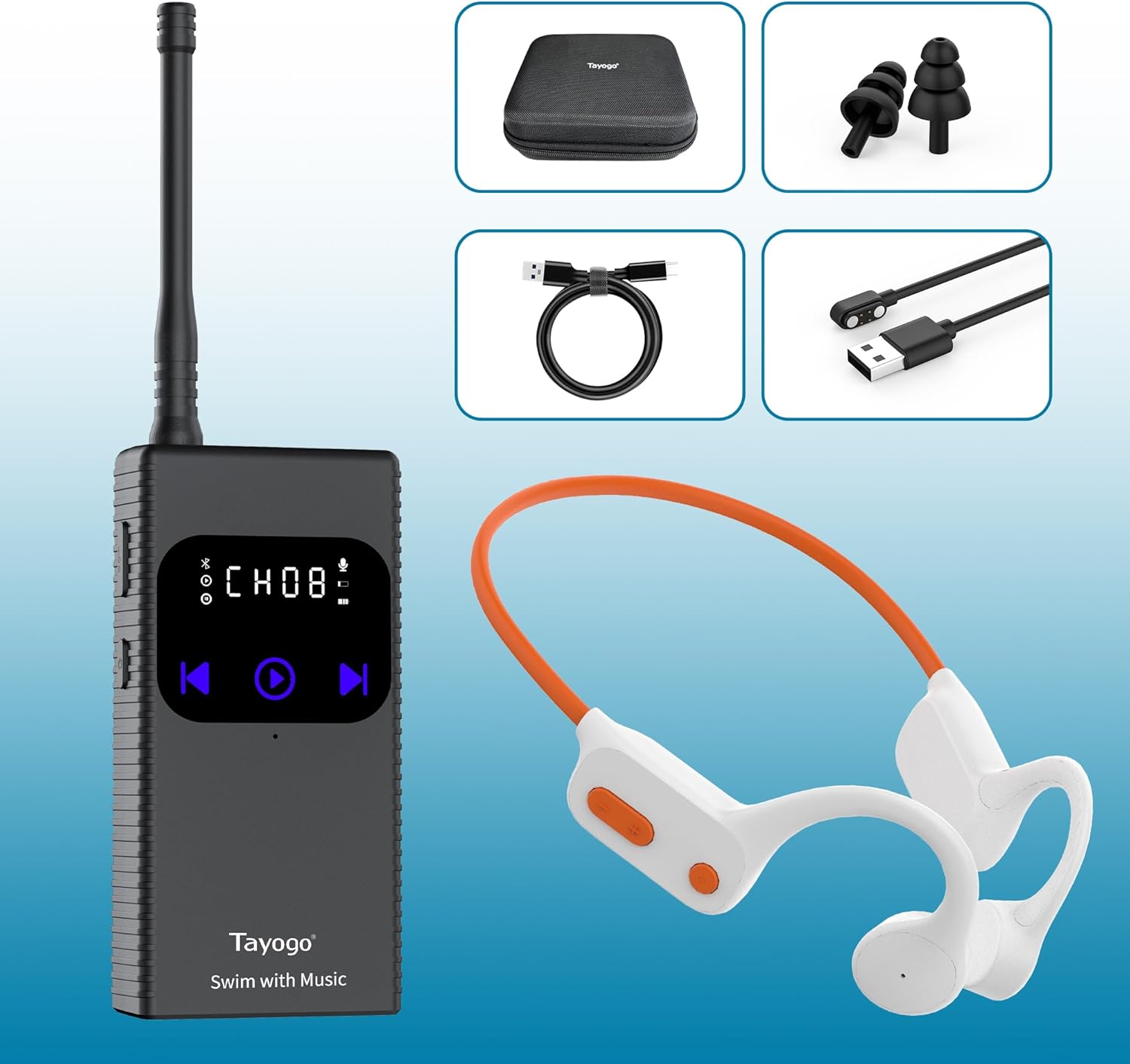
Image: A visual representation of all components included in the Tayogo Swimming Headphones and T6 Transmitter package, including the transmitter, headphones, cables, and carrying case.
Setup Guide
1. Install the Antenna
Carefully screw the provided antenna into the designated port on the top of the Tayogo T6 Transmitter. Ensure it is securely fastened for optimal signal transmission.

Image: A graphic illustrating how to install the antenna onto the Tayogo T6 transmitter.
2. Connect T6 to Your Phone via Bluetooth
Turn on the Tayogo T6 Transmitter. On your smartphone, navigate to the Bluetooth settings. Locate and select "Tayogo T6" from the list of available devices to pair. Once connected, your phone's audio will be transmitted to the T6.

Image: A graphic showing the Tayogo T6 transmitter and a smartphone with its Bluetooth settings open, indicating a successful connection.
3. Prepare for Swimming
Place the T6 Transmitter and your connected smartphone on the shore, away from the water. Ensure the transmitter's antenna is fully extended for the best signal. Put on your Tayogo W25 headphones and swimming cap/goggles.

Image: A swimmer putting on Tayogo headphones, with the T6 transmitter and a phone visible on the poolside, demonstrating the setup for in-water use.
Operating Instructions
1. Adjust T6 Channel
To unlock the channel screen on the T6 transmitter, press and hold the power button for 2 seconds. Use the navigation buttons to adjust the channel (CH:01 - CH:16). This allows you to select a private channel for clear audio transmission.

Image: A graphic detailing how to adjust the channel on the Tayogo T6 transmitter using its touch buttons and LCD display.
2. Adjust Receiver Channel
Ensure your W25 headphones are on the same channel as the T6 transmitter. Press and hold the channel adjustment button on the headphones to cycle through available channels until it matches the transmitter. There are 16 channels available.

Image: A graphic showing the channel adjustment button on the Tayogo W25 headphones and a note about pulling out the antenna for better signal.
3. Music Streaming and Coaching
Once both devices are on the same channel, you can stream music from your smartphone's apps (Spotify, Amazon Music, YouTube, etc.) directly to your W25 headphones. The T6 transmitter can transmit up to 150 meters, covering most pool areas. For swim coaching, the T6 features a PTT (Push-To-Talk) function, allowing coaches to send real-time instructions to swimmers without shouting.
Video: An official product video demonstrating the Tayogo T6 Wireless Transmitter and W23 Bone Conduction Headphones in use for streaming music while swimming and for swim coaching communication.

Image: The T6 transmitter highlighting its retractable antenna, 16 available channels, up to 7 hours playing time, up to 150m transmit distance, and PTT function for coaches.

Image: A swim coach using the T6 transmitter to communicate with swimmers in a pool, emphasizing the ease of communication.
Maintenance
Cleaning
After each use, especially in chlorinated or saltwater, rinse both the T6 Transmitter and W25 Headphones with fresh water. Gently wipe them dry with a soft cloth. Do not use harsh chemicals or abrasive materials for cleaning.
Charging
Charge the T6 Transmitter using the provided Type-C cable. The W25 Headphones use a magnetic charging cable. Ensure charging ports are dry before connecting. A full charge takes approximately 2 hours for the headphones and provides up to 15 hours of Bluetooth playback or 8 hours in receiving mode. The transmitter plays up to 8 hours.
Storage
Store the devices in the provided carrying case in a cool, dry place when not in use. Avoid extreme temperatures and direct sunlight.
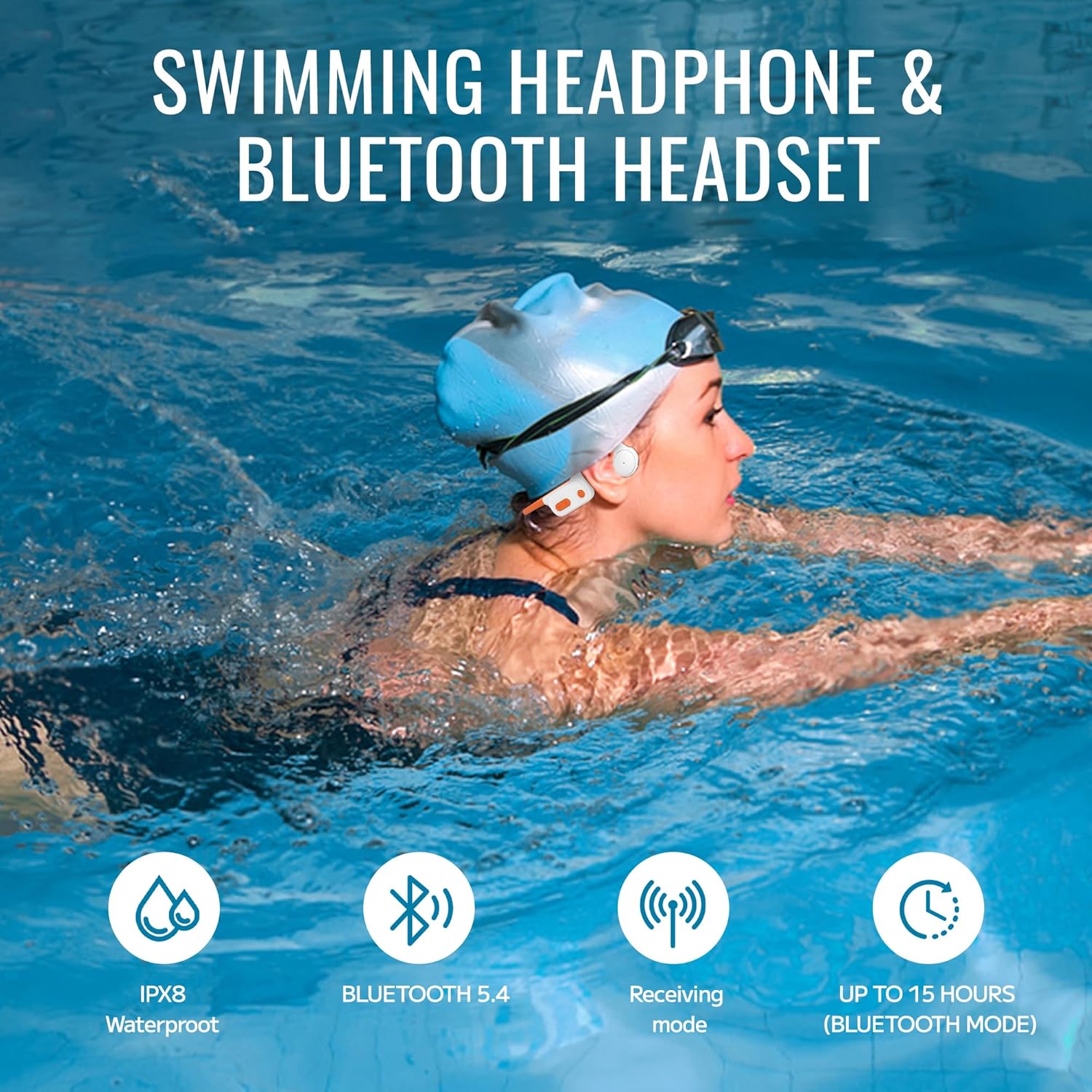
Image: The Tayogo W25 headphones highlighting their IPX8 waterproof rating, Bluetooth 5.4, receiving mode, and up to 15 hours of battery life in Bluetooth mode.
Troubleshooting
No Sound or Static Noise
- Ensure Same Channel: Verify that both the T6 Transmitter and W25 Headphones are set to the same channel.
- Extend Antenna: Always pull the T6 Transmitter's antenna fully up to ensure stronger and more stable signal transmission.
- Increase Phone Volume: Set your phone's playback volume to the maximum for a cleaner signal output.
- Lower Headphone Volume: After maximizing your phone's volume, reduce the headphones' volume to a comfortable level. This helps minimize amplified static or background noise.
- Check Distance: Ensure the transmitter and headphones are within the effective range (up to 150m).
- Obstructions: Minimize physical obstructions between the transmitter and the swimmer.

Image: A graphic providing tips to reduce static noise on the Tayogo Swim Combo Headphones, including extending the transmitter's antenna, increasing phone volume, and lowering headphone volume.
Device Not Powering On
- Charge Battery: Ensure both the transmitter and headphones are fully charged.
- Check Cables: Verify that charging cables are properly connected and not damaged.
Bluetooth Pairing Issues
- Restart Devices: Turn off and on both your smartphone and the T6 transmitter.
- Forget Device: On your phone, forget "Tayogo T6" from your Bluetooth device list and attempt to pair again.
- Proximity: Ensure your phone and T6 are close to each other during pairing.
Specifications
| Feature | Specification |
|---|---|
| Model Name | StreamMusicCombo-W22 0429 (T6+W25 white) |
| Connectivity Technology | Bluetooth 5.4 |
| Water Resistance Level | IPX8 Waterproof |
| Audio Driver Type | Bone Conduction Driver |
| Battery Life (Headphones) | 15 Hours (Bluetooth), 8 Hours (Receiving Mode) |
| Battery Life (Transmitter) | 8 Hours |
| Charging Time | 2 Hours |
| Bluetooth Range | 33 Feet (Bluetooth), up to 150 Meters (Transmitter) |
| Number of Channels | 16 Channels |
| Control Type | Button Control / Touch |
| Item Weight | 2 Ounces |
| Product Dimensions | 7.3 x 5.9 x 2.7 inches |
Warranty and Support
Tayogo products come with a standard manufacturer's warranty. For detailed warranty information, product support, or technical assistance, please visit the official Tayogo website or contact their customer service. You can also refer to the digital user manual available at https://manuals.plus/m/e7a78a3af58e3ec80bbba54976a4876ab0b4a100bf7d3baa27b0b3fd6647ffcd.
For additional support, you may visit the Tayogo Store on Amazon: Tayogo Store.
Related documentsT6+W25 white


Ask a question about this manual
Ask about setup, troubleshooting, compatibility, parts, safety, or missing instructions. Manuals+ will review the question and use this page’s manual context to help answer it.