
Monster E103
Monster Open Ear AC221 Headphones E103 User Manual
Model: E103
1. Introduction
Thank you for choosing the Monster Open Ear AC221 Headphones. These wireless earbuds are designed to provide a comfortable listening experience with an open-ear design, allowing you to stay aware of your surroundings while enjoying high-quality audio. This manual provides detailed instructions for setup, operation, maintenance, and troubleshooting to ensure optimal performance.

Image: Monster Open Ear AC221 Headphones highlighting the clip-on design.
2. What's in the Box
Please check the package contents to ensure all items are present:
- Monster Open Ear AC221 Earbuds x1
- Type-C Charging Cable x1
- User Manual x1

Image: Packaging contents including earbuds, charging case, Type-C cable, and user manual.
3. Product Overview
3.1 Design and Comfort
The Monster Open Ear AC221 headphones feature a clip-on design that ensures a secure fit without entering the ear canal. Each earbud weighs approximately 4 grams, providing a lightweight and comfortable experience for extended wear. This open-ear concept allows for situational awareness.
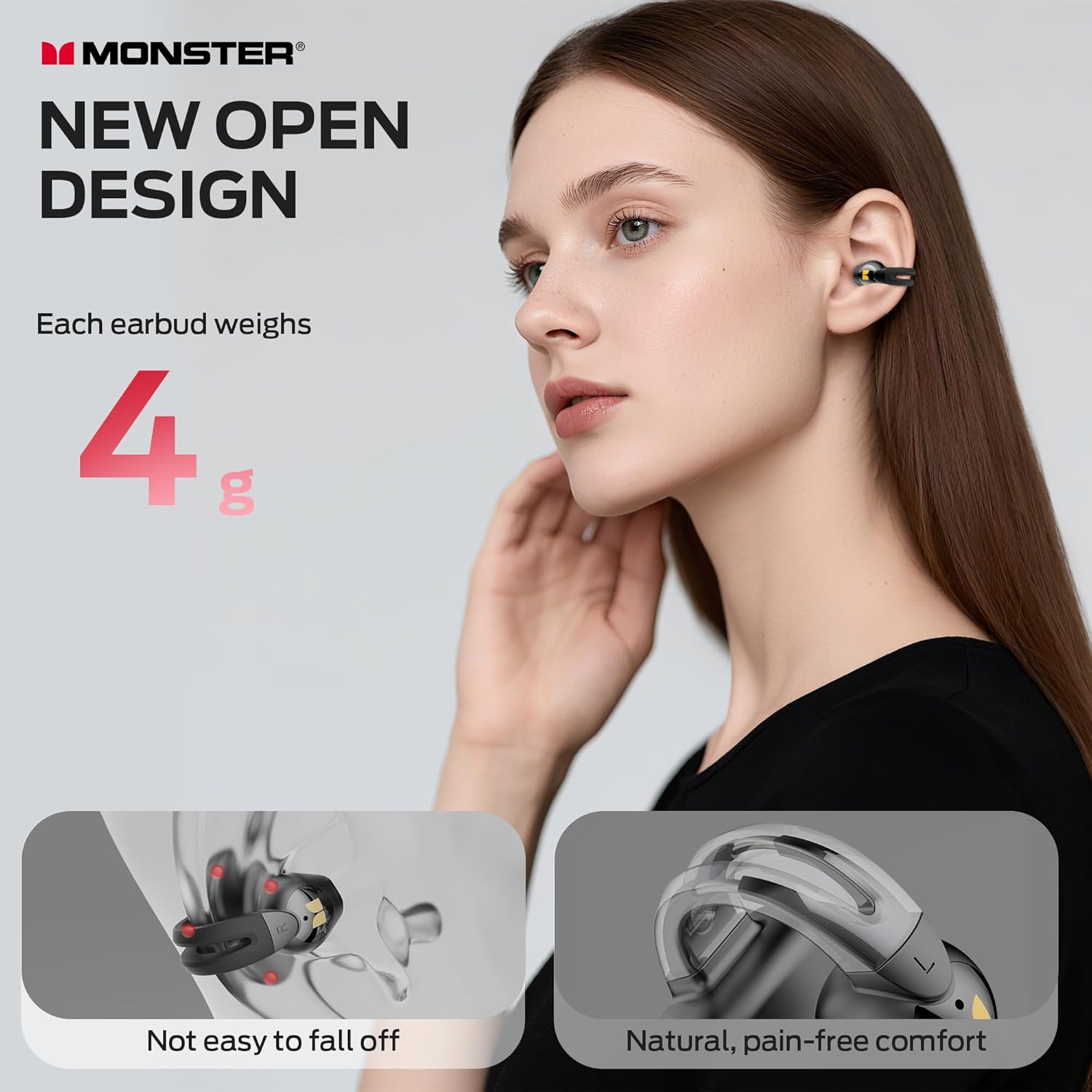
Image: Illustration of the new open design, emphasizing lightweight comfort and secure fit.
3.2 Audio Quality
These headphones deliver crisp and engaging audio with immersive bass, powered by a unique digital audio processor for lifelike vocals and sharp mids and highs.
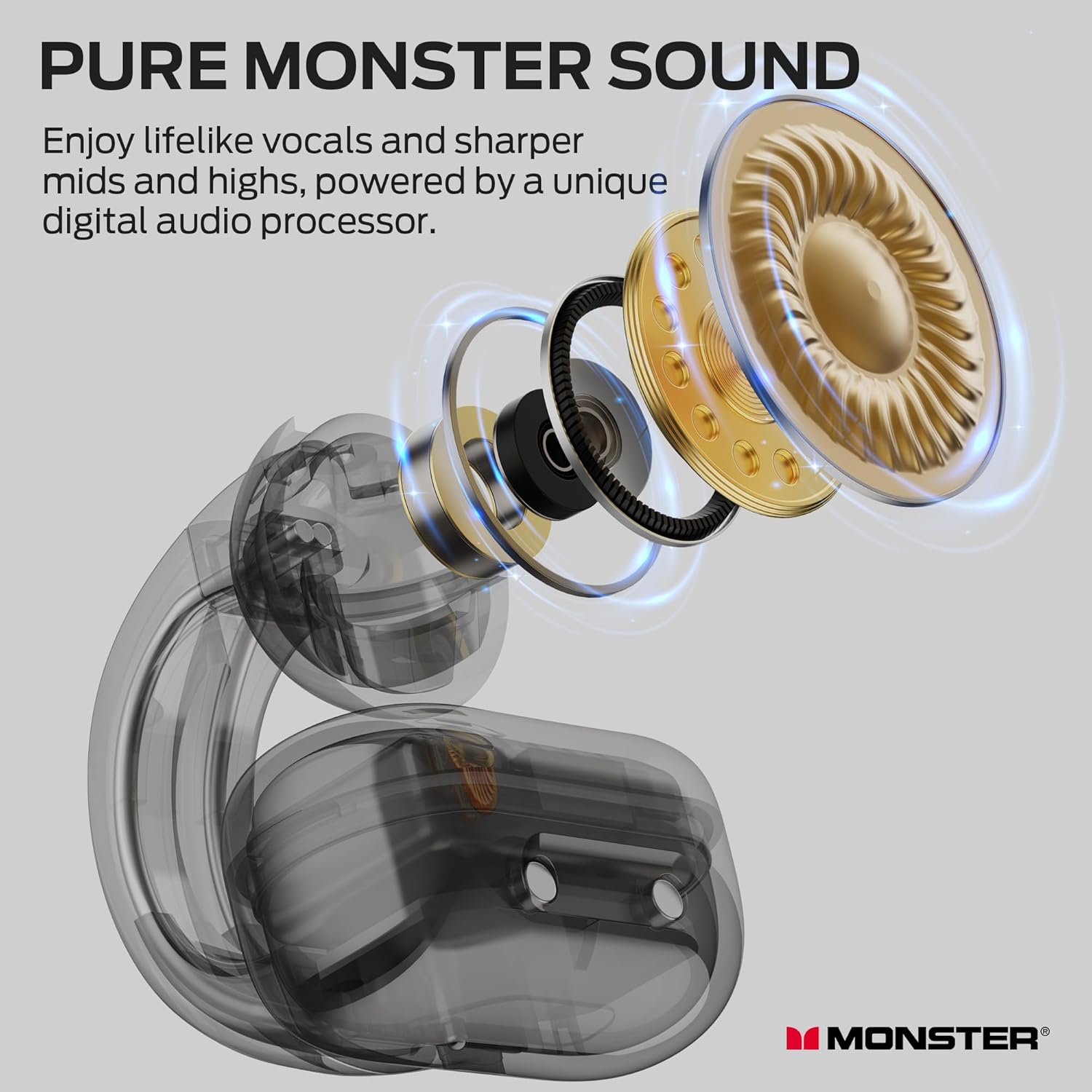
Image: Exploded view of an earbud showing components contributing to Pure Monster Sound.
3.3 Call Clarity
The earbuds are equipped with technology to intelligently filter out ambient sounds, precisely capturing your voice for clear calls even in noisy environments.

Image: Visual representation of ambient sound filtering for improved call clarity.
3.4 Durability
With an IPX6 waterproof rating, the earbuds are engineered to withstand heavy sweat and intense rain, making them suitable for workouts and outdoor activities.

Image: Earbuds shown with water droplets, indicating IPX6 water resistance.
4. Setup
4.1 Charging the Earbuds and Case
Before first use, fully charge the earbuds and the charging case. Connect the provided Type-C charging cable to the charging case and a compatible USB power source. The charging case provides up to 30 hours of additional playback, with the earbuds offering up to 8 hours on a single charge.
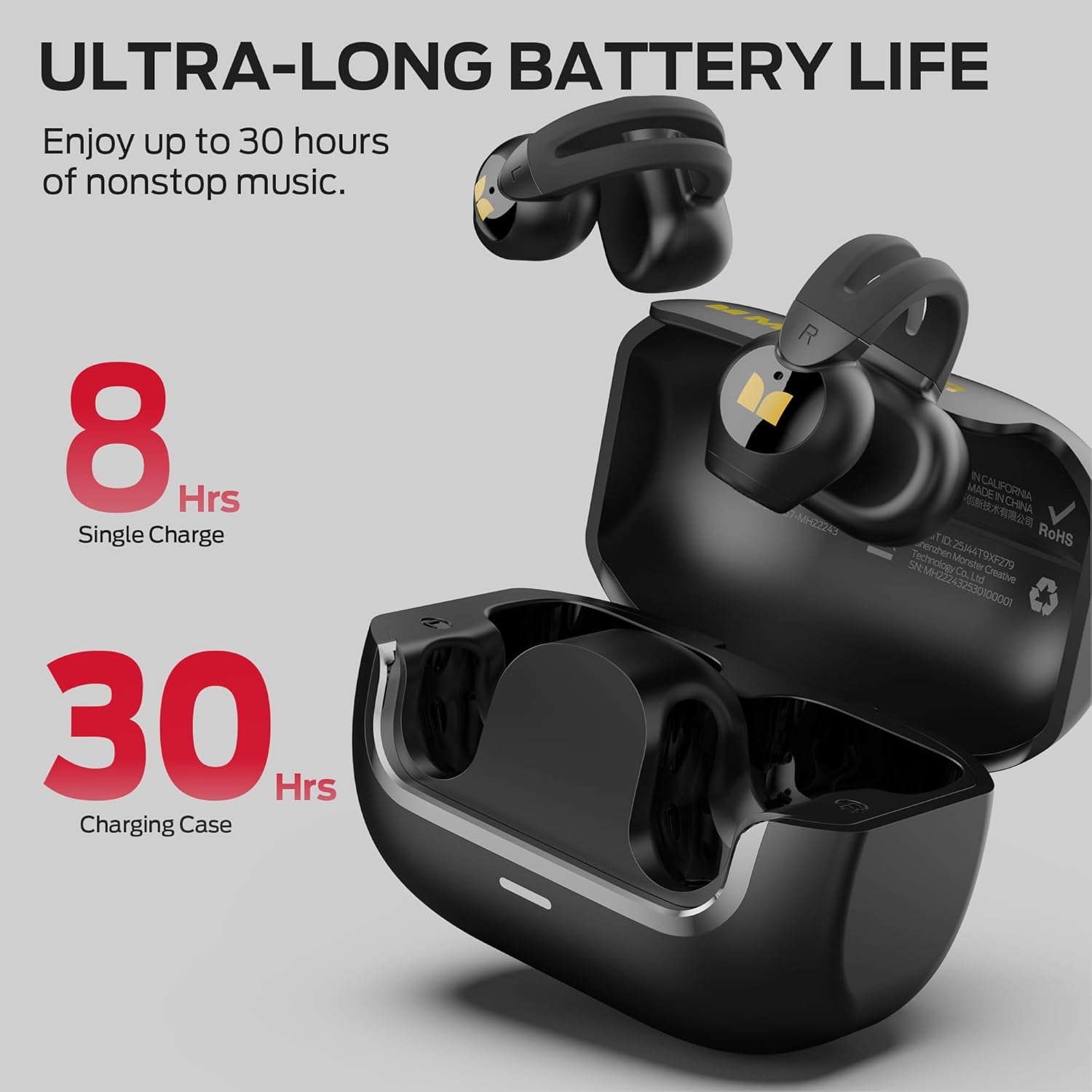
Image: Earbuds in charging case, illustrating 8 hours of single charge playback and 30 hours with the charging case.
4.2 Bluetooth Pairing
The Monster AC221 earbuds utilize Bluetooth 6.0 technology for a seamless connection. This provides faster pairing, wider range, lower latency, and stronger anti-interference performance.
- Open the charging case. The earbuds will automatically enter pairing mode.
- On your device (smartphone, tablet, etc.), enable Bluetooth and search for available devices.
- Select "Monster AC221" from the list of devices to connect.
- Once connected, the earbuds are ready for use. They will automatically reconnect to the last paired device when removed from the case.
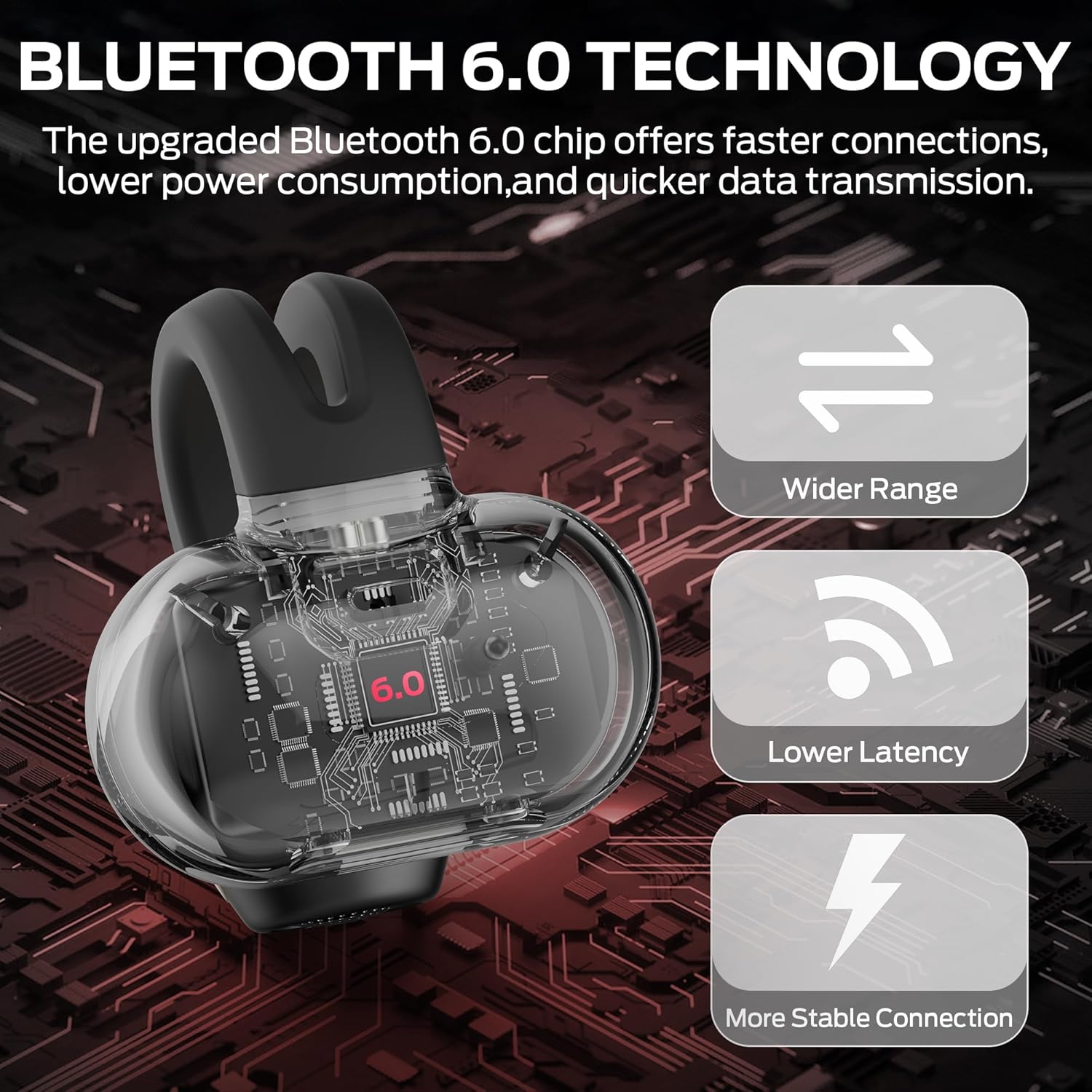
Image: Visual representation of Bluetooth 6.0 technology, highlighting wider range, lower latency, and more stable connection.
5. Wearing Instructions
For optimal comfort and sound quality, follow these steps to properly wear your Monster Open Ear AC221 Headphones:
- Confirm L/R Side: Identify the left (L) and right (R) earbuds.
- Confirm Direction: Orient the earbud so the clip-on mechanism faces upwards and slightly backward.
- Adjust for Comfort: Gently clip the earbud onto your ear, ensuring it sits comfortably and securely without causing pressure. Adjust its position until the sound output is clear and the fit is stable.

Image: Three-step visual guide demonstrating how to correctly wear the earbuds.
6. Operating Instructions (Touch Control)
The Monster AC221 headphones feature intuitive touch controls on each earbud. Refer to the following table for common functions:
| Action | Control | Function |
|---|---|---|
| Double Tap (L/R) | L or R Earbud | Answer/End Call |
| Tap & Hold 2s (L/R) | L or R Earbud | Decline Phone Call |
| Double Tap (L/R) | L or R Earbud | Play/Pause Music |
| Tap & Hold 2s (L/R) | L or R Earbud | Activate Voice Assistant |
| Triple Tap (L) | Left Earbud | Previous Song |
| Triple Tap (R) | Right Earbud | Next Song |
| Single Tap (R) | Right Earbud | Increase Volume |
| Single Tap (L) | Left Earbud | Reduce Volume |

Image: Visual guide to the touch control gestures and their corresponding functions.
7. Maintenance
7.1 Cleaning
- Wipe the earbuds and charging case with a soft, dry, lint-free cloth.
- Do not use abrasive cleaners, alcohol, or chemical sprays.
- Ensure charging contacts are clean and dry before placing earbuds in the case.
7.2 Storage
- Store the earbuds in their charging case when not in use to protect them and keep them charged.
- Avoid storing in extreme temperatures or high humidity.
8. Troubleshooting
If you encounter issues with your Monster Open Ear AC221 Headphones, refer to the following common problems and solutions:
| Problem | Possible Cause | Solution |
|---|---|---|
| Earbuds not pairing | Bluetooth off on device, earbuds not in pairing mode, interference | Ensure Bluetooth is on. Place earbuds in case, close, then open to re-enter pairing mode. Move closer to device. |
| No sound or low volume | Volume too low, earbuds not connected, media paused | Increase volume on device and earbuds. Reconnect earbuds. Check media playback. |
| Charging issue | Cable not connected, dirty contacts, faulty charger | Ensure Type-C cable is securely connected. Clean charging contacts. Try a different charging cable or adapter. |
| Unstable connection | Distance from device, interference, low battery | Reduce distance to device. Avoid areas with strong Wi-Fi or other Bluetooth signals. Charge earbuds. |
9. Specifications
| Feature | Detail |
|---|---|
| Model Name | E103 (AC221) |
| Brand | Monster |
| Ear Placement | Open Ear |
| Form Factor | In Ear (Clip-on) |
| Connectivity Technology | Bluetooth 6.0 |
| Control Type | Touch Control |
| Water Resistance Level | IPX6 Waterproof |
| Single Charge Playtime | Up to 8 Hours |
| Total Playtime (with case) | Up to 30 Hours |
| Charging Time | Approximately 2 Hours |
| Charging Interface | Type-C |
| Item Weight | 4.6 ounces (total package) |
| Material | Plastic |
10. Safety Information
- Do not disassemble or modify the product.
- Keep away from extreme temperatures, direct sunlight, and open flames.
- Avoid prolonged listening at high volumes to prevent hearing damage.
- Keep out of reach of children and pets.
- Dispose of the product and its battery responsibly according to local regulations.
11. Warranty and Support
For warranty information and customer support, please refer to the warranty card included in your product packaging or visit the official Monster website. You may also contact your retailer for assistance.
Online Support: www.monsterproducts.com/support
Related documentsE103


Ask a question about this manual
Ask about setup, troubleshooting, compatibility, parts, safety, or missing instructions. Manuals+ will review the question and use this page’s manual context to help answer it.