Introduction
This manual provides detailed instructions for the setup, operation, and maintenance of your La Crosse Technology WS6231 Petite Temperature Station. Please read this manual thoroughly before using the device to ensure proper function and longevity.
Package Contents
- 1 x WS6231 Main Unit (White)
- 1 x Wireless Outdoor Sensor
- 1 x Instruction Manual
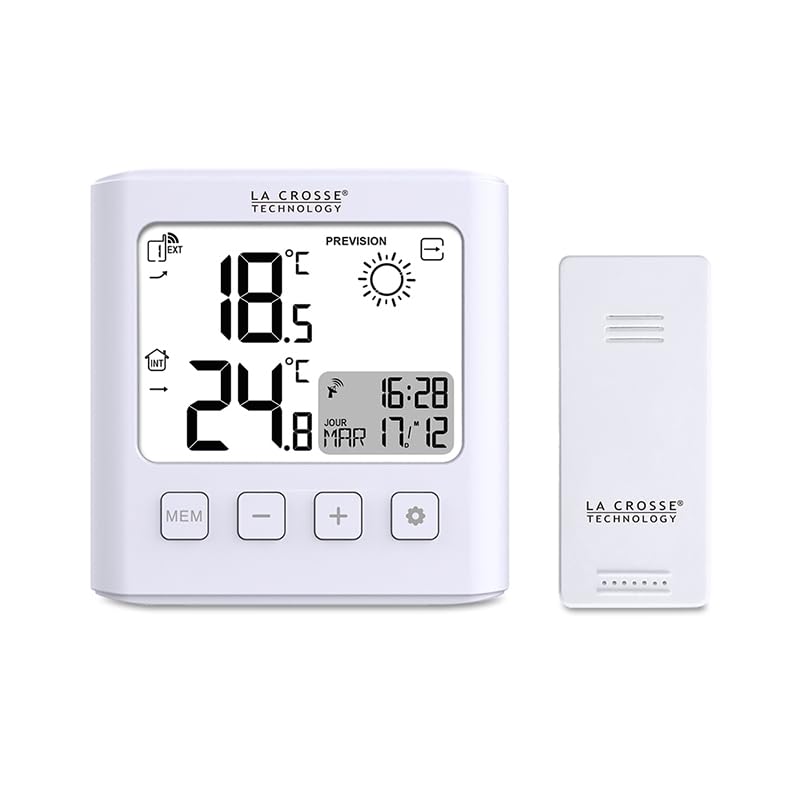
Image: The main display unit and the accompanying wireless outdoor sensor.
Setup
1. Battery Installation
The main unit and the outdoor sensor each require 2 x AAA LR3 batteries (not included).
- Open the battery compartment cover on the back of the main unit.
- Insert 2 new AAA LR3 batteries, observing the correct polarity (+ and -).
- Close the battery compartment cover.
- Repeat steps 1-3 for the wireless outdoor sensor.
Important: Always replace all batteries at the same time. Do not mix old and new batteries or different types of batteries.
2. Initial Synchronization
After installing batteries, the main unit will automatically search for the outdoor sensor and the radio-controlled time signal.
- Place the outdoor sensor within 1 meter of the main unit during initial setup.
- The main unit will display outdoor temperature once synchronized. This may take a few minutes.
- The radio-controlled time signal (DCF77) will be automatically received. This process can take several hours, especially in areas with weak signals.
3. Sensor Placement
For accurate outdoor temperature readings, place the wireless sensor in a shaded area, protected from direct sunlight and precipitation. Ensure it is within the 60-meter transmission range of the main unit, free from major obstructions.
Operating Instructions
1. Time and Date Settings
The station automatically sets the time and date via radio control. Manual adjustment is possible if the signal is not received.
- Time Zone: Adjust the time zone by +/- 12 hours if needed. Refer to the full manual for specific button presses.
- 12/24 Hour Format: Toggle between 12-hour and 24-hour display.
- Day of Week Language: Select the display language for the day of the week.
2. Temperature Display
The station displays both indoor and outdoor temperatures.
- Units: Switch between Celsius (°C) and Fahrenheit (°F) display.
- Min/Max: View the minimum and maximum recorded indoor and outdoor temperatures. Press the "MEM" button to cycle through these values.
- Trend Arrow: An arrow indicates the temperature trend (rising, stable, or falling).
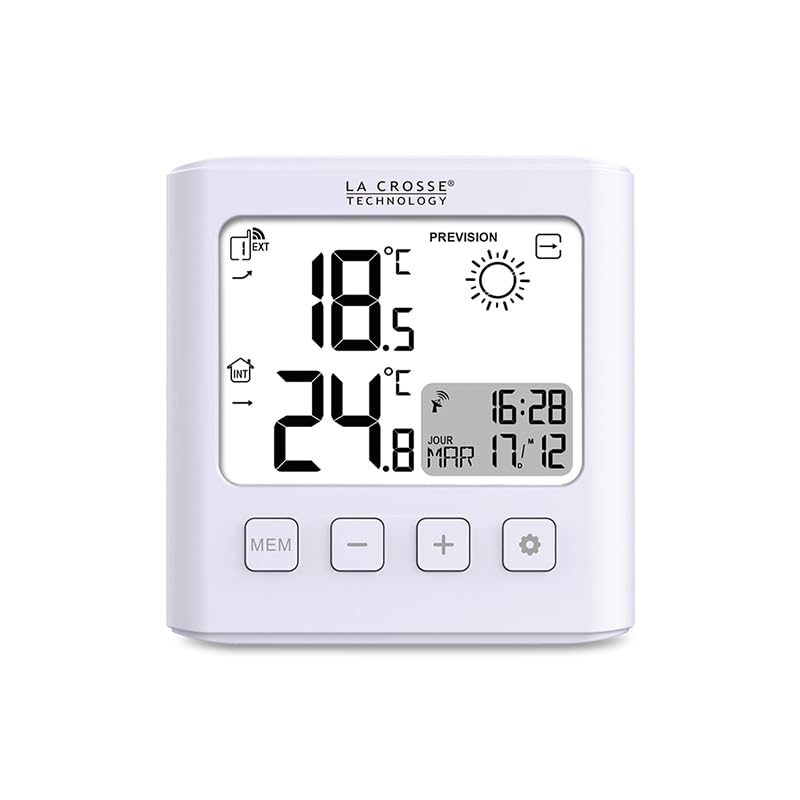
Image: The main display unit showing indoor and outdoor temperatures, time, and weather forecast icon.
3. Weather Forecast
The station provides a weather forecast based on atmospheric pressure changes.
- Forecast Icons: Displays one of 18 different weather icons (e.g., sunny, cloudy, rainy).
- Trend Arrow: Indicates the trend of atmospheric pressure.
- Frost Alert: An icon will appear to warn of potential frost conditions.
4. Alarm with Snooze
Set an alarm with a snooze function. Refer to the full manual for detailed instructions on setting and activating the alarm.
5. Backlight
The display features a backlight that activates for 10 seconds when a button is pressed, improving visibility in low-light conditions.
Maintenance
- Battery Replacement: A low battery indicator will appear on the display when batteries need to be replaced. Replace all batteries in both the main unit and sensor simultaneously.
- Cleaning: Clean the device with a soft, damp cloth. Do not use abrasive cleaners or solvents.
Troubleshooting
- No Outdoor Temperature Display:
- Check if batteries are correctly installed in the sensor and main unit.
- Ensure the sensor is within range (60m open field) and not blocked by major obstacles.
- Try re-synchronizing by removing and reinserting batteries in both units.
- Incorrect Time Display:
- Ensure the unit is placed away from electronic interference.
- Allow sufficient time for the radio-controlled signal to be received (can take several hours).
- Check the time zone setting.
- Display Not Working:
- Replace batteries in the main unit.
- Ensure batteries are inserted with correct polarity.
Specifications
| Model: | WS6231 |
| Brand: | La Crosse Technology |
| Material: | Plastic |
| Display Type: | LCD |
| Indoor Temperature Range: | -9.9°C to 50°C (14.2°F to 122°F) |
| Outdoor Temperature Range: | -40°C to 70°C (-40°F to 158°F) |
| Temperature Accuracy: | +/-1°C |
| Transmission Frequency: | 433 MHz |
| Transmission Distance: | Up to 60 meters (open field) |
| Main Unit Power: | 2 x AAA LR3 batteries (not included) |
| Sensor Power: | 2 x AAA LR3 batteries (not included) |
| Main Unit Dimensions: | 109 x 105 x 24 mm |
| Screen Dimensions: | 83 x 62 mm |
| Sensor Dimensions: | 92 x 40 x 23 mm |
| Special Features: | Radio-controlled time/date, Alarm with Snooze, Weather Forecast icons, Frost Alert, Min/Max temperature, Temperature trend, Backlight (10 seconds) |
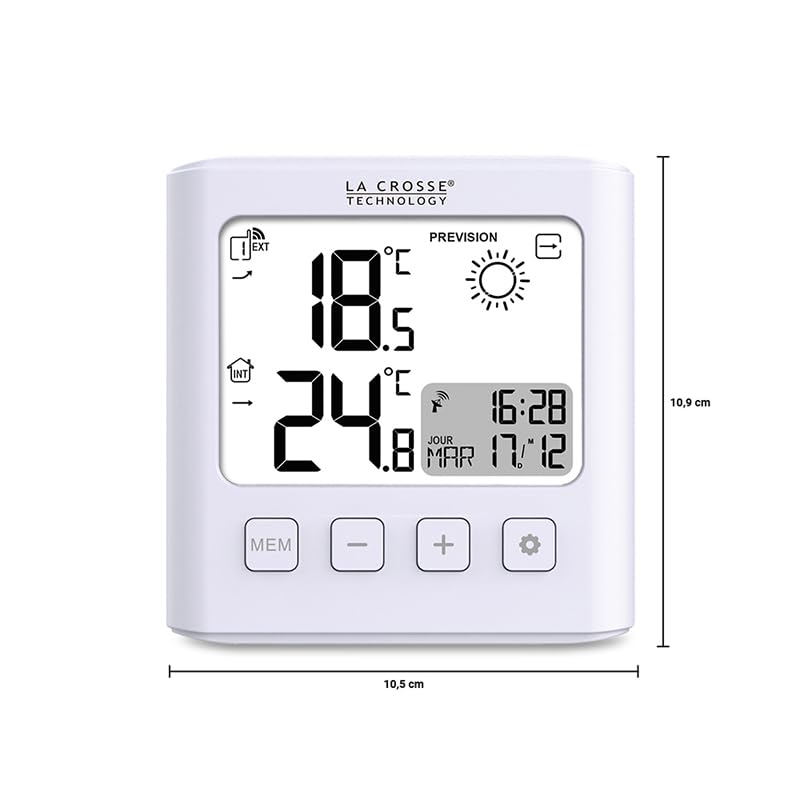
Image: Dimensions of the main display unit (10.9 cm height, 10.5 cm width).
Warranty and Support
For warranty information or technical support, please refer to the documentation included with your product or visit the official La Crosse Technology website. Keep your purchase receipt as proof of purchase for warranty claims.


