
1. Introduction
Thank you for choosing the boAt 67W GaN Triple Port Charger. This compact and powerful charger is designed to provide ultra-fast charging for a wide range of devices, including laptops, smartphones, and tablets, utilizing advanced GaN technology. This manual provides essential information for safe and efficient use of your charger.
2. Safety Information
Please read all safety instructions before using this product. Failure to follow these instructions may result in electric shock, fire, or other hazards.
- Do not expose the charger to liquids, moisture, or extreme temperatures.
- Do not disassemble, modify, or attempt to repair the charger.
- Keep out of reach of children.
- Use only with compatible devices and cables.
- Unplug the charger during lightning storms or when unused for long periods.
- Ensure proper ventilation around the charger during use.
3. Product Overview
The boAt 67W GaN Charger features cutting-edge technology and multiple ports for versatile charging.
Key Features:
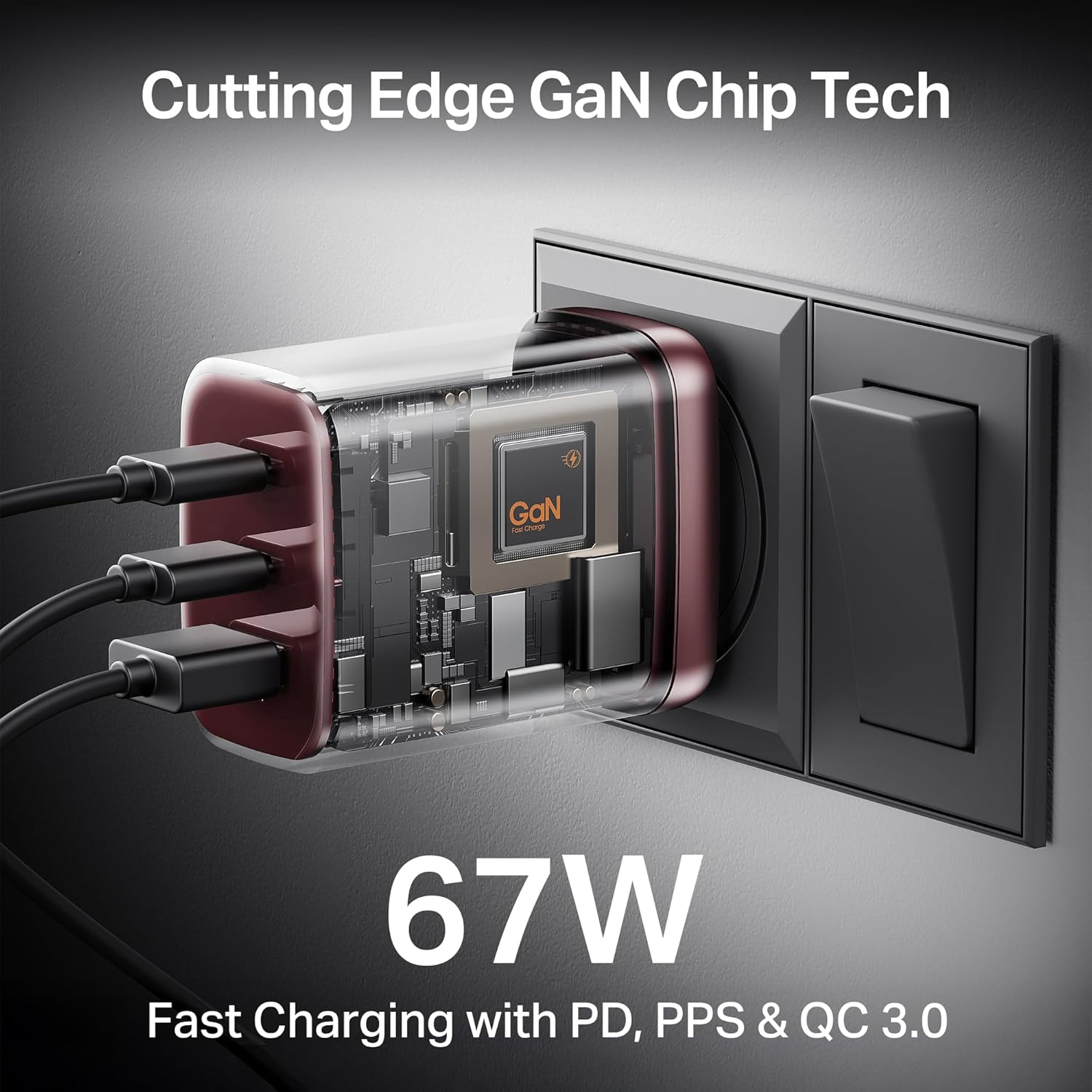
- 67W Fast Charging: Supports Power Delivery (PD), Programmable Power Supply (PPS), and Quick Charge 3.0 (QC 3.0) for rapid charging of compatible devices.
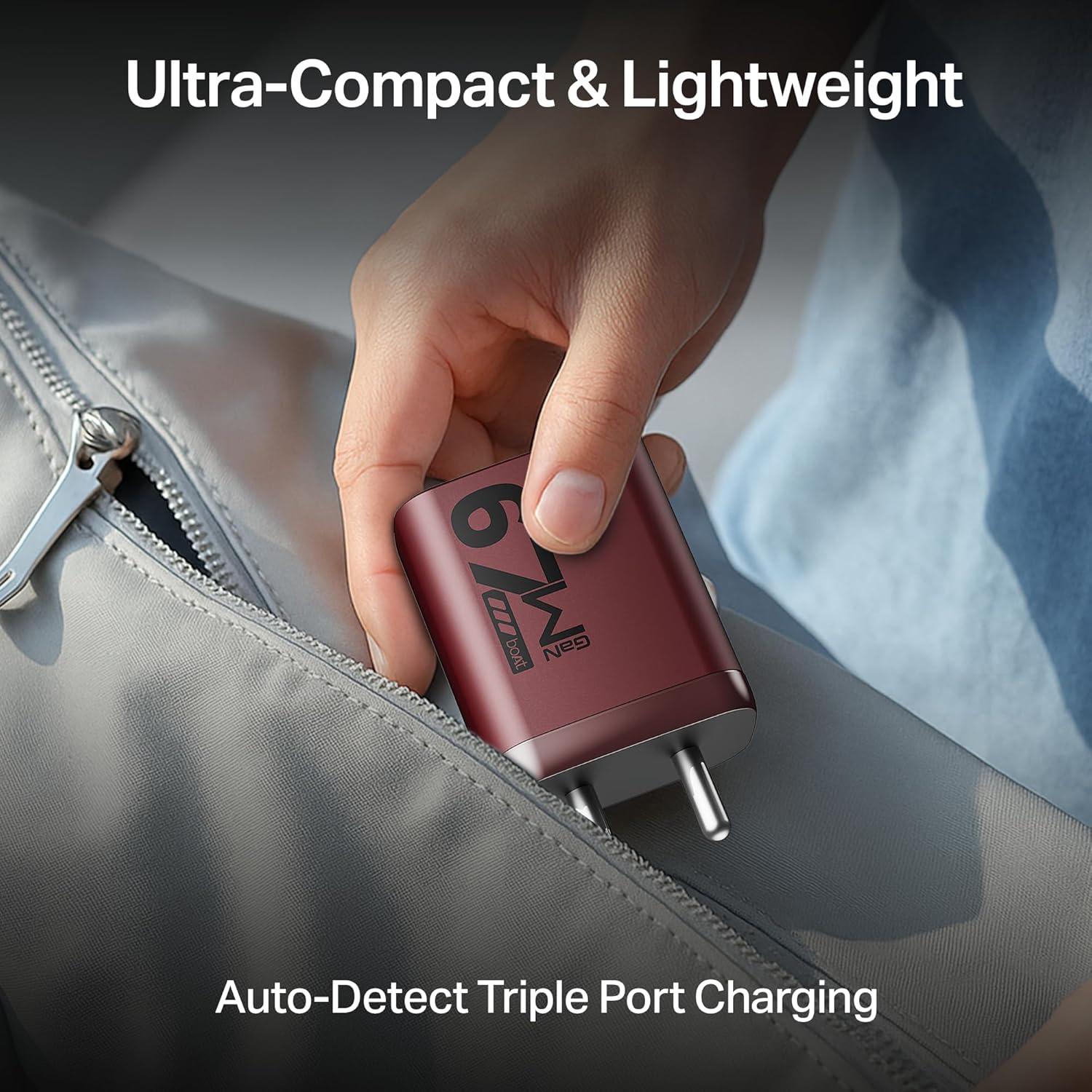
- Triple Output Ports: Includes two USB-C ports (67W PD, PPS) and one USB-A port (30W QC 3.0) for simultaneous charging of up to three devices.
- GaN Chip Technology: Minimizes heat build-up and maximizes charging efficiency.
- 12-Layer Smart IC Protection: Safeguards devices from short circuits, overcharging, and overheating.
- Compact & Lightweight Design: Easy to carry and store.
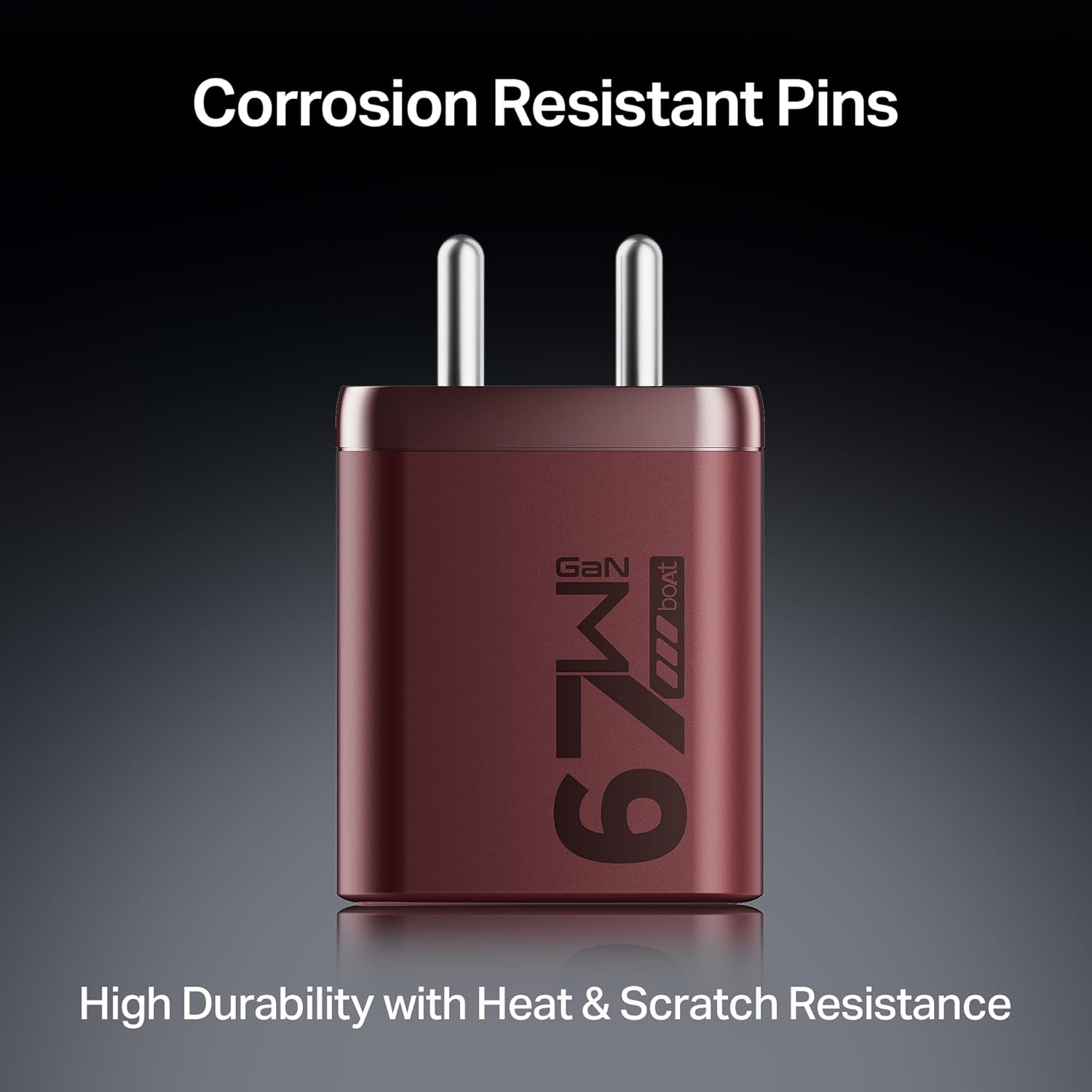
- Corrosion & Scratch Resistant: Designed for durability.
Product Components:


4. Setup
Follow these steps to set up your boAt 67W GaN Charger:
- Unpack: Carefully remove the charger from its packaging.
- Connect to Power: Plug the charger into a standard wall power outlet. Ensure the outlet is easily accessible.
- Connect Device: Use a compatible USB-C to USB-C cable or USB-A to device cable to connect your device to one of the charger's output ports.
- Verify Charging: Confirm that your device indicates it is charging.
5. Operating Instructions
The boAt 67W GaN Charger automatically detects the connected device and delivers the optimal charging power. Here's how to use it effectively:
- Single Device Charging: For maximum speed, connect a single device to either a USB-C port for up to 67W PD/PPS charging or the USB-A port for up to 30W QC 3.0 charging.
- Multiple Device Charging: When charging multiple devices simultaneously, the charger intelligently distributes power across the ports. The maximum combined output is 45W + 7.5W + 7.5W across the three smart output ports.
- Compatible Devices: This charger is compatible with MacBook Air, iPhone, iPad, Samsung Galaxy, Android phones, laptops (HP, Dell, Lenovo, Asus), and various tablets.
Typical Charging Times (0-50%):
| Device | Time to 50% Charge |
|---|---|
| MacBook Air M3 | 30 mins |
| Samsung S25 | 29 mins |
| HP EliteBook | 30 mins |
| iPad Pro | 29 mins |
| iPhone 16 Pro | 26 mins |
6. Maintenance
Proper care ensures the longevity of your charger:
- Cleaning: Disconnect the charger from the power outlet and all devices before cleaning. Use a soft, dry cloth to wipe the surface. Do not use liquid cleaners or aerosols.
- Storage: Store the charger in a cool, dry place away from direct sunlight and extreme temperatures.
- Handling: Avoid dropping or subjecting the charger to strong impacts.
7. Troubleshooting
If you encounter issues with your charger, refer to the following common problems and solutions:
- Charger is not working / Device is not charging:
- Ensure the charger is securely plugged into a live power outlet.
- Check if the charging cable is properly connected to both the charger and your device.
- Try using a different cable to rule out a faulty cable.
- Test the charger with a different device to confirm if the issue is with the charger or the device.
- Ensure the power outlet is functional by plugging in another appliance.
- Device is charging slowly:
- Verify that your device and cable support fast charging protocols (PD, PPS, QC 3.0).
- If multiple devices are connected, the power output is distributed. Disconnect other devices to achieve maximum speed for a single device.
- Ensure the cable used is rated for high power delivery (e.g., 60W or 100W USB-C cable for laptops).
- Charger feels warm during use:
- It is normal for the charger to become warm during operation, especially during high-power charging. The GaN technology helps manage heat.
- If the charger becomes excessively hot to touch, disconnect it immediately and contact support.
- Ensure adequate ventilation around the charger. Do not cover it.
8. Specifications
| Feature | Detail |
|---|---|
| Brand | boAt |
| Model Name | Adaptor (67W GaN) |
| Connector Type | 2-Pin |
| Compatible Devices | MacBook Air, iPhone, iPad, Samsung Galaxy, Android, Laptops (HP, Dell, Lenovo, Asus) |
| Colour | Monarch Red |
| Input Voltage | 5 Volts |
| Output Current | 3 Amps (Max) |
| Number of Items | 1 |
| Item Weight | 200 Grams |
| Connectivity Technology | USB |
| Country of Origin | India |
9. Warranty Information
This product comes with a 1-year warranty from the date of purchase. Please retain your purchase receipt for warranty claims. The warranty covers manufacturing defects but does not cover damage caused by misuse, accidents, or unauthorized modifications.
10. Customer Support
For any queries, support, or warranty claims, please contact:
- Manufacturer: Imagine Marketing Ltd
- Email: info@imaginemarketingindia.com
11. Video Resources
No official product videos were provided in the product data. If available, relevant instructional videos would be embedded here to demonstrate product features or usage.