
Product Overview
The Chamberlain myQ CH382 2-Button Keychain Garage Door Remote Control is designed to provide secure and convenient access to your garage or gate. This universal remote is compatible with most Chamberlain, LiftMaster, and Craftsman garage door openers manufactured after 1997 that feature safety sensors. It offers control for up to two different garage doors or gates and incorporates advanced encryption technology to prevent unauthorized access. Its compact design makes it ideal for portability, and its 1,300 ft. operating range (conditions permitting) ensures reliable performance.
Key Features:
- Compatible with Chamberlain, LiftMaster, and most Craftsman garage door openers manufactured after 1997 with safety sensors.
- Up to 1,300 ft. operating range (conditions permitting) for seamless access.
- Easy and seamless setup for quick programming with your garage door opener or gate.
- Each button can be programmed individually to control up to two different garage door openers or gates.
- Enhanced security with advanced encryption to protect remote codes.
- Compact and lightweight design with a 1-inch keychain loop for portability.
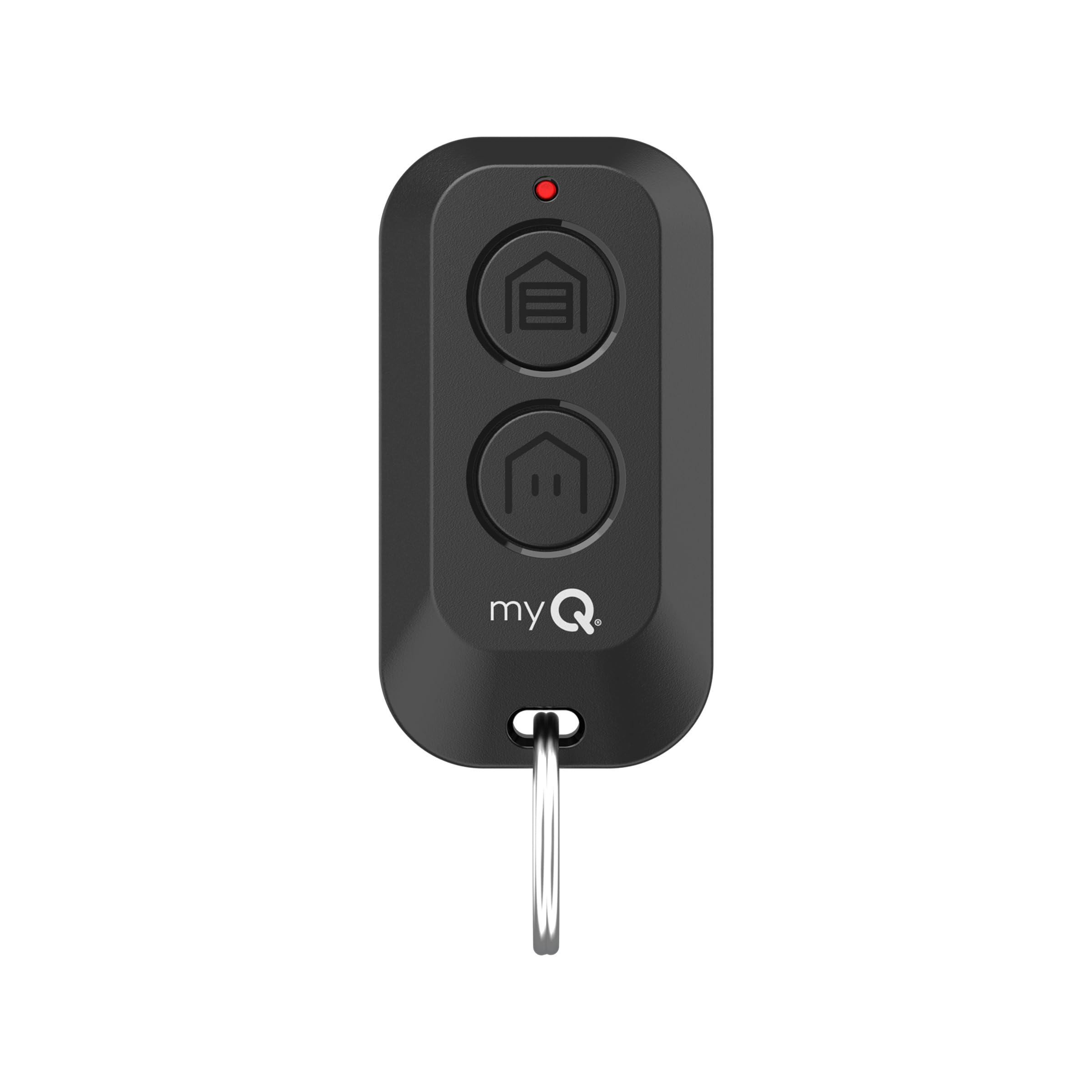
Image: Front view of the Chamberlain myQ CH382 2-Button Keychain Garage Door Remote Control.
What's in the Box
The package for your Chamberlain myQ CH382 remote control includes the following items:
- Chamberlain myQ CH382 2-Button Keychain Garage Door Remote Control
- 1" Keychain Loop
- Pre-installed Alkaline Battery
- Product Set Up Insert (Quick Start Guide)
Setup and Programming
The Chamberlain myQ CH382 remote can be programmed to your garage door opener using two methods: via the myQ app (recommended for additional features) or through manual programming.
Compatibility Check:
The CH382 remote is compatible with garage door openers that have a White, Yellow, Purple, Orange, or Red LEARN button. Locate the LEARN button on your garage door opener. You may need to remove a panel or light lens to access it.

Image: Visual guide showing compatibility with garage door openers based on the color of their LEARN button (White, Yellow, Purple, Orange, Red).
Programming via myQ App (Recommended):
For enhanced features and easier programming, connect your garage door opener to the myQ app. Once connected, scan the QR code located on the back of your CH382 remote using the myQ app to initiate programming.
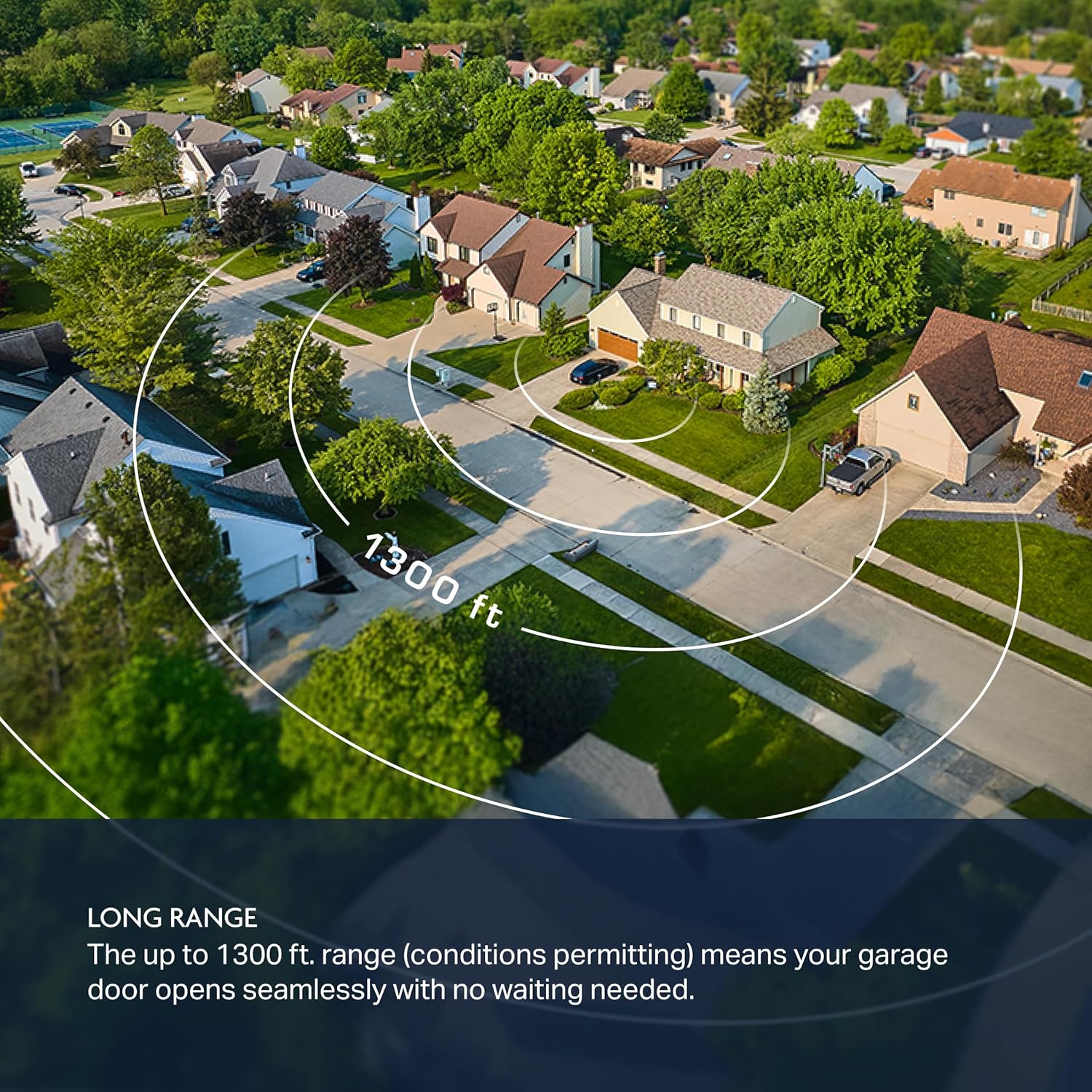
Image: Back view of the Chamberlain myQ CH382 remote, showing the QR code for myQ app programming.
Manual Programming Instructions:
Follow these steps for manual programming without the myQ app. The process varies slightly depending on your garage door opener's LEARN button color.
Video: Official Chamberlain guide on how to program your CH382 remote to a garage door opener.
For Garage Door Openers with a White LEARN Button:
- Press and release the LEARN button on your garage door opener. The LED indicator on the opener will illuminate.
- Within 30 seconds, press and release the remote button you wish to program.
- The garage door opener lights will flash, or you will hear two clicks, indicating successful programming.
- Test for success: Press the programmed remote button. The garage door opener should activate. If not, repeat the steps.
For Garage Door Openers with Yellow, Purple, Orange, or Red LEARN Buttons:
- Simultaneously press and hold both buttons on the CH382 remote until the remote's LED turns solid blue. This puts the remote into programming mode.
- Press and release the LEARN button on your garage door opener. The LED indicator on the opener will illuminate.
- Within 30 seconds, press and release the remote button you want to use TWO times. The remote's LED will flash intermittently during this step.
- During programming, your garage door opener lights will flash and your door will move.
- Within 3 seconds of the garage door moving, press and release any of the remote buttons to complete programming.
- Test for success: Press the programmed remote button. The garage door opener should activate. If not, repeat the steps.
Operating the Remote
Once programmed, operating your Chamberlain myQ CH382 remote is straightforward:
- To Open/Close: Press the programmed button on the remote once. The garage door or gate will begin to open or close.
- To Stop: Press the programmed button again while the door/gate is in motion to stop it.
- Range: For optimal performance, ensure you are within the 1,300 ft. operating range of your garage door opener. Environmental conditions may affect range.

Image: A hand holding the Chamberlain myQ CH382 remote, demonstrating its use near a garage door.
Maintenance
Battery Replacement:
The Chamberlain myQ CH382 remote uses an Alkaline battery. If the remote's LED light does not illuminate when a button is pressed, or if the operating range decreases significantly, it may be time to replace the battery.
- Locate the battery compartment on the back of the remote.
- Using a small screwdriver or coin, carefully open the battery compartment cover.
- Remove the old battery and insert a new Alkaline battery, ensuring correct polarity (+/-).
- Replace the battery compartment cover securely.
Troubleshooting
- Remote not working after programming: Ensure you followed all programming steps correctly for your specific garage door opener's LEARN button color. Repeat the programming process carefully. Check if the remote's LED illuminates when a button is pressed; if not, replace the battery.
- Reduced operating range: This could indicate a low battery. Replace the battery. Also, ensure there are no obstructions between the remote and the garage door opener. Large metal objects or radio interference can affect range.
- Remote controls the wrong door: If you have multiple garage door openers, ensure you are programming the correct button to the intended opener. You may need to clear all existing codes from the opener and reprogram all remotes.
- Remote LED does not light up: The battery is likely dead or incorrectly installed. Replace the battery and check its orientation.
Specifications
| Brand | CHAMBERLAIN |
| Model Name | Chamberlain myQ 2-Button Keychain Garage Door Remote |
| Model Number | CH382 |
| Color | Black |
| Button Quantity | 2 |
| Max Number of Supported Devices | 2 |
| Compatible Devices | Garage Door |
| Connectivity Technology | Radio Frequency |
| Maximum Range | 1300 Feet |
| Battery Type | Alkaline |
| Item Weight | 0.05 Kilograms |
| Built-In Media | Remote, 1" Keychain Loop, Battery and Product Set Up Insert |
Warranty and Support
For detailed warranty information and customer support, please refer to the documentation included with your product or visit the official Chamberlain website. You can also contact Chamberlain customer service for assistance with programming, troubleshooting, or any other product-related inquiries.
Online Support: www.chamberlain.com


