
1. Product Overview
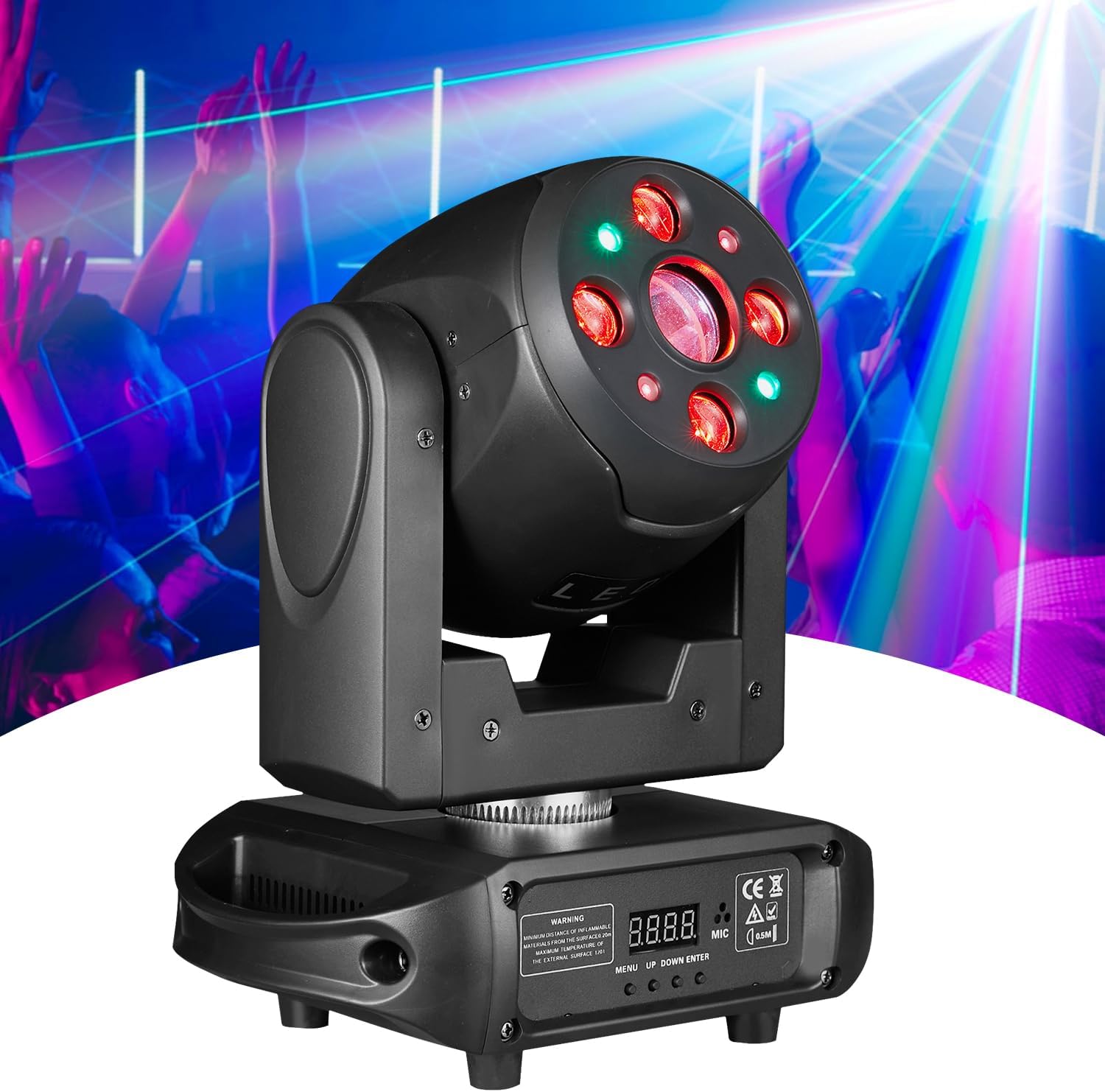
The Flashback Events 150W LED Beam & Spot Moving Head DJ Light (Model FBE-SB441) is a versatile stage lighting fixture designed for professional events, clubs, parties, and weddings. It combines powerful illumination with dynamic effects, offering precise control and robust construction.
This unit delivers a total output of 150W, utilizing an 80W white LED and four 20W RGBW LEDs. It features 540° pan and 270° tilt movement, 7 distinct colors plus white, 7 GOBO patterns, and a 3-prism rotation system. Control options include DMX512, Sound-Active, Auto, and Master-Slave modes.
2. What's in the Box
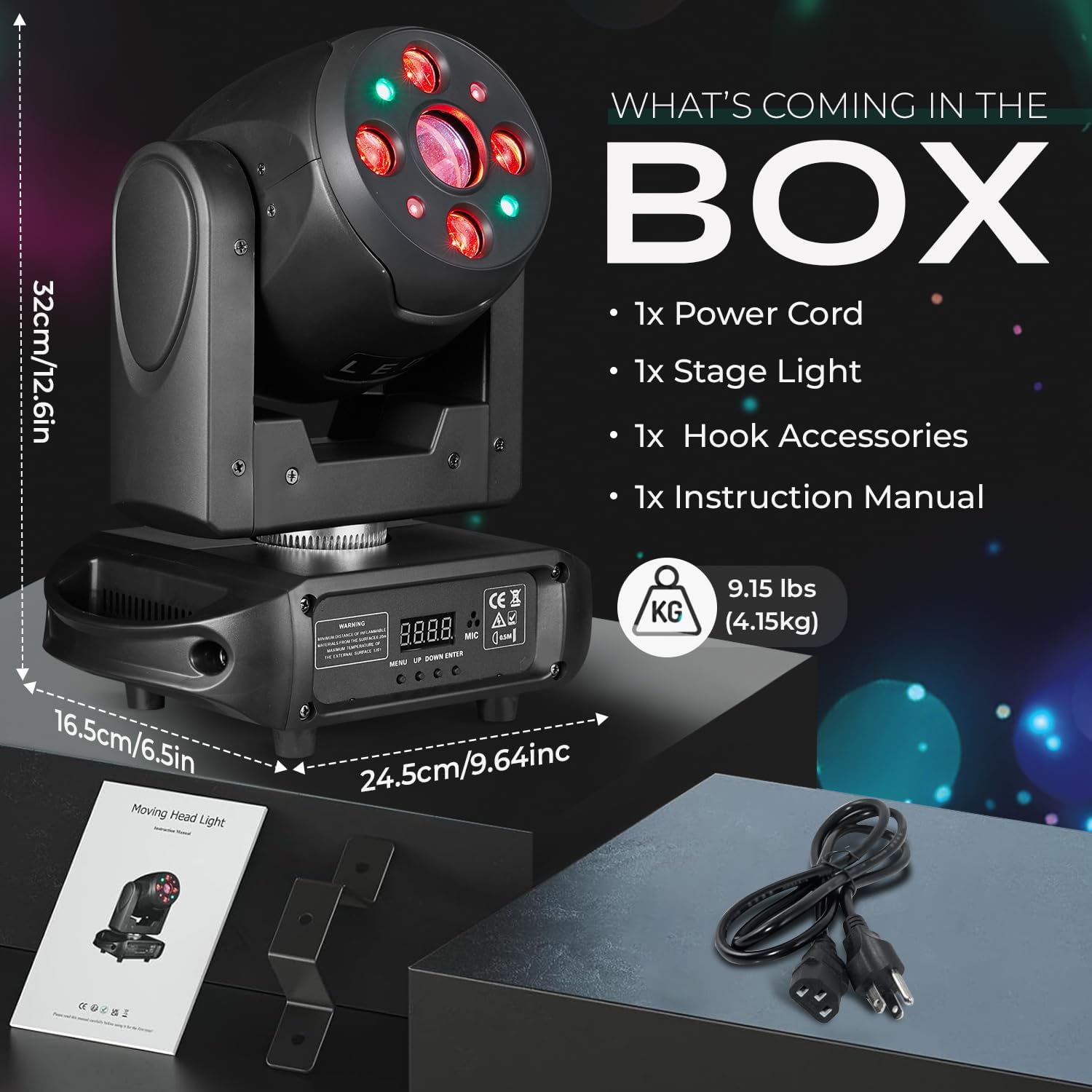
Upon unpacking, please verify that all the following components are included:
- 1x Moving Head DJ Light
- 1x Power Cable
- 1x Mounting Bracket
- 1x User Manual
3. Key Features
- Powerful Illumination: Delivers 150W of total output using one 80W White LED and four 20W RGBW LEDs, producing sharp, vibrant beams.
- Color & Beam Versatility: Includes 7 distinct colors plus white with smooth rainbow transitions for dynamic color mixing. The Beam & Spot design allows for both narrow aerial beams and focused spot projections.
- GOBO & Prism Effects: Equipped with 7 GOBO patterns plus white light, pattern jitter, and a 3-prism rotation system for multi-layered lighting effects.
- Professional DMX Control: Advanced DMX512 interface with 18/35 channel options for precise control over color, pattern, pan/tilt speed, strobe (up to 20 Hz), and dimming (0–100 %).
- Multiple Operating Modes: Supports Sound-Active, Auto, and Master-Slave modes for flexible setup and operation.
- Durable Construction: Built from high-quality aluminum and ABS plastic with an IP20 rating, designed for continuous use in various environments.
- Extensive Movement: Offers 540° horizontal (Pan) and 270° vertical (Tilt) movement with adjustable speed.


Video 1: Moving Head DJ Light demonstration. This video showcases the various light effects, movements, and features of the Flashback Events moving head light, including beam patterns, color changes, and DMX control capabilities.
4. Setup
4.1 Mounting
The moving head light can be mounted on a floor or truss. Ensure the mounting surface or truss is stable and capable of supporting the weight of the fixture. Use the included mounting bracket for secure installation. Always use safety cables when suspending the unit.
4.2 Power Connection
Connect the provided power cable to the power input on the rear of the unit and then to a suitable 110V AC power outlet. Ensure the power switch is in the OFF position before connecting.
4.3 DMX Connection (Optional)
For DMX control, connect a DMX cable from your DMX controller's output to the DMX IN port on the light. If linking multiple units, connect from the DMX OUT of the first unit to the DMX IN of the next, and so on. Terminate the last unit in the chain with a DMX terminator.
5. Operating Instructions
5.1 Control Panel
The unit features a 4-digit Nixie tube display and four control buttons: MENU, UP, DOWN, and ENTER. These buttons are used to navigate through the settings and select operating modes.
5.2 Operating Modes
- DMX Mode: Allows external control via a DMX512 controller. Select the desired DMX channel mode (18 or 35 channels) and set the DMX address. Refer to the DMX chart in the appendix (if provided in a physical manual) for channel functions.
- Sound-Active Mode: The light reacts to ambient sound via its built-in microphone. Adjust sensitivity through the menu if available.
- Auto Mode: The unit cycles through pre-programmed internal light shows and effects. Various auto programs may be selectable via the menu.
- Master-Slave Mode: Connect multiple units via DMX cables. Set one unit as 'Master' and the others as 'Slave'. The slave units will mirror the master's movements and effects.
6. Maintenance
6.1 Cleaning
Regular cleaning of the exterior casing and optical lenses is recommended to maintain optimal performance. Use a soft, lint-free cloth. For lenses, use a specialized lens cleaning solution and cloth to avoid scratches.
6.2 Ventilation
Ensure the unit's ventilation openings are clear of dust and debris to prevent overheating. Do not block the cooling fan or vents during operation.
6.3 Storage
When not in use, store the light in a dry, dust-free environment, preferably in its original packaging or a protective case.
7. Troubleshooting
- No Power: Check the power cable connection, power outlet, and the unit's power switch.
- No Light Output: Verify the unit is powered on and not in a blackout mode. Check dimmer settings.
- No Movement (Pan/Tilt): Ensure the unit is not in a frozen or static mode. Check DMX connections and settings if using a controller.
- DMX Control Issues: Confirm correct DMX addressing, channel mode, and cable connections. Ensure the DMX chain is properly terminated.
- Overheating: Check for blocked ventilation. Allow the unit to cool down.
If issues persist after basic troubleshooting, please contact Flashback Events customer support for assistance.
8. Specifications
| Feature | Specification |
|---|---|
| Brand | Flashback Events |
| Model Number | FBE-SB441 |
| Light Source Type | LED (1x 80W White, 4x 20W RGBW) |
| Total Wattage | 150 Watts |
| Brightness | 15000 Lumens (Max Light Output) |
| Voltage | 110 Volts (AC) |
| Pan Movement | 540 Degrees |
| Tilt Movement | 270 Degrees |
| Beam Angle | 5 Degrees |
| GOBO Patterns | 7 GOBOs + White with jitter effect |
| Colors | 7 Colors + White with rainbow effect |
| Prism | 3-Prism with one-way rotation and adjustable speed |
| Strobe Effects | Up to 20 Hz |
| Dimming | 0-100% Linear Dimming |
| Control Modes | DMX512 (18/35 channels), Sound-Active, Auto, Master-Slave |
| Material | Acrylonitrile Butadiene Styrene (ABS), Aluminum |
| Product Dimensions | 9.45"L x 6.5"W x 12.6"H |
| Item Weight | 8.81 pounds |
| Average Life | 50,000 Hours |
| Mounting Type | Floor or Truss Mountable |
9. Warranty and Support
This Flashback Events product is covered by a manufacturer's warranty. For specific warranty details, duration, and terms, please refer to the warranty card included with your purchase or contact Flashback Events customer support directly.
For technical support, service, or replacement parts, please visit the official Flashback Events website or contact their customer service department. Keep your purchase receipt as proof of purchase for any warranty claims.