
Redkey S100
Redkey S100 Cordless Robotic Pool Cleaner
User Instruction Manual
Product Overview
The Redkey S100 is a cordless robotic pool cleaner designed for efficient and hassle-free cleaning of above-ground pools. It features a powerful 5200mAh battery providing up to 130 minutes of runtime, covering areas up to 1100 sq.ft. Its advanced technology allows for 18° climbing ability and self-parking functionality, making retrieval easy. This cleaner is ideal for flat-bottom pools, effectively collecting sand, soil, leaves, and other debris.
Setup Guide
Unboxing and Components
Upon unboxing your Redkey S100, ensure all components are present:
- Redkey S100 Robotic Pool Cleaner Unit
- Filter Basket
- Charger
- Retrieval Hook
- 2 x Scrapers
- User Manual (this document)
Initial Assembly
Before first use, install the bottom scraper and ensure the unit is fully charged.
- Install the Bottom Scraper: Locate the scraper pieces and securely attach them to the designated slots on the underside of the cleaner.
- Charge the Unit: Connect the charger to the cleaner and a power outlet. Ensure the unit is fully charged before its first use. A full charge typically takes 3-4 hours.

Operating Instructions
Starting the Cleaner
- Activate the Cleaner: Press the red button on the underside of the cleaner to activate it.
- Place in Water: Gently submerge the cleaner into the pool. The unit will begin its cleaning cycle automatically once fully immersed.

Cleaning Process
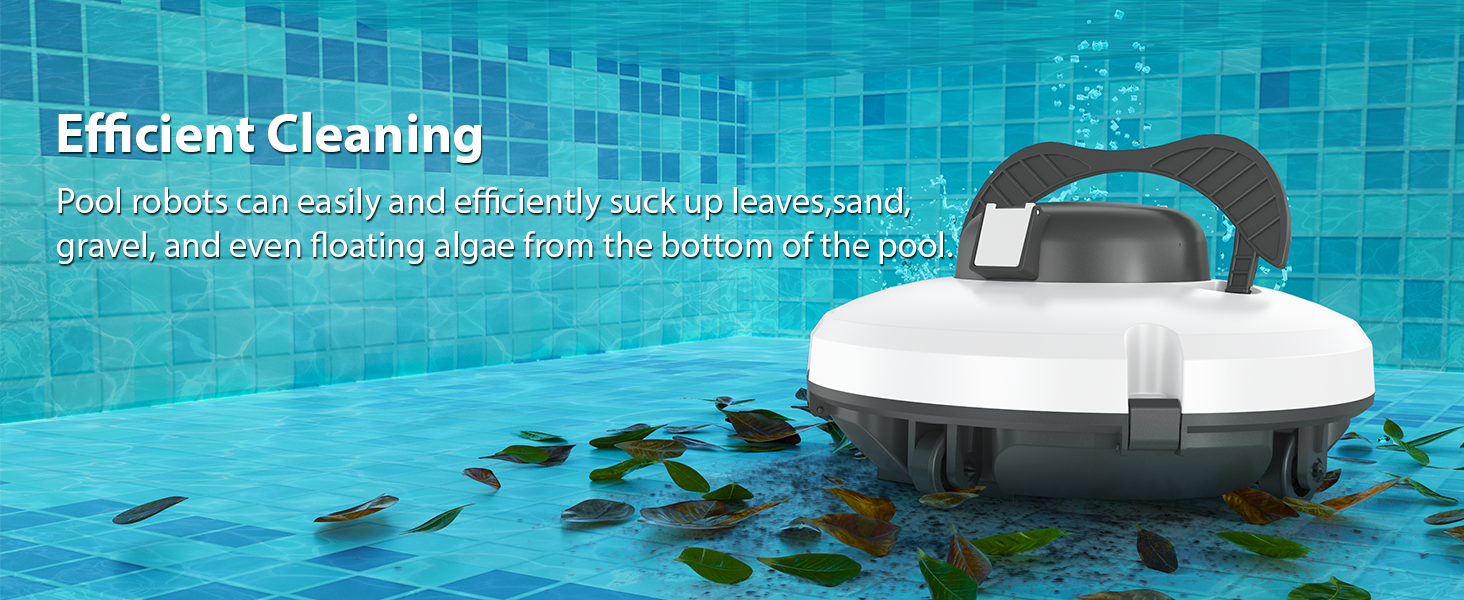
The Redkey S100 operates autonomously, cleaning the pool floor with powerful suction and intelligent navigation.
- Cordless Operation: Enjoy tangle-free cleaning without the need for hoses or external power cords.
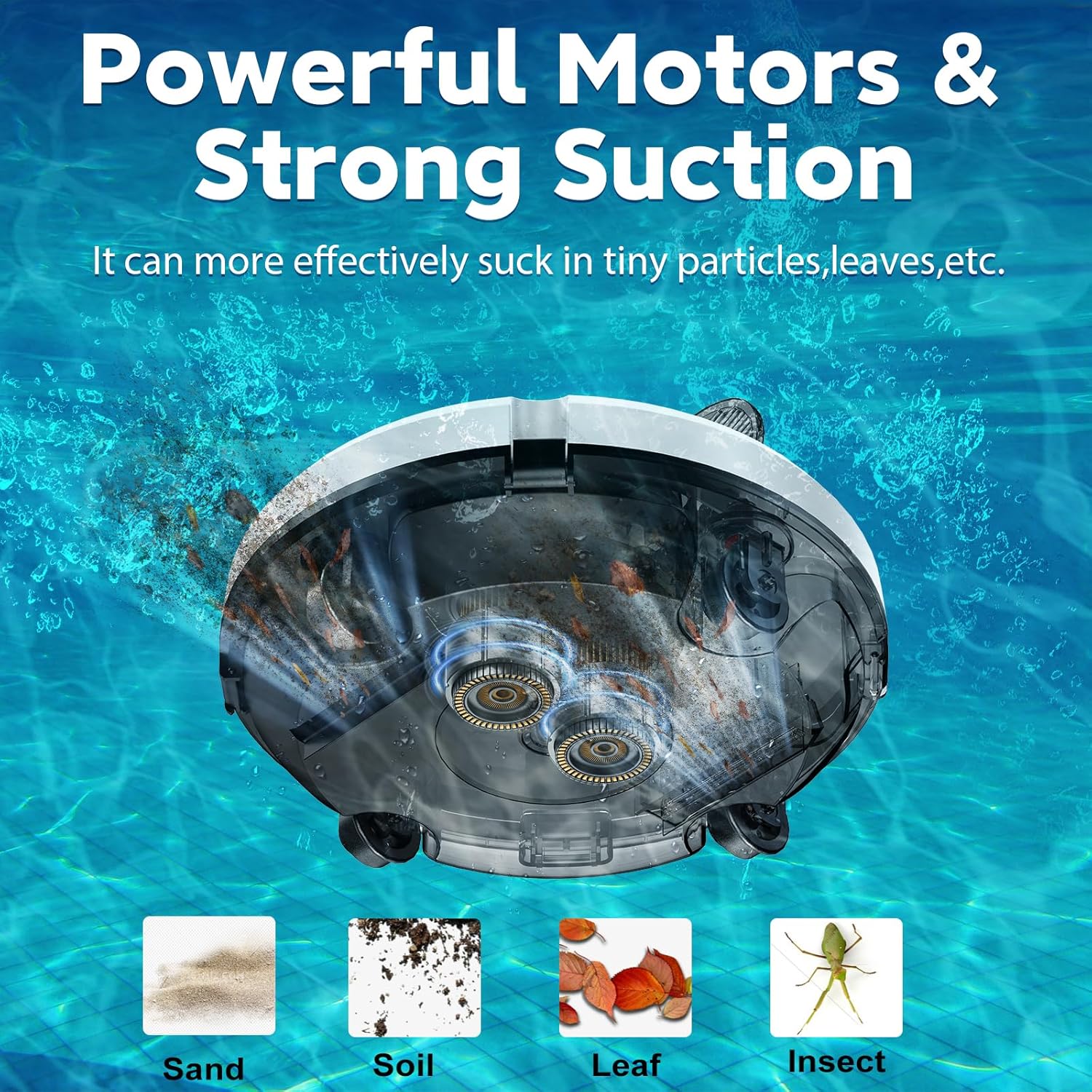
- Powerful Suction: The cleaner effectively picks up various debris including sand, soil, leaves, and insects.
- Obstacle Climbing: The unit can navigate slopes up to 18°, preventing it from getting stuck on minor creases or obstacles on the pool floor.
- Self-Parking Technology: When the cleaning cycle is complete or the battery is low, the cleaner will automatically dock itself near the pool wall for easy retrieval.

Retrieving the Cleaner
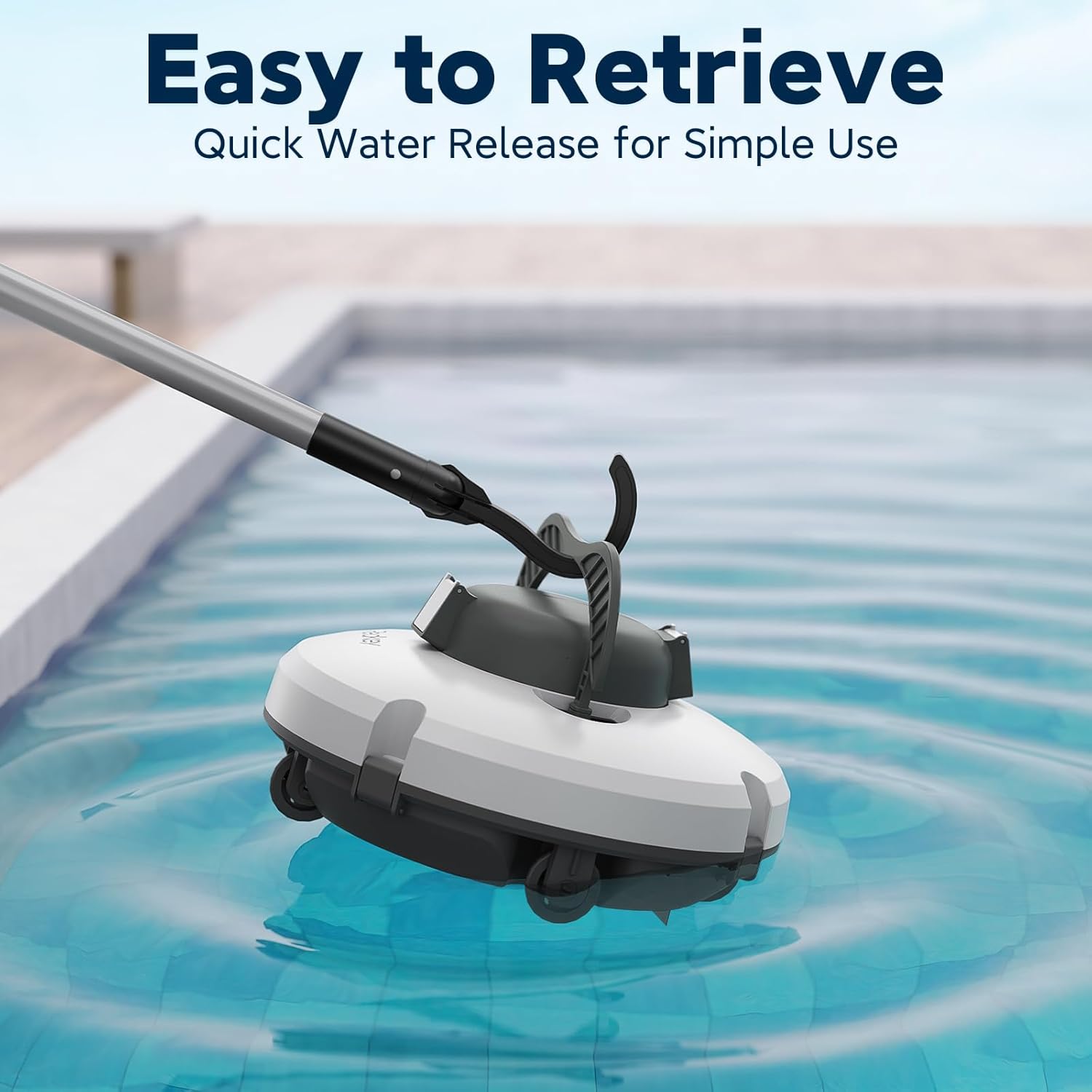
Once the cleaning cycle is finished or the unit has self-parked, use the provided retrieval hook to lift it out of the water.
- Use Retrieval Hook: Attach the retrieval hook to a standard pool pole and hook the cleaner's handle to lift it out.
- Quick Water Release: Lift the cleaner quickly and smoothly to allow water to drain, preventing debris from spilling back into the pool.

Maintenance
Cleaning the Filter Basket
Regular cleaning of the filter basket is crucial for optimal performance.
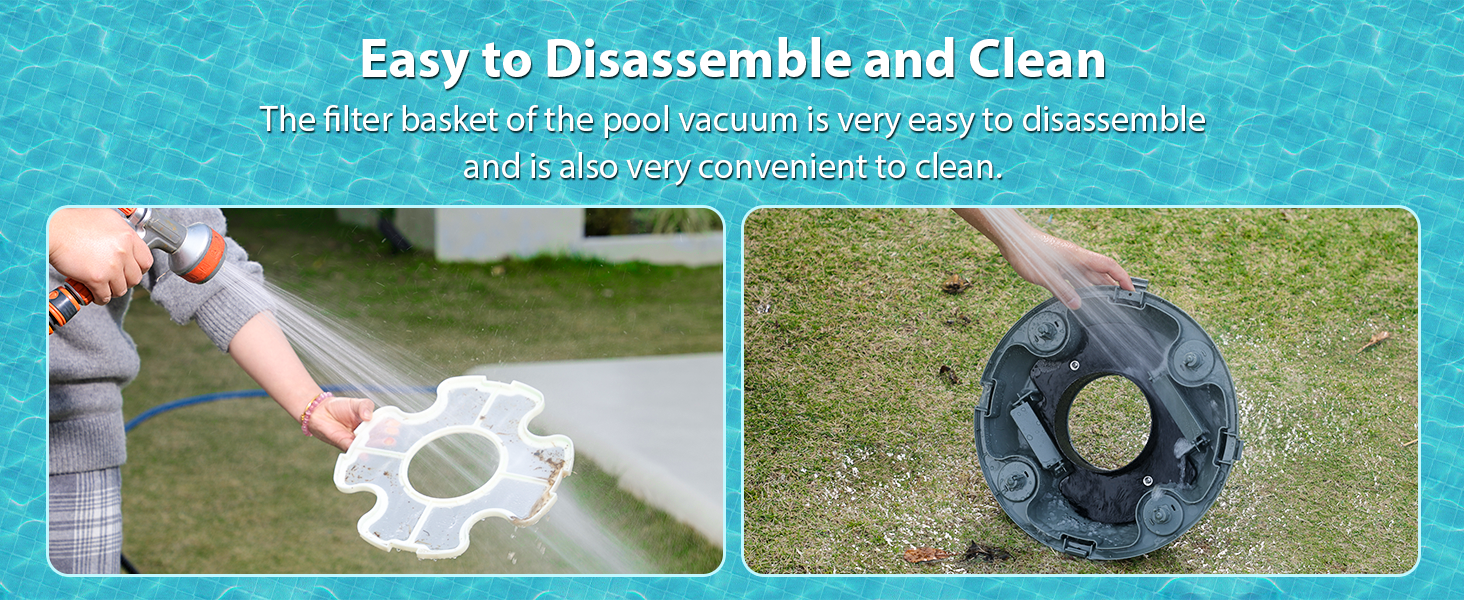
- Remove the Filter Basket: Open the cleaner's cover and remove the filter basket.
- Rinse Thoroughly: Rinse the filter basket under running water to remove all collected debris.
- Reassemble: Once clean, reinsert the filter basket and close the cleaner's cover securely.

General Care
- Store the cleaner in a cool, dry place when not in use.
- Avoid exposing the cleaner to direct sunlight for extended periods.
- Ensure the charging port is dry before connecting the charger.
Troubleshooting
If you encounter issues with your Redkey S100, refer to the following common solutions:
| Problem | Possible Cause | Solution |
|---|---|---|
| Cleaner not moving or stopping prematurely. | Low battery or clogged filter box. | Fully charge the unit. Clean the filter box thoroughly. |
| Ineffective cleaning. | Filter box is full or dirty. | Clean the filter box. Ensure the bottom scraper is properly installed. |
| Cleaner gets stuck. | Pool has significant slopes or steps (not designed for these). | The S100 is designed for flat-bottom pools. Manually reposition the cleaner if it gets stuck. |
| Debris spills back into the pool upon retrieval. | Cleaner lifted too slowly or not level. | Lift the cleaner quickly and smoothly from the water using the retrieval hook. |
For further assistance, please contact customer support.
Product Specifications
| Model: | S100 |
| Power Source: | Battery Powered |
| Battery Capacity: | 5200mAh (Lithium Ion) |
| Runtime: | Up to 130 minutes |
| Charging Time: | 3-4 hours |
| Max Cleaning Area: | Up to 1100 sq.ft |
| Max Slope Angle: | 18° |
| Product Dimensions: | 15"L x 10"W x 12"H |
| Item Weight: | 9.15 pounds |
| Material: | Plastic |
| Color: | White |
| UPC: | 765150878106 |
Warranty and Support
Warranty Information
The Redkey S100 comes with a Lifetime Warranty as per product specifications. Additionally, Redkey offers 2-Year Product Protection with no repairs needed, indicating a replacement policy for covered issues.
Customer Support
Redkey is committed to providing top-notch customer support. If you have any questions, concerns, or require assistance with your product, please reach out to our customer service team.
- Support Availability: 24/7 support is available.
- Contact Method: You can typically reach customer service through your purchase platform (e.g., Amazon: Account → Orders → Order Detail → by: JS-Damai → Ask a question).
Related documentsS100


Ask a question about this manual
Ask about setup, troubleshooting, compatibility, parts, safety, or missing instructions. Manuals+ will review the question and use this page’s manual context to help answer it.