
Introduction
The JLab Pop Party Portable Bluetooth Speaker is designed for portability and vibrant audio experiences. This manual provides essential information for setting up, operating, and maintaining your speaker, ensuring you get the most out of its features, including customizable RGB lighting, IP55 waterproofing, and LabSync multi-speaker connectivity.
Video: A quick overview of the JLab Pop Party Speaker's features, including sound, strap, waterproofing, and battery life.
What's in the Box
Upon unboxing your JLab Pop Party Speaker, you should find the following items:
- JLab Pop Party Bluetooth Speaker
- USB-C Charging Cable
- User Guide (this document)

Image: Diagram illustrating the speaker's components: loop handle, 2" full-range driver, USB-C charging port, and 2" passive radiator.
Setup
Charging the Speaker
Before first use, fully charge your JLab Pop Party Speaker. Connect the provided USB-C charging cable to the speaker's charging port and a compatible USB power source. The LED indicator will show charging status.
Bluetooth Pairing
- Ensure the speaker is charged and powered off.
- Press and hold the Power button until the LED indicator flashes, indicating pairing mode.
- On your device (smartphone, tablet, etc.), enable Bluetooth and search for "JLab Pop Party".
- Select the speaker from the list to connect. A confirmation tone will sound upon successful pairing.
Operating Instructions
Video: A comprehensive demonstration of the JLab Pop Party Speaker's features and usage.
Basic Controls
- Power On/Off: Press and hold the Power button.
- Volume Up/Down: Use the volume buttons on the speaker or your connected device.
- Play/Pause: Press the Play/Pause button.
- Skip Track: Double-press the Play/Pause button for next track, triple-press for previous track.
Immersive Sound Experience
The Pop Party Speaker features a 2-inch full-range driver and a 2-inch passive woofer, delivering clear audio with enhanced bass. Enjoy up to 8 hours of playtime, or 5+ hours with RGB lighting activated.

Image: The JLab Pop Party Speaker providing immersive sound in an outdoor setting.
Video: Demonstrating the JLab Pop Party Speaker's sound quality and compact design.
Customizable RGB Lighting
Personalize your listening experience with dynamic RGB lighting. The JLab App allows you to adjust colors, patterns, and frequency to match your mood or environment.
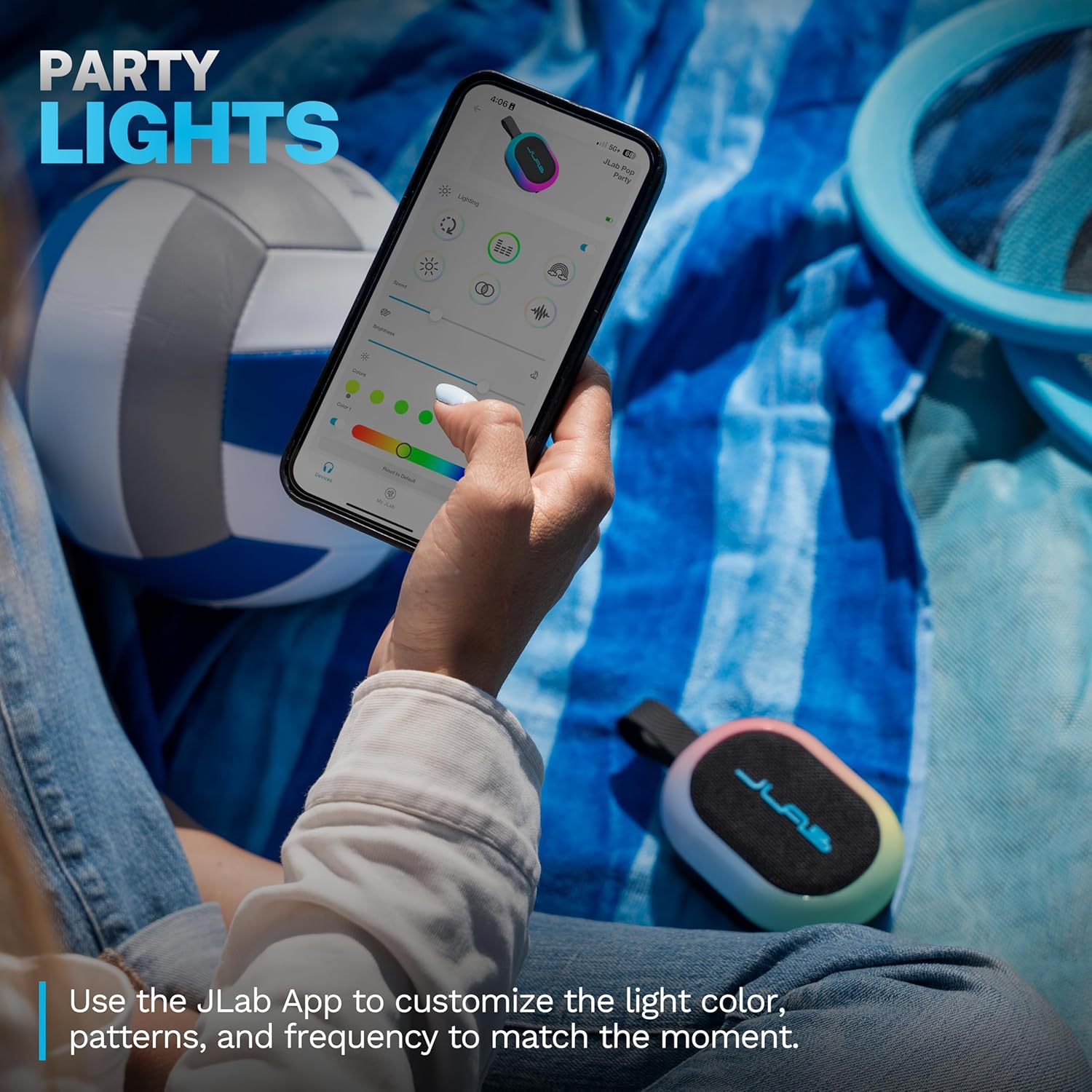
Image: The JLab App showing options for customizing the speaker's RGB lighting.
LabSync Multi-Speaker Connectivity
Amplify your audio by connecting up to 100 JLab Party speakers using LabSync. This feature synchronizes sound and lights across multiple speakers, creating a unified audio experience.

Image: Multiple JLab Pop Party Speakers synchronized for an enhanced audio experience.
LabSync Stereo Pairing
For a more immersive soundstage, use the JLab App to designate two JLab Party speakers as left and right channels. This creates a powerful 2-channel stereo system, optimizing audio for a richer listening experience.
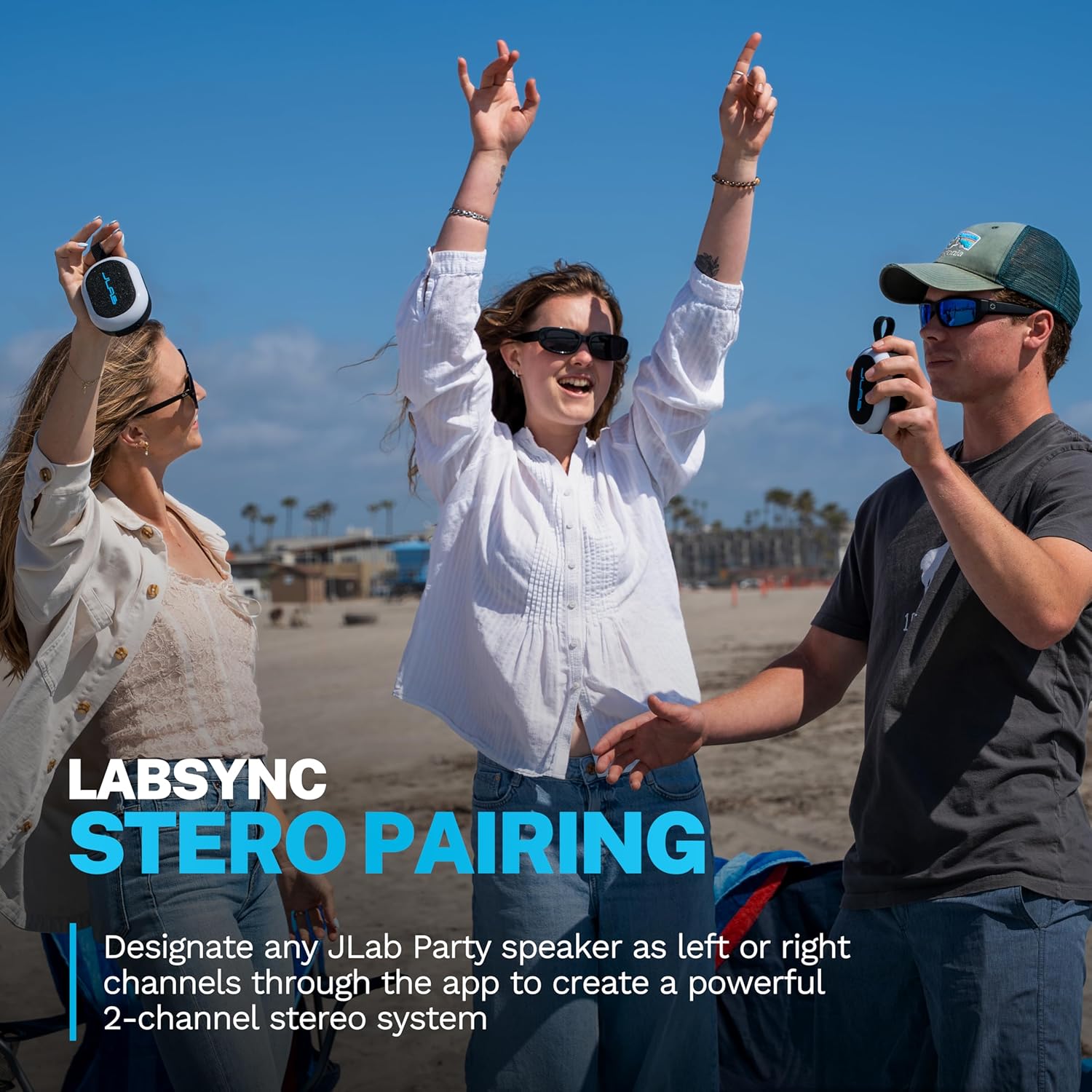
Image: JLab Pop Party Speakers set up for stereo pairing.
JLab App Customization
The JLab App provides comprehensive control over your speaker. Customize RGB lighting, manage controls, and fine-tune sound preferences using EQ4 presets (JLab Signature, Balance, Bass Boost) or a custom equalizer. The app also facilitates software updates.
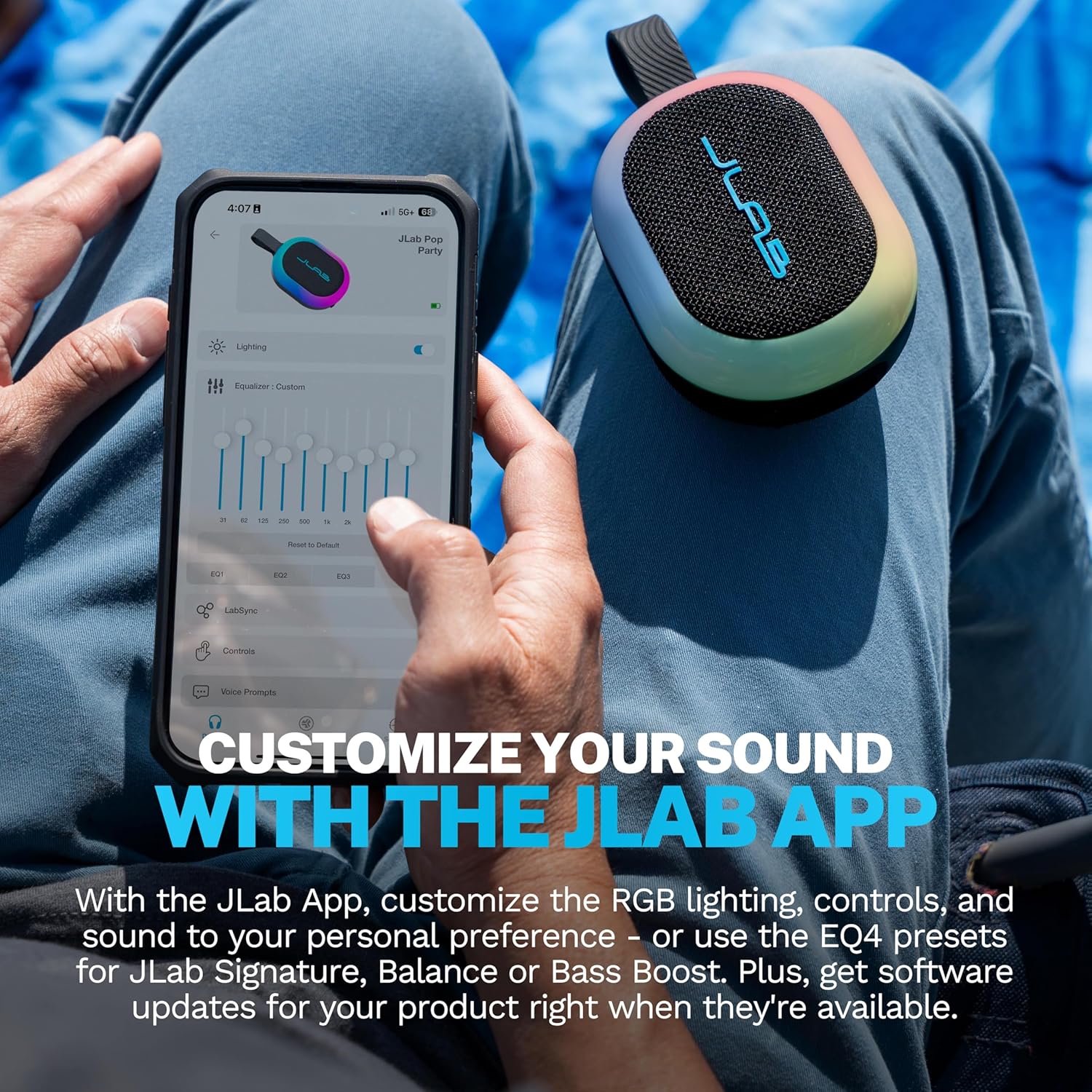
Image: The JLab App interface for sound and lighting customization.


