
Edifier x1lite
Edifier X1 Lite True Wireless Earbuds User Manual
Model: x1lite
1. Introduction
The Edifier X1 Lite True Wireless Earbuds are designed to provide a high-quality audio experience with advanced features for daily use. These earbuds feature Φ13mm dynamic drivers for rich sound, Bluetooth 5.4 for stable connectivity, and AI voice pick-up technology for clear calls. With a lightweight design and IP54 sweat resistance, they are suitable for various activities.

Figure 1.1: Edifier X1 Lite True Wireless Earbuds and Charging Case. The earbuds are shown nestled in their compact pink charging case, ready for use or storage.
Key Features:
- Powerful Sound Quality: Equipped with Φ13mm dynamic drivers for deep bass and clear audio.
- Clear Calls: AI algorithm voice pick-up technology reduces background noise for enhanced call clarity.
- Extended Playtime: Up to 26 hours of total playtime (7 hours per charge + 19 hours from charging case).
- Fast Charging: 15-minute charge provides 1.5 hours of playback.
- Bluetooth 5.4: Ensures stable and efficient wireless connection.
- Low Latency: 60ms low-latency design for optimized gaming and video streaming.
- Durable Design: IP54 certified for sweat and dust resistance, ideal for active lifestyles.
- Lightweight: Each earbud weighs approximately 4g for comfortable wear.
- Customizable Experience: Personalize settings via the EDIFIER ConneX app.

Figure 1.2: Internal Structure of the Earbud. This diagram illustrates the Φ13mm dynamic driver, responsible for delivering wide soundstage, excellent bass, and detailed highs and mids.
2. Setup
2.1 Initial Charging
Before first use, fully charge the earbuds and the charging case.
- Place both earbuds into the charging case.
- Connect the charging case to a power source using a USB-C cable (not included).
- The indicator light on the charging case will show charging status. A full charge typically takes approximately 1.5 hours for the case and earbuds.

Figure 2.1: Battery Life and Fast Charging. The image highlights the 7 hours of playtime on a single charge, 19 additional hours with the charging case, and the fast charge feature providing 1.5 hours of playback from a 15-minute charge.
2.2 Bluetooth Pairing
To connect your Edifier X1 Lite earbuds to a device:
- Ensure the earbuds are in the charging case and the case lid is open.
- On your device (smartphone, tablet, computer), enable Bluetooth.
- Search for "EDIFIER X1 Lite" in the list of available Bluetooth devices.
- Select "EDIFIER X1 Lite" to pair. Once connected, you will hear a confirmation tone.
- For subsequent uses, the earbuds will automatically connect to the last paired device when taken out of the case.
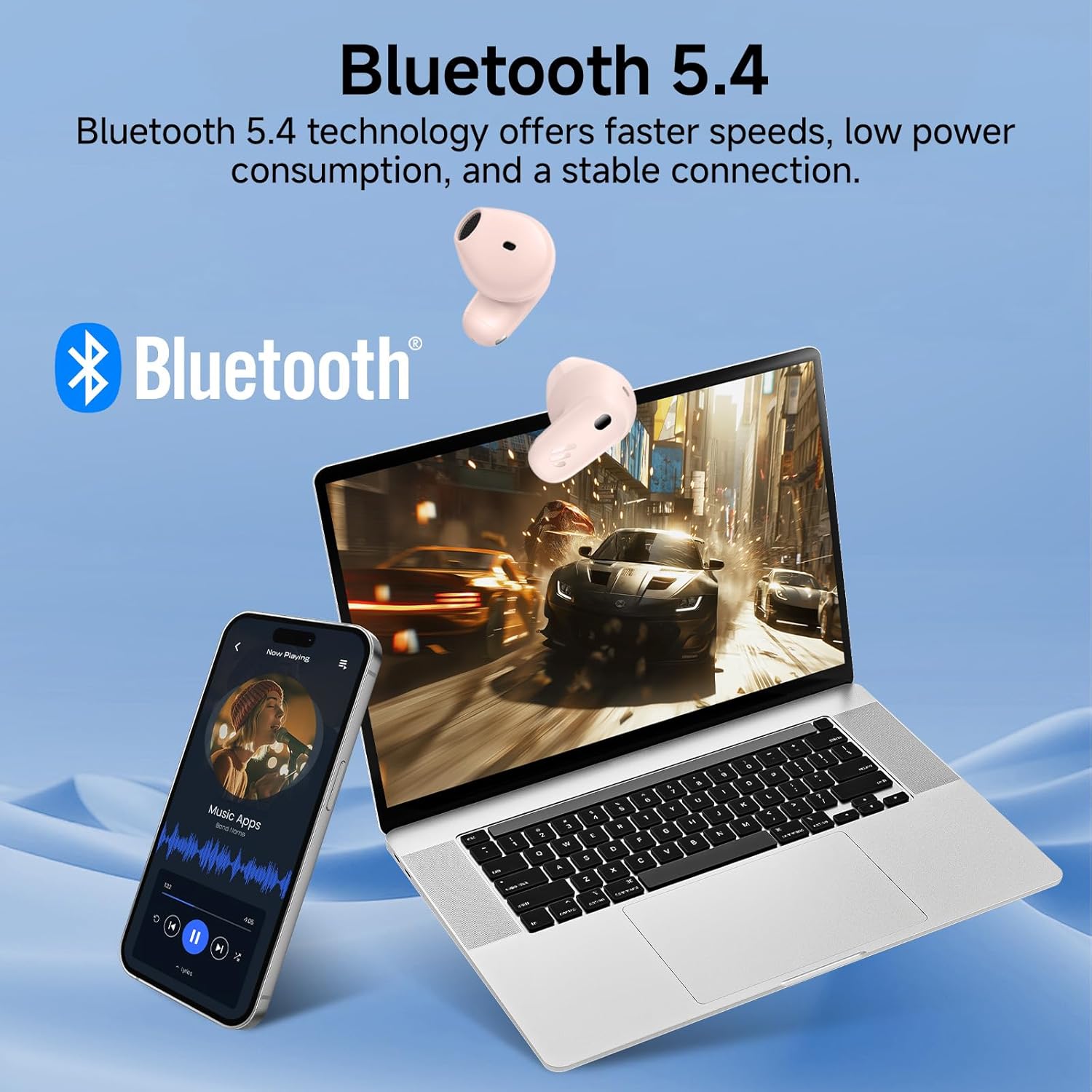
Figure 2.2: Bluetooth 5.4 Connectivity. This image demonstrates the earbuds' seamless connection to multiple devices, showcasing the stable and low-power consumption benefits of Bluetooth 5.4 technology.
2.3 EDIFIER ConneX App
Enhance your listening experience by downloading the EDIFIER ConneX app from your device's app store. The app allows for:
- Customizing touch controls.
- Adjusting EQ settings.
- Checking battery status.
- Firmware updates.
3. Operating Instructions
3.1 Touch Controls
The Edifier X1 Lite earbuds feature intuitive touch controls. The default functions are:
| Action | Function (Left/Right Earbud) |
|---|---|
| Double Tap | Play/Pause, Answer/End Call |
| Triple Tap (Right) | Next Track |
| Triple Tap (Left) | Previous Track |
| Long Press (2s) | Reject Call |
| Quadruple Tap | Game Mode On/Off (Low Latency) |
Note: Touch controls can be customized via the EDIFIER ConneX app.
3.2 Call Management
The earbuds utilize AI voice pick-up technology for clear communication during calls.
- Answering/Ending Calls: Double tap either earbud.
- Rejecting Calls: Long press either earbud for 2 seconds.

Figure 3.1: Clear Call Experience. This image shows a user engaged in a call, emphasizing the AI algorithm's ability to capture voice and reduce background noise for superior call clarity.
3.3 Low Latency Mode (Game Mode)
Activate the 60ms low-latency mode for an optimized gaming and video streaming experience.
- Activation: Quadruple tap either earbud.
- Deactivation: Quadruple tap either earbud again.
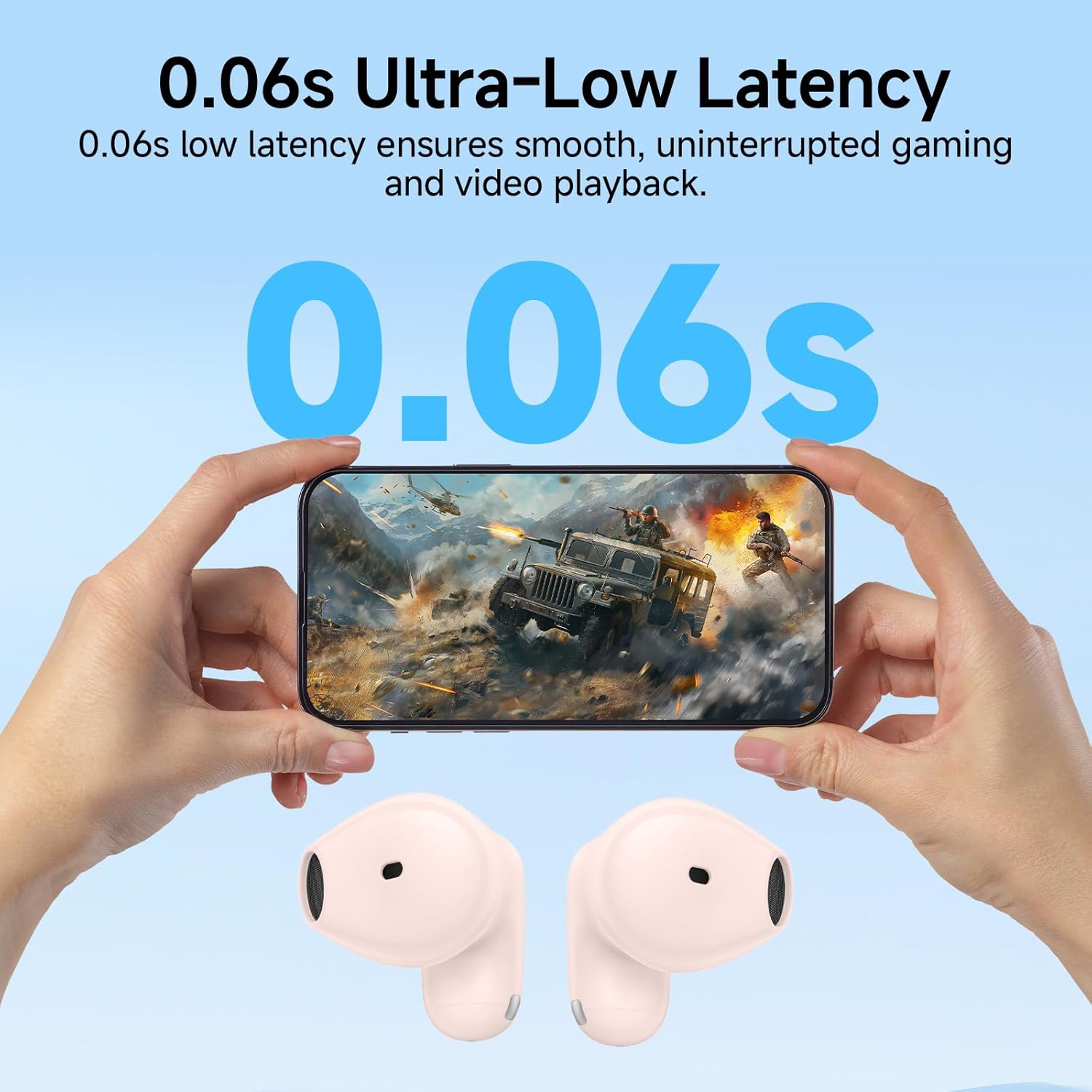
Figure 3.2: Ultra-Low Latency for Gaming. The image depicts the earbuds' 0.06s low latency feature, ensuring smooth and uninterrupted gaming and video playback.
4. Maintenance
4.1 Cleaning
To ensure optimal performance and hygiene, regularly clean your earbuds and charging case.
- Use a soft, dry, lint-free cloth to wipe the earbuds and charging case.
- For stubborn dirt, slightly dampen the cloth with water or a mild, non-abrasive cleaner.
- Do not use harsh chemicals, alcohol, or abrasive materials.
- Ensure the charging contacts on both the earbuds and the case are clean and dry.
4.2 Storage
When not in use, store the earbuds in their charging case to protect them and keep them charged. Store in a cool, dry place away from direct sunlight and extreme temperatures.
4.3 IP54 Sweat Resistance
The Edifier X1 Lite earbuds are IP54 certified, meaning they are protected against dust ingress and splashing water from any direction.
- This rating makes them suitable for workouts and light rain.
- Do not submerge the earbuds in water or expose them to strong jets of water.
- Ensure the earbuds are dry before placing them back into the charging case to prevent damage.

Figure 4.1: IP54 Certification. This image shows the earbuds being used during physical activity, emphasizing their sweat and dust resistance for active daily use.
5. Troubleshooting
If you encounter issues with your Edifier X1 Lite earbuds, please refer to the following common solutions:
| Problem | Possible Solution |
|---|---|
| Earbuds not pairing |
|
| No sound from one earbud |
|
| Charging case not charging |
|
| Poor call quality |
|
For more detailed troubleshooting or specific reset procedures, please refer to the complete user manual provided with your product or visit the official Edifier support website.
6. Specifications
| Feature | Detail |
|---|---|
| Model Name | x1lite |
| Connectivity Technology | Wireless (Bluetooth 5.4) |
| Ear Placement | In Ear |
| Form Factor | True Wireless |
| Color | Pink |
| Item Weight (Earbud) | Approx. 4g per earbud |
| Total Item Weight | 0.09 Kilograms (3.2 ounces) |
| Playtime (Earbuds) | Up to 7 hours |
| Total Playtime (with Case) | Up to 26 hours |
| Fast Charging | 15 mins charge for 1.5 hours playback |
| Low Latency | 60ms (Game Mode) |
| Water Resistance | IP54 (Sweat and Dust Resistant) |
| Included Components | User Manual |
| UPC | 875674008061 |
| Manufacturer | Edifier |
7. Warranty and Support
7.1 Warranty Information
Warranty details for the Edifier X1 Lite True Wireless Earbuds are typically provided with the product packaging or can be found on the official Edifier website. Please retain your proof of purchase for warranty claims.
7.2 Customer Support
For further assistance, technical support, or inquiries regarding your Edifier X1 Lite earbuds, please visit the official Edifier support page or contact their customer service.
Edifier Official Website: www.edifier.com
Related documentsx1lite


Ask a question about this manual
Ask about setup, troubleshooting, compatibility, parts, safety, or missing instructions. Manuals+ will review the question and use this page’s manual context to help answer it.