
AXIAOLIFH S90
AXIAOLIFH S90 Wireless Bluetooth Headphones User Manual
Model: S90 | Brand: AXIAOLIFH
1. Introduction
Thank you for choosing the AXIAOLIFH S90 Wireless Bluetooth Headphones. These in-ear earbuds are designed to provide a superior audio experience with advanced features like noise cancellation, long battery life, and seamless connectivity. This manual will guide you through the setup, operation, and maintenance of your new headphones.

Image 1.1: Overview of the S90 True Wireless Bluetooth Earphones, emphasizing key features.
2. Product Features
- Ultra-Long Battery Life: Equipped with a button lithium battery, offering up to 18-20 hours of total usage with the charging case, ensuring extended listening pleasure.
- Advanced Noise Cancellation: Utilizes call noise reduction technology with 360° omnidirectional sound pickup, effectively shielding environmental noise for crystal-clear calls.
- Ergonomic and Comfortable Design: Features an in-ear short-stem design that snugly fits the ear canal. Each earbud weighs only 4g, providing cloud-like comfort and stability for long-term wear without pressure or fatigue.
- Instant Auto-Connect: Equipped with Hall switch technology and a high-speed processing chip, the earbuds automatically connect to your mobile phone as soon as the charging case is opened, allowing for instant use.
- Stable Bluetooth 5.0 Connectivity: Enjoy faster transmission speeds and stable connections, eliminating delays when watching videos, playing games, or listening to music.
- IPX4 Water Resistance: Designed to withstand splashes and sweat, making them suitable for workouts and outdoor activities.

Image 2.1: Visual representation of the S90's extended battery endurance.

Image 2.2: Illustrating the S90's noise cancellation for clear communication.
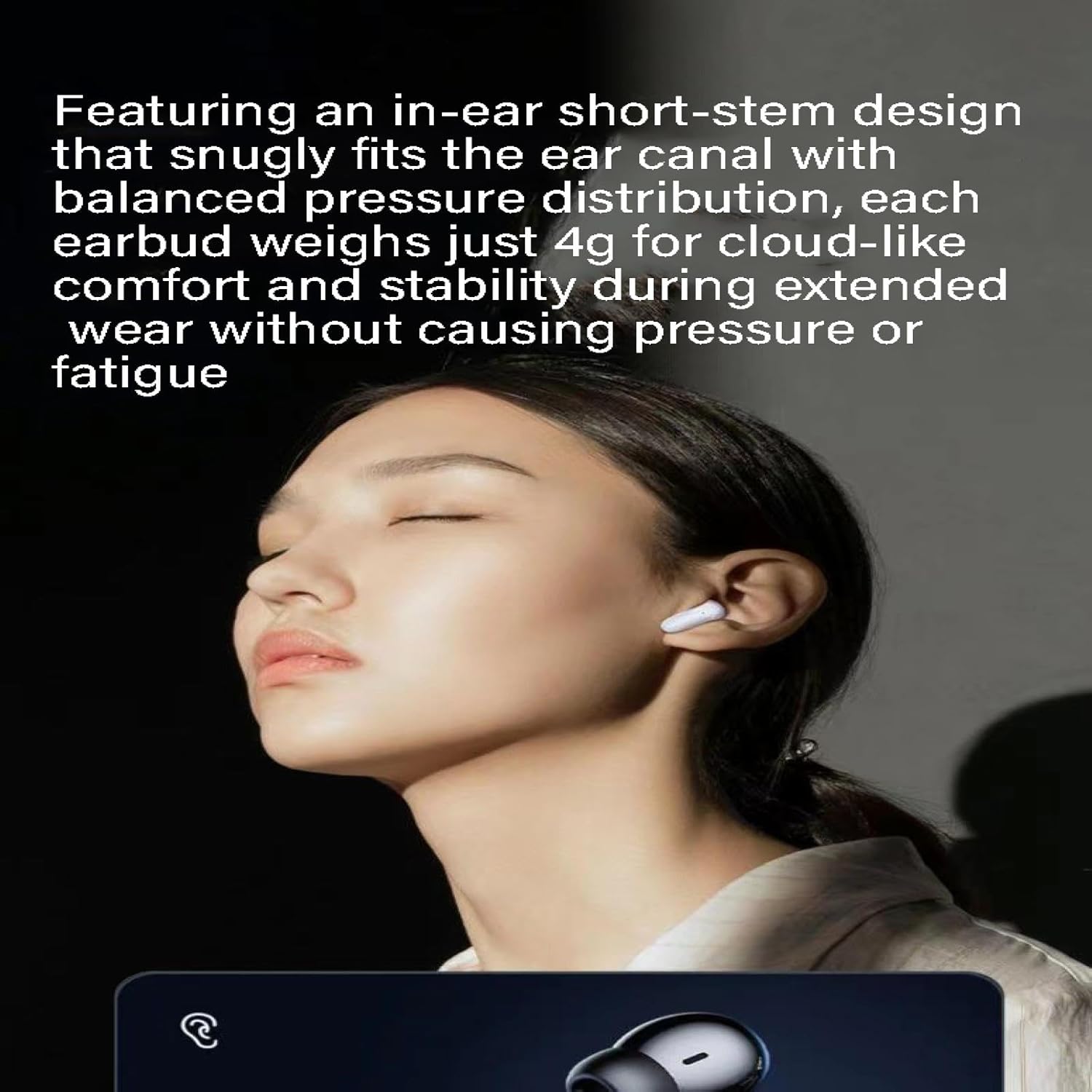
Image 2.3: The S90's ergonomic design ensures comfort during extended use.
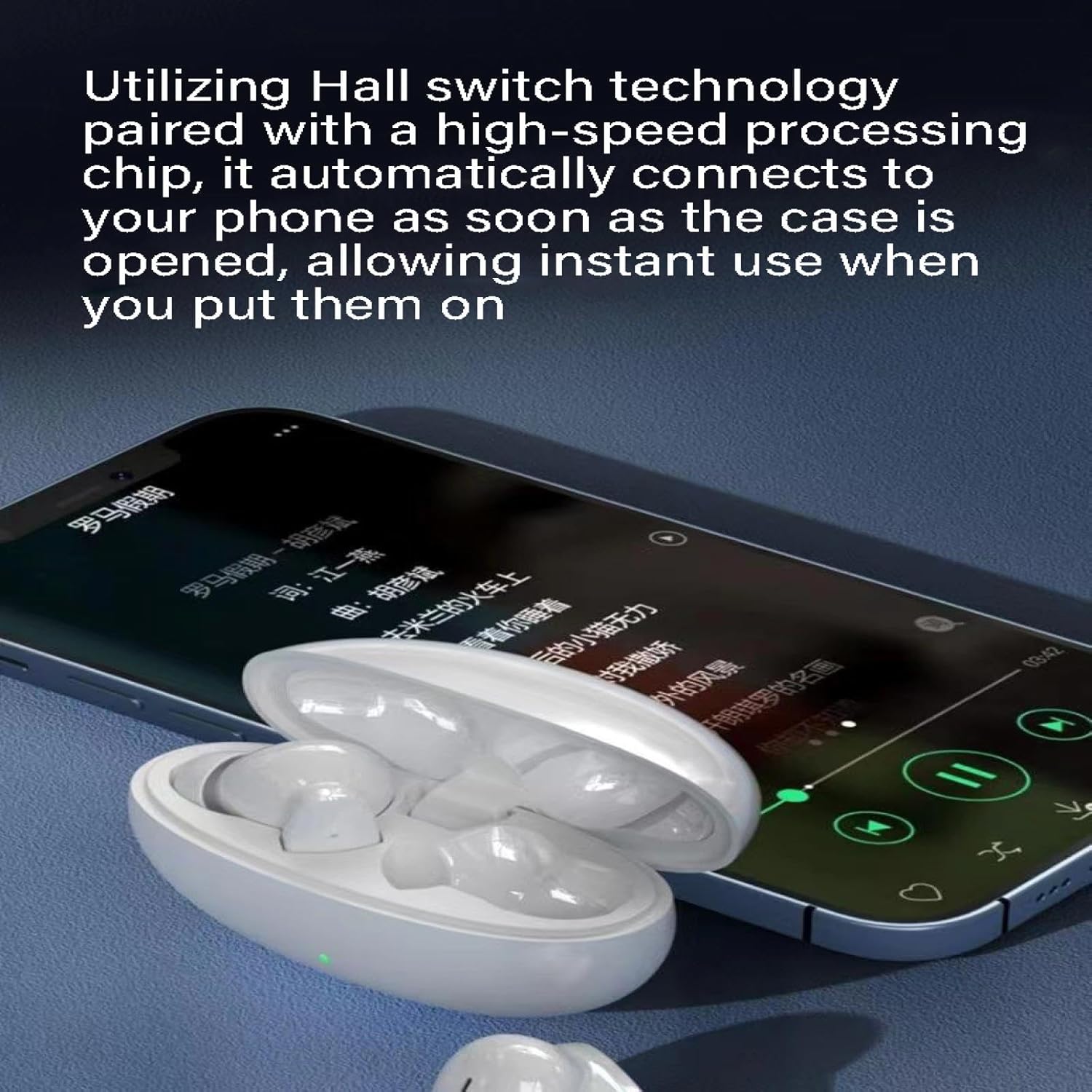
Image 2.4: The S90's quick and automatic connection upon opening the case.
3. Setup Guide
3.1. Charging Your Headphones
Before first use, ensure both the charging case and earbuds are fully charged.
- Place the earbuds into the charging case. Ensure they are correctly seated; the indicator lights on the earbuds will illuminate to show charging status.
- Connect the charging case to a power source using a compatible USB cable. The indicator light on the charging case will show its charging status.
- Once fully charged, the indicator lights will change or turn off. Disconnect the charging case from the power source.
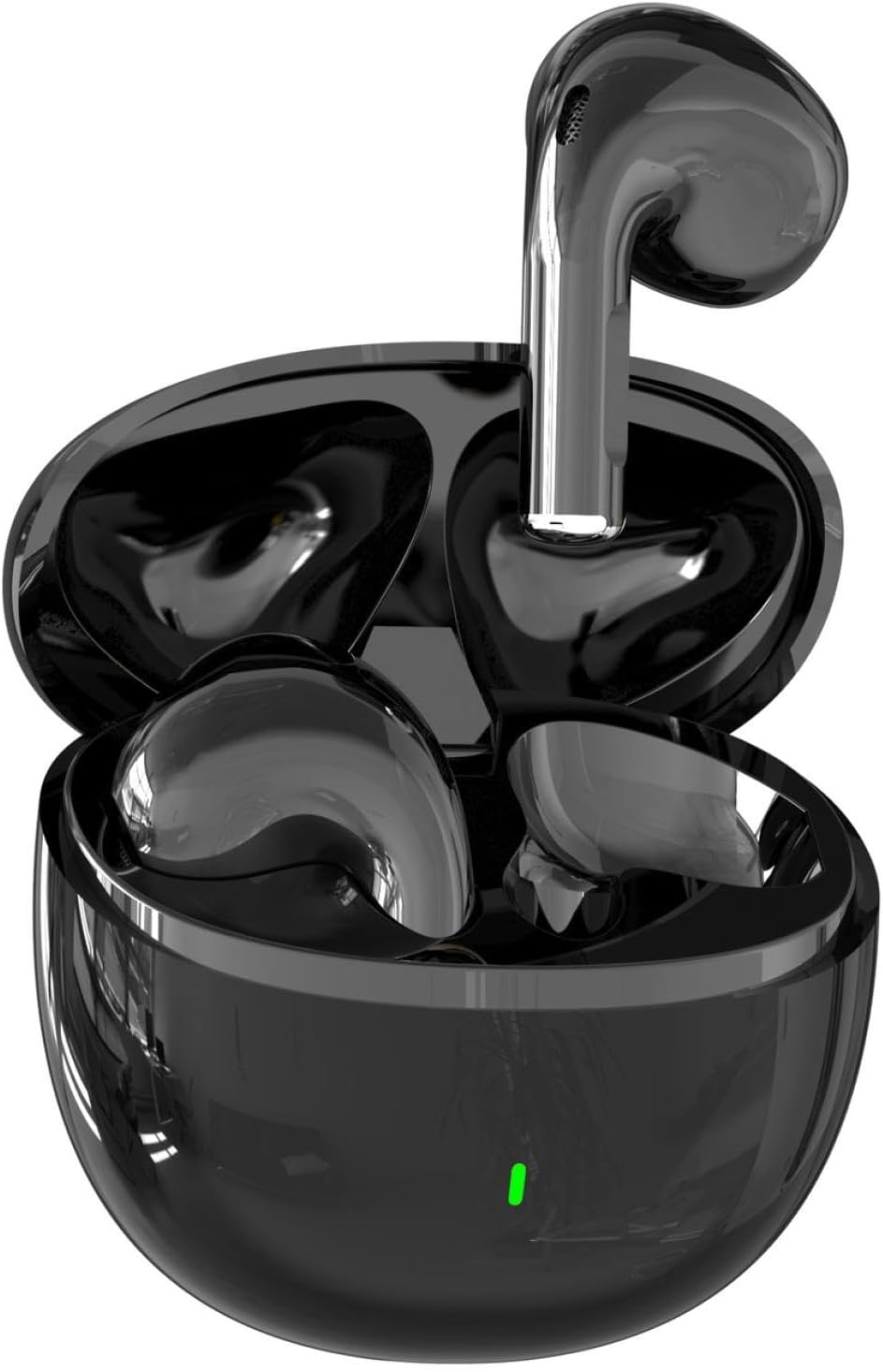
Image 3.1: S90 Earbuds in charging case, ready for charging or pairing.
3.2. Pairing with Your Device
- Ensure the earbuds are charged and placed inside the charging case.
- Open the charging case. The earbuds will automatically enter pairing mode (indicated by flashing lights, if applicable).
- On your mobile device, go to Bluetooth settings and turn on Bluetooth.
- Search for available devices and select "S90" from the list.
- Once connected, a voice prompt will confirm successful pairing, and the earbud indicator lights will turn off or flash slowly.
- The earbuds will automatically reconnect to the last paired device when the case is opened, provided Bluetooth is enabled on your device.
4. Operating Instructions
The S90 headphones feature intuitive touch controls. Specific touch gestures may vary slightly; refer to the quick start guide included in your packaging for precise commands.
4.1. Power On/Off
- Power On: Open the charging case, or long-press the touch area on both earbuds for a few seconds.
- Power Off: Place the earbuds back into the charging case and close the lid, or long-press the touch area on both earbuds for a few seconds until they power off.
4.2. Music Playback
- Play/Pause: Single tap on either earbud.
- Next Track: Double tap on the right earbud.
- Previous Track: Double tap on the left earbud.
4.3. Call Management
- Answer/End Call: Single tap on either earbud.
- Reject Call: Long-press on either earbud for 2 seconds.
5. Maintenance and Care
- Cleaning: Regularly clean the earbuds and charging case with a soft, dry, lint-free cloth. Avoid using harsh chemicals or abrasive materials.
- Water Resistance: The S90 headphones are IPX4 water-resistant, meaning they are protected from splashing water from any direction. They are not designed for swimming or submersion. Ensure earbuds are dry before placing them back in the charging case.
- Storage: Store the headphones in their charging case when not in use to protect them and keep them charged. Avoid extreme temperatures.
- Battery Care: To prolong battery life, avoid fully discharging the battery frequently. Charge the headphones regularly, even if not used for extended periods.
6. Troubleshooting
| Problem | Possible Solution |
|---|---|
| Earbuds not pairing. | Ensure earbuds are charged. Place them back in the case, close, then open the lid. Turn off and on Bluetooth on your device. Forget "S90" from your device's Bluetooth list and re-pair. |
| No sound from one earbud. | Check battery level of both earbuds. Try placing both earbuds back in the case, closing the lid, and then taking them out again. Re-pair if necessary. |
| Charging case not charging. | Ensure the USB cable is securely connected to both the case and the power source. Try a different cable or power adapter. |
| Poor sound quality or disconnections. | Ensure your device is within the 10-meter Bluetooth range. Avoid obstacles between your device and the earbuds. Check for interference from other wireless devices. |
7. Specifications
- Model: S90
- Brand: AXIAOLIFH
- Bluetooth Protocol: 5.0
- Transmission Range: Up to 10 meters (33 feet)
- Water Resistance: IPX4
- Battery Life (Earbuds): 4-8 hours (depending on usage)
- Total Battery Life (with Charging Case): Up to 18-20 hours
- Material: PC+ABS
- Earbud Weight: Approximately 4g per earbud
- Available Colors: S90 black, S90 white, S90 skin tone, S90 green, S90 pink (Note: Specific color availability may vary by region.)
- Usage: In-Ear
8. Warranty and Support
Your AXIAOLIFH S90 Wireless Bluetooth Headphones come with a standard manufacturer's warranty. For detailed warranty information, product support, or technical assistance, please refer to the warranty card included in your product packaging or contact AXIAOLIFH customer service through the retailer where you purchased the product.
Please retain your proof of purchase for warranty claims.
Ask a question about this manual
Ask about setup, troubleshooting, compatibility, parts, safety, or missing instructions. Manuals+ will review the question and use this page’s manual context to help answer it.