
1. Introduction
The VILTROX AF 50mm F2.0 Z-Mount Full Frame Lens is designed for Nikon Z-Mount mirrorless cameras, offering a versatile 50mm focal length and a wide F2.0 aperture. This lens is suitable for various photography styles, including portraits, street photography, landscapes, and everyday moments. It features an advanced optical design for high image quality and a compact, lightweight build for portability.

Figure 1.1: VILTROX AF 50mm F2.0 Z-Mount Full Frame Lens
2. Package Contents
Verify that all items are present in your package:
- 1 x VILTROX AF 50mm F2.0 Z Lens
- 1 x Lens Hood
- 1 x Front Lens Cap
- 1 x Rear Lens Cap
- 1 x Storage Bag
- 1 x User Manual
- 1 x Warranty Card
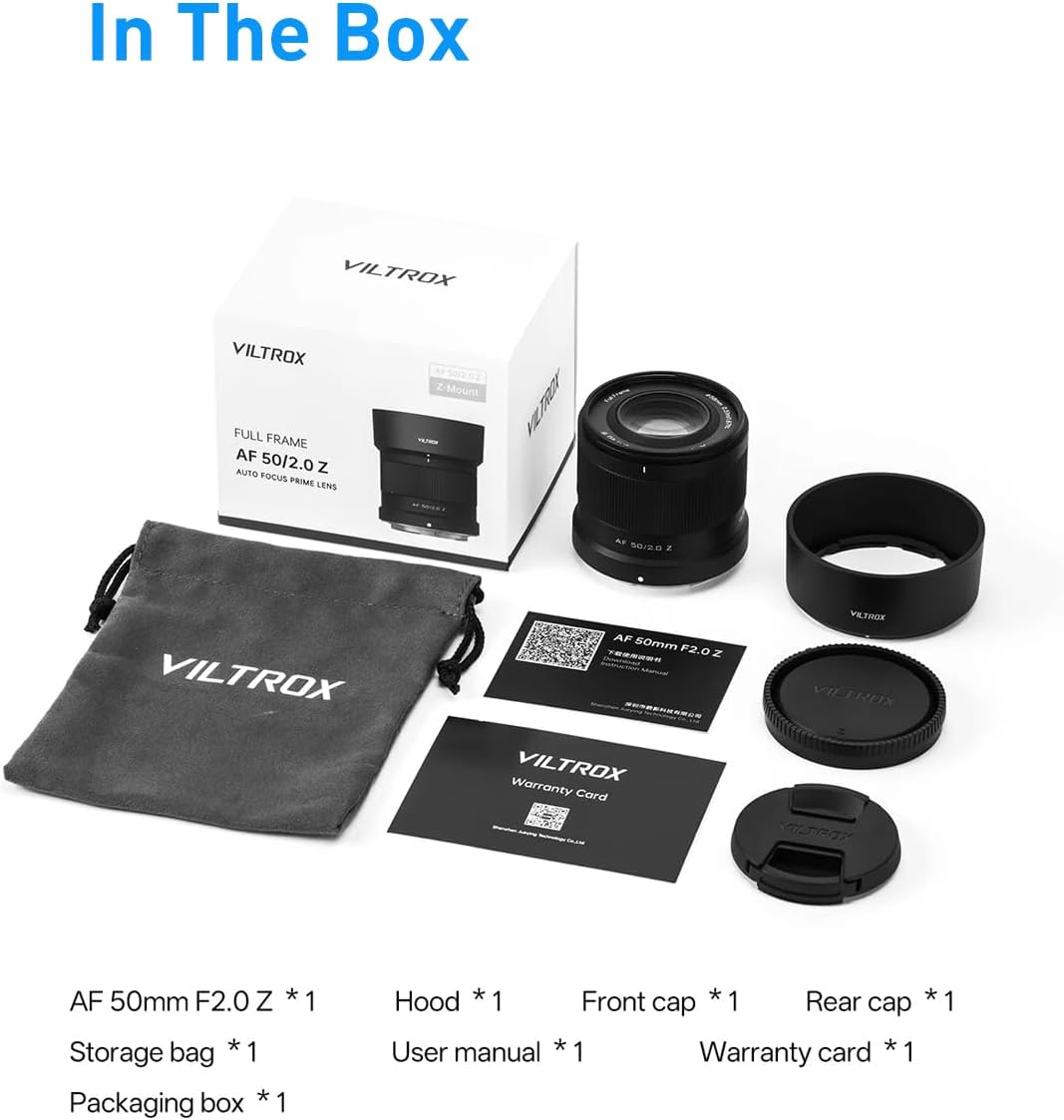
Figure 2.1: Included items in the VILTROX AF 50mm F2.0 Z-Mount Lens package.
3. Product Features
- AF 50mm Focal Length: Compatible with full-frame mirrorless cameras, providing a standard angle of view for natural and authentic imagery. Ideal for portraits, street photography, and general use.
- F2.0 Large Aperture: Creates a natural bokeh effect, blurring backgrounds to highlight subjects. Enhances performance in low-light conditions for clearer images.
- Autofocus System: Equipped with a Viltrox STM silent motor for precise and rapid autofocus. Supports eye and face detection autofocus (functionality may vary by camera model).
- Lightweight and Durable Design: Constructed with specially engineered lightweight materials for portability. Features a 58mm filter thread and a metal mount for compatibility and reliability.
- Exceptional Image Quality: Incorporates three ED lenses, one aspherical lens, and four high-refractive-index lenses to deliver true-to-life colors and clear, pure images with outstanding detail.

Figure 3.1: Optical structure of the lens, featuring ED, aspherical, and high-refractive-index elements.
4. Setup
- Attaching the Lens:
- Align the white dot on the lens barrel with the corresponding mark on your Nikon Z-Mount camera body.
- Gently insert the lens into the camera mount.
- Rotate the lens clockwise until it clicks into place, indicating it is securely locked.

Figure 4.1: The durable metal lens mount ensures a secure connection to the camera body.
- Removing the Lens:
- Press and hold the lens release button on your camera body.
- Rotate the lens counter-clockwise until it detaches from the camera mount.
- Place the front and rear caps on the lens immediately to protect the elements.
- Attaching the Lens Hood:
- Align the lens hood with the front of the lens.
- Rotate the hood until it locks into position. The hood helps to block stray light and protect the front element.
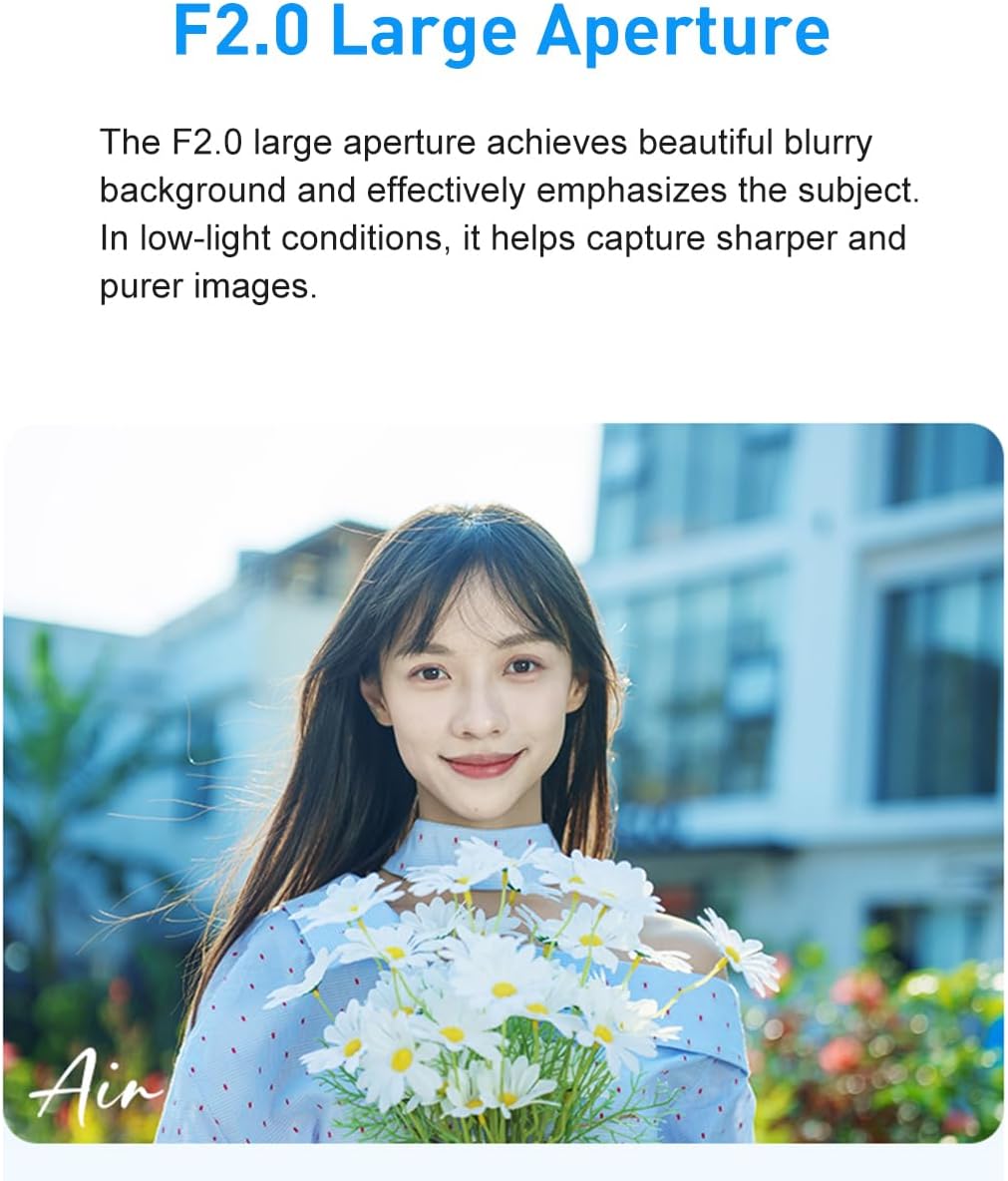
Figure 4.2: The lens features a 58mm filter thread and comes with a cylindrical lens hood.
5. Operating Instructions
- Autofocus (AF) Operation:
- Ensure your camera's focus mode is set to AF.
- The lens's STM silent motor provides fast and accurate autofocus.
- Utilize your camera's eye and face detection features for precise subject tracking, especially in portrait photography.
- Manual Focus (MF) Operation:
- Set your camera's focus mode to MF.
- Rotate the focus ring on the lens to adjust focus manually.
- Aperture Control:
- The F2.0 large aperture allows for significant background blur (bokeh) and excellent low-light performance.
- Adjust the aperture through your camera's settings to control depth of field and exposure.
- Firmware Updates:
- The lens supports firmware upgrades via its USB-C interface.
- Visit the official VILTROX website for the latest firmware and instructions.

Figure 5.1: USB-C port for convenient firmware updates.
- EXIF Data Transmission:
- The lens features electronic contacts for seamless EXIF information transmission to your camera.
- This ensures accurate recording of shooting parameters such as aperture, focal length, and exposure settings.

Figure 5.2: Electronic contacts on the lens mount for camera communication.
6. Maintenance
- Cleaning the Lens:
- Use a soft, lint-free cloth or a lens brush to remove dust from the lens surfaces.
- For smudges or fingerprints, use a specialized lens cleaning solution and a microfiber cloth. Apply solution to the cloth, not directly to the lens.
- The front lens features a waterproof and anti-fouling coating, making it easier to clean.

Figure 6.1: The front element features a protective coating for easier cleaning.
- Storage:
- Always attach the front and rear lens caps when not in use.
- Store the lens in a cool, dry place, away from direct sunlight and extreme temperatures.
- If storing for extended periods, consider using a dehumidifying agent to prevent mold growth.
7. Troubleshooting
- Lens not recognized by camera:
- Ensure the lens is securely attached to the camera body.
- Clean the electronic contacts on both the lens and camera with a clean, dry cloth.
- Restart the camera.
- Autofocus is slow or inaccurate:
- Check camera settings to ensure AF mode is selected and appropriate AF area mode is in use.
- Ensure there is sufficient light on the subject.
- Update the lens firmware to the latest version.
- Image quality issues (e.g., soft images, chromatic aberration):
- Ensure the lens elements are clean.
- Check that the lens is properly focused.
- Avoid shooting at extreme apertures (e.g., widest open or smallest) if image quality is critical, as some lenses perform best in the mid-aperture range.
8. Specifications
| Feature | Specification |
|---|---|
| Brand | VILTROX |
| Model Name | Viltrox AF 50mm F2.0 Z-Mount |
| Compatible Mountings | Nikon Z |
| Lens Type | Full Frame, Prime Lens |
| Focal Length | 50 Millimeters |
| Maximum Aperture | f/2.0 |
| Minimum Aperture | f/16 |
| Focus Type | Auto Focus |
| Real Angle Of View | 47.4 Degrees |
| Filter Thread Size | 58mm |
| Water Resistance Level | Water Resistant |
9. Warranty and Support
The VILTROX AF 50mm F2.0 Z-Mount Full Frame Lens comes with a 1-year warranty from the date of purchase. This warranty covers manufacturing defects and ensures the product meets quality standards.
For warranty claims, technical support, or further inquiries, please contact VILTROX customer service or visit the official VILTROX store online:
Please retain your proof of purchase for warranty validation.


