
Introduction
Thank you for choosing the Spigen Active Noise Cancelling Headphones SA-HP P10. These headphones are designed to provide an immersive audio experience with advanced noise cancellation, powerful sound, and convenient features for various uses including commuting, gaming, and music listening. Please read this manual carefully to ensure proper use and optimal performance of your new headphones.
Package Contents
Ensure all items are present in the package:
- Spigen Active Noise Cancelling Headphones SA-HP P10
- USB-C Charging Cable (50cm)
- AUX Audio Cable (1.2m)
- Carrying Pouch
- User Manual (this document)

Image: The Spigen SA-HP P10 headphones, a 50cm USB-C charging cable, and a 1.2m AUX audio cable, representing the complete package contents.
Product Overview
Familiarize yourself with the headphone components and controls.
Controls and Ports:
- Power Button: Press and hold to power on/off. Short press for play/pause or answer/end calls.
- Volume Buttons (+/-): Short press to adjust volume. Long press to skip tracks.
- ANC/Transparency Mode Switch: Toggle to activate Active Noise Cancellation (ANC) or Transparency Mode.
- USB-C Port: For charging the headphones.
- 3.5mm Audio Jack: For wired connection using the AUX cable.
- Microphones: Integrated 5-MIC system for clear calls and ANC.
Setup
1. Charging the Headphones:
- Connect the USB-C charging cable to the headphone's USB-C port and a power source.
- The LED indicator will show charging status. A full charge takes approximately 2 hours.
- Ensure headphones are fully charged before first use.
2. Power On/Off:
- To power on, press and hold the Power Button until the LED indicator lights up.
- To power off, press and hold the Power Button until the LED indicator turns off.
3. Bluetooth Pairing:
- With the headphones powered off, press and hold the Power Button for 5 seconds until the LED indicator flashes blue and red, indicating pairing mode.
- On your device (smartphone, tablet, computer), enable Bluetooth and search for "Spigen SA-HP P10".
- Select the headphones to connect. The LED indicator will turn solid blue once successfully paired.
- The headphones support Bluetooth 5.4 for seamless pairing and multi-device connectivity.
4. Spigen Audio App:
- Download the "Spigen Audio" app from your device's app store.
- Connect your headphones to the app for customizable sound profiles, EQ settings, and firmware updates.
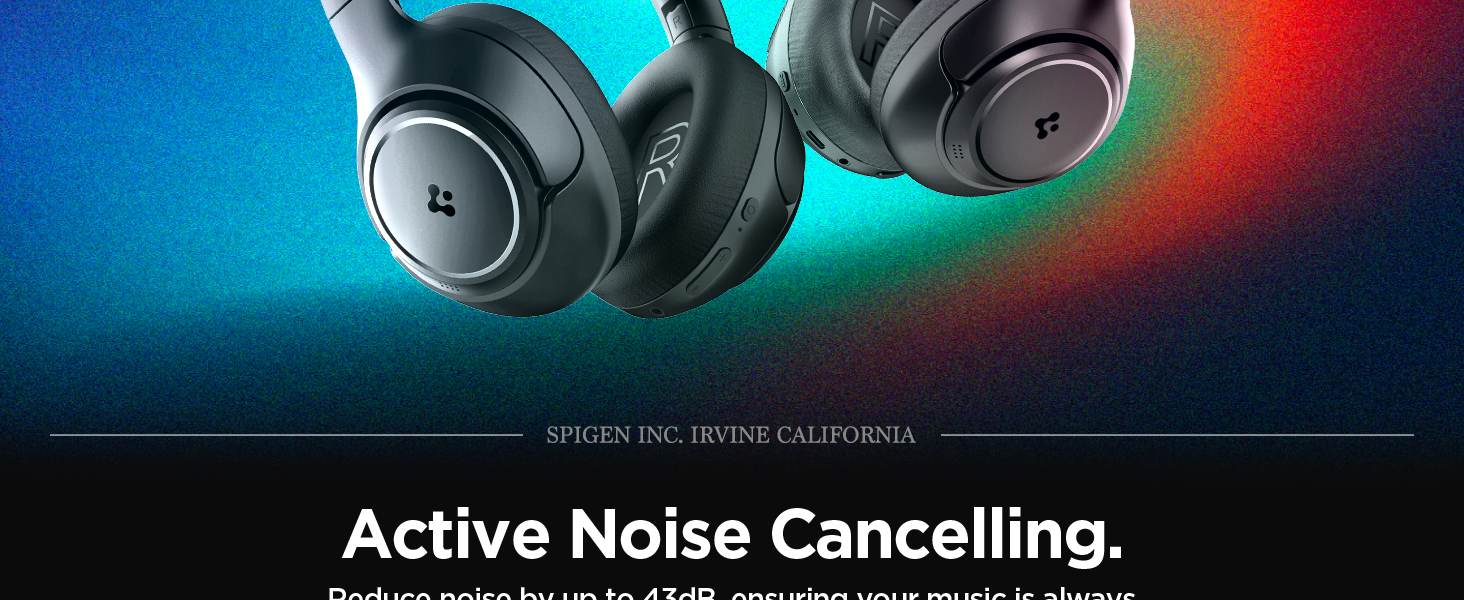
Image: The Spigen Audio App interface, displaying options for sound profiles (Default, Pop, Bass, Rock) and noise control modes (Multi-Mode ANC, Transparency, Normal, Indoor, Commuting, Noisy).
Operating Instructions
1. Active Noise Cancellation (ANC) & Transparency Mode:
- Use the dedicated ANC/Transparency Mode switch on the headphones to toggle between modes.
- ANC Mode: Reduces external noise by up to 43dB, ideal for focused listening.
- Transparency Mode: Allows ambient sounds to pass through, keeping you aware of your surroundings.
- Customize ANC levels and modes (Indoor, Commuting, Noisy) via the Spigen Audio App.
Image: The Spigen SA-HP P10 headphones with visual cues indicating 43dB Active Noise Cancelling, 5-Mode Hybrid Adaptive ANC, Transparency Mode, and Clear Calls with 5 MICs.
2. Gaming Mode:
- Activate Gaming Mode via the Spigen Audio App for crystal-clear, low-latency audio transmission.
- This mode is optimized for an uninterrupted gaming experience.
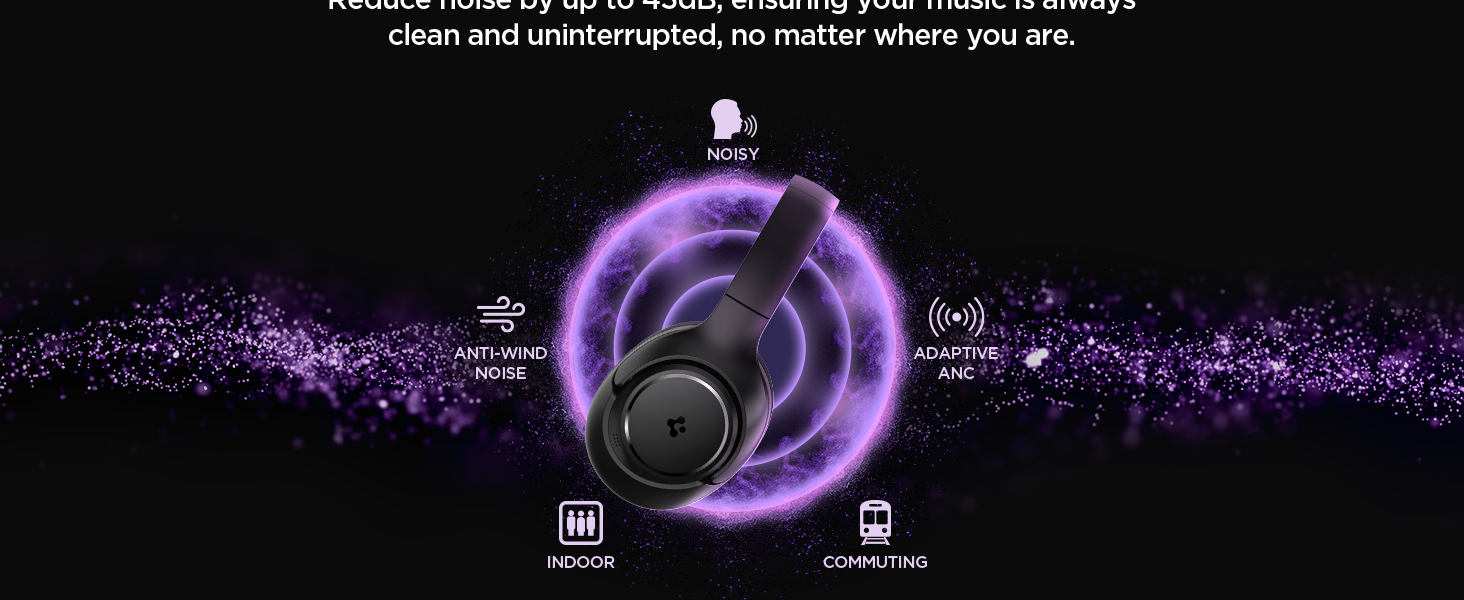
Image: Spigen SA-HP P10 headphones positioned next to a smartphone and a game controller, emphasizing the low-latency feature for an enhanced gaming experience.
3. Making Calls:
- Answer/End Call: Short press the Power Button.
- Reject Call: Long press the Power Button.
- The 5-MIC system ensures clear voice pickup and ambient noise reduction during calls.
Maintenance
Cleaning EarPads:
- The ear pads are detachable for easy cleaning.
- Gently remove the ear pads from the headphones.
- Clean with a soft, damp cloth and mild soap. Allow to air dry completely before reattaching.
- Do not use harsh chemicals or abrasive materials.

Image: Hands gently cleaning a detachable earpad of the Spigen SA-HP P10 headphones with a white cloth, demonstrating the ease of maintenance.
Troubleshooting
- No Power: Ensure headphones are fully charged.
- Cannot Pair: Make sure headphones are in pairing mode (flashing blue/red LED). Turn off and on your device's Bluetooth.
- Sound Issues: Check volume levels on both headphones and your device. Ensure headphones are within Bluetooth range. Try re-pairing.
- ANC Not Working: Ensure ANC mode is activated via the switch or app.
Specifications
| Model Name | SA-HP P10 |
| Bluetooth Version | 5.4 |
| Battery Life | Up to 60 Hours |
| Active Noise Cancellation | Up to 43dB |
| Driver Size | 40mm Dynamic Drivers |
| Microphones | 5-MIC System |
| Control Method | App / On-device Buttons |
| Item Weight | 273 Grams (9.6 ounces) |
| Product Dimensions | 3.22 x 6.31 x 7.75 inches |
Warranty and Support
For warranty information or technical support, please visit the official Spigen website or contact Spigen customer service directly. Keep your purchase receipt for warranty claims.
