Introduction
Thank you for choosing the Shark EvoPower Neo+ Cordless Stick Vacuum Cleaner. This manual provides essential information for the safe and efficient use of your new appliance. Please read these instructions thoroughly before first use and keep them for future reference.
The Shark EvoPower Neo+ is a lightweight cordless stick cleaner designed for versatile cleaning. It features an automatic dust collection dock, powerful suction with a 'Hybrid Power Clean' head, and 'Smart iQ Technology' for adaptive cleaning. This model is designed to prevent hair tangling and offers convenient maintenance.
Product Overview
The Shark EvoPower Neo+ combines advanced cleaning technologies for an efficient cleaning experience.
Key Features:
- Automatic Dust Collection Dock: Frees you from frequent dust emptying, storing up to 30 days' worth of debris.
- Powerful Suction: Equipped with a unique 'Hybrid Power Clean' head for effective dirt removal.
- Anti-Hair Wrap Technology: Prevents hair or pet hair from tangling in the brush roll.
- Smart iQ Technology: Two sensors automatically adjust the cleaning mode based on floor type and dirt level.
- Lightweight Design: At approximately 1.7kg (handstick), it offers effortless, everyday cleaning.
- Multi-Flex Wand: Allows easy cleaning under low-lying furniture.
- HEPA Filtration: Captures and traps 99.9% of dust and allergens.
- Up to 50 Minutes Runtime: When using two batteries continuously in eco mode.
Components:
The Shark EvoPower Neo+ system includes the main vacuum unit, an automatic dust collection dock, and various accessories for comprehensive cleaning.

Figure 1: Shark EvoPower Neo+ Cordless Stick Vacuum Cleaner with its automatic dust collection dock and accessories.

Figure 2: Overview of Shark cordless vacuum models and included accessories. The EvoPower Neo+ includes a Motorised Hand Tool, Upholstery Tool, and Duster Crevice Tool.
Setup
- Unpack Components: Carefully remove all parts from the packaging. Ensure all components listed in the packaging contents are present.
- Assemble Main Unit: Connect the main vacuum body to the wand, and then attach the floor nozzle to the wand. Ensure all connections click securely into place.
- Set Up Auto Empty Dock: Place the automatic dust collection dock in a suitable location near a power outlet. Ensure there is enough space around it for the vacuum to dock easily.
- Charge Battery: Insert the battery into the vacuum or the charging slot on the dock. Allow the battery to fully charge before first use. The indicator lights will show the charging status.
- Install Dust Cup: Ensure the dust cup is correctly installed and securely latched onto the main unit.
Operating Instructions
Powering On/Off:
Press the power button located on the handle to turn the vacuum on or off.
Using Smart iQ Technology:
The vacuum is equipped with Smart iQ Technology, which uses sensors to detect dirt levels and floor types, automatically adjusting suction power and brush roll speed for optimal cleaning.

Figure 3: Smart IQ Pro Dirt Detect feature, indicating minimal (green), medium (yellow), and large (red) amounts of dirt, with auto-boosted suction.

Figure 4: Smart IQ Pro Floor Detect feature, automatically optimizing suction for hard floors, carpets, and mats.
Cleaning Modes:
- Eco Mode: For lighter cleaning tasks and extended battery life.
- Boost Mode: Provides maximum suction for stubborn dirt and deep cleaning.
Using the Flexible Wand:
The multi-flex wand allows the vacuum to bend, making it easier to clean under low-lying furniture without excessive bending.

Figure 5: The flexible wand allows for easy cleaning under furniture.
Using Accessories:
Attach the desired accessory (Motorised Hand Tool, Upholstery Tool, Duster Crevice Tool) directly to the main unit or the wand for specialized cleaning tasks such as upholstery, stairs, or tight spaces.

Figure 6: The vacuum with its included accessories: Motorised Hand Tool, Upholstery Tool, and Duster Crevice Tool.
Battery Runtime:
The vacuum provides up to 50 minutes of runtime when using two batteries continuously in eco mode. Actual runtime may vary based on power setting and accessory use.
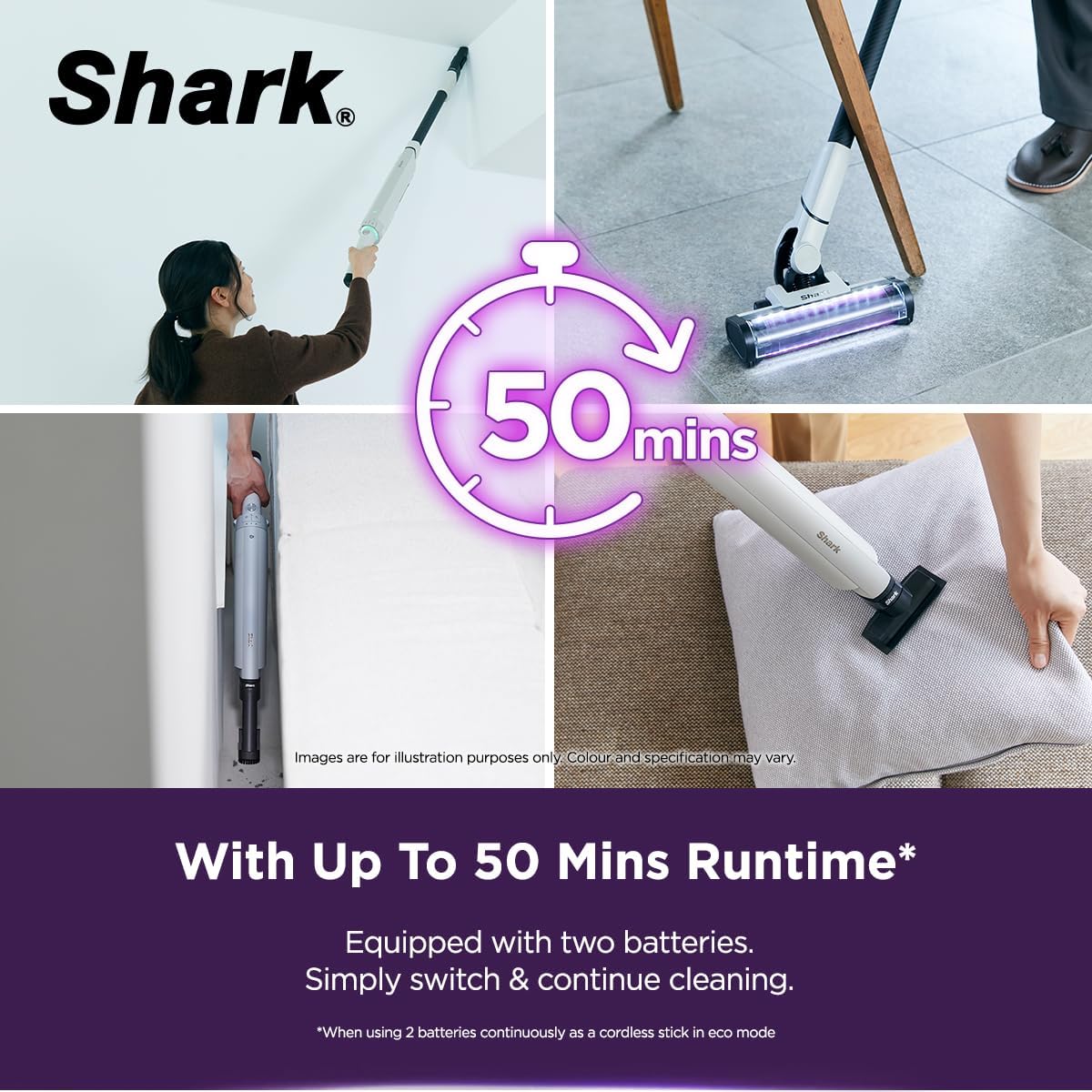
Figure 7: The vacuum is equipped with two batteries, offering up to 50 minutes of continuous cleaning in eco mode.
Maintenance
Automatic Dust Collection:
When docked, the vacuum automatically empties its dust cup into the dock's larger bin, which can hold up to 30 days' worth of dust and debris. This minimizes your exposure to dust.

Figure 8: The Auto Empty Dock automatically collects dust, holding up to 30 days' worth of debris.

Figure 9: The automatic emptying system results in 1000X less dust exposure compared to manual emptying.
Anti-Hair Wrap Technology:
The brush roll is designed with a built-in comb that actively removes hair as it spins, preventing tangles and maintaining cleaning performance.

Figure 10: Comparison illustrating the effectiveness of Anti Hair Wrap Technology against traditional brush rolls.
Filter Cleaning:
The HEPA filter captures 99.9% of dust and allergens. Regularly clean the filter according to the instructions provided in the full user manual to maintain suction power and air quality.

Figure 11: The HEPA filtration system ensures cleaner air by capturing 99.9% of dust and allergens.
Washable Components:
The brushroll, dust cup, and filter can be removed and washed with water for easy maintenance. Ensure all parts are completely dry before reassembling.
Troubleshooting
If you encounter any issues with your Shark EvoPower Neo+ vacuum cleaner, please refer to the following common troubleshooting steps:
- No Power: Ensure the battery is fully charged and correctly inserted. Check if the power button is pressed firmly.
- Reduced Suction: Check the dust cup and dock for fullness and empty if necessary. Inspect the filter for blockages and clean it. Ensure there are no obstructions in the nozzle, wand, or hose.
- Brush Roll Not Spinning: Check for any hair or debris tangled around the brush roll and remove them. Ensure the floor nozzle is properly attached.
- Unusual Noises: Turn off the vacuum immediately and check for any foreign objects or blockages in the brush roll or air pathways.
For more detailed troubleshooting or persistent issues, please contact Shark customer support.
Specifications
| Feature | Specification |
|---|---|
| Model | EvoPower Neo+ (LC351SMWH) |
| Item Weight | 2.9 Kilograms |
| Power Source | Battery Powered |
| Voltage | 25.2 Volts |
| Capacity (Dust Cup) | 0.4 Liters |
| Filter Type | HEPA Filter |
| Special Features | Bagless, Compact, Cordless, Lightweight, Portable, Automatic Dust Collection Dock, Smart iQ Technology |
| Surface Recommendation | Carpet, Hard Floor |
Official Product Videos
3-in-1 Multi-Surface Cleaner Overview
This video provides a brief overview of the Shark Hydrovac, highlighting its 3-in-1 multi-surface cleaning capabilities, including vacuuming, mopping, and self-cleaning functions. It demonstrates the lightweight design and powerful suction.
Deep Cleaning Made Smarter
This video showcases the Shark CleanSense IQ IQ+ vacuum, focusing on its Smart IQ Pro technology. It illustrates how the vacuum detects floor types and dirt levels, automatically adjusting suction, and features edge detection for thorough cleaning. It also highlights the auto-charging and auto-emptying capabilities of the dock.
Warranty and Support
For warranty information, product registration, or to contact customer support, please visit the official Shark website or refer to the warranty card included with your product. You can also visit the Shark Store on Amazon for additional resources.


