
1. Introduction and Overview
The Afloia Pluto Air Purifier is designed to enhance air quality in your home. Featuring a 4-stage filtration system, it efficiently removes common airborne pollutants, allergens, and odors. This manual provides essential information for the safe and effective use and maintenance of your air purifier.

Figure 1: Afloia Pluto Air Purifier in a home setting.
The Afloia Pluto Air Purifier is capable of purifying a 269 sq. ft. space four times per hour, effectively refreshing areas up to 1,076 sq. ft. within one hour. It operates quietly, making it suitable for various rooms including bedrooms, offices, and kitchens.
Video 1: An overview of the Afloia Pluto Air Purifier, highlighting its features and benefits for home use.
2. Key Features
- Efficient Air Purification: Purifies 269 sq. ft. four times per hour, refreshing up to 1,076 sq. ft. in one hour.
- Washable Pre-Filter: Easily detachable and rinsable outer filter for optimal performance and extended lifespan.
- Advanced 4-in-1 Filtration System: Effectively removes pet dander, dust, pollen, smoke, odors, and mold.
- Versatile Timer Options: Customizable 2, 4, 6, and 8-hour timer settings.
- Quiet Operation: Operates at a whisper-quiet 23 decibels in sleep mode.
- Filter Replacement Indicator: Red LED alert for timely filter changes.
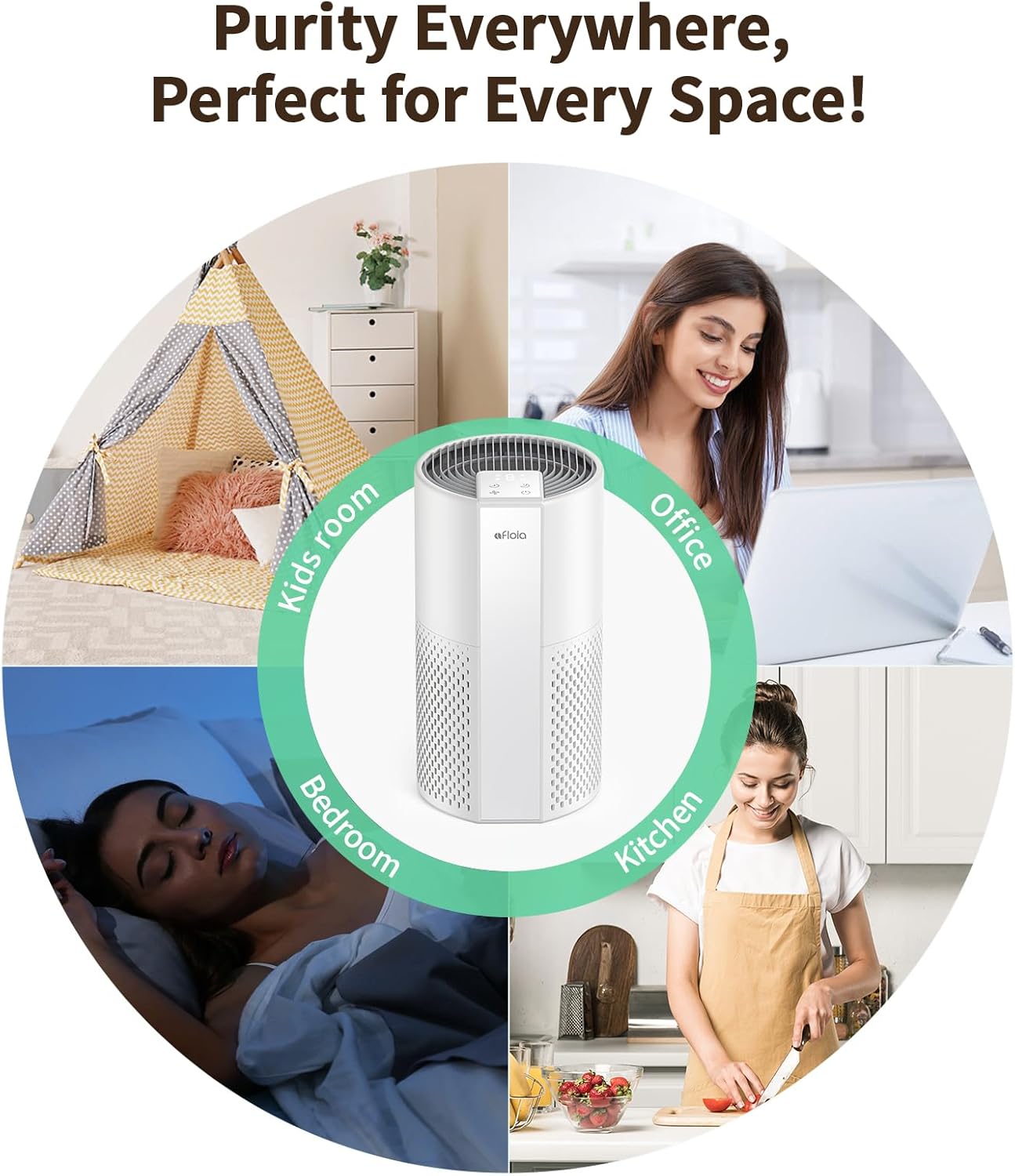
Figure 2: The Afloia Pluto Air Purifier is suitable for various spaces.
3. Setup
Follow these steps to set up your Afloia Pluto Air Purifier:
- Unpack the air purifier and all its components.
- Ensure the filter is correctly installed inside the unit. The filter is typically located at the bottom of the unit.
- Place the air purifier on a flat, stable surface, ensuring adequate space around the air inlets and outlets for optimal airflow.
- Plug the power adapter into a suitable electrical outlet.

Figure 3: High-efficient air purification in action.
Video 2: Demonstrates the filter removal and installation process, showing the amount of dust collected after two months of continuous use.
4. Operating Instructions
The Afloia Pluto Air Purifier features intuitive touch controls located on the top panel.
- Power On/Off: Press the power button to turn the unit on or off.
- Fan Speed: Cycle through 3 fan speeds (low, medium, high) by pressing the fan speed button.
- Sleep Mode: Activate sleep mode for quiet operation (23dB) and dimmed lights, ideal for nighttime use.
- Timer: Set the operating time to 2, 4, 6, or 8 hours using the timer button. The unit will automatically shut off after the set time.

Figure 4: Enjoy quiet operation with sleep mode.
Video 3: A short demonstration of the air purifier's controls and quiet operation.
Video 4: A quick look at the air purifier's size, controls, and ease of cleaning.
5. Maintenance
Regular maintenance ensures optimal performance and extends the lifespan of your air purifier.
5.1 Washable Pre-Filter Cleaning
The outer pre-filter is washable. Regularly rinse it under cold water to remove trapped dust, hair, and pet dander. Ensure it is completely dry before reattaching.

Figure 5: Cleaning the washable pre-filter.
Video 5: A demonstration of how to wash the pre-filter of the air purifier.
5.2 Filter Replacement
The red LED filter indicator will alert you when it's time to replace the main filter. For optimal performance, it is recommended to change the Afloia filter every 4-6 months, depending on your local air quality and usage. The original filter model is B0F4QYW3JG.

Figure 6: Easy steps to replace the filter.
6. Troubleshooting
If your air purifier is not functioning as expected, please check the following:
- No Power: Ensure the power adapter is securely plugged into both the unit and a working electrical outlet.
- Reduced Airflow: Check if the pre-filter is dirty and needs cleaning, or if the main filter needs replacement.
- Unusual Noise: Verify that the unit is placed on a stable surface and that no foreign objects are obstructing the fan or filter.
If issues persist, please contact Afloia customer support for further assistance.
7. Specifications
| Feature | Specification |
|---|---|
| Product Dimensions | 7.7 x 7.7 x 14.3 inches |
| Item Weight | 4.4 Pounds |
| Model Number | Pluto |
| Power Source | DC |
| Control Method | Touch |
| Filter Type | 4-Stage Filter (Washable Pre-Filter included) |
| Floor Area Coverage | Up to 1076 sq. ft. (refreshes 269 sq. ft. 4 times/hour) |
| Noise Level | 23 Decibels (Sleep Mode) |
| Wattage | 23 watts |
| Color | White |
| Included Components | Machine, manual, adapter |
| Certification | FCC Certified |

Figure 7: Product dimensions for the Afloia Pluto Air Purifier.
8. Warranty and Support
For warranty information or technical support, please refer to the contact details provided in the packaging or visit the official Afloia website. Keep your purchase receipt for warranty claims.


