
Introduction
This manual provides essential information for the safe and efficient operation of your SYLVOX Elf S3 Outdoor Soundbar. The Elf S3 is designed to deliver immersive audio with Dolby Atmos technology, featuring IP65 waterproofing for outdoor use, Bluetooth 5.3 connectivity, and a 2.1 channel sound system with 120W peak power. It includes 4 EQ modes and a Digital Signal Processor (DSP) for customized sound. Please read this manual thoroughly before using the product and retain it for future reference.
Safety Information
- Power Source: Use only the specified power adapter. Ensure the power outlet matches the voltage requirements.
- Water Resistance: The soundbar is IP65 waterproof. However, avoid submerging it in water or exposing it to high-pressure water jets. Ensure all port covers are securely closed when exposed to moisture.
- Placement: Install the soundbar in a stable location, away from direct heat sources, strong magnetic fields, or excessive vibrations. Ensure proper ventilation.
- Cleaning: Disconnect the power before cleaning. Use a soft, dry cloth. Do not use liquid cleaners or aerosol sprays.
- Servicing: Do not attempt to repair this product yourself. Refer all servicing to qualified service personnel.
What's in the Box
Upon unpacking, please ensure all items listed below are present and in good condition:
- SYLVOX Elf S3 Soundbar
- Remote Control
- Power Cable
- User Manual
- Mounting Brackets (for wall mounting)
- AAA Batteries (2, for remote)
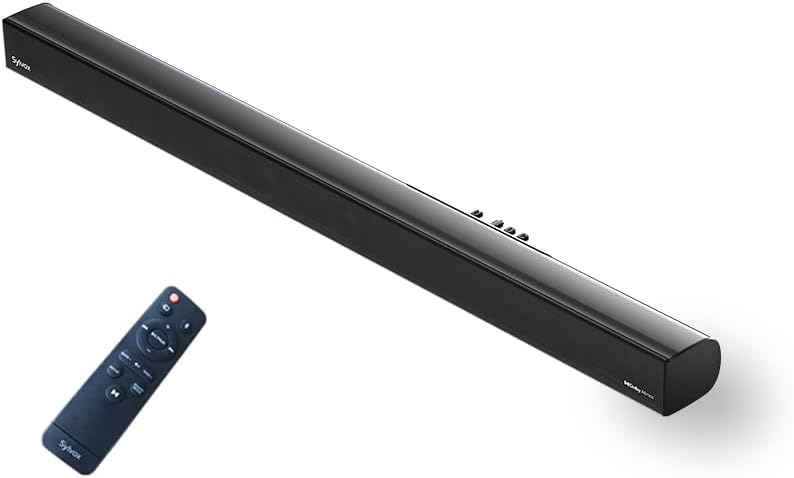
Image: The SYLVOX Elf S3 Soundbar and its accompanying remote control.
Product Overview
The SYLVOX Elf S3 features a sleek, ultra-slim design with a durable metal and plastic construction. The rear panel houses various input ports for versatile connectivity.
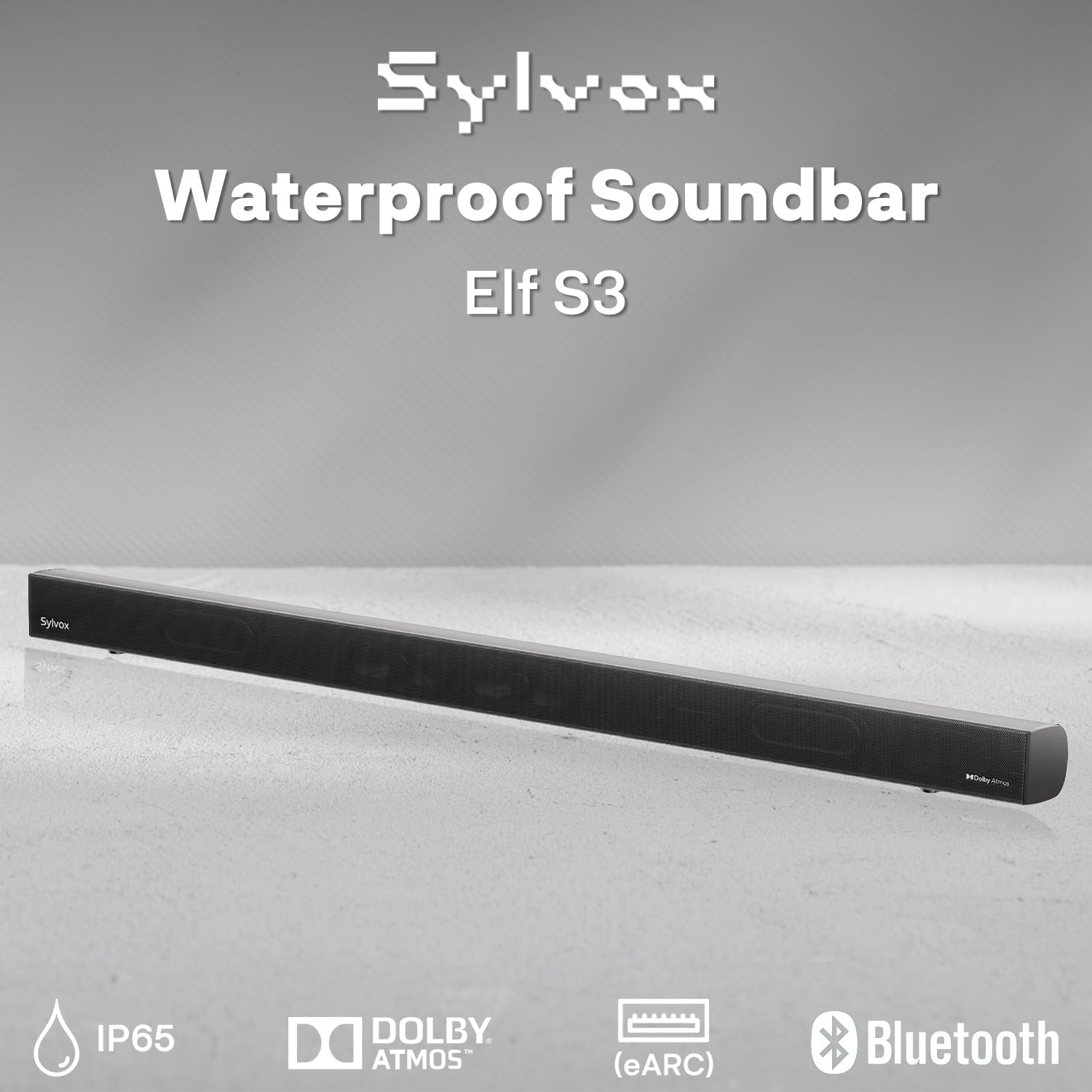
Image: Close-up of the soundbar's rear panel, highlighting the various input ports including Optical, HDMI eARC, and USB.
Setup
Mounting Options
The SYLVOX Elf S3 Soundbar can be wall-mounted for optimal placement with your outdoor TV. Use the included mounting brackets and follow the instructions provided in the separate mounting guide for secure installation.

Image: The soundbar is shown mounted directly beneath an outdoor television, illustrating a typical installation scenario.
Connecting to Your TV
The soundbar offers multiple connectivity options to integrate with your television:
- HDMI eARC: For the best audio quality and control, connect an HDMI cable from the soundbar's HDMI eARC port to your TV's HDMI eARC/ARC port. This allows for seamless audio return and control.
- Optical: Connect an optical cable from the soundbar's OPTICAL port to your TV's optical audio output.
- AUX: Use an AUX cable to connect the soundbar to your TV's audio output.
- USB: For playing media directly from a USB drive.

Image: A visual diagram illustrating how to connect the soundbar to various devices using HDMI, Optical, AUX, and Bluetooth.
Bluetooth Pairing
To connect your smartphone, tablet, or PC via Bluetooth 5.3:
- Power on the soundbar.
- Press the Bluetooth button on the remote control or the soundbar's control panel to enter Bluetooth pairing mode. The indicator light will flash.
- On your device, enable Bluetooth and search for 'SYLVOX Elf S3'.
- Select the soundbar from the list of available devices to pair. Once connected, the indicator light will turn solid.
Operating the Soundbar
Power On/Off
Press the Power button on the remote control or the soundbar's control panel to turn the unit on or off.
Input Selection
Use the 'Source' button on the remote or soundbar to cycle through available input sources (HDMI eARC, Optical, AUX, Bluetooth, USB).
EQ Modes
The soundbar features 4 preset EQ modes to optimize audio for different content types. Use the 'EQ' button on the remote to switch between modes:
- Movie Mode: Enhances cinematic sound effects and dialogue.
- Music Mode: Optimizes audio for music playback.
- News Mode: Clarifies dialogue for news and talk shows.
- Gaming Mode: Provides immersive sound for gaming.
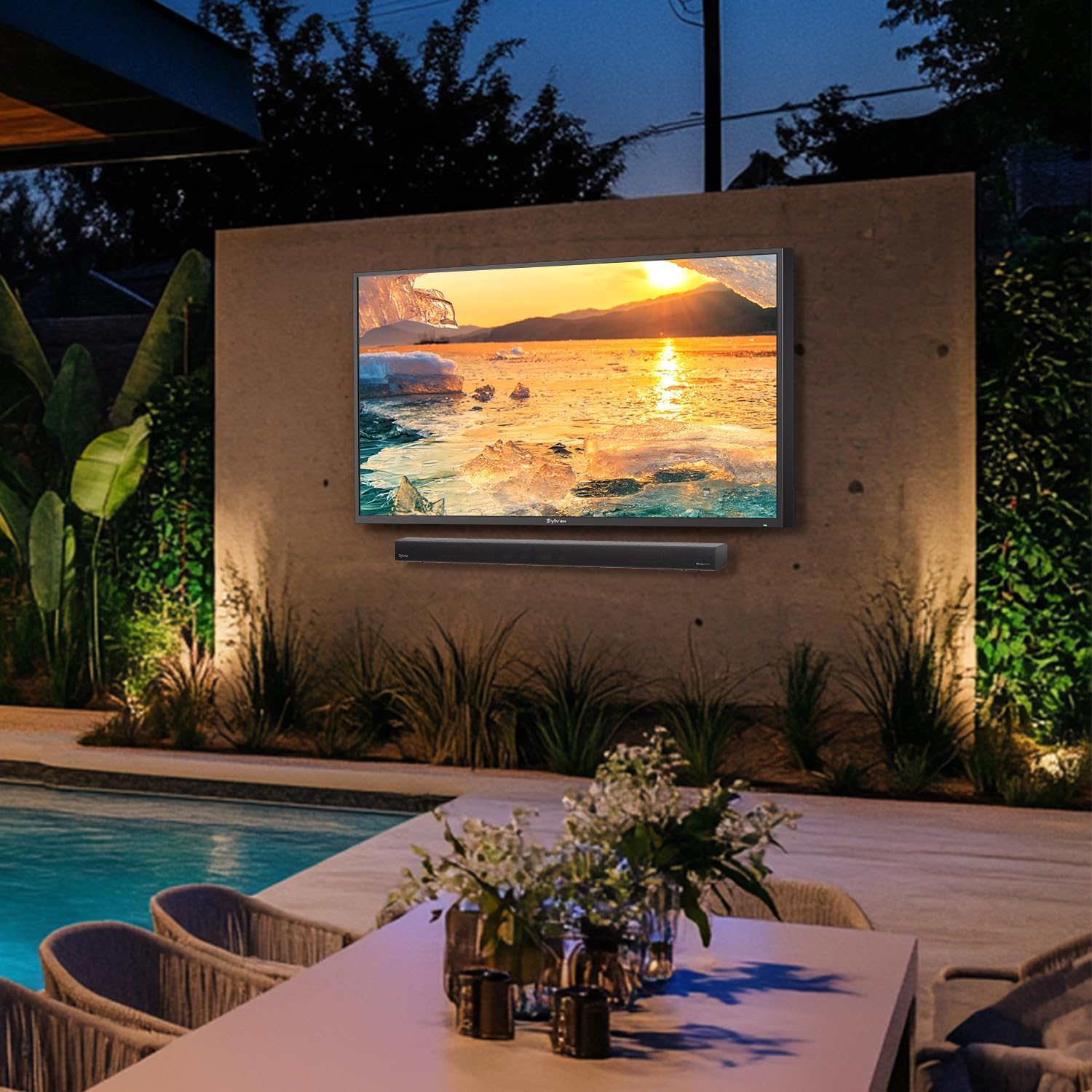
Image: Visual representation of the soundbar's four EQ modes, each tailored for different audio experiences.
Volume Control
Adjust the volume using the Volume Up (+) and Volume Down (-) buttons on the remote control or the soundbar's control panel.
Remote Control
The included remote control provides full functionality for managing your soundbar settings and inputs.

Image: The remote control for the SYLVOX Elf S3 Soundbar, showing various buttons for power, input, volume, and EQ modes.
Maintenance
The SYLVOX Elf S3 Soundbar is designed with an IP65 waterproof rating, making it suitable for outdoor environments. This rating ensures protection against dust ingress and low-pressure water jets from any direction.

Image: The soundbar is shown with water splashing on its surface, illustrating its IP65 waterproof capability.
Video: A demonstration of the SYLVOX Outdoor TV and Sound Bar undergoing a waterproof test, showcasing its durability against water exposure.
To clean the soundbar, gently wipe the surface with a soft, damp cloth. Avoid using harsh chemicals or abrasive materials that could damage the finish or waterproof seals. Ensure all port covers are properly sealed after use or cleaning to maintain water resistance.
Troubleshooting
| Problem | Possible Cause | Solution |
|---|---|---|
| No power | Power cable not connected; power outlet not active. | Check power cable connection; try a different outlet. |
| No sound | Incorrect input source selected; TV volume too low; cables not connected properly. | Select correct input source; increase TV volume; check cable connections. |
| Bluetooth not connecting | Soundbar not in pairing mode; device too far; interference. | Ensure soundbar is in pairing mode; move device closer; restart both devices. |
| Remote control not working | Batteries depleted; obstruction between remote and soundbar. | Replace batteries; remove any obstructions. |
Specifications
| Feature | Detail |
|---|---|
| Model Name | Elf S3 |
| Mounting Type | Wall Mount |
| Material | Metal, Plastic |
| Speaker Type | Soundbar |
| Surround Sound Channel Configuration | 2.1 |
| Speaker Maximum Output Power | 80 Watts (60W RMS, 120W Peak) |
| Connectivity Technology | Bluetooth 5.3, HDMI eARC, Optical, AUX, USB |
| Water Resistance Level | IP65 Waterproof |
| Product Dimensions | 3.5"D x 20"W x 2.5"H |
| Item Weight | 4.85 Pounds |
| Included Components | Soundbar, Remote, Power Cable, User Manual |
| Batteries | 2 AAA batteries required (included) |
Warranty and Support
The SYLVOX Elf S3 Outdoor Soundbar comes with a limited warranty. Please refer to the warranty card included in your product packaging for specific terms and conditions. For technical support, troubleshooting assistance, or warranty claims, please contact SYLVOX customer service through their official website or the contact information provided in your product documentation.


