
Introduction
This manual provides detailed instructions for the safe and efficient use of your Energizer BTS055 Magnetic Mini Bluetooth Speaker. Please read this manual thoroughly before operating the device and retain it for future reference.
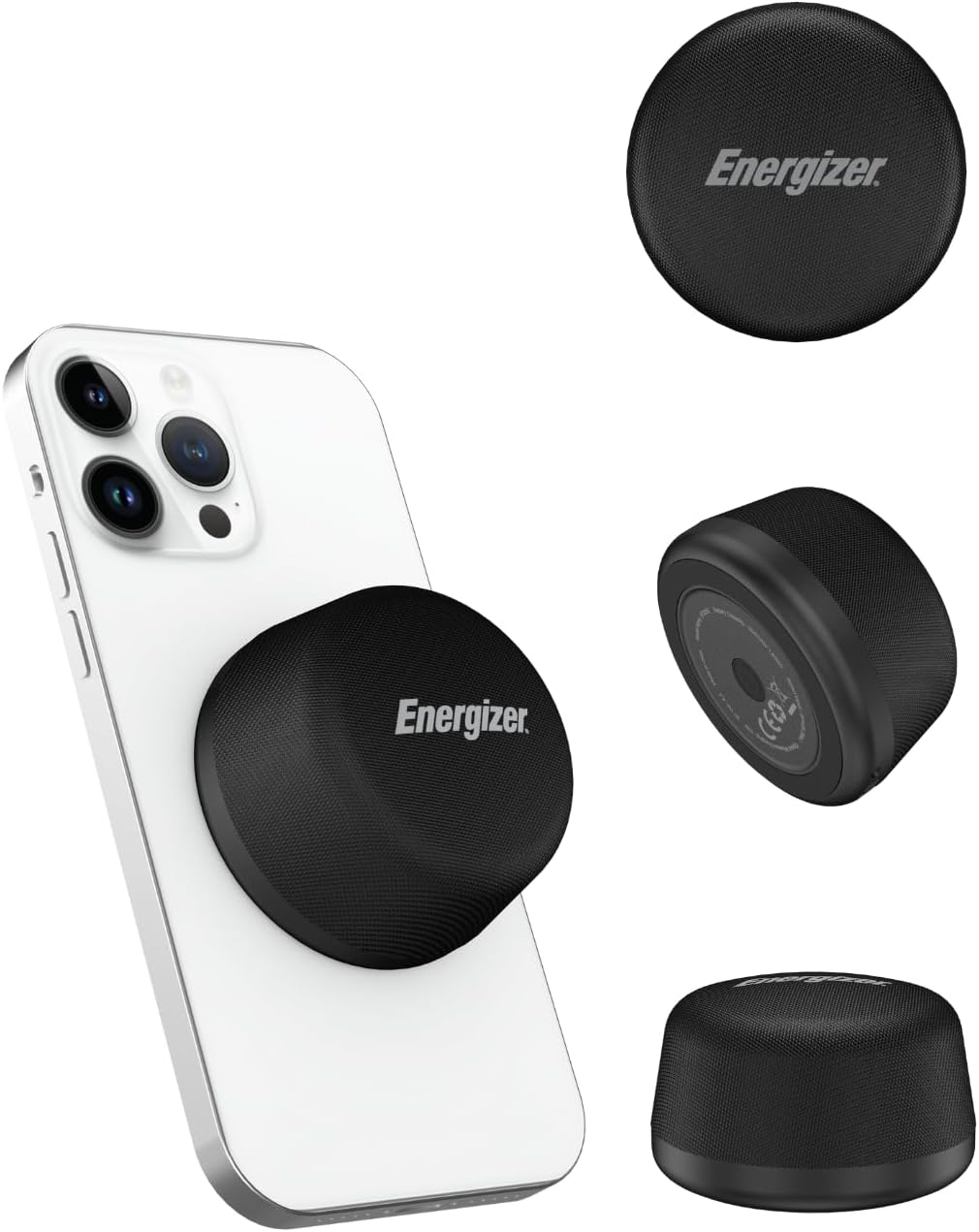
Image: The Energizer BTS055 Magnetic Mini Bluetooth Speaker, showcasing its compact design and magnetic attachment to a smartphone.
Package Contents
Ensure all items are present upon unboxing:
- Energizer BTS055 Magnetic Mini Bluetooth Speaker
- Charging Cable
- User Manual (this document)
- Magsafe Ring
Product Overview
Familiarize yourself with the speaker's components.
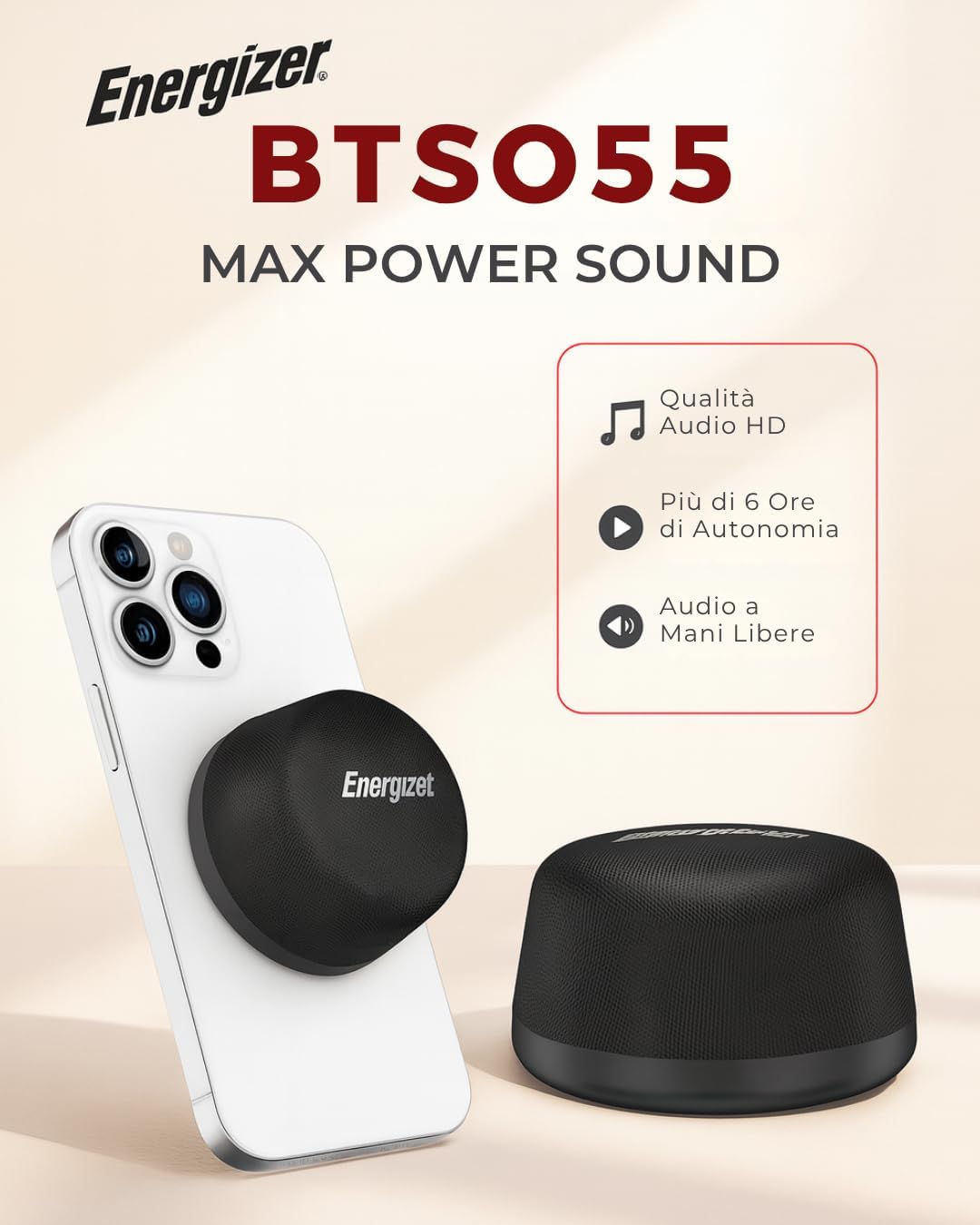
Image: The Energizer BTS055 speaker magnetically attached to the back of a smartphone, highlighting its compact size.
Controls and Indicators:
- Power Button: Typically located on the side or bottom. Press and hold to power on/off.
- LED Indicator: Shows power status, charging status, and Bluetooth pairing status.
- USB-C Port: For charging the speaker.
- Microphone: Built-in for hands-free calls.
- Magnetic Base: Allows attachment to compatible devices or surfaces.
Setup
1. Charging the Speaker
Before first use, fully charge the speaker.
- Connect the provided USB-C charging cable to the speaker's USB-C port.
- Connect the other end of the cable to a USB power adapter (not included) or a computer's USB port.
- The LED indicator will show charging status (e.g., red for charging, off or green for fully charged).

Image: The Energizer BTS055 speaker connected via a USB-C cable to a smartphone, illustrating its bypass wireless charging capability.
2. Power On/Off
- To Power On: Press and hold the Power button for approximately 3 seconds until the LED indicator lights up and an audible prompt is heard.
- To Power Off: Press and hold the Power button for approximately 3 seconds until the LED indicator turns off and an audible prompt is heard.
3. Bluetooth Pairing
- Ensure the speaker is powered on and in pairing mode (LED indicator will typically flash blue rapidly).
- On your device (smartphone, tablet, etc.), enable Bluetooth and search for available devices.
- Select "Energizer BTS055" from the list of devices.
- Once paired, the LED indicator will turn solid blue, and an audible confirmation will be heard.
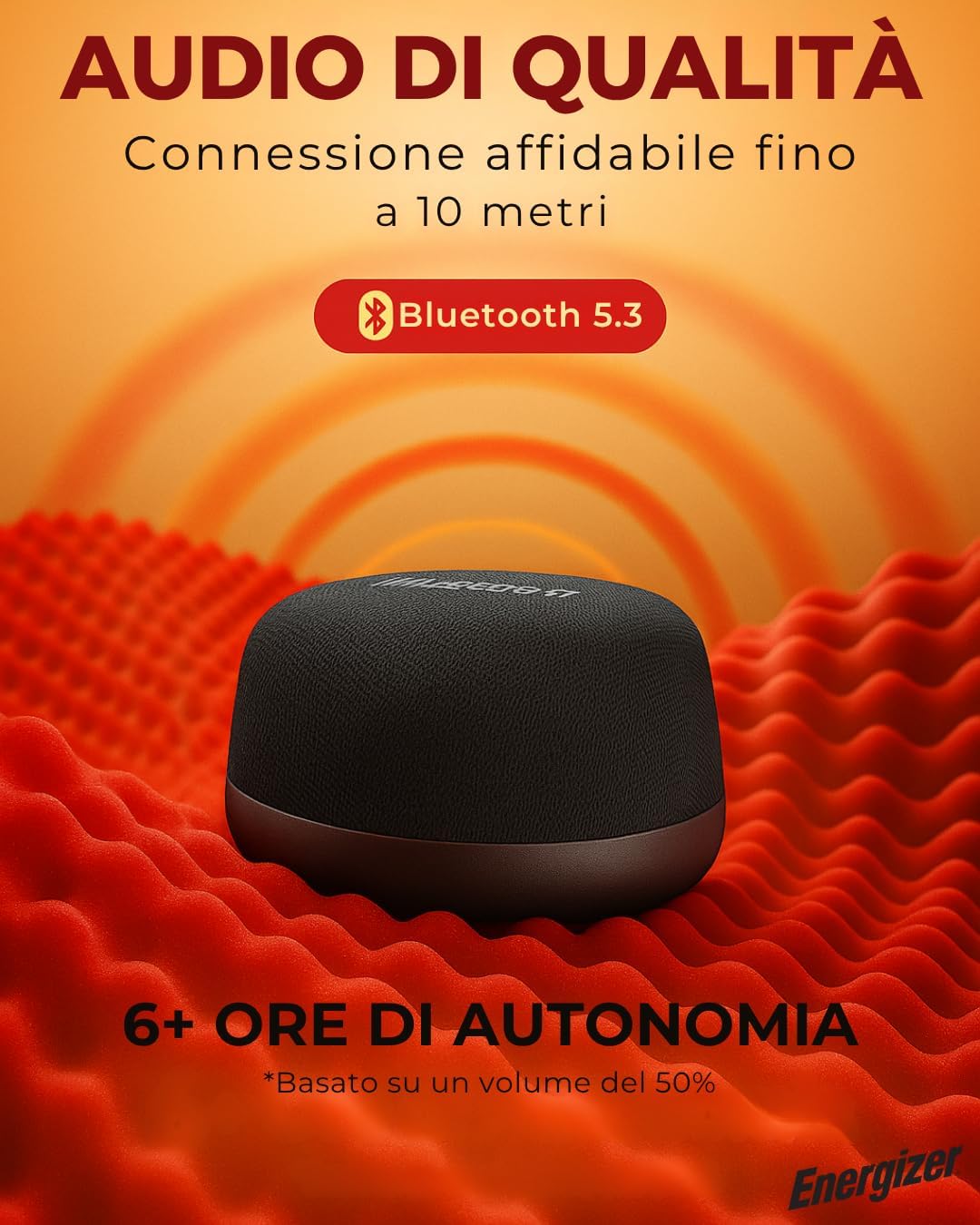
Image: The Energizer BTS055 speaker on a textured surface, highlighting its Bluetooth 5.3 connectivity and extended playtime.
4. True Wireless Stereo (TWS) Pairing
To achieve immersive stereo sound, you can pair two BTS055 speakers together.
- Ensure both BTS055 speakers are powered on and not connected to any other Bluetooth device.
- On one of the speakers (this will be the primary speaker), double-press the Power button. The speaker will enter TWS pairing mode.
- The two speakers will automatically search for and connect to each other. Once connected, an audible confirmation will be heard, and their LED indicators will synchronize.
- Now, connect your device to the primary speaker via Bluetooth as described in step 3. The audio will play in stereo through both speakers.

Image: Two Energizer BTS055 speakers placed on a table next to a laptop, illustrating their True Wireless Stereo (TWS) pairing capability for enhanced sound.
Operating Instructions
1. Basic Audio Controls
- Play/Pause: Single press the Power button.
- Volume Up: (If available, otherwise control from device)
- Volume Down: (If available, otherwise control from device)
- Next Track: (If available, otherwise control from device)
- Previous Track: (If available, otherwise control from device)
Note: The product description mentions "Control Method: Touch", but specific touch controls for volume/track are not detailed. Assume basic play/pause via power button and device control for others unless specified.
2. Magnetic Functionality
The speaker features a strong adhesive magnet for versatile attachment.
- Direct Attachment: Attach the speaker directly to MagSafe-compatible phones or cases.
- Using the Magsafe Ring: For non-MagSafe devices, attach the included Magsafe ring to the back of your phone or case to enable magnetic attachment.
- Metal Surfaces: The speaker can also adhere to other metal surfaces like refrigerators or whiteboards.
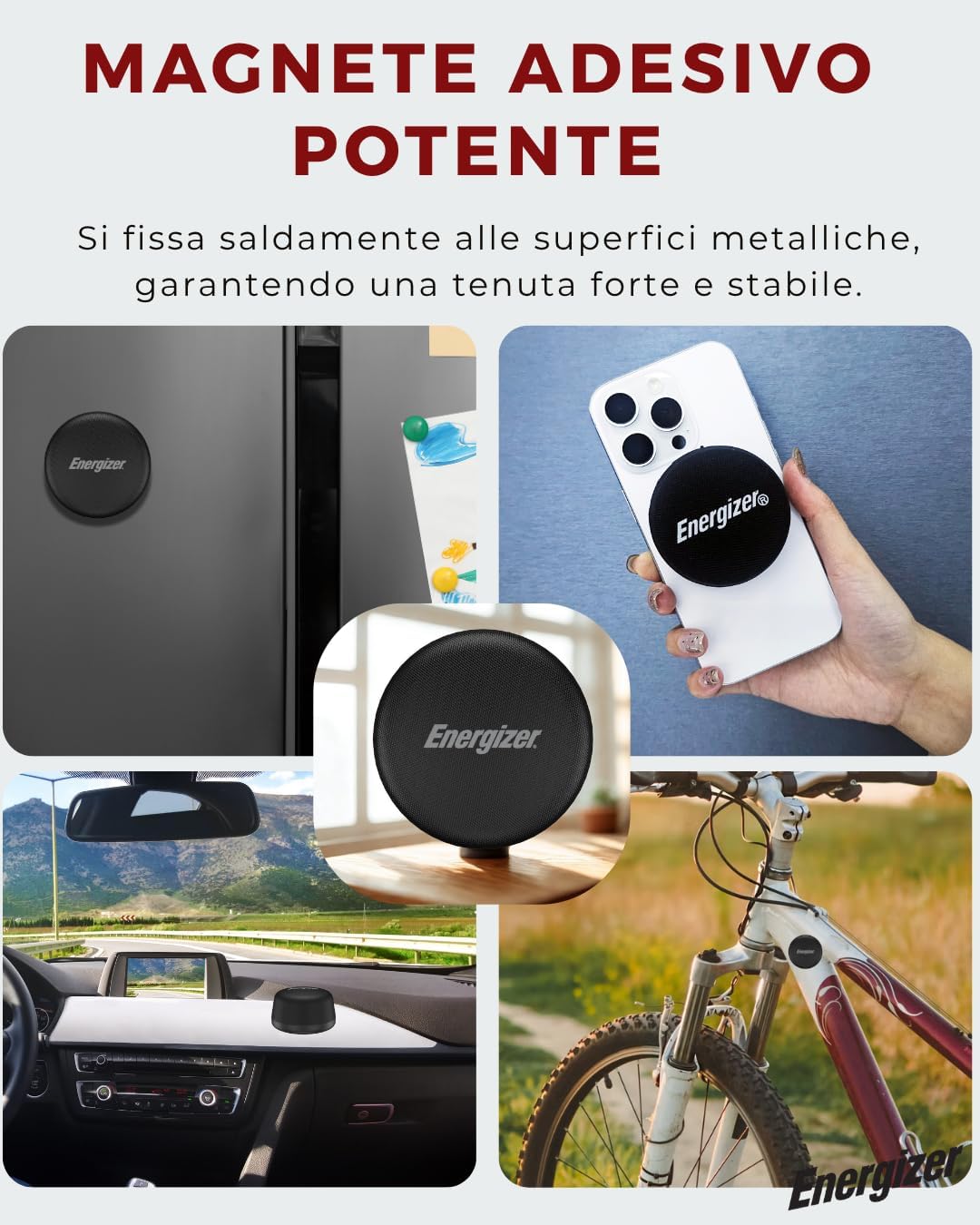
Image: The Energizer BTS055 speaker demonstrating its magnetic attachment to a smartphone, a refrigerator, a car dashboard, and a bicycle frame.
3. Bypass Wireless Charging Function
When attached to a compatible smartphone and connected to a power source via its USB-C port, the speaker can provide 10W wireless charging to the phone.
- Attach the speaker magnetically to your wireless charging-compatible smartphone.
- Connect the speaker to a power source using the USB-C cable.
- The speaker will begin charging itself and simultaneously provide wireless power to the attached smartphone.
4. Call Function
The built-in microphone allows for hands-free calls when connected to your smartphone.
- Answer Call: Single press the Power button when a call comes in.
- End Call: Single press the Power button during a call.
- Reject Call: Press and hold the Power button for 2 seconds when a call comes in.
Maintenance
- Cleaning: Wipe the speaker with a soft, dry cloth. Do not use abrasive cleaners or solvents.
- Storage: Store the speaker in a cool, dry place away from direct sunlight and extreme temperatures.
- Water Resistance: The speaker is IPX6 water-resistant, meaning it can withstand splashes and light rain. Do not submerge it in water.
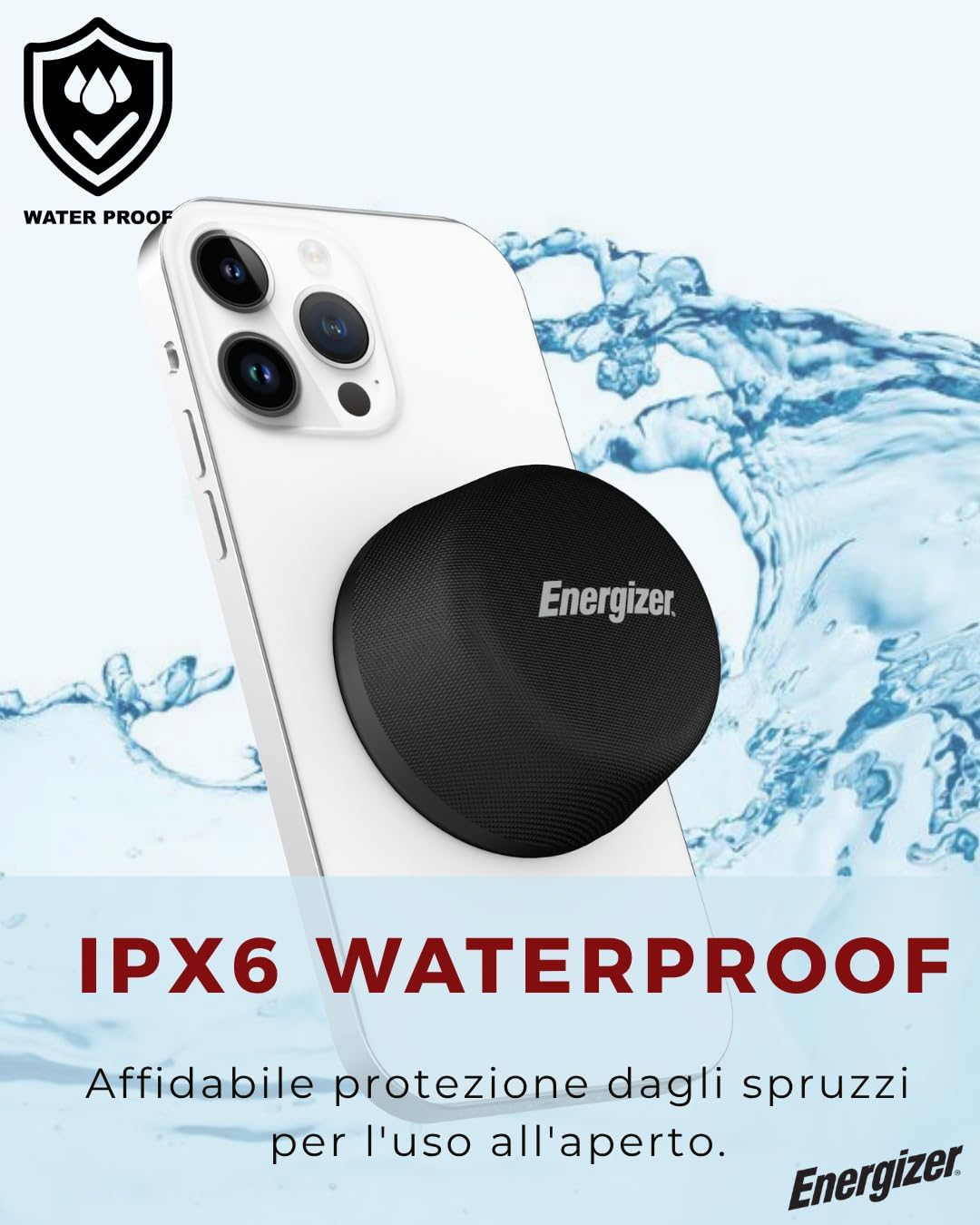
Image: The Energizer BTS055 speaker with water splashing around it, visually representing its IPX6 water-resistant rating.
Troubleshooting
| Problem | Possible Cause | Solution |
|---|---|---|
| Speaker does not power on. | Low battery. | Charge the speaker fully. |
| Cannot pair via Bluetooth. | Speaker not in pairing mode; device Bluetooth off; too far from device. | Ensure speaker is in pairing mode. Turn device Bluetooth off and on. Move speaker closer to device (within 10m/33ft). |
| No sound or low volume. | Volume too low on speaker or device; speaker not connected. | Increase volume on both speaker and device. Re-pair the speaker. |
| TWS pairing fails. | Speakers already paired to another device; not in TWS pairing mode. | Ensure both speakers are disconnected from other devices. Follow TWS pairing steps carefully. |
| Wireless charging not working. | Phone not compatible; speaker not connected to power; phone not aligned correctly. | Ensure phone supports wireless charging. Connect speaker to a power source. Adjust phone position for proper alignment. |
Specifications
| Feature | Detail |
|---|---|
| Model Name | BTS055 |
| Brand | Energizer |
| Speaker Type | Portable Speaker |
| Connectivity Technology | Bluetooth 5.3 |
| Wireless Communication Range | Up to 10 meters (33 feet) |
| Speaker Maximum Output Power | 5 Watts |
| Audio Output Mode | Stereo (with TWS pairing) |
| Special Features | Built-in Microphone, Lightweight, Portable, TWS Stereo Pairing, IPX6 Waterproof, Magnetic Attachment, Bypass Wireless Charger (10W) |
| Water Resistance Level | IPX6 Water Resistant |
| Control Method | Touch |
| Power Source | Battery Powered (1 Lithium Polymer battery required) |
| Product Dimensions | 2.45"D x 2.45"W x 1.45"H |
| Item Weight | 160 Grams (5.6 ounces) |
| UPC | 842982106475 |
Powersafe Management Features:
- Over-Current Protection
- Temperature Protection
- Over-Charging Protection
- Short Circuit Protection
- Premium Battery Cell

Image: The Energizer BTS055 speaker alongside a list of its Powersafe Management features, including protection against over-current, temperature, over-charging, and short circuits, as well as a premium battery cell.
Official Product Video
Watch the official product video for an overview of the Energizer BTS055 speaker's features and functionality.
Video: An official video showcasing the specifications and various features of the Energizer BTS055 Magnetic Mini Bluetooth Speaker.
Safety Information
Please observe the following safety guidelines:
- Do not expose the speaker to extreme temperatures or direct sunlight for prolonged periods.
- Avoid dropping or subjecting the speaker to strong impacts.
- Do not attempt to disassemble, repair, or modify the speaker. This will void the warranty.
- Keep the speaker away from water and liquids, despite its IPX6 rating, to prevent damage.
- Use only the provided charging cable or a certified equivalent.
- Keep out of reach of children.
Warranty and Support
This product comes with a Limited Warranty. For warranty claims, technical support, or further assistance, please refer to the contact information provided on the product packaging or the official Energizer website.


